
About this skill
Motion is the MIT library for animating React UI. This skill adds a way of working around it: write a motion language once in MOTION.md, encode it as tokens, describe how things should feel and map that to springs and velocity thresholds, lint for drift with a small script, have a fresh model session review the judgment calls, and keep a record of each decision. The example is the heavy bottom sheet on this page, with its values on screen and real Motion drag code running under a manual clock.
You say
Write a MOTION.md for this app, then build a bottom sheet that feels heavy: it resists being pulled up, overshoots a little, and dismisses on a fast flick. Add the linter to CI.
How it works
- You and your agent write MOTION.md once: durations, named easings, physical behavior, what never animates and reduced motion. Then it becomes tokens.
- You describe how a component should feel. Your agent maps that to springs and velocity thresholds, and builds it with Motion.
- A small script lints for raw values and forbidden properties, and a fresh model session reviews the judgment calls.
- Each tuned choice gets a short decision record, and then a person tries it on a real device.
Getting a good result
- Write down what never animates first. Nothing later in the process can make that decision for you.
- Work out a spring's overshoot before you tune it, then measure it. If the two disagree, something is wrong.
- Print the real velocity at release. Our first test flick came out under the threshold, and the sheet was right to return.
- Give the review to a session that didn't write the code. Ours found problems the clip and the linter couldn't show.
What you get
- A one-page MOTION.md template, with tokens for JavaScript and CSS
- A table that maps how something should feel to spring values and thresholds
- A drift linter with no dependencies, plus a bad file to prove it fails
- A review prompt for a fresh model session, and a decision record template
- The sheet on this page, with its spec, its record and a manual clock for frame-by-frame capture
Good fit
- React products whose animations each got invented alone
- Sheets, modals, reordering lists and drag gestures
- Teams that want a cheap check in CI, and a record of why a value is what it is
Not for
- Timed sequences with no state, such as films and self-drawing diagrams
- Telling you it feels right: that still takes a person and a real device
- A hover color that a CSS transition and a token can handle
How to install it
- Download the ZIP and unzip it.
- Move the motion-ui-animation folder into your agent's skills folder, such as ~/.claude/skills/. Your agent asks before it installs Motion in a project.
- Start a new session and ask for what you want to make.
Needs: An agent that reads skills, A React project, or Node.js to run the example, Node.js 22 or later for the linter, Chrome and FFmpeg to capture video.
Popular on X
Posts showing demand for this kind of video. Unless a post names this tool, it wasn't made with it.
- The article this skill's method comes from 164,700 views on X, measured 6 November 2026
FAQ
What does it cost?
$2.99 once for this skill, or $99 once for every skill in the library. It also comes with every paid AdAnt plan, from $15 a month. It runs on your own computer and uses no AdAnt credits. The Motion library is free and is not in the ZIP. Motion+ is a separate paid product from the same company, with extra components, examples and an AI kit. This skill doesn't use it or need it.
Can I use it in commercial work?
Yes. You can use the skill and what it makes in your own commercial work, including for clients. You can't resell the skill.
What does setup download and run?
After asking, it installs motion at an exact version from npm, with its 4 dependencies, about 16 MB. The example also installs React and esbuild: 35 packages and 35 MB in its own folder, and esbuild runs an install script. The linter is one script with no packages, and it only reads your files. The capture script starts your own Chrome and FFmpeg. The review pass is a prompt for whichever model you already use, so it needs no key from this skill.
Can I use it commercially?
The Motion library is under the MIT license, which allows commercial use as long as you keep its copyright notice with copies of the library. The templates and linter in this ZIP are AdAnt's, for you to use in your projects.
Did the article's author write this skill?
No. The method comes from the article linked on this page. It states no license, so AdAnt wrote this skill in its own words, with its own templates, linter, example and numbers. The author did not write or review it, and the clip was not made by the author.
What did AdAnt run, and what didn't it?
We followed this skill in a clean folder on Motion 14.9.1. The linter passed on the example and gave 9 findings on its bad file. A second model session reviewed the component with the prompt in the ZIP, and it found real problems that we fixed, as the example's decision record lists. Two runs under the manual clock gave identical logs, and the overshoot measured 8.0% against a predicted 8.0%. Run live in headless Chrome on an Apple Silicon Mac, no frame took over 25 ms. Nobody has tried this sheet on a phone, with a screen reader, or on a slow device, so we can't say how it feels in the hand.
Is the clip a recording of a real animation?
Yes, but not in real time. It is real Motion: real springs, a real layout transition, and drag handled by Motion's own code from scripted pointer events. A manual clock moves it forward one frame at a time so it can be captured exactly, and the finger is part of the script. The values and readouts on screen come from that run.
Related skills

Remotion Video
Make video as React components, where every frame comes from the frame number, and render one template for any data.
librosa Beat Sync
Measure a track's beats with librosa, drive an animation from the JSON it writes, and prove the sync by measuring the video.
Tweakpane Live Tuning
Add a live panel to an animation so you can tune it by hand, then write the values you chose back to the code.
Anime.js Timelines
Choreograph grid staggers, self-drawing SVG lines and things that follow a path on one Anime.js timeline you can seek.
WhisperX Word Captions
Get a timestamp for every spoken word on a plain CPU, export SRT and VTT, and drive word-highlighted captions from the JSON.

three.quarks VFX
Make trails, sparks, shockwaves and fireworks in three.js, on a seeded clock, so a frame renders the same again on the same machine.
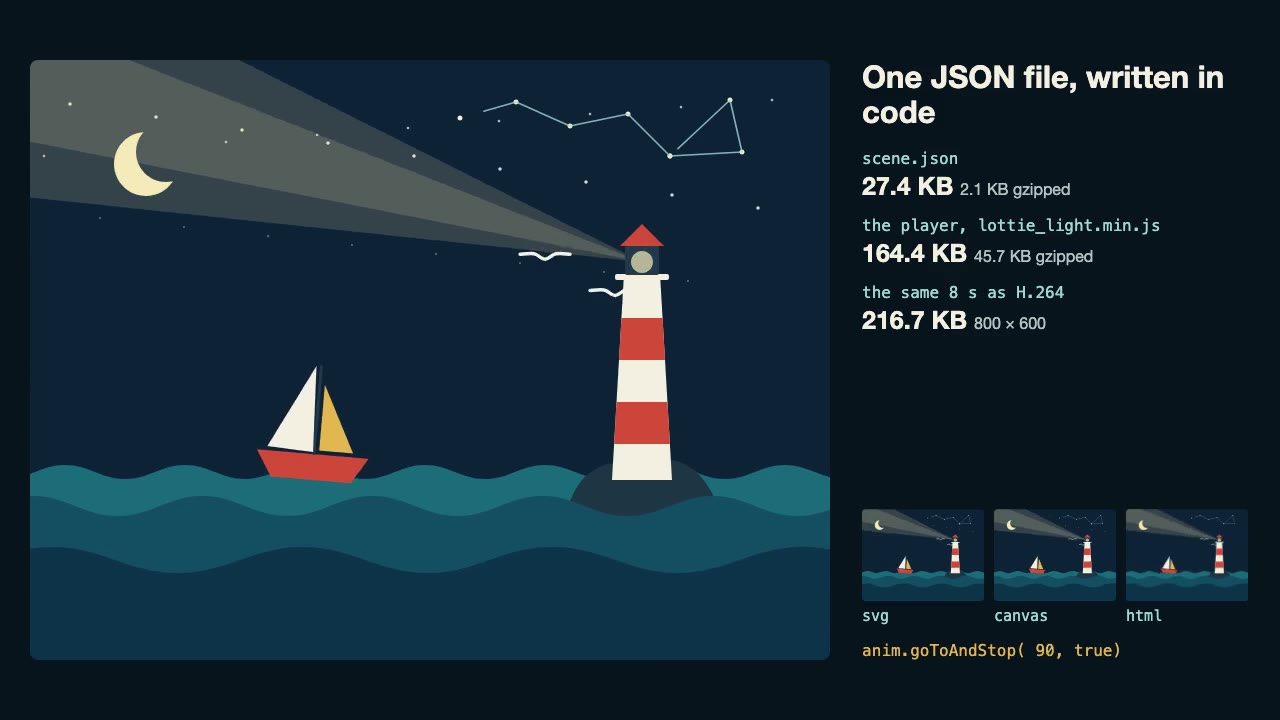
Lottie Animation
Write an original Lottie animation as JSON from a script, check that it's safe, and play it with lottie-web, with no After Effects.
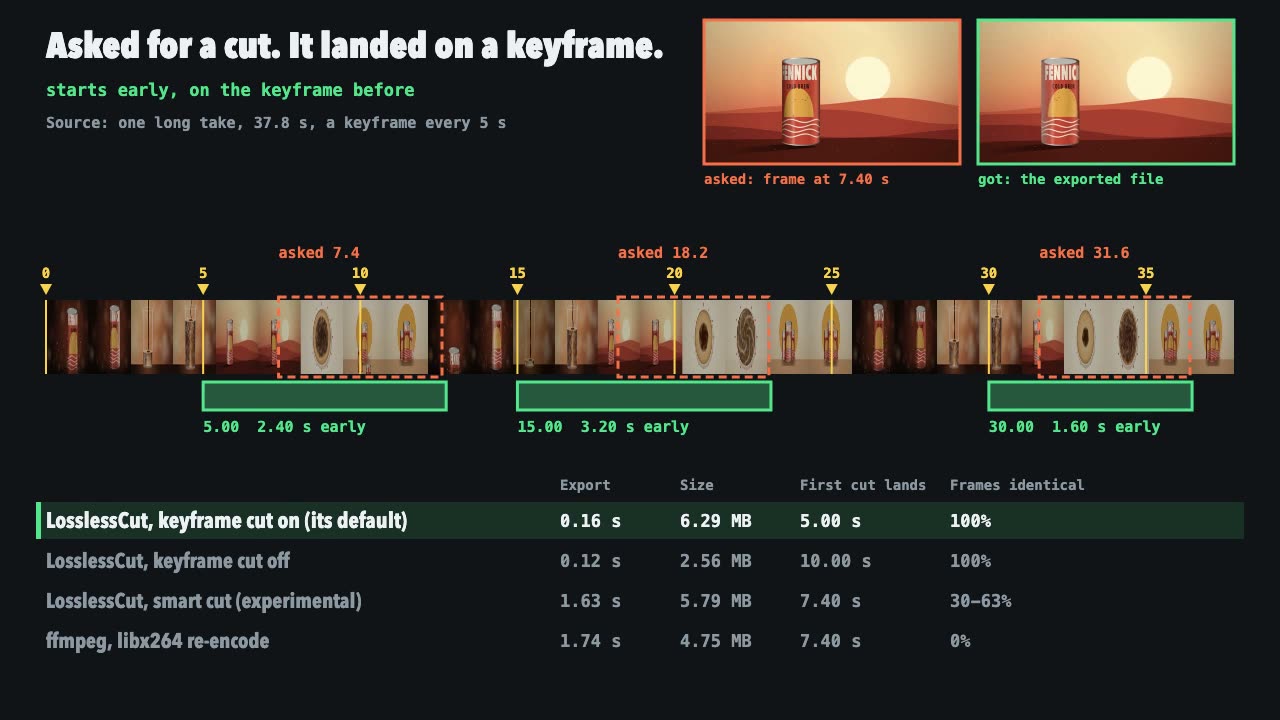
LosslessCut Trims
Cut long recordings fast without re-encoding, and measure where each cut really landed.
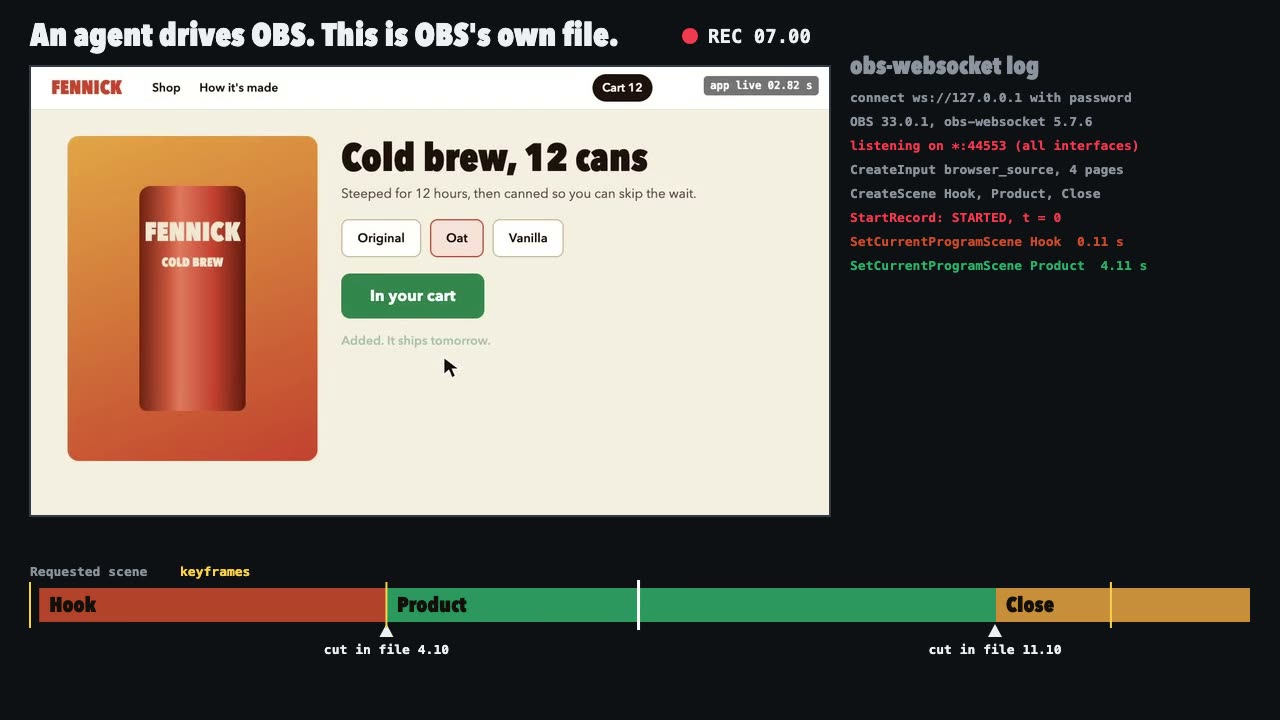
OBS Recording
Script a real OBS recording of a page with timed scene switches, then check the file it wrote.
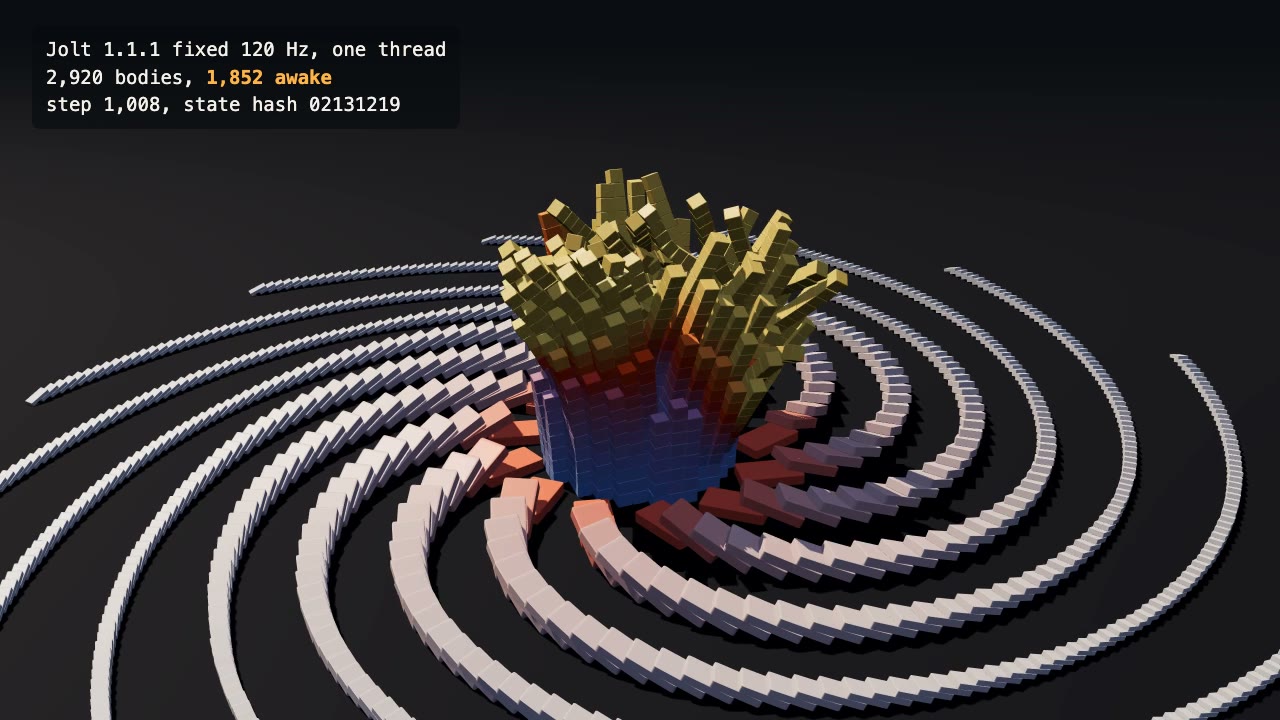
Jolt Physics Simulation
Simulate thousands of rigid bodies with Jolt and render the collapse, repeatably, frame by frame.

Blender Scenes through MCP
Have your agent build a Blender scene one step at a time, look at each result, and render the finished shot.

Three.js Postprocessing
Give a flat three.js shot HDR bloom, depth of field, tone mapping and a color grade, in the right order.