
About this skill
An ident can move however it likes, but it has to end on the logo exactly as the brand draws it, with the sound hitting the moment it is complete. This skill imports your SVG into filled shapes with their holes and exact colours, and checks that import against the browser's own drawing of the file. A timing spec sets the hit frame and how long the finished logo holds. Four styles build the logo before the hit: a solid that turns face-on under a sweep of light, triangular shards that assemble, outlines that draw on and fill, and a mask wipe. The 3D styles come in brushed metal, glass, gold or matte. A renderer draws every frame in headless Chrome and writes 16:9, 9:16 and 1:1 MP4s, a transparent WebM or ProRes 4444, and end stills. A checker compares the held frame with a flat raster of your SVG, measures the hold and finds the sound hit.
You say
Using this skill, make a 4-second ident from our logo, logo.svg: shards in gold on our navy #101828, with the bright sound hit at 1.6 seconds and at least 1.5 seconds on the finished logo. Give me the vertical and square MP4s and a transparent version for our editor, and run the checker.
How it works
- Give your agent your logo as an SVG, where the ident goes, the feel, a background colour and the sound you want.
- It imports the logo into shapes with holes and exact colours, and stops if the import does not draw like your file.
- It writes a timing spec, renders a quick draft with a contact sheet, and adjusts the style, material or hit before the full render.
- It renders every format and the transparent file, runs the checker on each, and hands over the files with the hit time.
Getting a good result
- Put the hit where the music lands, and give the finished logo at least a second and a half; that hold is what people remember.
- Pick a background every part of the logo stands out on. A dark wordmark needs a light background or the brand's reversed logo file.
- Convert text to outlines before exporting the SVG. The importer refuses live text rather than guessing the font.
What you get
- An SVG importer that turns paths, shapes, strokes and <use> into filled shapes with holes and exact colours and gradients, and checks itself
- Four reveal styles: extrude and turn with a glint (three.js), assembling shards (three.js), line draw then fill, and mask wipe
- Brushed metal, glass, gold and matte materials for the 3D styles
- A timing spec in whole frames: the hit frame, the glint and a minimum hold on the final logo
- A frame-exact renderer for 16:9, 9:16 and 1:1 MP4s, a transparent WebM or ProRes 4444, and end stills
- A synthesized sound hit on the exact sample of the reveal, in three voicings, or your own sound lined up to it
- A checker for shape, size, colour, hold length, reveal frame and sound sync, with plain reasons when it fails
Good fit
- The sign-off at the end of a video ad, after the call to action
- Openers and closers for YouTube, Reels, TikTok and Shorts
- The last beat of a launch film, or a sting for a stream or a podcast
- Any logo in SVG that is yours to animate
Not for
- Logos you only have as PNG or JPG; the importer and checker need the vector
- Logos you don't own or have no right to animate
- Long title sequences with credits or many words, which kinetic-type-film covers
- Character animation of a mascot
How to install it
- Download the ZIP and unzip it.
- Move the folder holding
SKILL.mdinto your agent's skills folder, such as~/.claude/skills/for Claude Code. - Start a new session and ask for what you want to make.
Needs: An agent that reads skills, Node.js 20 or later, Playwright with Chromium, or Chrome, ffmpeg and ffprobe, with libx264 and libvpx-vp9, three.js 0.170.0 from npm for the two 3D styles, or a network connection to load it.
Popular on X
Posts showing demand for this kind of video. Unless a post names this tool, it wasn't made with it.
- A post sharing a one-line prompt for an Opus 5.5 logo reveal video 24,692 views on X, measured 11 November 2026
- A logo reel animated by an Opus 5.5 agent 6,889 views on X, measured 11 November 2026
FAQ
What does it cost?
$2.99 once for this skill, or $99 once for every skill in the library. It also comes with every paid AdAnt plan, from $15 a month. It runs on your own computer and uses no AdAnt credits.
Can I use it in commercial work?
Yes. The skill's code is MIT licensed: use it and what it makes in your own commercial work, including for clients, and keep the license file with any copy you pass on.
How does it check that my logo is not distorted?
Every style hands over to the flat logo on the hit frame, drawn from the imported shapes into a box with the logo's own proportions. The checker then rasterises your original SVG in the browser at the same place and compares it with the final frames of each file. It fails when the shape overlap drops below 98%, the logo's width or height is more than 1% and a pixel off, the average colour differs by more than 3 delta E, or the file is not tagged BT.709. A stretch under 1% is inside that tolerance. In testing it failed a 2% squash, a 12-degree hue shift, a file converted with the wrong colour matrix and an untagged file.
How is the sound kept in sync?
The hit is placed on the exact audio sample of the hit frame. The checker decodes the delivered file's sound, finds the loudest sudden rise, and fails it if that is more than one frame from the hit frame or from the frame where the logo became complete. Delaying the sound by 100 ms makes it fail.
What does it do with gradients, holes and strokes?
Linear and radial gradients keep their stops and placement. Holes come from each shape's fill rule, both evenodd and nonzero. Strokes become filled outlines with round joins. Text, embedded images, clip paths and filters are reported and fail the import check, with how to fix each in your design tool.
Which editors take the transparent file?
The WebM with alpha plays in Chrome and Firefox and opens in editors that read VP9 WebM. Final Cut, Safari and most others want the ProRes 4444 MOV, which the skill also writes when asked.
How is this different from Closing CTA and Footer?
Closing CTA and Footer makes the end card with the call to action. This skill makes the logo's own reveal and sound hit, which can sit after that card or be the whole sign-off.
Did the posts' authors write this skill?
No. Popular X posts of agent-made logo reveals, linked on this page, showed the demand. AdAnt wrote this skill, its scripts and its sound from scratch; nothing from the posts is copied, and their authors did not write or review it. The clip on this page shows AdAnt's own logo, rendered by AdAnt with this skill.
Related skills
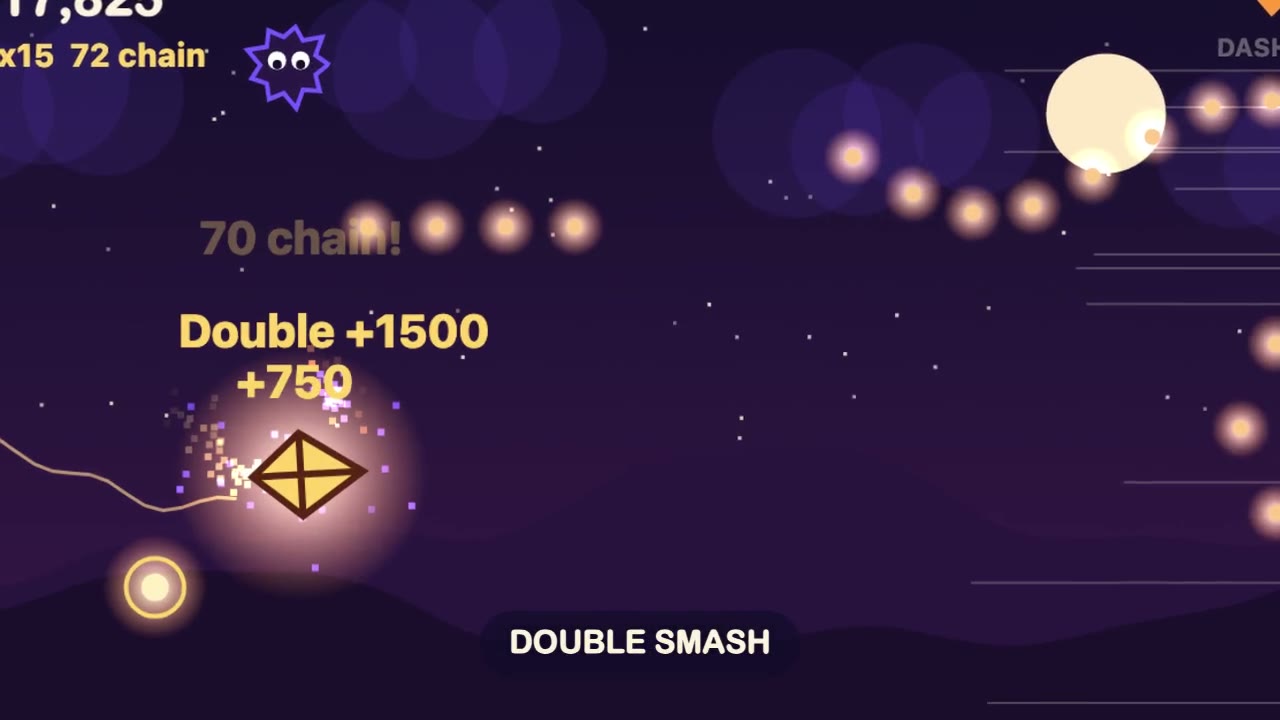
Browser Game Trailer
Have your agent build a small game that plays in a browser tab, then play it with scripted inputs and cut a 15 to 30 second gameplay trailer from its best moments.
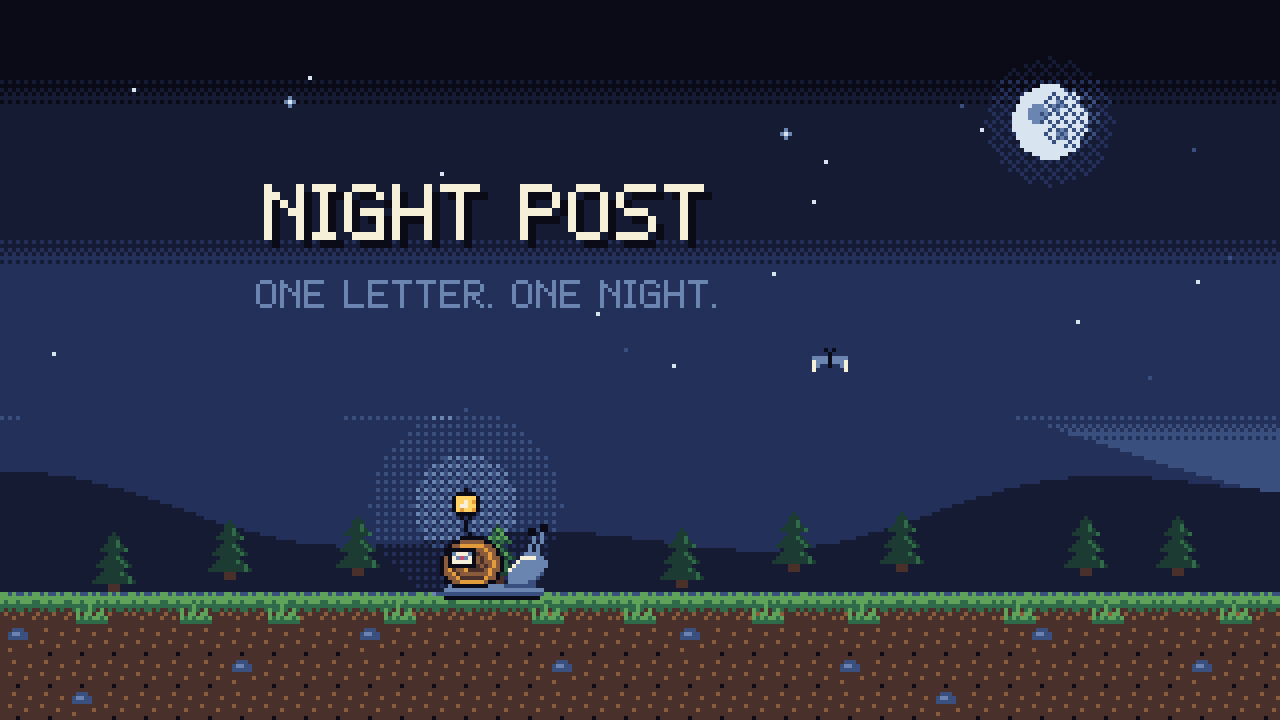
Pixel-Art Sprite Film
Have your agent make a 15 to 40 second pixel-art scene in code, with sprites, parallax and a chiptune score, rendered to an MP4 whose pixels stay crisp.
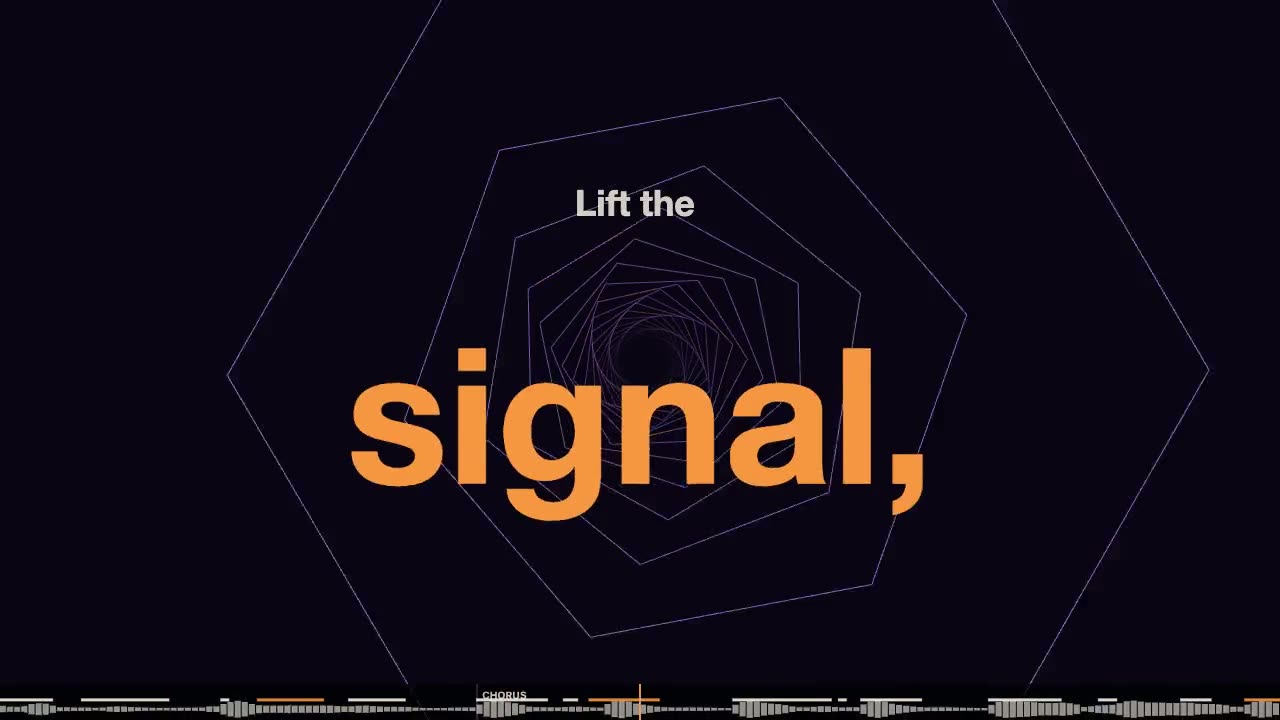
Lyric Music Video
Have your agent turn your song and its lyric sheet into a lyric video drawn in code, with every word timed to the voice and checked after the render.

Code-Rendered 3D Animated Short
Have your agent write a tiny wordless story, build its characters and set in three.js, shoot it from a shot list, score it and render a frame-exact MP4.
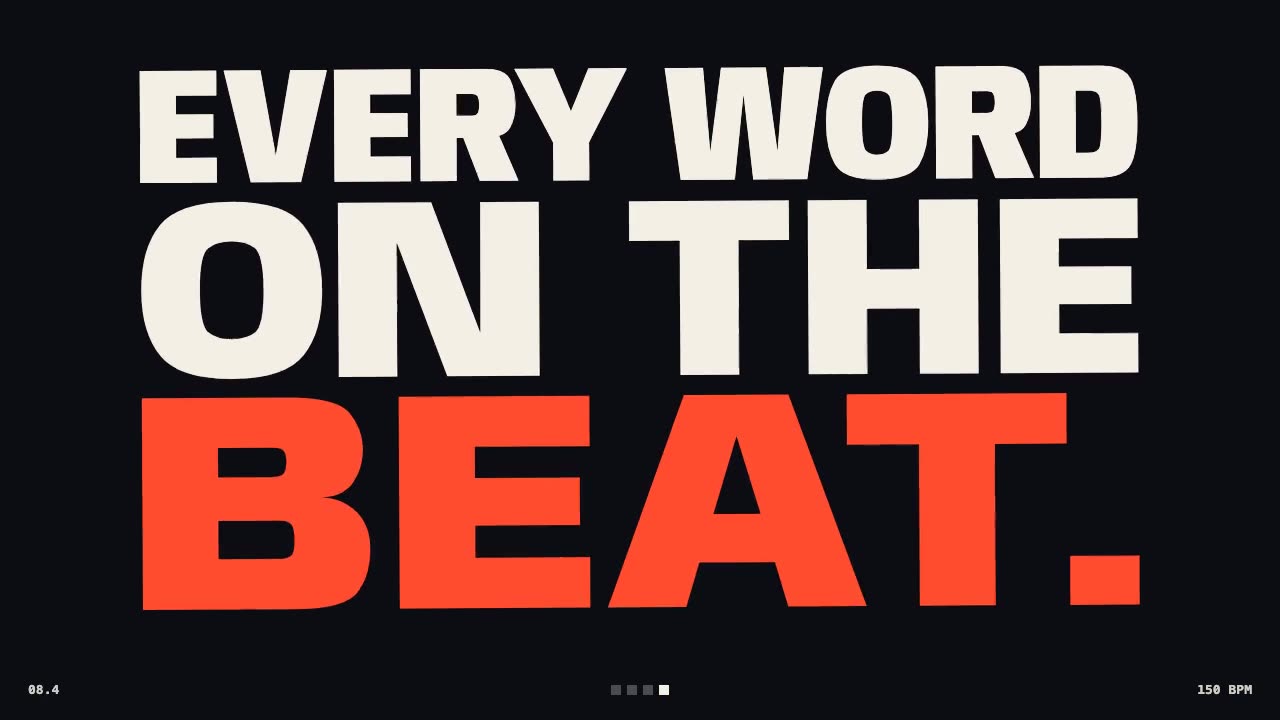
Kinetic Type Film
Make a launch film of big words cut to the beat, with real motion blur, synthesized music and measured sync.

Shader Loop Backgrounds
Have your agent write animated WebGL backgrounds that loop with no seam, then ship each as a React component, an MP4 for your ads and a still.
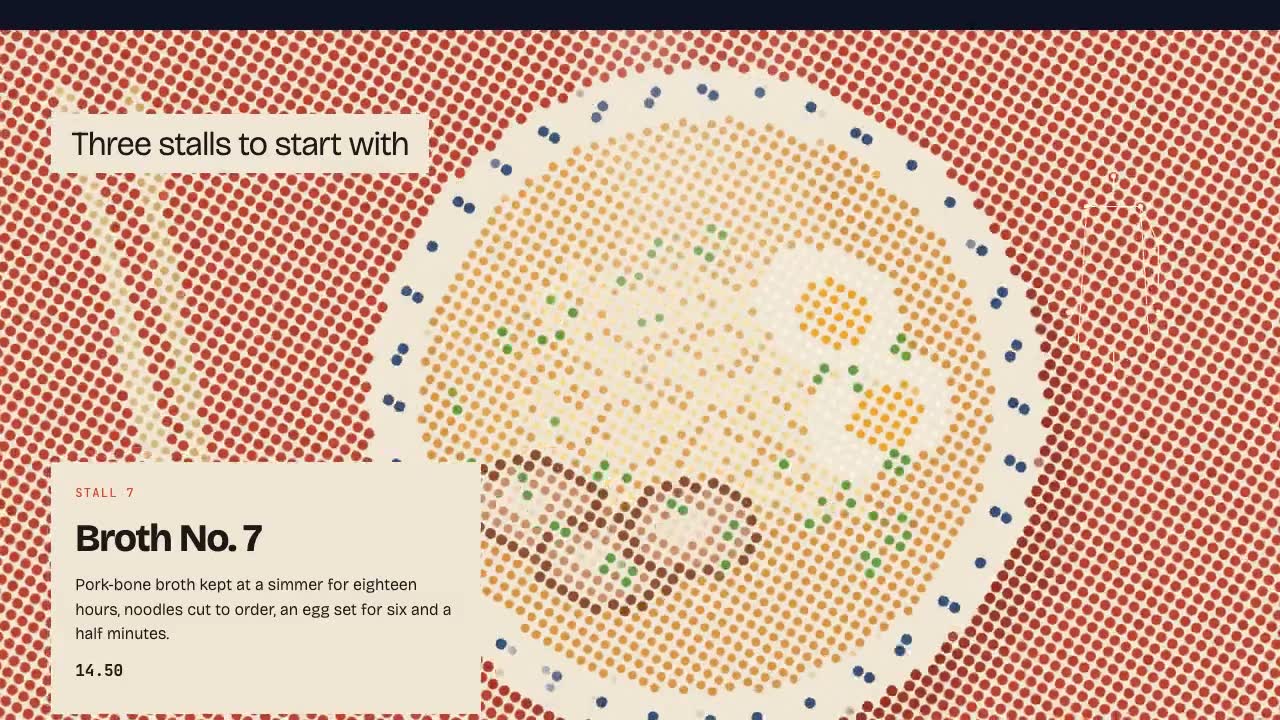
Shader Reveal Site
Have your agent build a page where the pointer or the scroll uncovers a second picture through a shader, then measure the trail, the GPU and every fallback in Chrome.
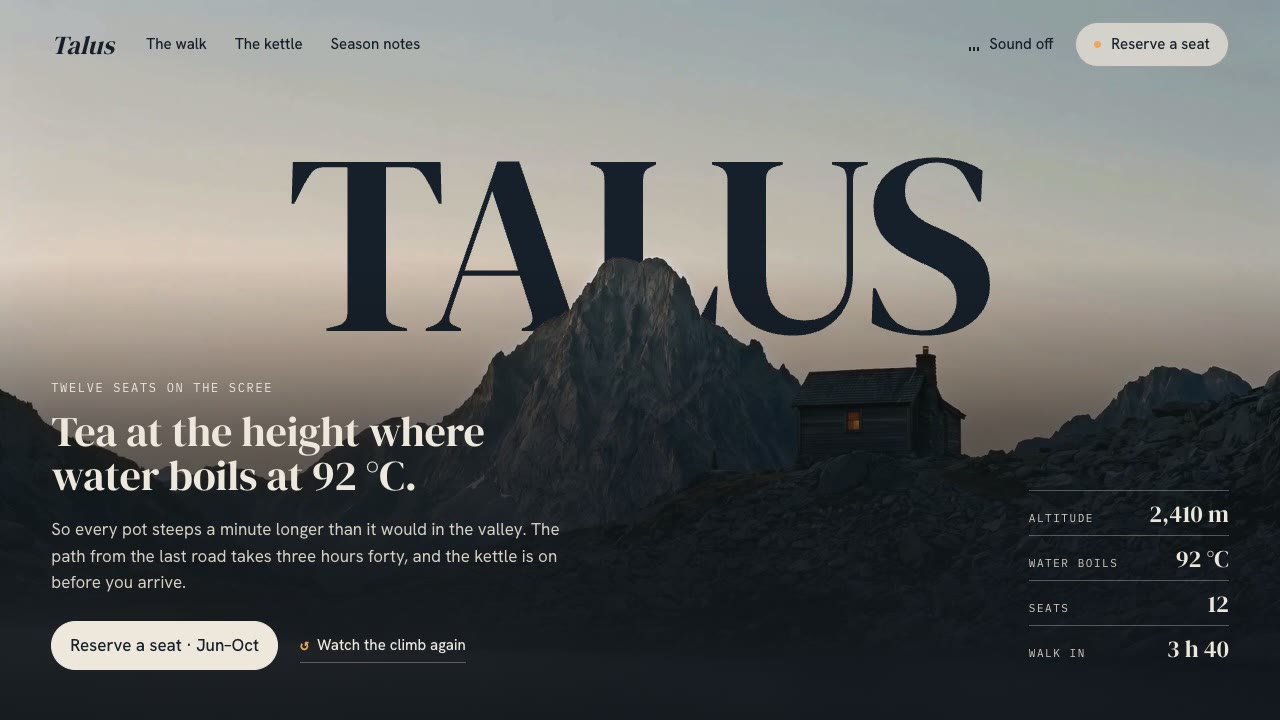
Cinematic Video Hero
Have your agent build a one-screen hero from footage and type, with a freeze frame, text behind the subject and a loop, then measure it in a real browser.
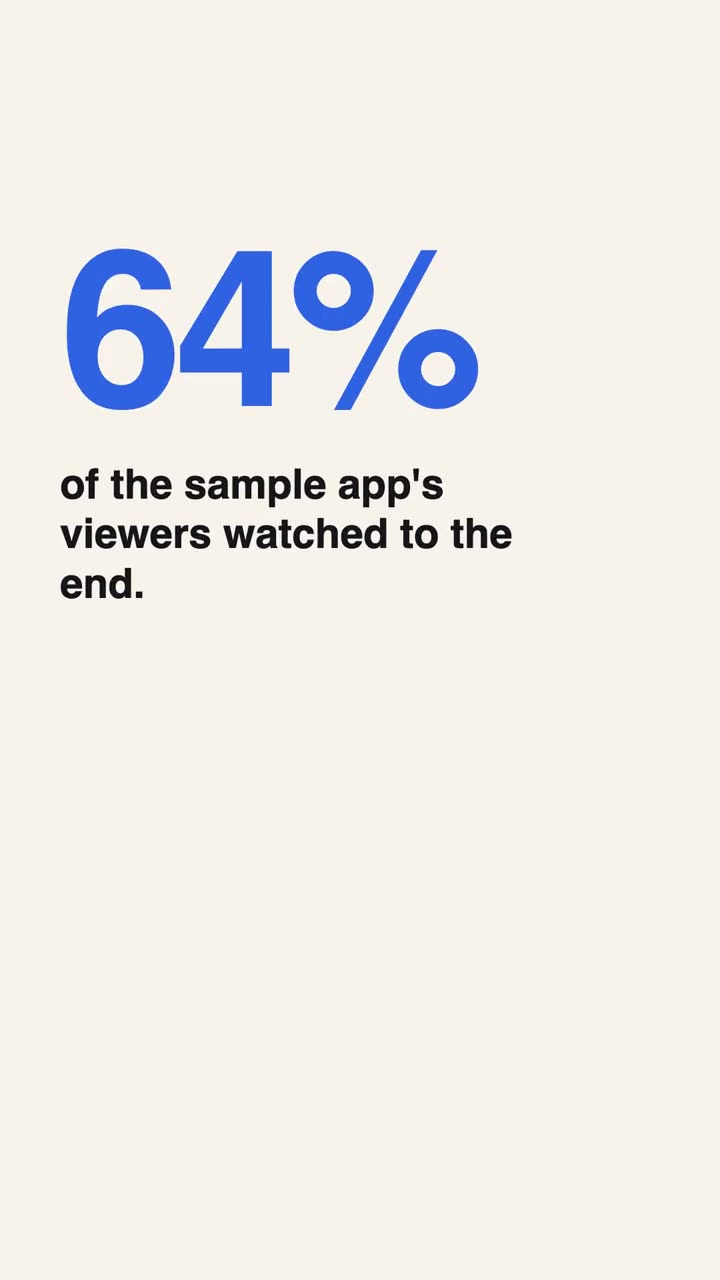
Vertical Ad Motion Graphics
Direct and build a 9:16 motion graphics ad that works on mute, with no footage.
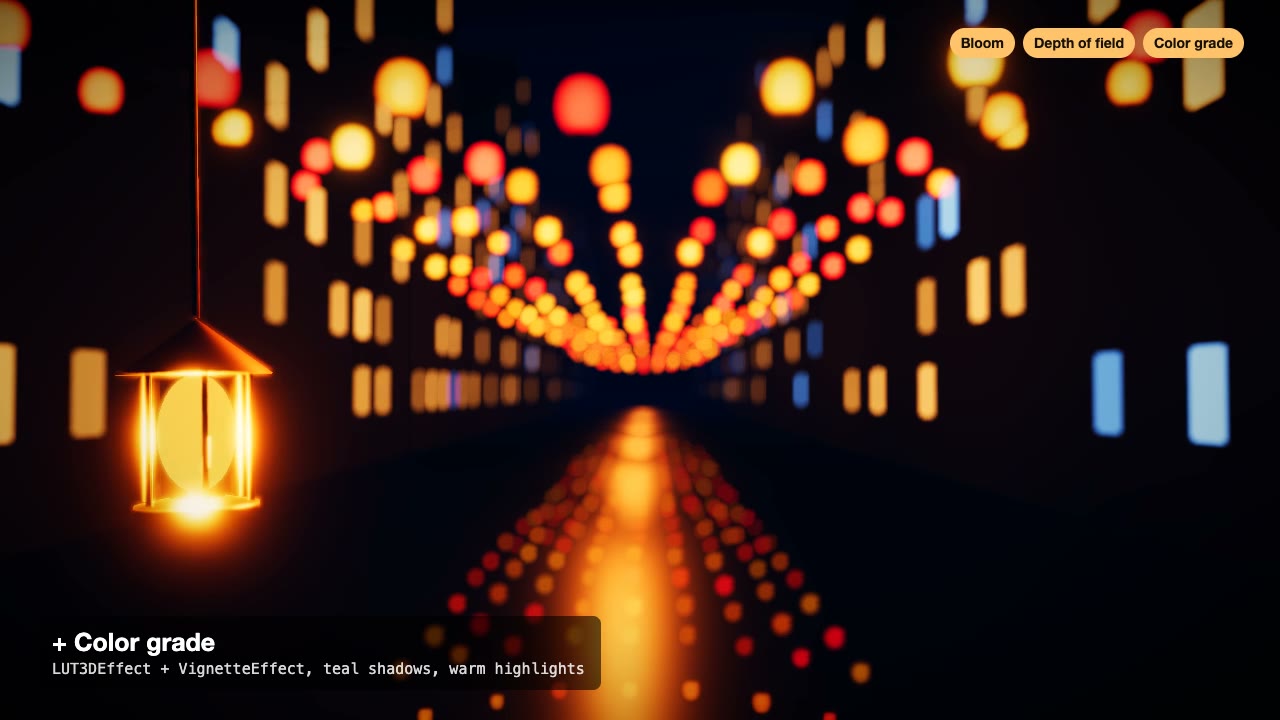
Three.js Postprocessing
Give a flat three.js shot HDR bloom, depth of field, tone mapping and a color grade, in the right order.
Narrated Explainer Video
Have your agent research a topic, write a script with a source for every figure, voice it, and animate scenes that land on the words that name them.

Three.js Path Tracing
Render a three.js scene with real path tracing, so glass, chrome and soft light come out physically right.