
About this skill
three-gpu-pathtracer, by Garrett Johnson, traces light through an ordinary three.js scene on the GPU, so glass bends what is behind it and chrome reflects its neighbours. This skill pins versions that work together, sets up the WebGPU path, and turns the noisy accumulation into a repeatable capture. The example builds every object and its environment in code, so there is no HDRI to license. It costs time rather than money: the 11-second film on this page took about 20 minutes on an Apple M4.
You say
Path trace this product scene in three.js. Use a procedural studio light with no HDRI files, show the noise converging, then finish on a slow camera arc.
How it works
- Your agent asks first, then installs pinned packages into the project.
- It builds or reads your three.js scene, with an environment painted in code, and renders a few test stills.
- It accumulates samples frame by frame in headless Chrome with your real GPU, and pipes the frames to ffmpeg.
- You read the stills and a contact sheet. Grain and fireflies have settings that fix them.
Getting a good result
- Use a round plinth in a dark room. A floor reaching for the horizon showed a hard grey edge here, whatever we did to it.
- Give glass real wall thickness, with an inner and an outer surface in the profile.
- Noise costs bitrate. Keep the moving part of the film short, and spend the samples there.
What you get
- Pinned versions of three, three-gpu-pathtracer and its peers that work together
- The WebGPU setup, with the tracer settings that removed fireflies
- A procedural equirectangular environment, painted in code
- A capture harness that accumulates a set number of samples for each frame
- The complete still-life example on this page
Good fit
- Hero stills and short product shots about glass, metal and light
- Scenes already in three.js that look flat when rasterized
- Anyone with a recent GPU, and the patience to wait for it
Not for
- Scenes where many things move: each change restarts the noise
- Live previews or long clips, which take far too long
- Machines without a capable GPU
How to install it
- Download the ZIP and unzip it.
- Move the folder holding
SKILL.mdinto your agent's skills folder, such as~/.claude/skills/for Claude Code. - Start a new session and ask for what you want to make.
Needs: An agent that reads skills, Node.js 22 or later, Google Chrome with WebGPU, ffmpeg.
FAQ
Is it really free?
Yes. Create a free AdAnt account to download the ZIP. There is no card and no trial timer. The library is free too.
What does setup download and run?
With your approval, npm installs three 0.187.0, three-gpu-pathtracer 0.0.28, three-mesh-bvh 0.9.18, xatlas-web 0.1.0 and playwright-core 1.65.0 into your project. Playwright's core package downloads no browser, and it drives your installed Chrome. The render runs locally, on a small server bound to 127.0.0.1.
Can I use it commercially?
three-gpu-pathtracer, three and three-mesh-bvh are MIT, so commercial use is allowed if you keep the notices. The example uses no outside HDRI or model. If you add your own, check their licenses.
Why is it so slow?
Each picture averages many noisy passes. At 1280×720 on an Apple M4, about 1,440 samples per pixel took 2 minutes, and each frame of the arc at 128 samples took about 9 seconds. Path tracing is for frames you will keep, not for a preview.
How is this different from threejs-animation and exploded-3d-story?
threejs-animation moves things, and exploded-3d-story fakes soft light and focus by averaging many rasterized renders, which is quick but can't bend light through glass. This skill traces the light itself, for true refraction and reflections, at seconds to minutes a frame. Build and move the scene with those skills, then trace the frames you keep.
What did AdAnt run, and what not?
We ran three-gpu-pathtracer 0.0.28 through WebGPU in headless Chrome on an Apple M4, and the clip is that output. The 8.5 MB master was encoded down to meet this page's 2 MB limit, so the arc shows more compression than the render did. We did not run the older WebGLPathTracer class, other GPUs, or other operating systems.
Related skills
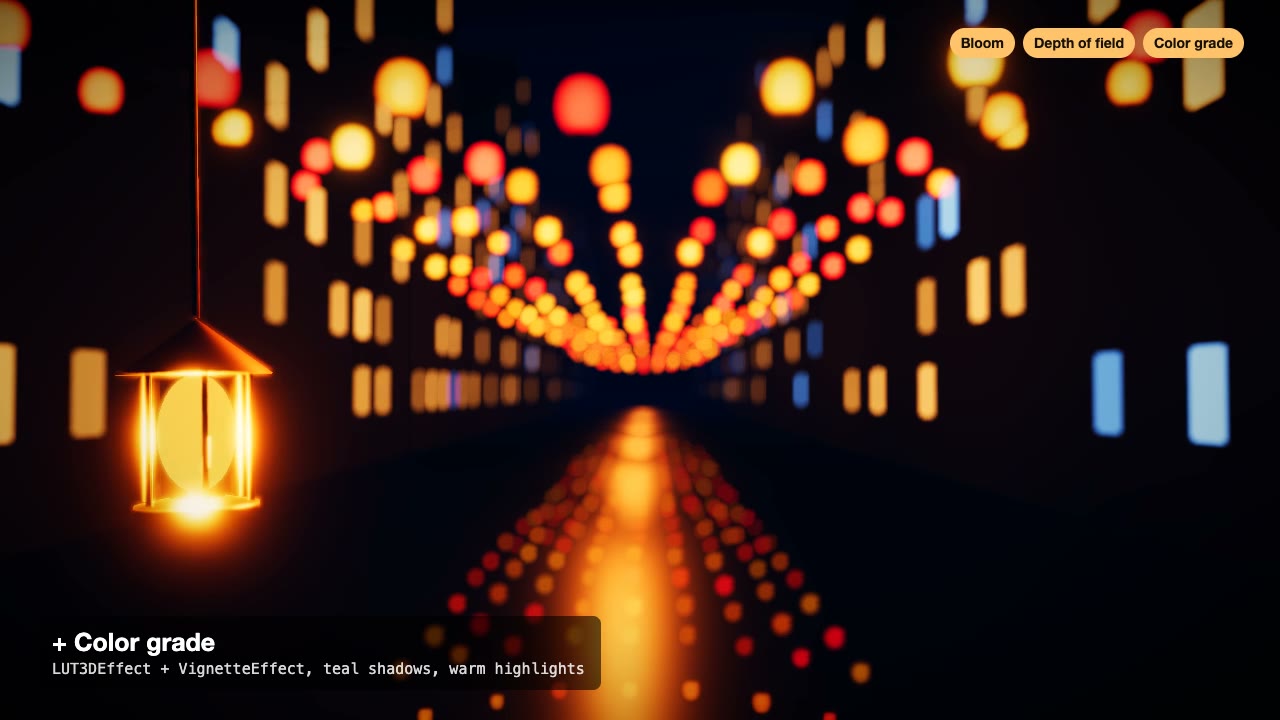
Three.js Postprocessing
Give a flat three.js shot HDR bloom, depth of field, tone mapping and a color grade, in the right order.
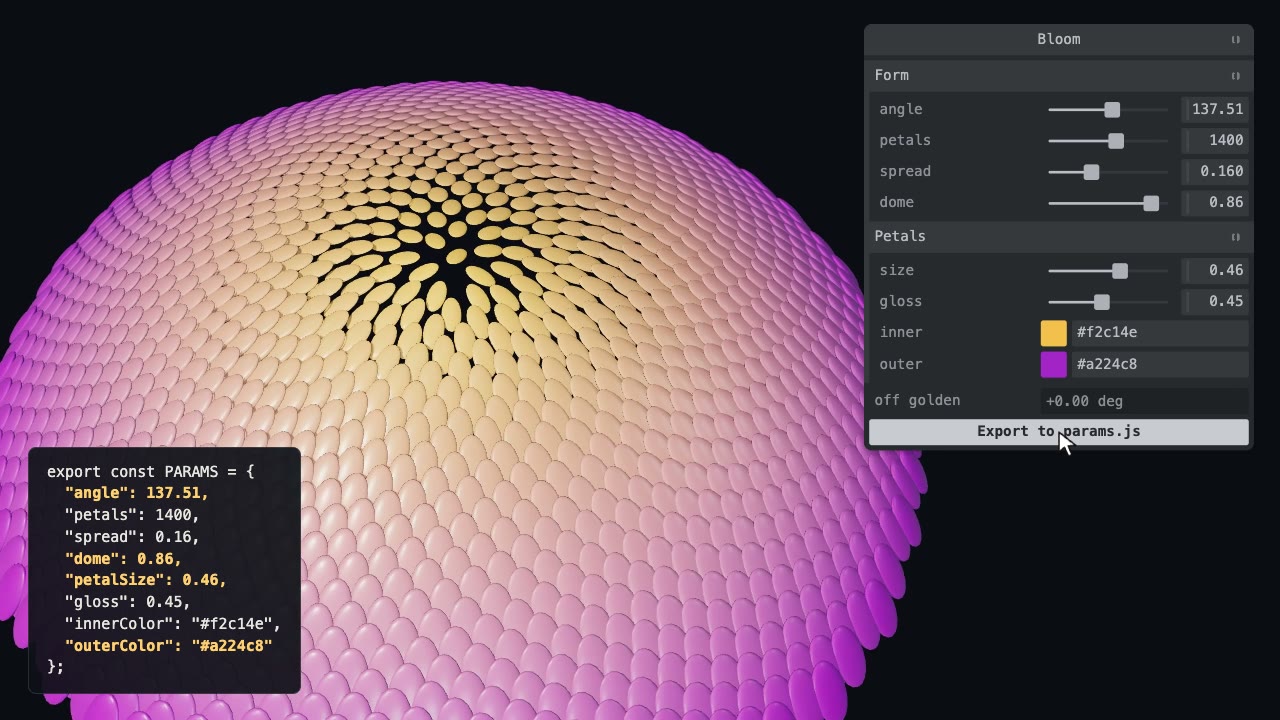
Tweakpane Live Tuning
Add a live panel to an animation so you can tune it by hand, then write the values you chose back to the code.

Remotion Video
Make video as React components, where every frame comes from the frame number, and render one template for any data.
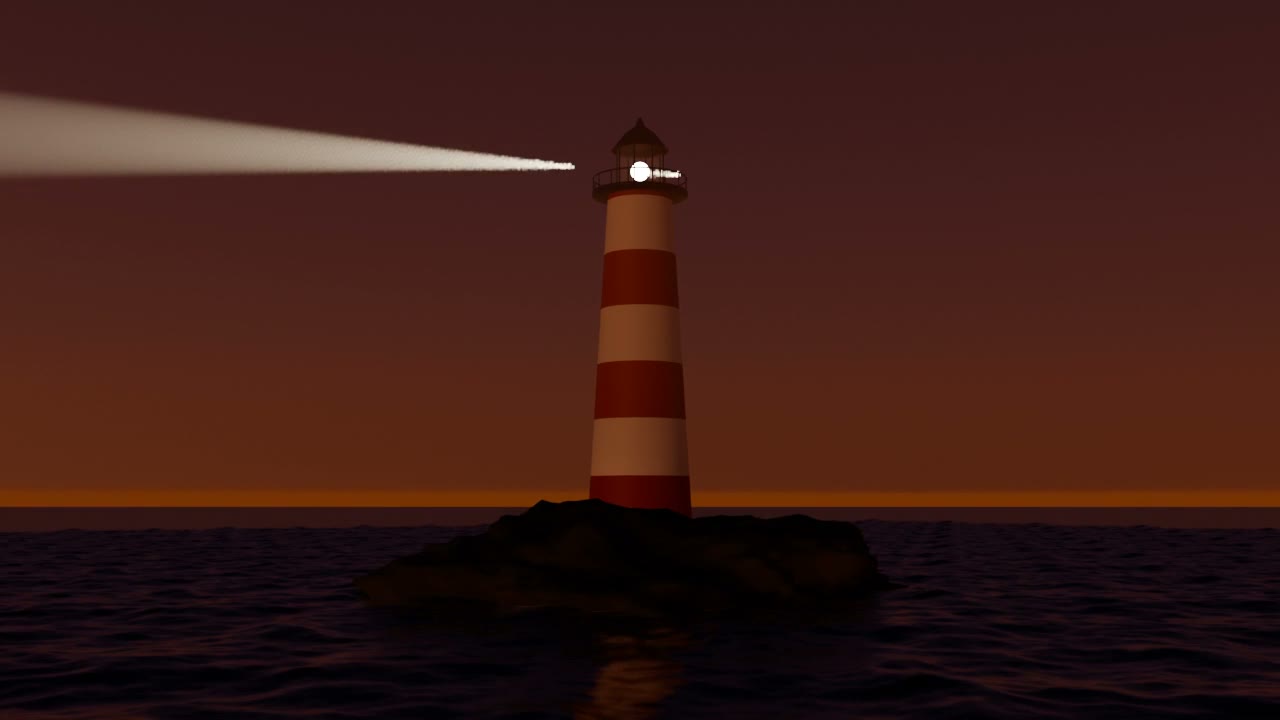
Blender Scenes through MCP
Have your agent build a Blender scene one step at a time, look at each result, and render the finished shot.
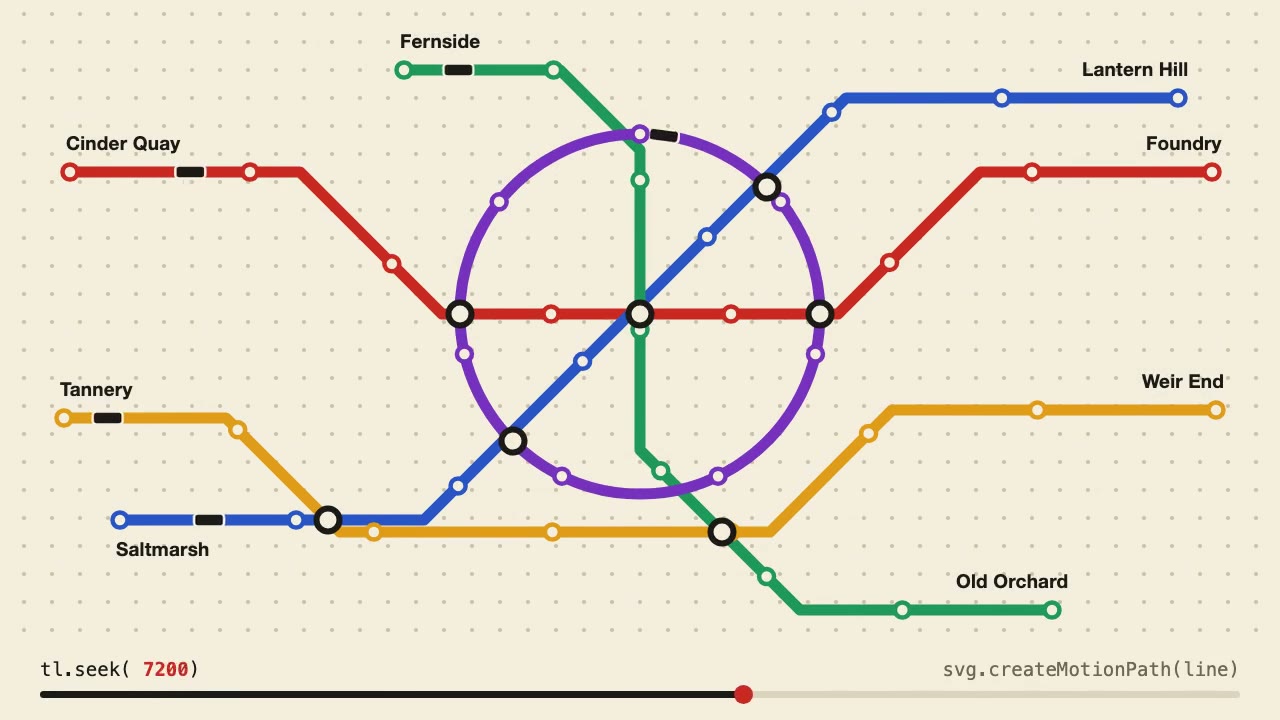
Anime.js Timelines
Choreograph grid staggers, self-drawing SVG lines and things that follow a path on one Anime.js timeline you can seek.

three.quarks VFX
Make trails, sparks, shockwaves and fireworks in three.js, on a seeded clock, so a frame renders the same again on the same machine.
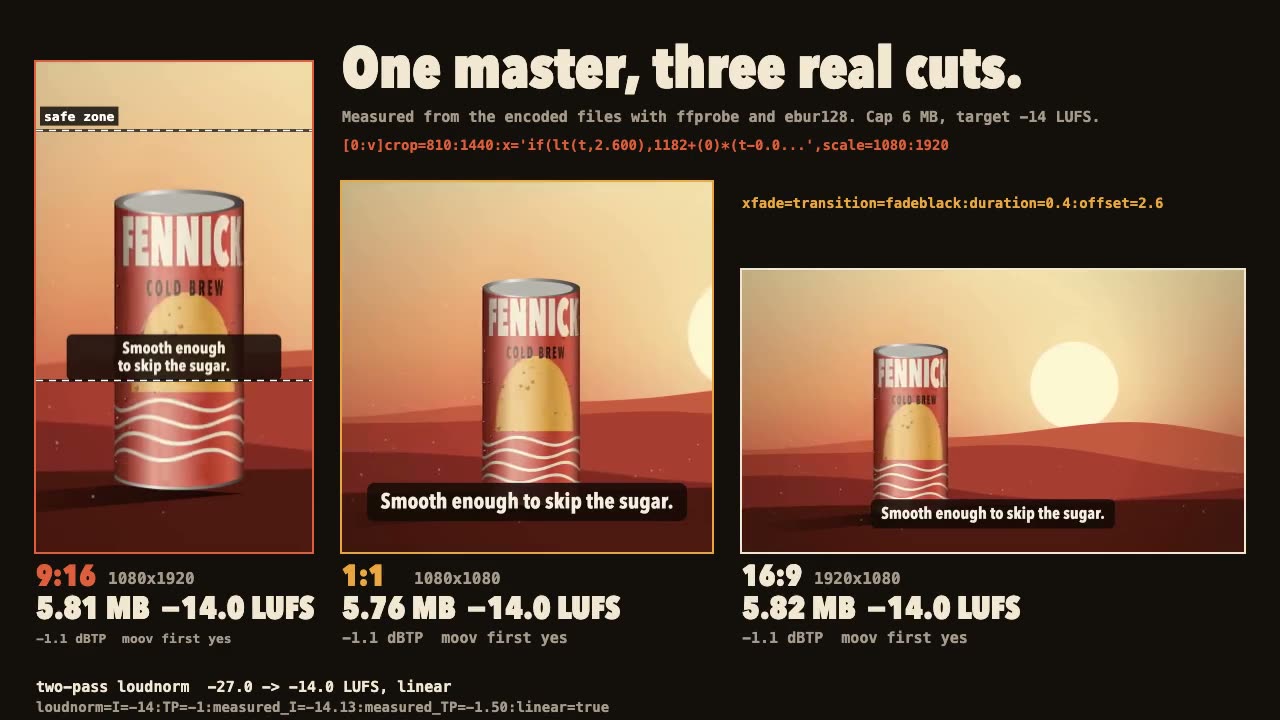
FFmpeg Finishing
Turn one master into 9:16, 1:1 and 16:9 files with safe-zone captions, measured loudness and a size cap.
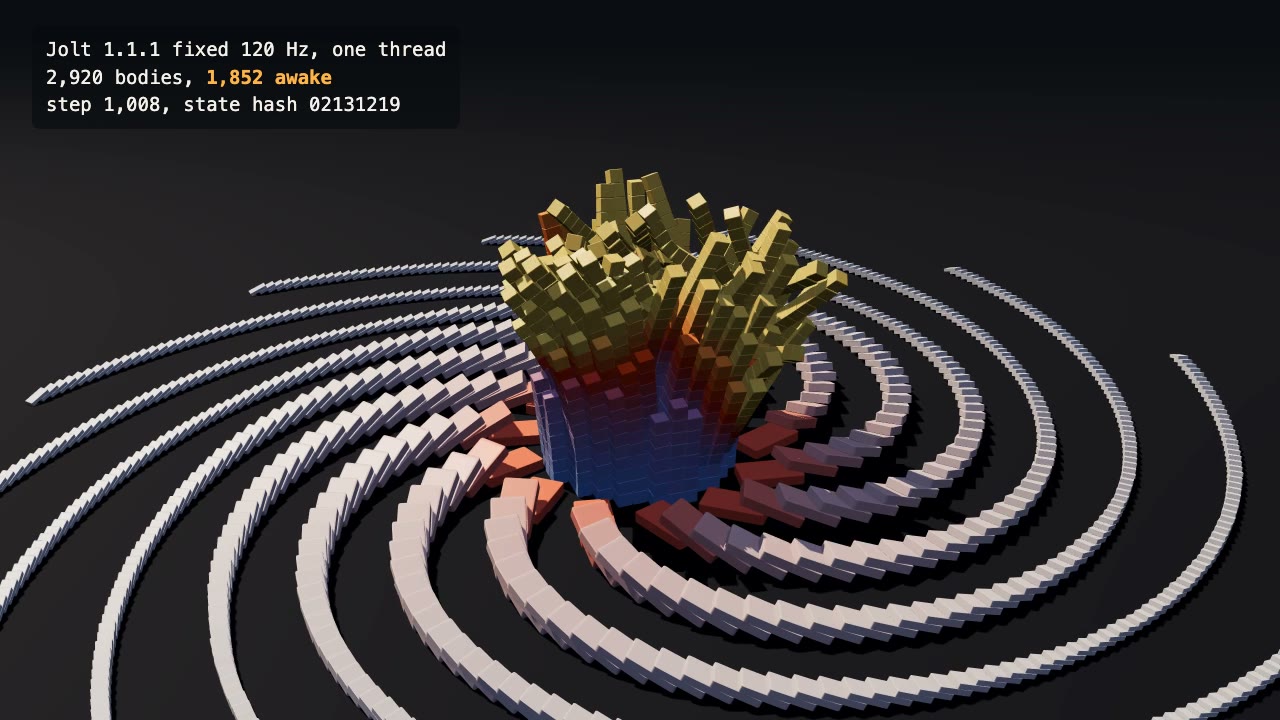
Jolt Physics Simulation
Simulate thousands of rigid bodies with Jolt and render the collapse, repeatably, frame by frame.
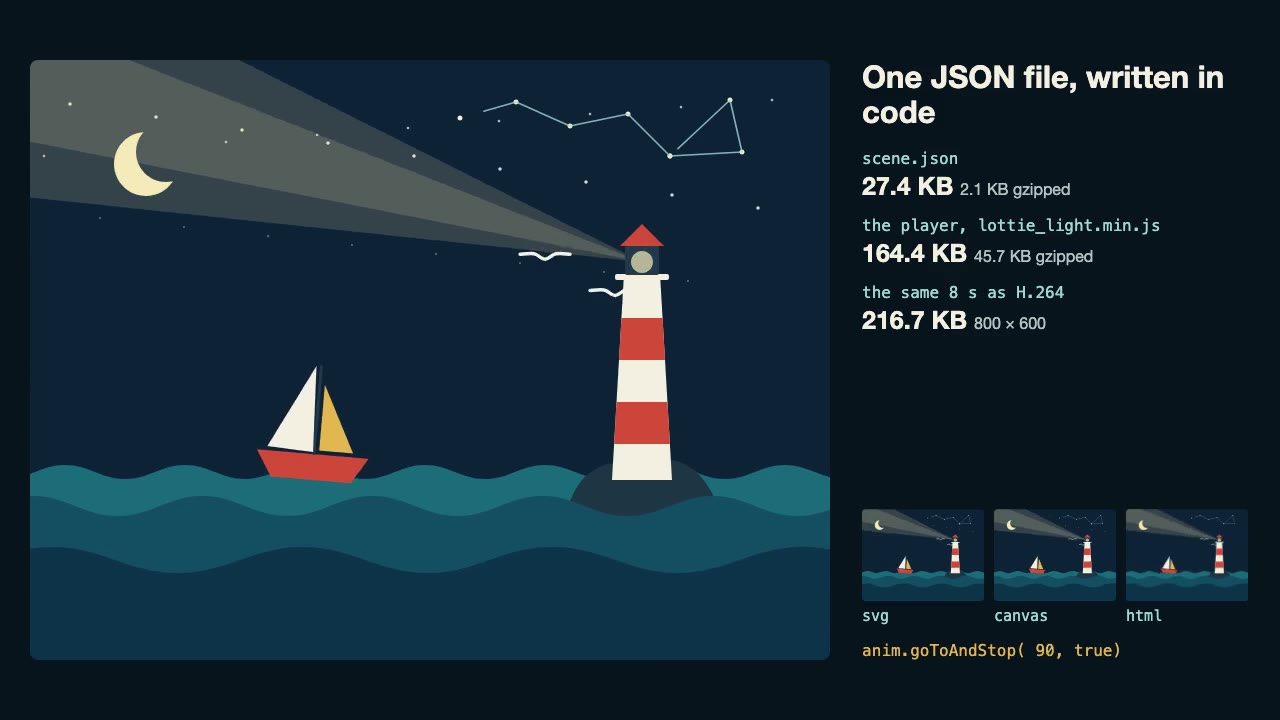
Lottie Animation
Write an original Lottie animation as JSON from a script, check that it's safe, and play it with lottie-web, with no After Effects.
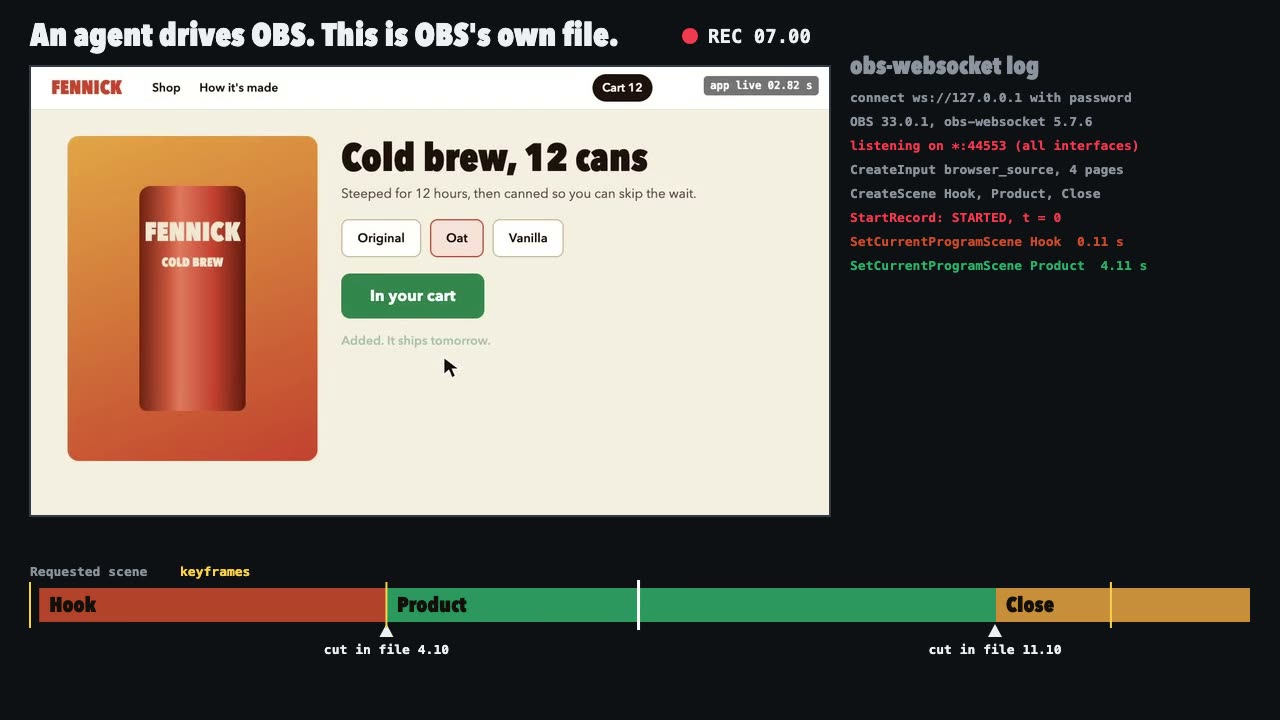
OBS Recording
Script a real OBS recording of a page with timed scene switches, then check the file it wrote.
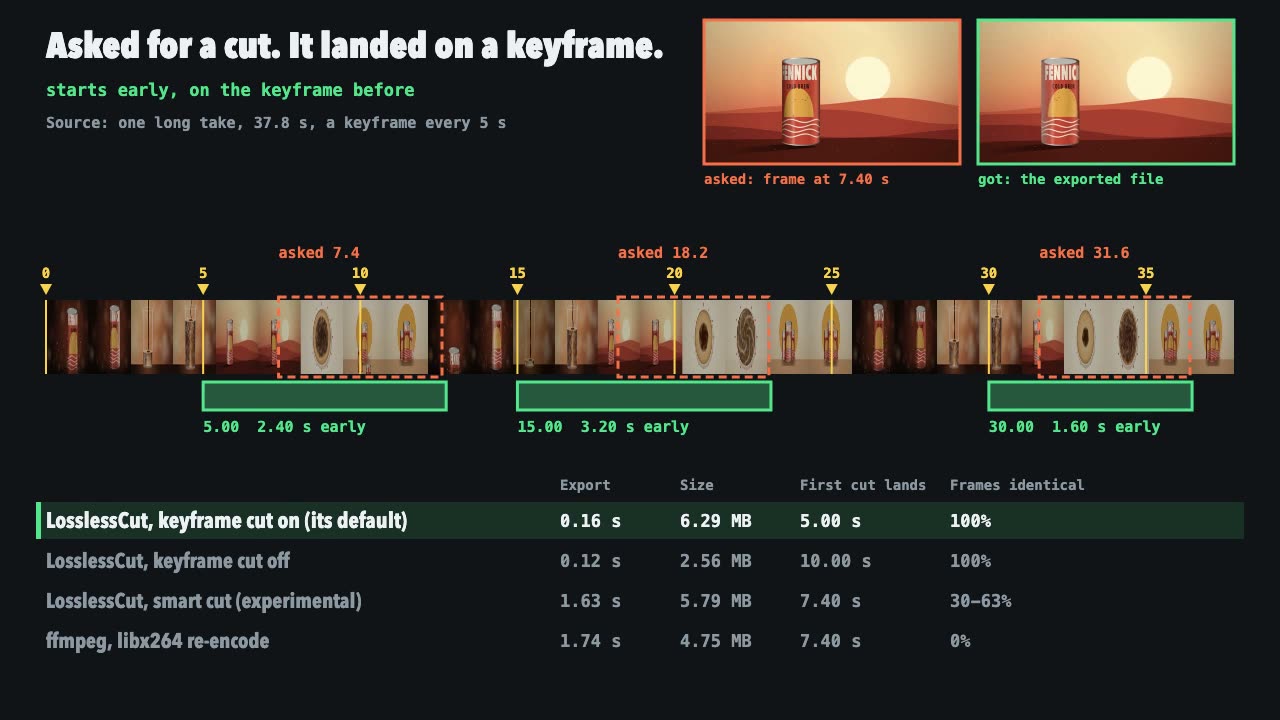
LosslessCut Trims
Cut long recordings fast without re-encoding, and measure where each cut really landed.
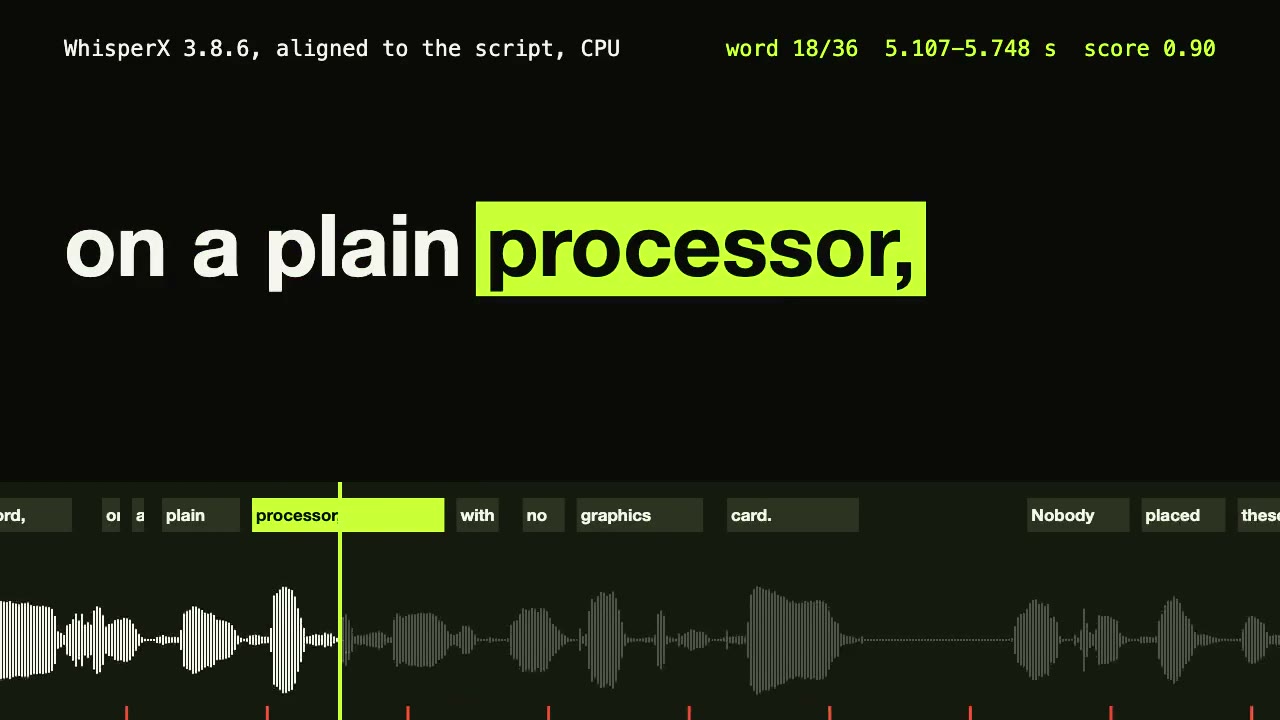
WhisperX Word Captions
Get a timestamp for every spoken word on a plain CPU, export SRT and VTT, and drive word-highlighted captions from the JSON.