
About this skill
An explainer works when every fact is true and every picture arrives on the word that names it. This skill makes both checkable. The script is one JSON file in which every figure the voice says or the screen shows belongs to a claim with a source and the quote that supports it. The voice is a synthetic preset voice, from AdAnt's voice model, a free local model or any text-to-speech tool, and WhisperX times every word of the take. Scenes hold cues such as "line 3, the word two" instead of seconds, so re-recording the voice never breaks them. A checker steps the finished page frame by frame and fails any beat more than a frame off its word, any figure without a source, and timing made for a different take. Five scene templates are included, and the renderer writes an MP4 with burned-in captions and an SRT.
You say
Using this skill, make a 45-second vertical explainer on why the sky is blue, for viewers with no science background. Use NASA or a university physics department as sources, AdAnt's voice, and burned-in captions. I want to approve the script and its sources before anything is voiced.
How it works
- Give your agent a topic or a document, the audience, the length and the frame size.
- It researches primary sources and writes the script, with each figure tied to a source and a quote, and the checker fails anything unsourced.
- It voices the script with a synthetic voice, and WhisperX times every word of the take.
- It builds the scenes cued to words, checks every beat against its word, and renders the MP4 with captions.
Getting a good result
- Review the script and sources before the voice is made. A new take means timing it again.
- Cue each picture to the word that names it, such as the number itself, not the word before it.
- Plan for about 2.2 words a second: 130 words is a minute.
What you get
- A script format where every spoken or shown figure must belong to a claim with a source, a read date and a supporting quote
- Scripts that turn a WhisperX alignment into a word timing file, or a rough draft from pauses
- Five SVG scene templates (title, stat, share bar, dot grid, steps) and a guide to writing your own
- A checker that measures when each beat moves on screen and fails it if it drifts from its word
- A frame-by-frame renderer to MP4 with the voice, burned-in captions, an SRT and an optional music bed that dips under the voice
- A finished example project with its voice take and timing
Good fit
- Turning an article, a paper or a report into a short video
- Science, finance or product explainers where a wrong number would hurt
- Data-led social posts in wide, vertical or feed sizes
Not for
- Math animations with equations, which manim-explainer-planner covers
- Talking-head videos with a presenter on screen
- Cloning a real person's voice, which this skill refuses
How to install it
- Download the ZIP and unzip it.
- Move the folder holding
SKILL.mdinto your agent's skills folder, such as~/.claude/skills/for Claude Code. - Start a new session and ask for what you want to make.
Needs: An agent that reads skills, Node.js 20 or later with Playwright, ffmpeg, A voice: AdAnt's (uses a few credits), CosyVoice on your computer, or any text-to-speech tool, WhisperX for the final timing, set up through the WhisperX Captions skill.
Popular on X
Posts showing demand for this kind of video. Unless a post names this tool, it wasn't made with it.
- An essay turned into a motion-graphics video with Opus 5.5 5,986 views on X, measured 11 November 2026
- A narrated science explainer an agent made end to end with Opus 5.5 4,002 views on X, measured 11 November 2026
- A journal editorial turned into an animated explainer with Opus 5.5 1,341 views on X, measured 11 November 2026
FAQ
What does it cost?
$2.99 once for this skill, or $99 once for every skill in the library. It also comes with every paid AdAnt plan, from $15 a month. The scripts run on your own computer. Only AdAnt's voice uses credits: the 18-second voiceover on this page cost 0.13 credits. A local voice uses none.
Can I use it in commercial work?
Yes. The skill's code is MIT licensed: use it and what it makes in your own commercial work, including for clients, and keep the license file with any copy you pass on.
How does it know a picture lands on the right word?
WhisperX gives every word of the voice take a start time. Each animation is cued to a word, not to a second, and the checker plays the page frame by frame and records when each animated element first changes. If that is more than a frame and 40 milliseconds away from its word, the check fails and names the beat. It also checks the word times against the voice itself, and warns where a word's sound seems to start before the time WhisperX gave it, which happened by up to 150 milliseconds in our takes.
Can it check that the facts are right?
Partly. It fails a figure with no claim, a claim with no source, and a source without a link, a read date or a quote, and it warns when a number on screen appears in none of its claim's quotes. It cannot tell whether the quote supports the sentence, so the skill has the agent read each claim beside its quote, and asks you to review the script and sources before the voice is made.
Whose voice is it?
A synthetic preset voice. The example on this page uses AdAnt's voice model, described as a calm documentary narrator, with no real person's voice cloned or imitated. The skill tells the agent never to clone a voice without that person's permission.
How is this different from the Manim and HyperFrames skills?
Manim Explainer Planner plans math animations and stops at the plan. HyperFrames HTML to Video turns a web page into an MP4 with no voice or fact checking. This skill covers the whole narrated video: research, sourced script, voice, word timing, scenes, the drift check and the render.
Did the creators of the posts on this page write this skill?
No. The idea comes from popular posts linked on this page, in which coding agents made narrated explainers. AdAnt wrote this skill and its code from scratch, nothing from the posts is copied, and their creators did not write or review it. The video on this page was made by AdAnt with this skill.
Related skills
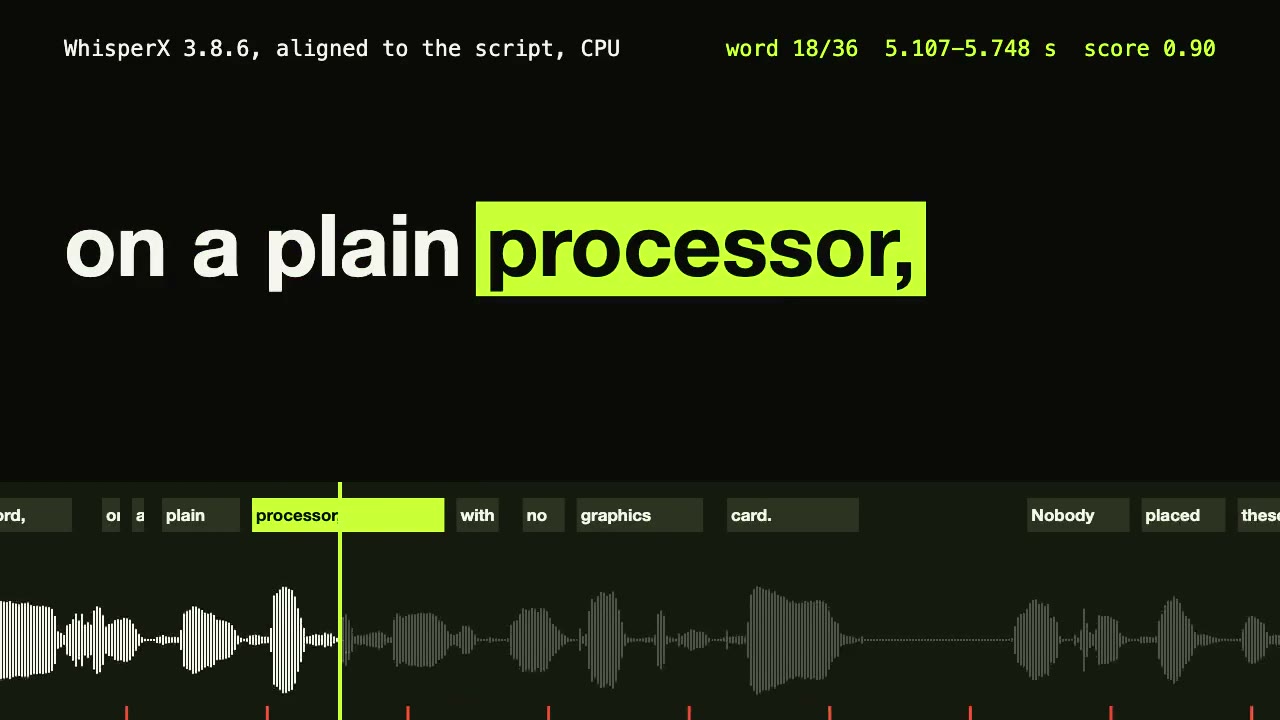
WhisperX Word Captions
Get a timestamp for every spoken word on a plain CPU, export SRT and VTT, and drive word-highlighted captions from the JSON.
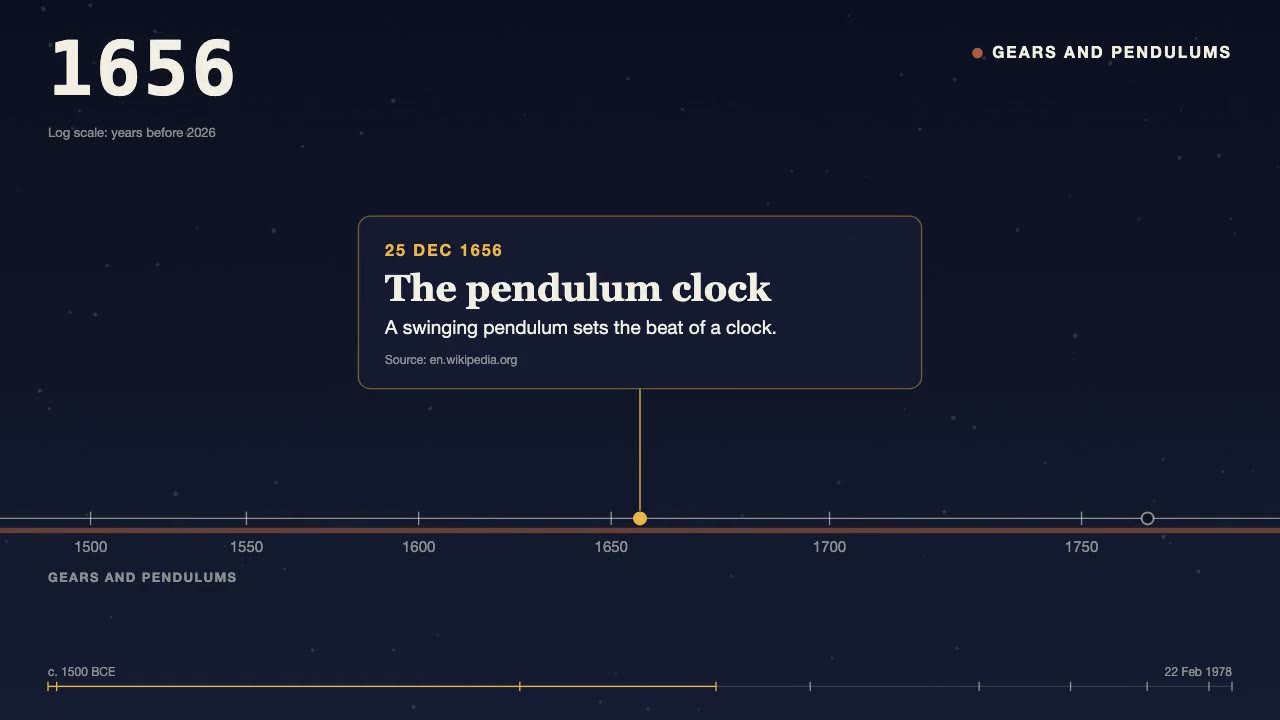
History Timeline Film
Turn a dated, sourced list of events into a 30 to 90 second film: the camera travels along a time axis, a year counter rolls, and each card lands on its date.
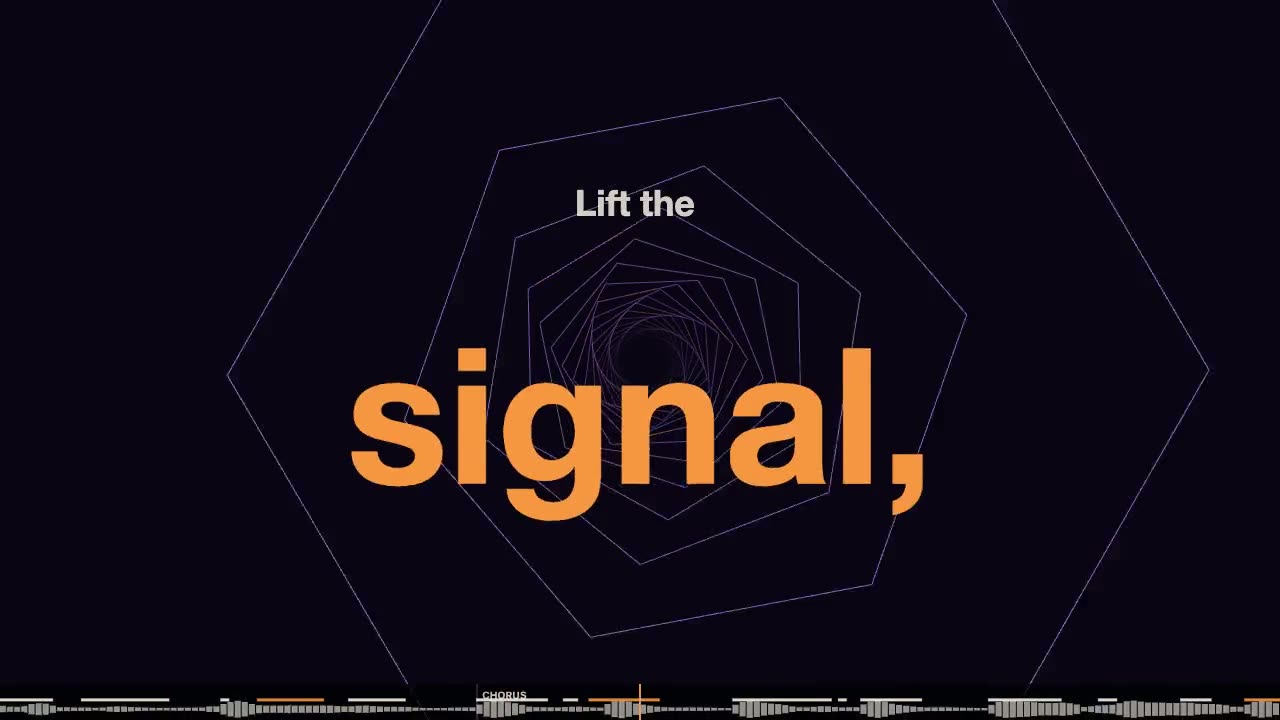
Lyric Music Video
Have your agent turn your song and its lyric sheet into a lyric video drawn in code, with every word timed to the voice and checked after the render.
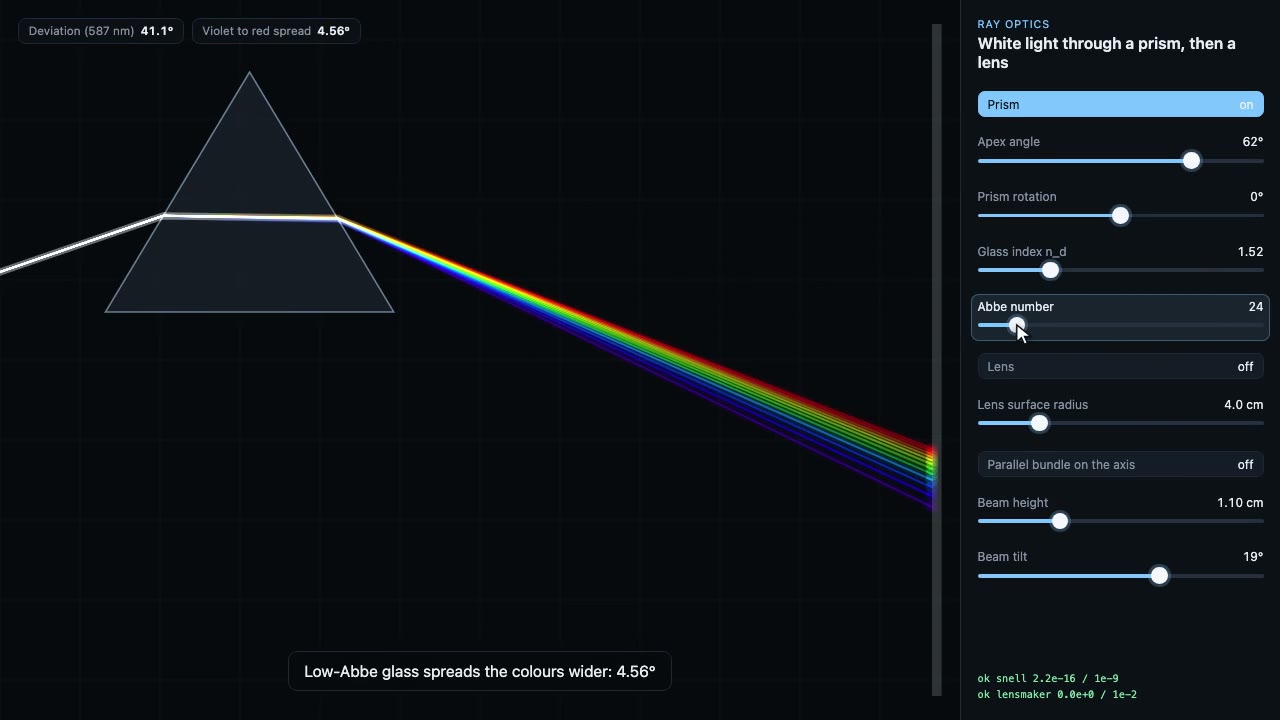
Science Simulation Lab
Build a live science sandbox with sliders, then record a scripted walk-through of it as a frame-exact MP4, with the physics checked on every frame.
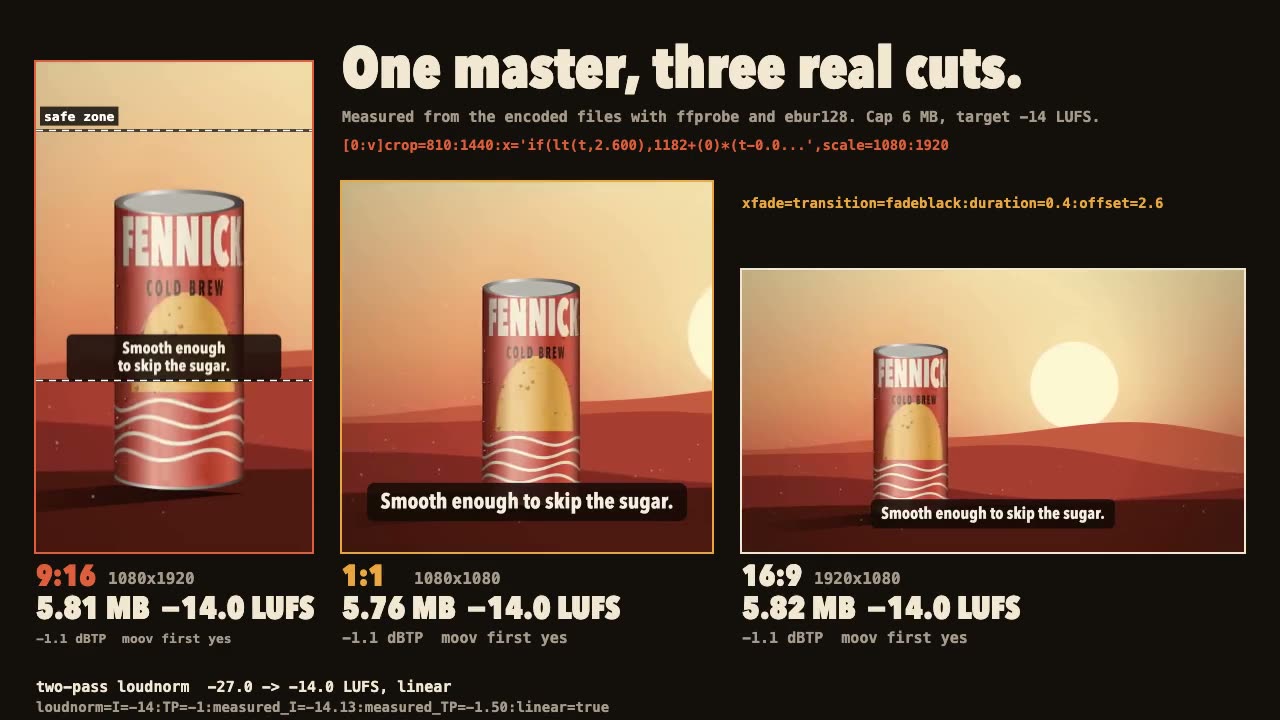
FFmpeg Finishing
Turn one master into 9:16, 1:1 and 16:9 files with safe-zone captions, measured loudness and a size cap.
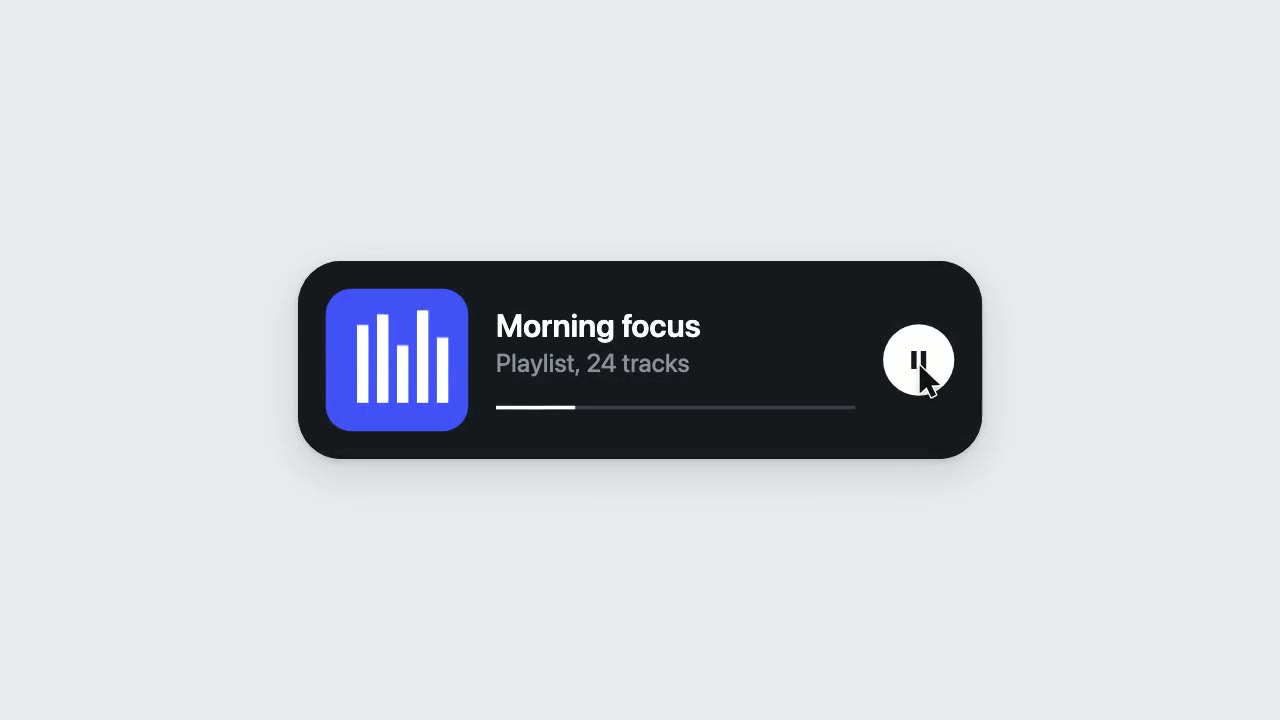
UI Morph Loop
Have your agent make a looping clip where one element turns into a button, toggle, slider, search field, notification and player, with a cursor that clicks and drags to cause each change.

Dreamlike Voyage Browser Game
Have your agent build a calm ride through several invented worlds in three.js that plays in a browser tab and on a phone, check it, and record a clip of it.
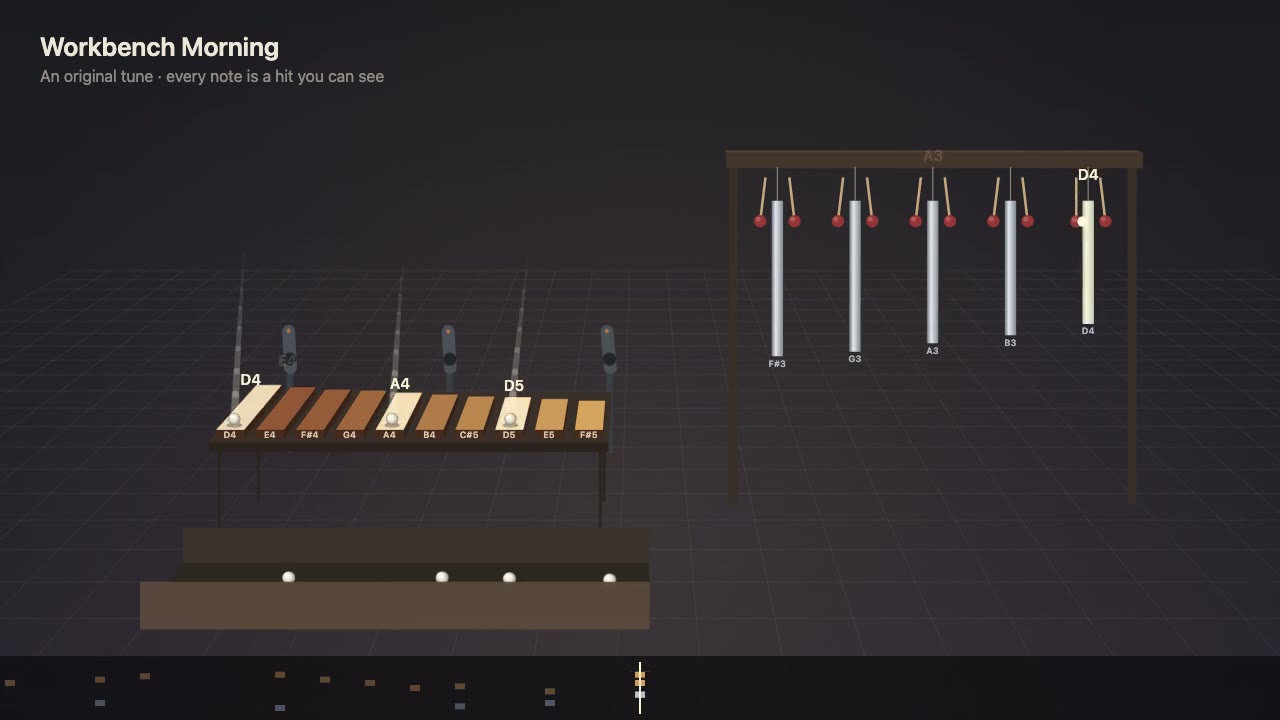
Visible Music Machine
Write a tune as notes first, then have your agent build a machine that plays it, where every note is a ball or mallet hit you can see, with sound on the exact frame.
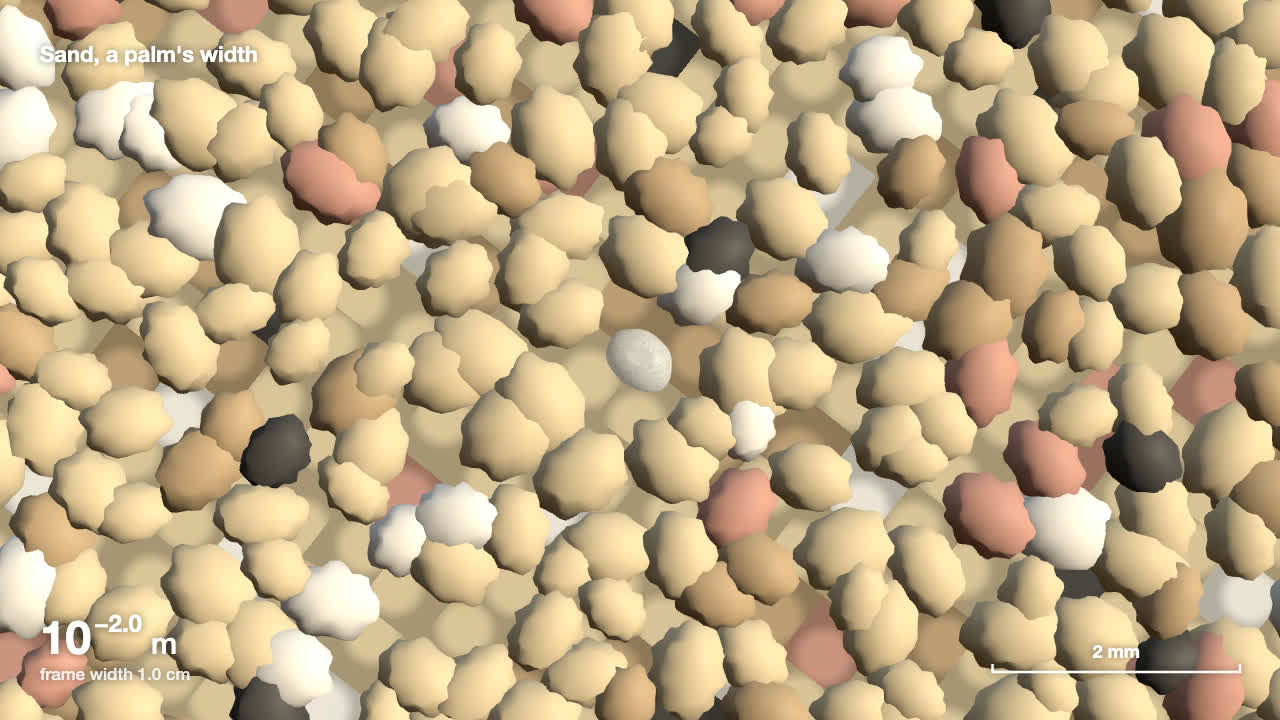
Scale Zoom One-Take
Make one continuous three.js zoom across many orders of magnitude, from a planet to an atom or out to a galaxy, with a scale readout that is right on every frame.

Scroll-Scrubbed Film Site
Have your agent build a landing page where scrolling plays a film frame by frame, with chapters, callouts and a preloader, then check it in Chrome.

Shader Loop Backgrounds
Have your agent write animated WebGL backgrounds that loop with no seam, then ship each as a React component, an MP4 for your ads and a still.
HyperFrames: HTML to Video
Have Claude write launch films, explainers and title cards as HTML, then render them to MP4.