
About this skill
One product sits in a canvas fixed behind the page. Each section of the page has a keyframe for the camera and the product, and the pose between keyframes is worked out from the scroll position alone, so scrolling back gives exactly the same picture. At the end the product shrinks into a box on the page, such as the image of a product card, and follows it as the page moves. The skill starts from a brief with the camera for each section as numbers, the dock slot, one or two interactions and the finishes, and maps six common kinds of product page to brief values: a product the page travels past, glass that bends a word and gives way to the real finish, giant type the product turns through, metal whose reflection follows the pointer, an exploded view with labels, and a turntable with pins and tools. A Playwright script samples the camera at every section, measures the dock from pixels on desktop and a phone, and checks the pixel ratio, model weight, reduced motion and the page without WebGL or JavaScript.
You say
Using this skill, ask me the brief's questions for my watch's product page, then build it with my watch.glb: a hero where it turns through the brand name, a section where the dial reflection follows my pointer, an exploded view of the movement, and a dock into the add-to-cart card. Run the pose check and show me the desktop and phone screenshots.
How it works
- Your agent asks the brief's questions: the product and its model, each section's camera and turn, the dock slot, one or two interactions, finishes, colours, type and copy.
- It builds the static page with a still image first, then the model on its own, then one keyframe per section and the pure pose function.
- It solves the dock so the product's outline fits the slot, then adds the interactions the brief asks for, and a reduced-motion branch that shows each section's own pose.
- It runs the pose check in Chrome on desktop and phone, reads the screenshots, fixes what failed, and records a preview clip and the fallback still.
Getting a good result
- Turn the product, not the camera. A camera that orbits feels like a showroom; a product that turns to face each section's copy feels placed.
- Dock to an element, not to coordinates. Measured every frame, the slot can move with the layout and the product still lands in it.
- Give each section a hold. A reader who stops scrolling should see the keyframe, not a pose halfway between two.
What you get
- A brief format with the camera, product turn and copy side for every section, the dock slot, the interactions and the finishes
- A map from six kinds of 3D product page to brief values, so a request like 'a glass bottle hero' becomes concrete numbers
- A working example: a fictional vacuum flask built from lathe profiles, with giant type, a pointer-led reflection, glass, an exploded view, a turntable with pins and a section cut, and a dock
- Recipes for keyframes and the pure pose, docking, glass that refracts a word, the studio metal reflects, labels, pins and tools, fallbacks, compressed glTF, and React Three Fiber and Next.js, with a React canvas for a glTF product
- A Playwright check for keys at their anchors, the dock to within 2 px, pixel ratio, model weight, frame times, reduced motion, no WebGL and no JavaScript, plus a recorder for the preview clip and the fallback image
Good fit
- Product launches and shop pages for one physical product: a bottle, a watch, a speaker, a tool
- Teams with a glTF of their product, or a product simple enough to build from code
- Agents that write front-end code and can run Node and a browser
Not for
- Catalogues of many products on one page; each product needs its own keys
- Pages whose story is pinned scenes and text, with 3D as one element among many
- Products the team has no model of and that cannot be built from simple shapes
How to install it
- Download the ZIP and unzip it.
- Move the folder holding
SKILL.mdinto your agent's skills folder, such as~/.claude/skills/for Claude Code. - Start a new session and ask for what you want to make.
Needs: An agent that reads skills, Node 20 or later and Playwright with Chrome, for the check and the recorder, ffmpeg, only to record the preview clip and the fallback image.
Popular on X
Posts showing demand for this kind of video. Unless a post names this tool, it wasn't made with it.
- A post listing five UI and UX sites for builders, this library among them 98,508 views on X, measured 8 November 2026
FAQ
What does it cost?
$2.99 once for this skill, or $99 once for every skill in the library. It also comes with every paid AdAnt plan, from $15 a month. It runs on your own computer and uses no AdAnt credits.
Can I use it in commercial work?
Yes. The skill's code is MIT licensed: use it and what it makes in your own commercial work, including for clients, and keep the license file with any copy you pass on.
Do I need a 3D model of my product?
Not always. The example flask is built entirely in code from seven lathe profiles, so it downloads no model file at all. A product with more complex shapes needs a glTF that you own; the skill compresses it with Draco or meshopt while keeping its parts separate, and the check fails any model file over 300 kB without compression. In AdAnt's test, a six-part glass bottle of 12,704 triangles went from 1.20 MB to 186 kB with meshopt and 34 kB with Draco.
How accurate is the dock?
The check measures the product's outline from the pixels the canvas drew and compares it with the slot. On the example it was 0 px off at 1440 by 900 and 0.17 px off on a 390 px phone, against a limit of 2 px. All 12 keyframes, six on desktop and six on the phone, were hit at their section anchors from above and from below.
How fast is the example?
With Chrome's frame cap off, the main-thread work of a frame scrolling through the page was 0.8 ms at the 95th percentile and 17.5 ms at worst, on an Apple M-series laptop in headless Chrome. With the cap on, the 95th-percentile frame was 18.4 ms against Chrome's own 16.7 ms when nothing moved. It draws 88,586 triangles at a pixel ratio of 1.36 on a large desktop window and 2 on a phone. Real phones and other browsers were not measured.
Does it work with React and Next.js?
Yes. The ZIP has a React Three Fiber canvas that loads a glTF and poses it with the same pure function as the plain example, drawing only when the page scrolls, and a Next.js App Router mount that keeps every word and the still image in the server-rendered page. AdAnt ran the pose check on it with a glTF bottle in a Next 15 production build, and it passed. The plain example runs from any static server.
Is this the site that inspired it?
No. The idea comes from a library of scroll-driven website prompts, linked on this page, whose prompts are only for its members. AdAnt wrote this skill, its brief format, scripts and example site without them, and the library's makers did not write or review it. The clip on this page is AdAnt's example site, recorded with this skill's script.
Can I use what it makes commercially?
Yes. The pages you build are yours. The scripts and the example site are MIT, and the license text is in the ZIP.
Related skills
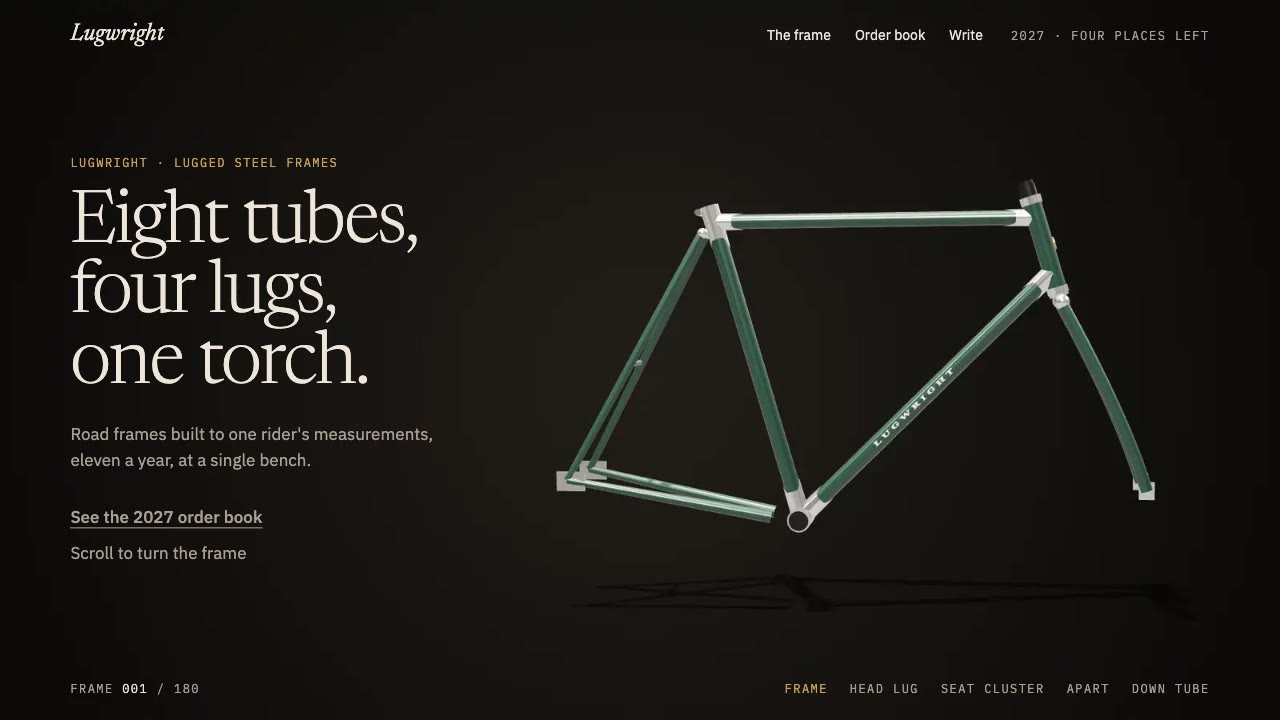
Scroll-Scrubbed Film Site
Have your agent build a landing page where scrolling plays a film frame by frame, with chapters, callouts and a preloader, then check it in Chrome.
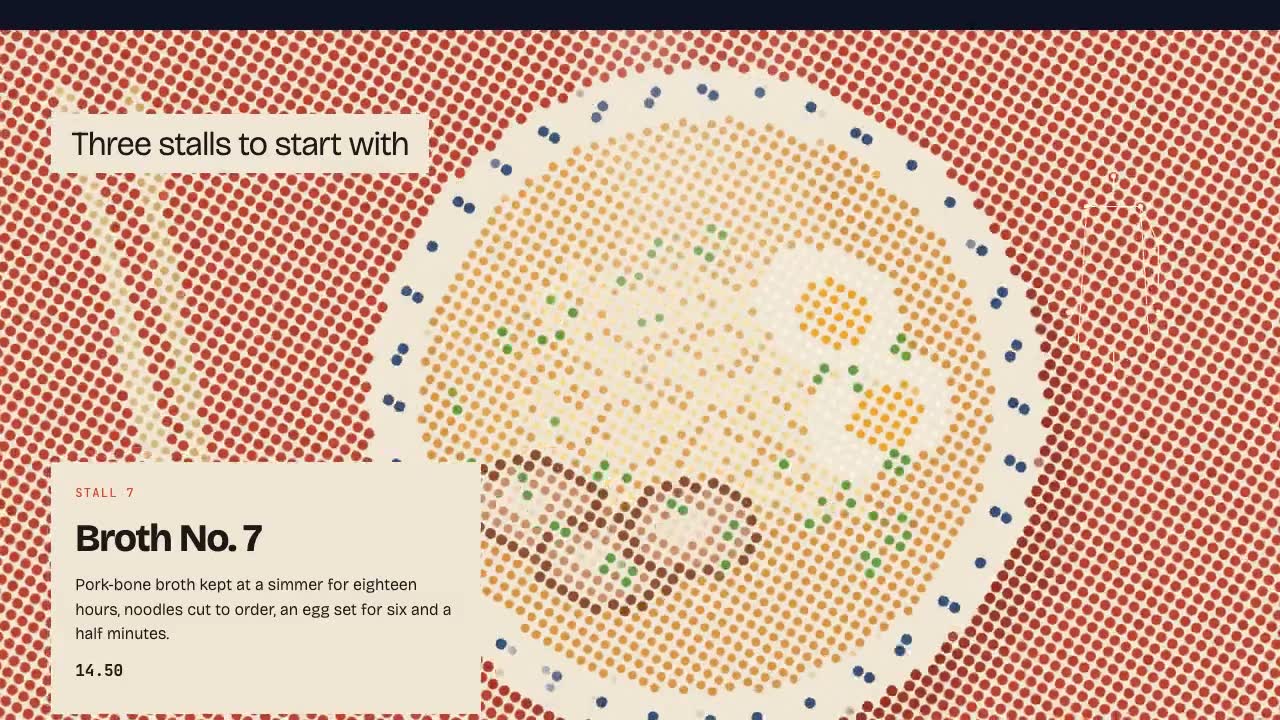
Shader Reveal Site
Have your agent build a page where the pointer or the scroll uncovers a second picture through a shader, then measure the trail, the GPU and every fallback in Chrome.
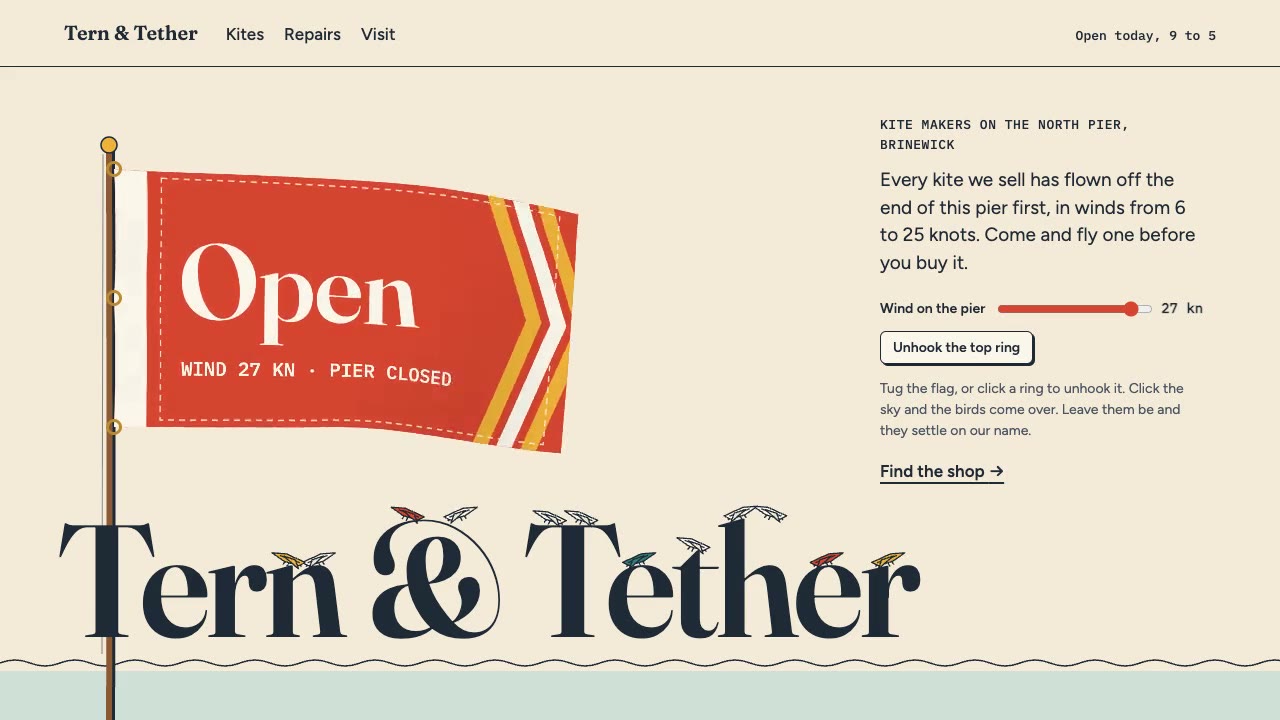
Cursor Playground Hero
Have your agent build a hero section visitors play with, on small simulations that behave the same on every screen and never blow up.
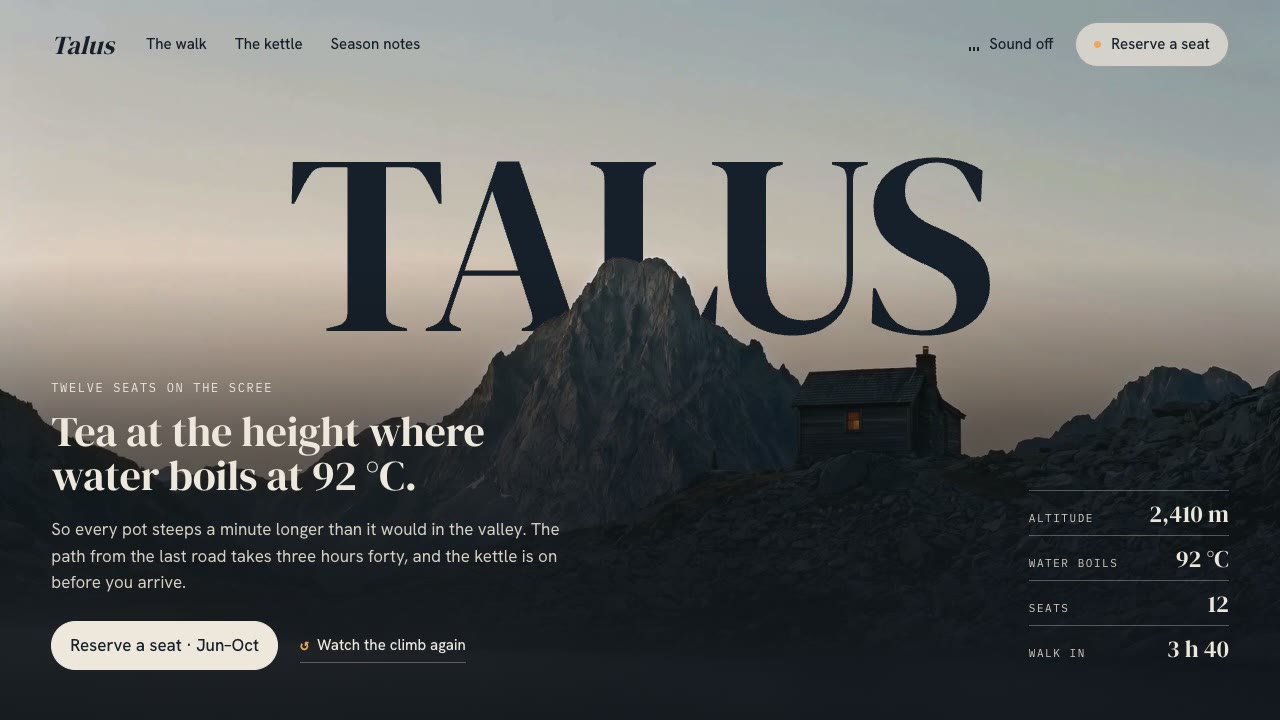
Cinematic Video Hero
Have your agent build a one-screen hero from footage and type, with a freeze frame, text behind the subject and a loop, then measure it in a real browser.

Footage Landing Page
Have your agent build a full landing page under a looping footage hero, every word in one content file, then check it in Chrome.
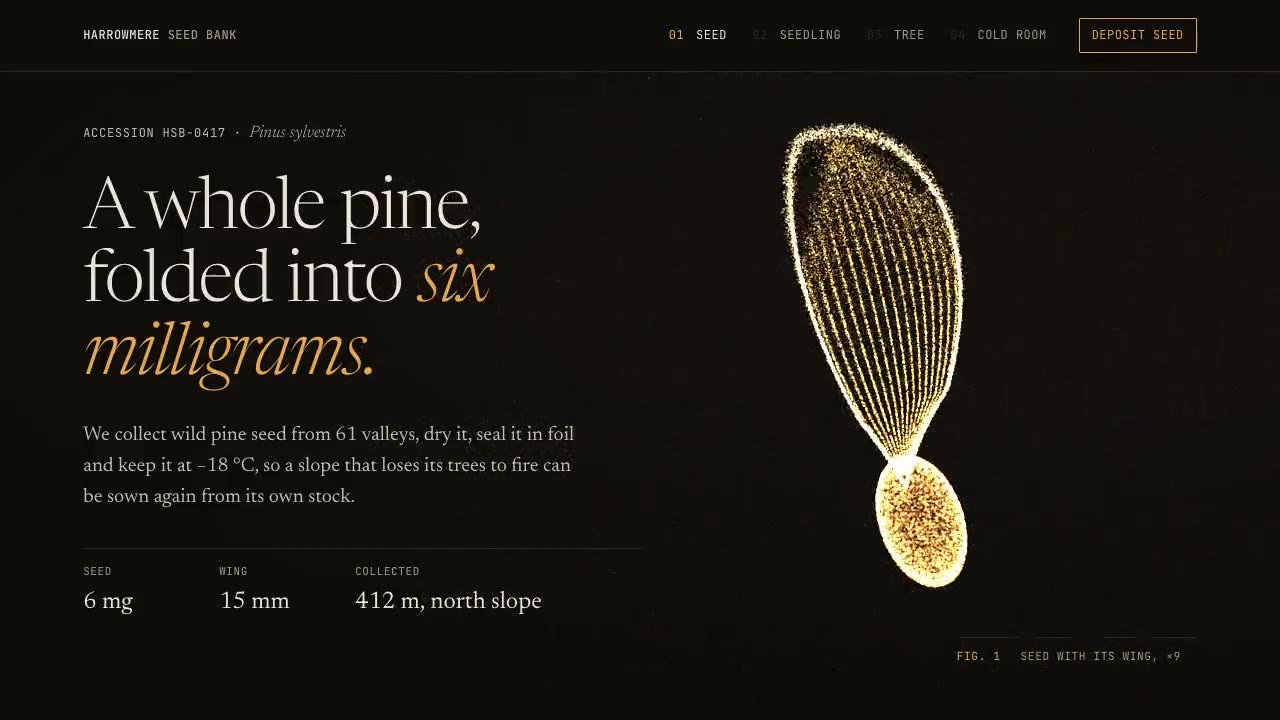
Particle Form Hero
Have your agent build a hero where GPU particles settle into your shape, morph to the next as the page scrolls, and part around the pointer.
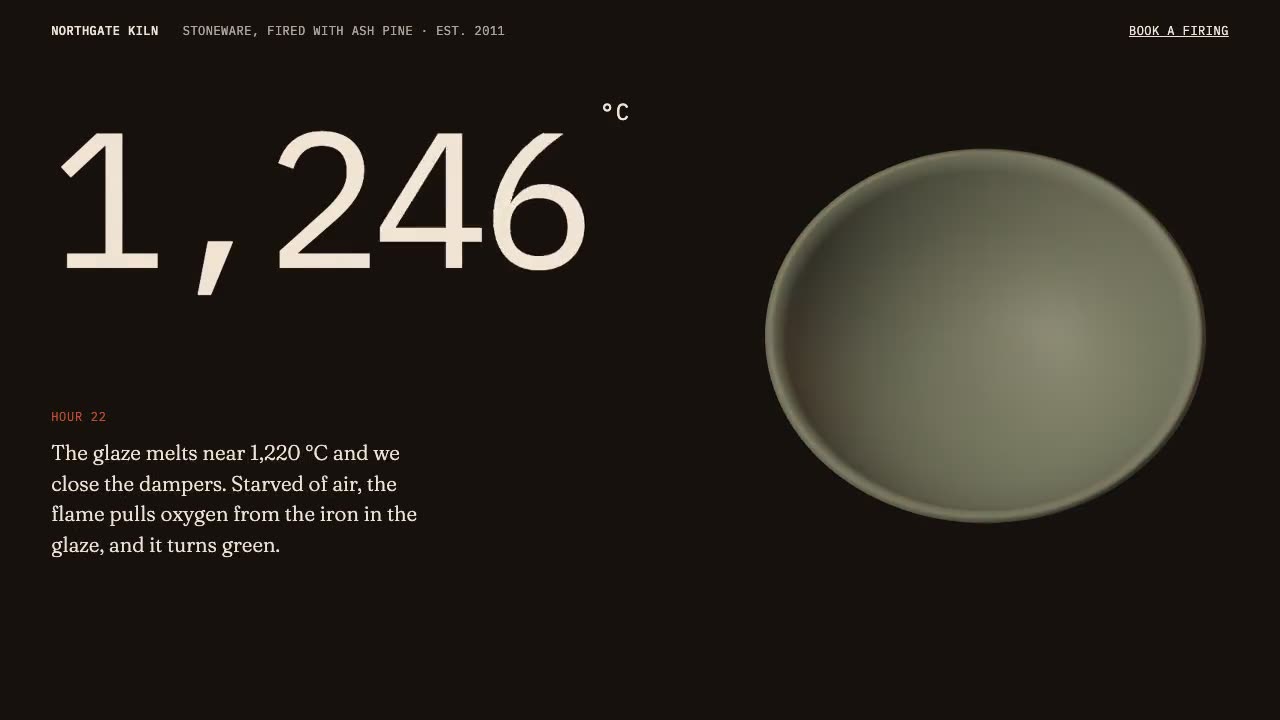
Scroll-Driven Site
Have your agent build a landing page where scrolling pins, scrubs and reveals each scene, then measure it in a real browser.
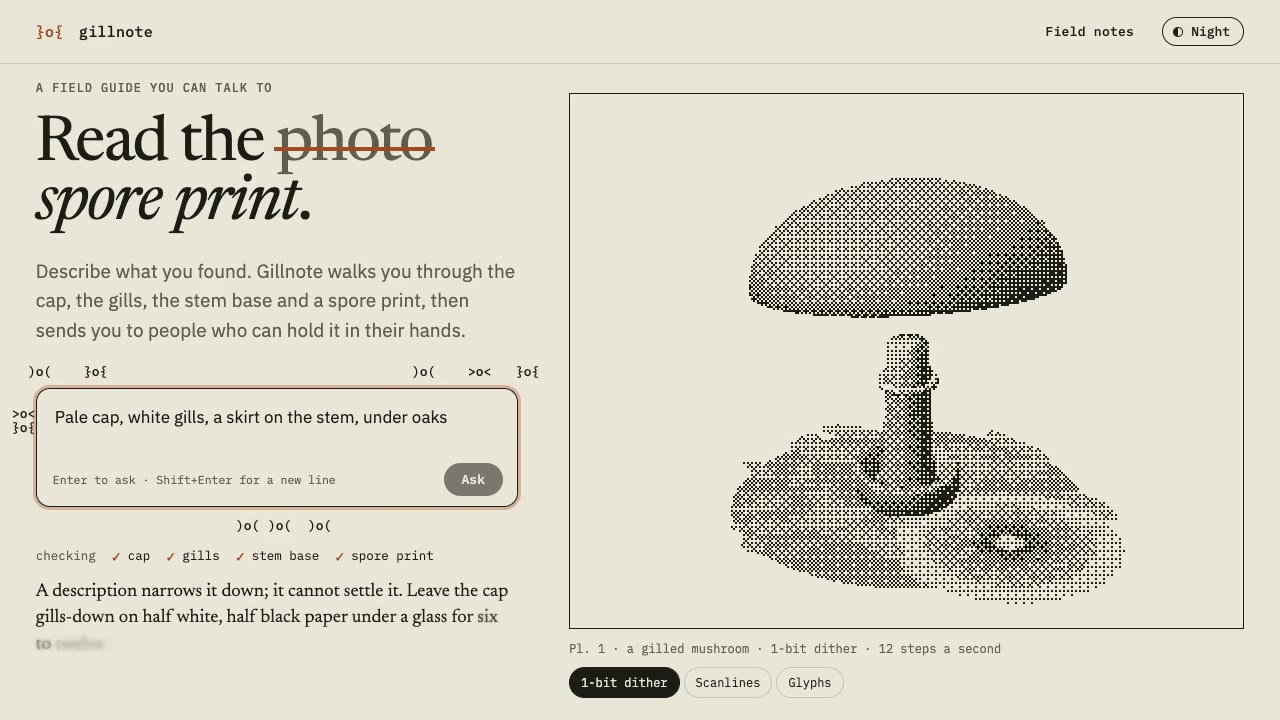
Dither & Glyph Hero
Have your agent build a hero that draws a live 3D scene in two inks, as dither, scanlines or glyphs, around an AI prompt, then check it in Chrome.
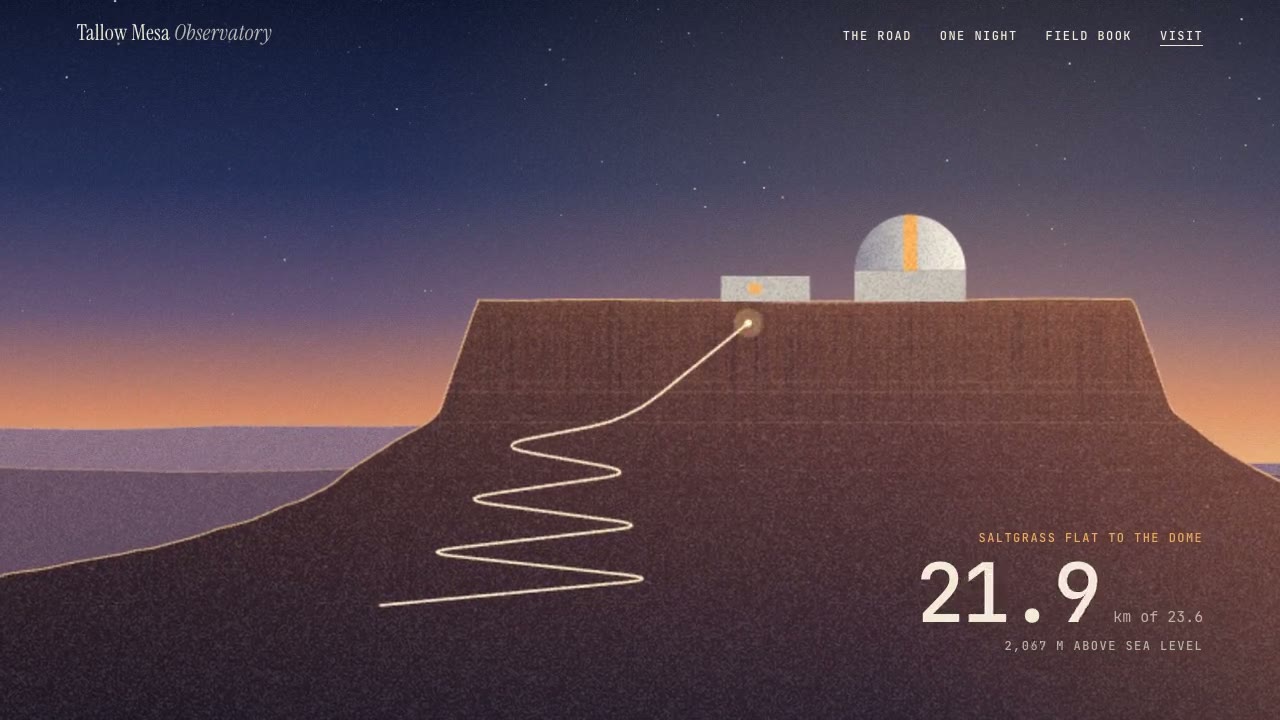
Parallax Plates Site
Have your agent split one picture into depth plates and build a page that flies through them on scroll, then prove in Chrome that no plate edge ever shows.
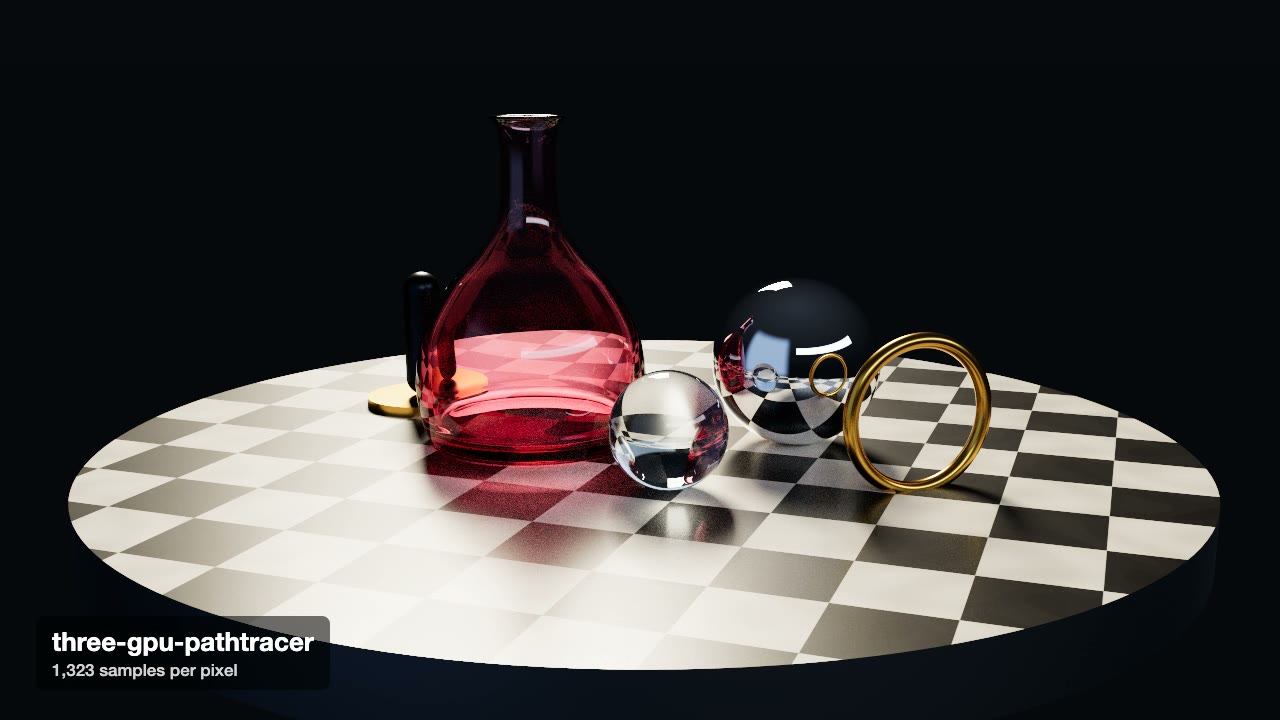
Three.js Path Tracing
Render a three.js scene with real path tracing, so glass, chrome and soft light come out physically right.
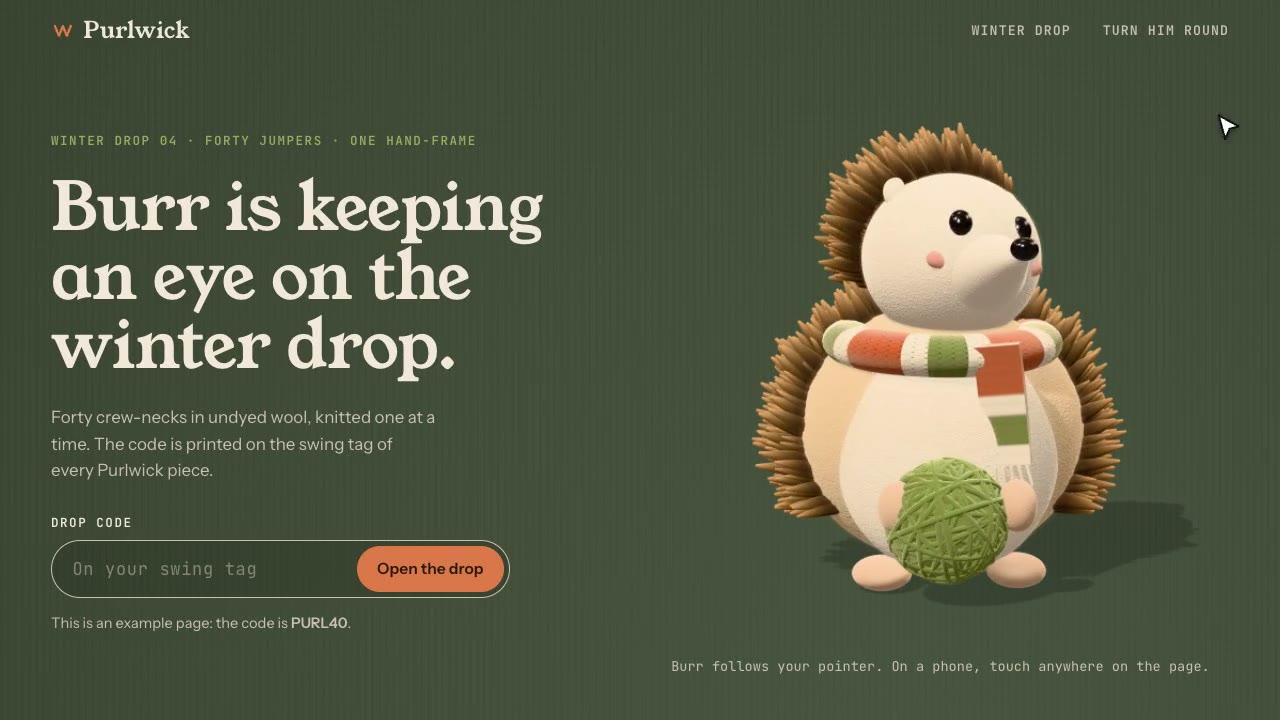
Cursor-Gaze Character
Have your agent build a landing page whose character turns its head to follow the pointer, from frames it renders once, then measure it in Chrome.
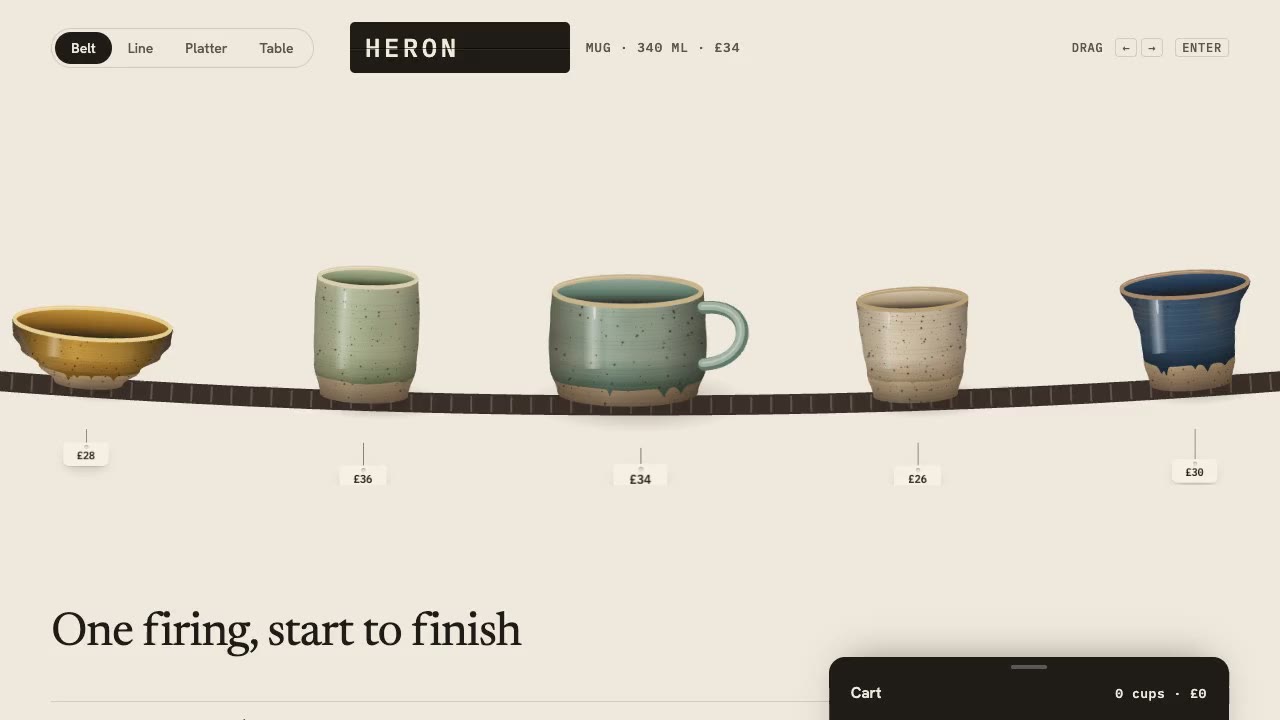
Drag Gallery Storefront
Have your agent build a shop you browse by dragging, with inertia, a seamless loop, a product sheet and a cart, then check it in Chrome.