
About this skill
The scrollbar becomes a playhead. A film made beforehand, rendered in three.js or Blender, shot, or generated with AdAnt, is cut into numbered WebP stills, and the page draws the one that matches the scroll position on a canvas with a cover crop, so the reader scrubs it at full quality in both directions. A preloader counts the real bytes as they arrive. Chapters of copy rest where the camera leaves them room and switch sides as it moves, callouts stay pinned to points on the subject at any crop, and two clips hand over on a shared frame so the film never cuts. The skill covers product films, one-take location films, characters that act on the scrollbar, worlds that change under a runner and orbits round a statue, plus a video-playhead variant, a three.js object flying over the film, gauges and orbit stages. A Playwright check measures the preloader against the network, the scroll-to-frame mapping, decode time and memory, callouts and copy at three screen shapes, the seam pixel by pixel, and the page with reduced motion and without JavaScript.
You say
Using this skill, ask me the brief's questions for my watch brand's launch page, render a turntable of the watch coming apart in three.js, and build the scroll film with a callout on each part. Run the film check and show me the screenshots at all three screen shapes.
How it works
- Your agent asks the brief's questions: the subject and its one fact, where the film comes from, the camera move, the chapters and their words, colours and type.
- It makes the film, renders or takes your footage, cuts it into WebP stills with a manifest of sizes, seams and callout points, and a phone set if the subject needs one.
- It builds the static page of chapter stills first, then the preloader, the scrubbed canvas, the chapters, the callouts and any extras, one at a time.
- It runs the film check in Chrome, reads the report and the screenshots at three screen shapes, fixes what failed, and records a preview clip.
Getting a good result
- Decide where each chapter's copy sits before the film is made. The camera has to leave that side empty, and no CSS can fix a frame that fills it.
- Make the second clip from the first clip's last frame, never from a description, or the seam shows.
- Weigh one extracted frame before choosing how many to make: a dark studio render is about 14 KB at 1600 by 900, daylight footage several times that.
What you get
- A brief format with a field for every choice a model would otherwise guess, and a table of every kind of film site with the values that make it
- A working example: a fictional frame builder whose lugged steel frame turns and comes apart over 180 frames, in a wide set and a phone set that one command renders from the shipped three.js scene
- A frame extractor that writes the manifest the page reads, with byte sizes, seams and per-frame anchors, as stills or one all-keyframe video, and a three.js film renderer
- Recipes for the preloader, cover crop, damped playhead, chapters, callouts, seams, a video-playhead variant, a three.js object over the film, gauges and orbit stages, and React and Next.js
- A Playwright check for preloader bytes, scroll mapping, decode time, memory, callouts and copy at 16:9, 4:3 and phone shapes, seams, reduced motion, no JavaScript and phone overflow, and a recorder for a preview clip
Good fit
- Product launches where one object, turned or taken apart, is the whole story
- Places, characters and collections told as one camera move
- Agents that write front-end code and can run Node, ffmpeg and a browser
Not for
- Pages whose visitors are mostly on slow mobile data; even a dark render's frames weigh megabytes
- Films longer than about 300 frames, unless you use the video-playhead variant
- Interactive 3D a visitor can turn freely; the film's camera moves are fixed when it is made
How to install it
- Download the ZIP and unzip it.
- Move the folder holding
SKILL.mdinto your agent's skills folder, such as~/.claude/skills/for Claude Code. - Start a new session and ask for what you want to make.
Needs: An agent that reads skills, Node 20 or later, ffmpeg with WebP, and Playwright with Chrome, A film: a render, your own footage, or clips generated with AdAnt.
Popular on X
Posts showing demand for this kind of video. Unless a post names this tool, it wasn't made with it.
- A post listing five UI and UX sites for builders, this library among them 98,508 views on X, measured 8 November 2026
FAQ
What does it cost?
$2.99 once for this skill, or $99 once for every skill in the library. It also comes with every paid AdAnt plan, from $15 a month. It runs on your own computer and uses no AdAnt credits, unless you choose to generate the footage with AdAnt.
Can I use it in commercial work?
Yes. The skill's code is MIT licensed: use it and what it makes in your own commercial work, including for clients, and keep the license file with any copy you pass on.
Where does the film come from?
Anywhere that gives you a video or numbered frames. The example's film is a three.js render, made with the skill's renderer, which also records where each callout point and the subject's outline fall in every frame. For a place, a person or a character, shoot it or generate it with AdAnt; the skill shows how to generate the second clip from the first clip's last frame so the join matches, and how to mark callout points by hand on every tenth frame.
How heavy and fast is the example?
Its 180 frames weigh 2.52 MB at 1600 by 900 and 1.48 MB in the phone set, rendered from the shipped scene in about a minute, so the ZIP stays small. In headless Chrome on an Apple M-series laptop the check measured a 95th-percentile decode time of 5.0 ms per frame and a draw time of 0.1 ms, at most 74.9 MB of decoded frames in memory, a stale frame on 0.3% of animation frames and no long tasks. The two frames at the seam differ by 0.37 of 255 on average, and with reduced motion the page fetches no film at all.
Why stills on a canvas rather than a video?
A video seeks to the nearest keyframe and decodes forward, so scrubbing backwards stutters. Each still is its own keyframe, so any frame in either direction is one decode. The cost is bytes, which the skill budgets. For films too long for stills it includes a variant that drives a video's playhead, encoded with every frame a keyframe.
Does it work with Next.js?
Yes. The recipes put the stage in a client component that closes every decoded frame when it unmounts, keep the frames in the public folder, render the chapter stills on the server so the page works without JavaScript, and read reduced motion in a head script so the film never flashes. The example itself is plain HTML with no build step and no animation library.
Is this the site that inspired it?
No. The idea comes from a library of scroll-driven website prompts, linked on this page, whose prompts are only for its members. AdAnt wrote this skill, its brief format, scripts, example site and film without them, and the library's makers did not write or review it. The clip on this page is AdAnt's example site, recorded with this skill's script.
Can I use what it makes commercially?
Yes. The pages and films you make are yours. The scripts and the example are MIT, and the license text is in the ZIP.
Related skills
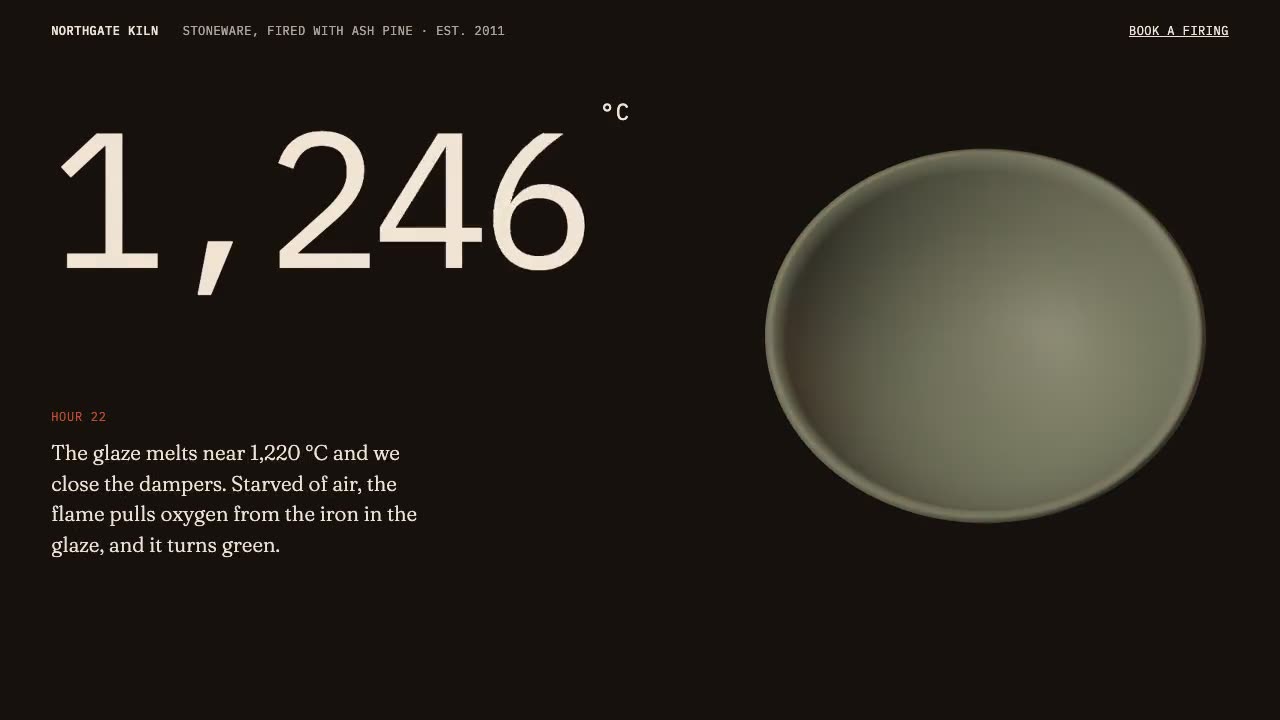
Scroll-Driven Site
Have your agent build a landing page where scrolling pins, scrubs and reveals each scene, then measure it in a real browser.
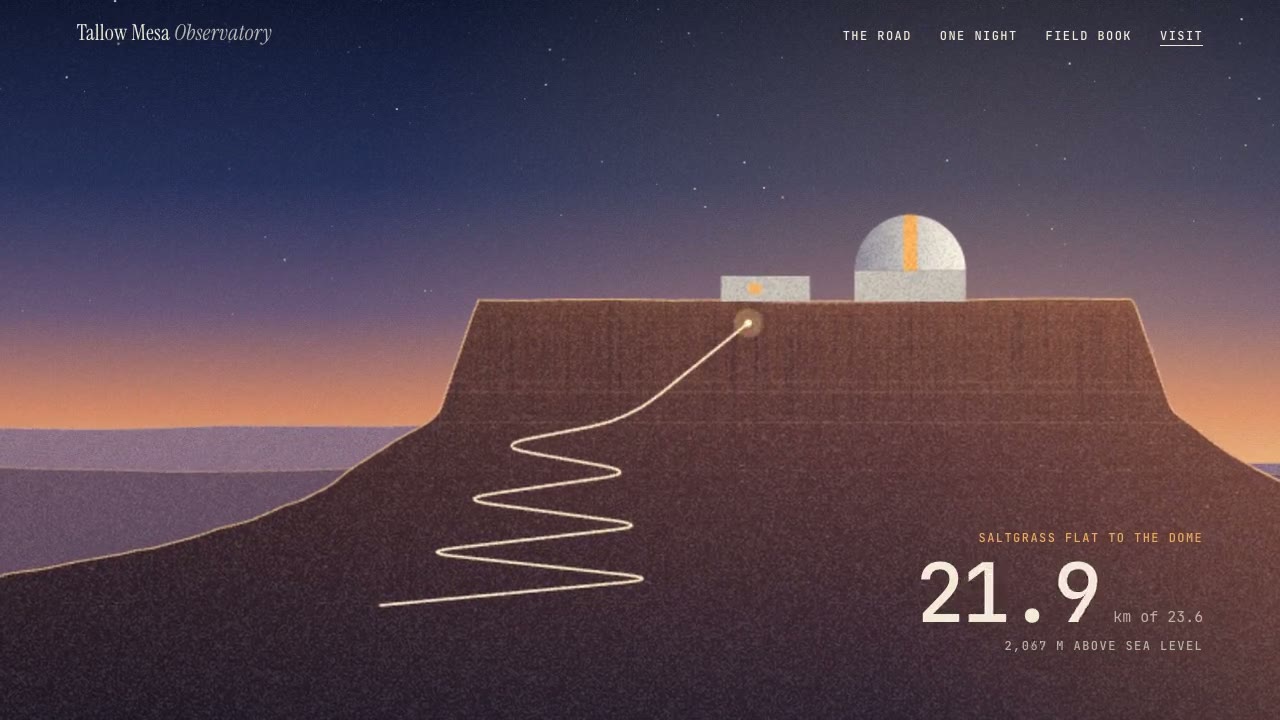
Parallax Plates Site
Have your agent split one picture into depth plates and build a page that flies through them on scroll, then prove in Chrome that no plate edge ever shows.
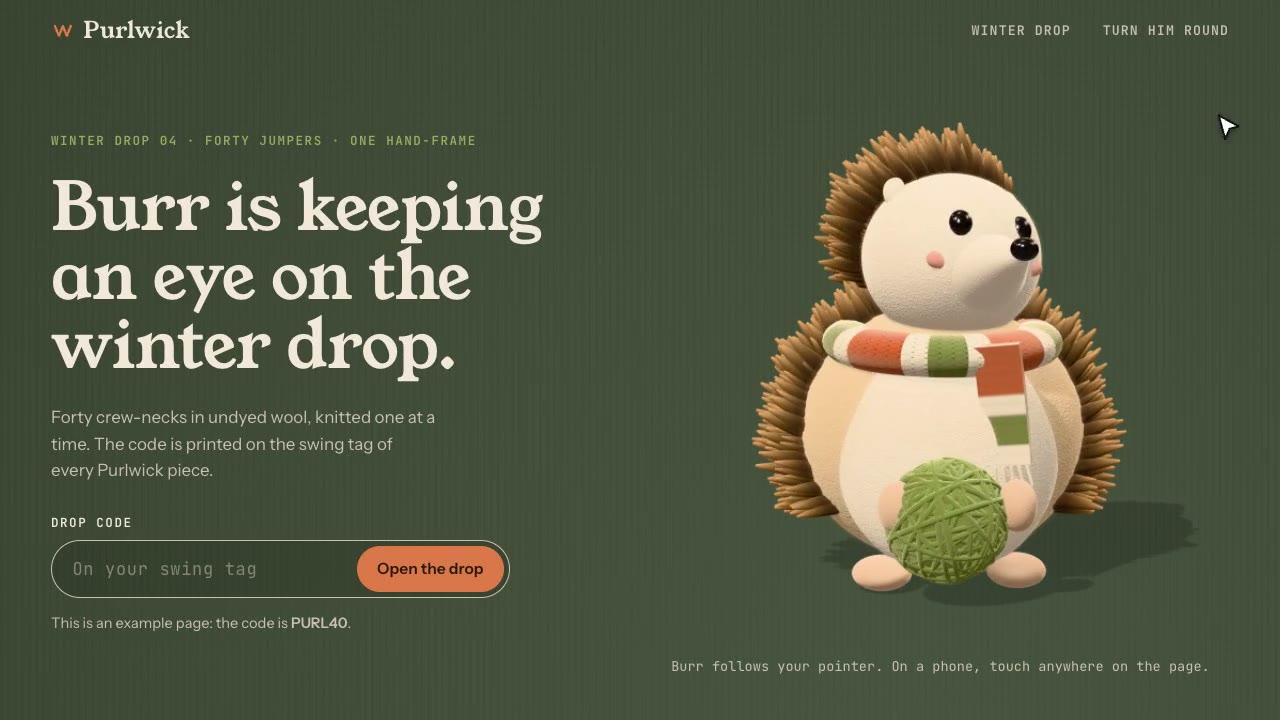
Cursor-Gaze Character
Have your agent build a landing page whose character turns its head to follow the pointer, from frames it renders once, then measure it in Chrome.
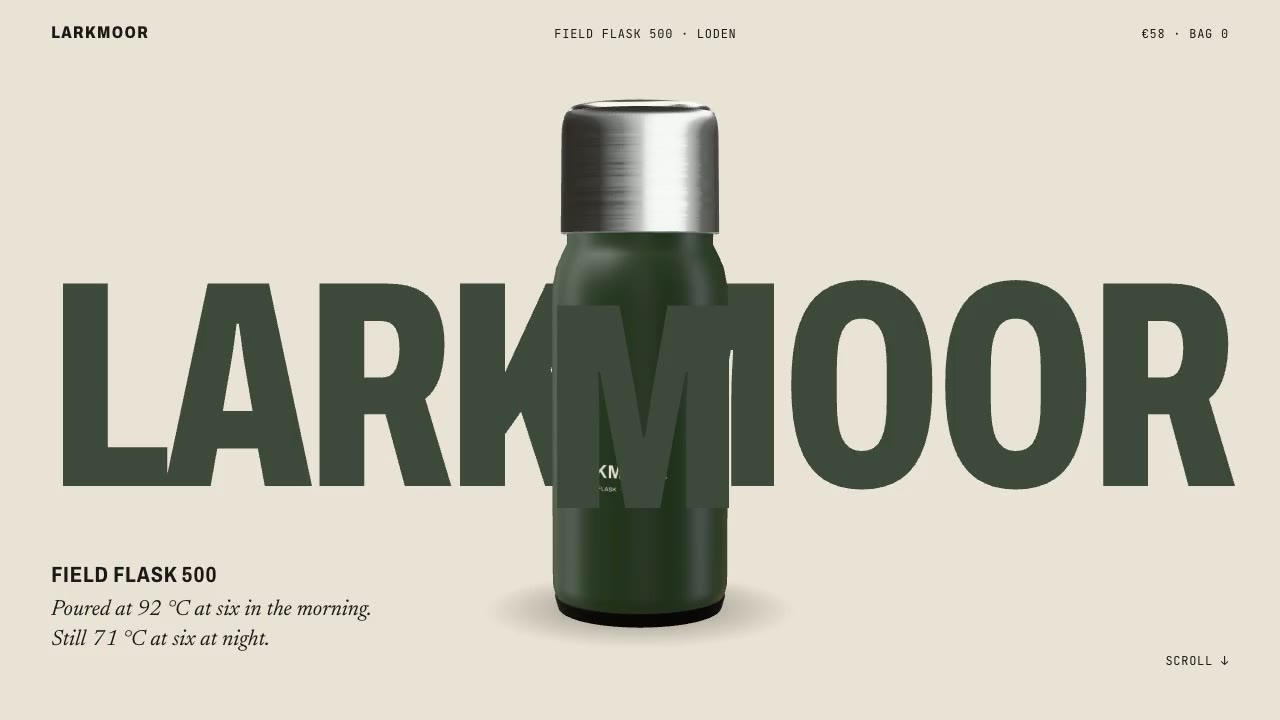
Scroll-Posed 3D Product
Have your agent build a page where one 3D product holds the centre while the scroll poses it, section by section, until it docks into the buy box.

Shader Reveal Site
Have your agent build a page where the pointer or the scroll uncovers a second picture through a shader, then measure the trail, the GPU and every fallback in Chrome.
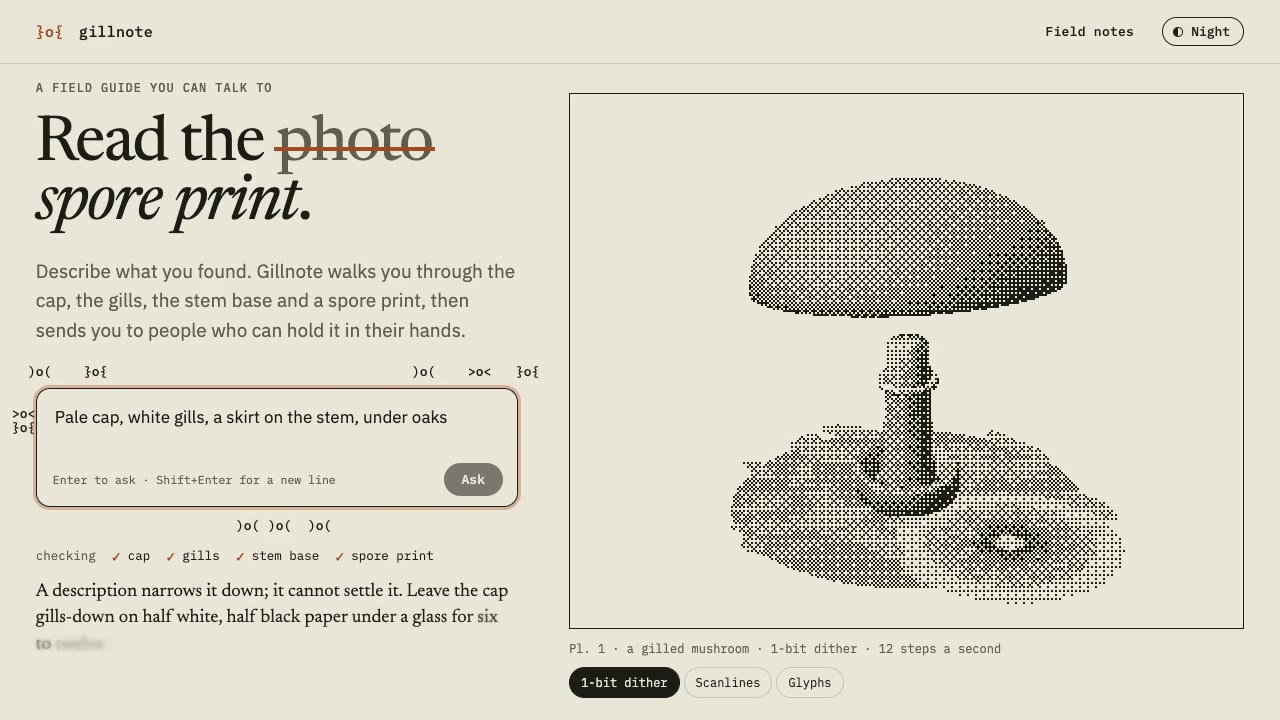
Dither & Glyph Hero
Have your agent build a hero that draws a live 3D scene in two inks, as dither, scanlines or glyphs, around an AI prompt, then check it in Chrome.

Cinematic Video Hero
Have your agent build a one-screen hero from footage and type, with a freeze frame, text behind the subject and a loop, then measure it in a real browser.
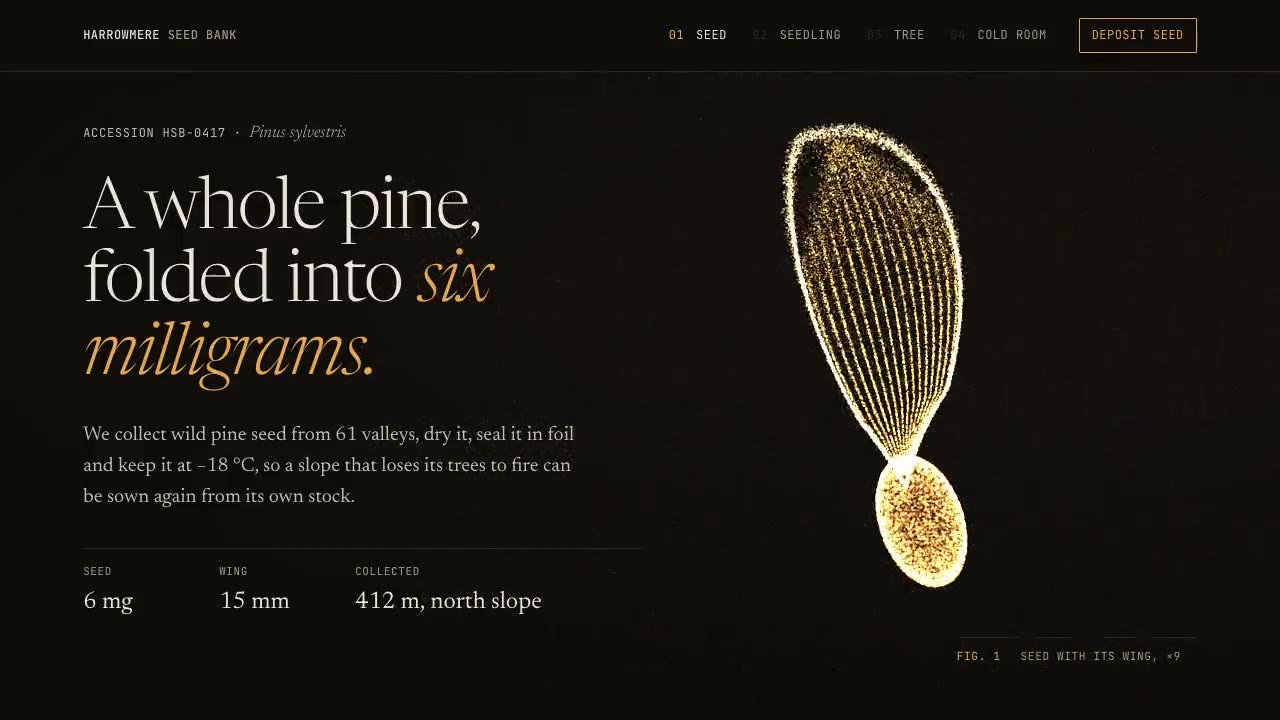
Particle Form Hero
Have your agent build a hero where GPU particles settle into your shape, morph to the next as the page scrolls, and part around the pointer.

Footage Landing Page
Have your agent build a full landing page under a looping footage hero, every word in one content file, then check it in Chrome.

Cursor Playground Hero
Have your agent build a hero section visitors play with, on small simulations that behave the same on every screen and never blow up.
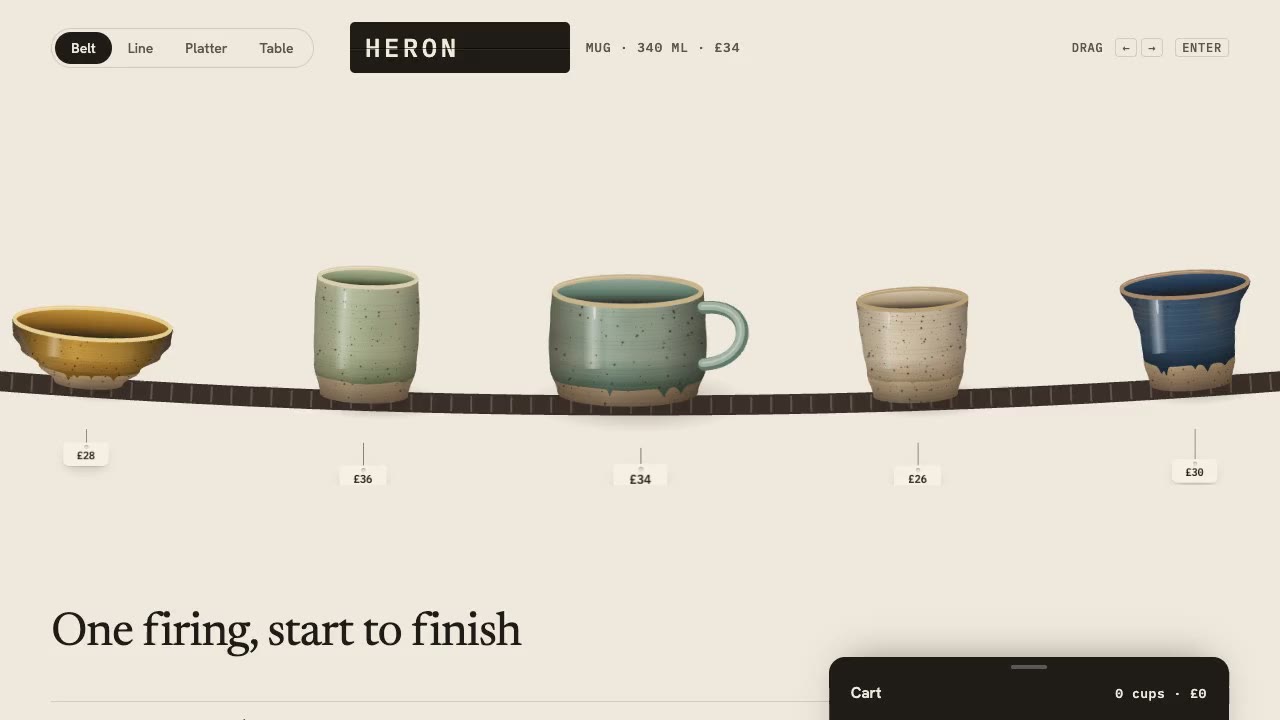
Drag Gallery Storefront
Have your agent build a shop you browse by dragging, with inertia, a seamless loop, a product sheet and a cart, then check it in Chrome.
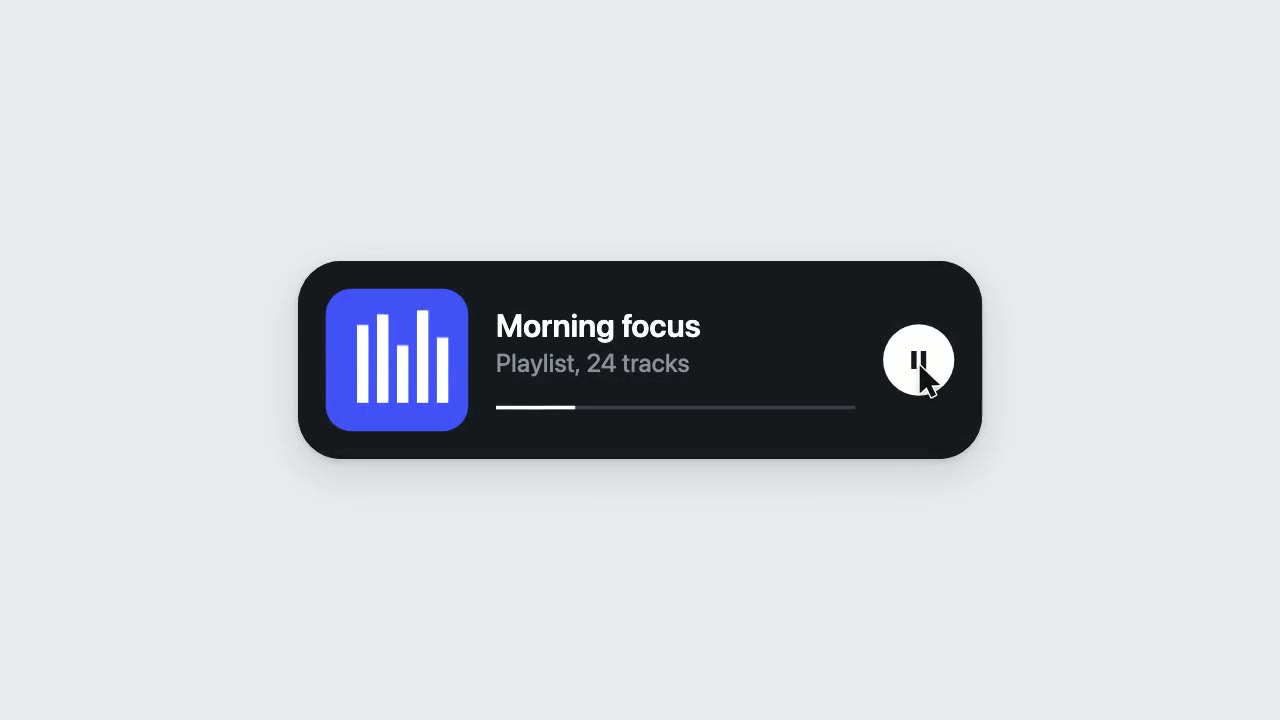
UI Morph Loop
Have your agent make a looping clip where one element turns into a button, toggle, slider, search field, notification and player, with a cursor that clicks and drags to cause each change.