
About this skill
The first screen of a site becomes a toy: creatures that come when you click and nap when left alone, a face that stretches and snaps back, a cloth flag you tug or unhook in a wind you set, jelly you wobble and slice. The skill starts from a brief that asks why the toy belongs on this site, what the visitor can do to it, what it does when nobody touches it, and every number the simulation needs. It ships small templates with no dependencies: a fixed-timestep clock with stamped input, steering behaviours for creatures, Verlet cloth, and shape-matching soft bodies that can be sliced. The agent builds the still page first, proves the simulation in Node, then wires it to the page with phone touch that never traps the scroll, a still pose for reduced motion, and an SVG for visitors without JavaScript. A Playwright check plays with the page in Chrome and fails it if the same seed gives two states, if the display rate changes anything, or if 60 seconds of rough input blows it up.
You say
Using this skill, ask me the brief's questions for my bakery's site, then build a hero where dough you drag stretches and springs back and flour settles on our name when nobody touches it. Run both checks and show me the desktop and phone screenshots.
How it works
- Your agent asks the brief's questions: why the toy belongs on your site, what visitors can do to it, what it does when left alone, and every number the simulation needs.
- It builds the still page first, which is also what visitors see with reduced motion or without JavaScript.
- It builds the simulation from the templates and soaks it in Node until it stays the same at every display rate and never blows up.
- It wires the toy to the page, plays with it in Chrome with mouse and touch, fixes what failed, and records a preview clip.
Getting a good result
- Pick a toy a visitor could guess your subject from. A flag for a kite shop explains itself; a bouncing logo does not.
- Give it something to do when nobody touches it. Creatures that nap and a flag that flies look alive in a screenshot.
- Never move a simulated point from an event handler. Stamp the event and let the next step apply it, or the toy behaves differently on a fast screen.
What you get
- A brief format with a field for every number the simulation needs, and a filled example
- Templates for a fixed-step clock, steering creatures, Verlet cloth and sliceable soft bodies, with no dependencies
- A working example: a kite shop's flag you tug and unhook in a wind you set, and paper birds that land on its name
- Recipes for five kinds of playground hero, plus phones, reduced motion, React and Next.js
- A Node soak and a Playwright check for determinism, display rate, bounded energy, pointer and touch, frame budget and reduced motion, and a frame-exact recorder for a preview clip
Good fit
- Brand and launch pages that want one memorable moment before the first scroll
- Agents that write front-end code and can run Node and a browser
- Teams that want a playful hero proven stable, not just approved by eye
Not for
- Pages where the first screen must sell in two seconds; a toy asks for a moment of play
- Scroll-driven stories, where the scroll is the timeline (use Scroll-Driven Site)
- Rigid-body piles and collapses, which need a physics engine rather than these small sims
How to install it
- Download the ZIP and unzip it.
- Move the folder holding
SKILL.mdinto your agent's skills folder, such as~/.claude/skills/for Claude Code. - Start a new session and ask for what you want to make.
Needs: An agent that reads skills, Node 20 or later and Playwright with Chrome, for the checks and the recorder, ffmpeg, only to record the preview clip.
Popular on X
Posts showing demand for this kind of video. Unless a post names this tool, it wasn't made with it.
- A post listing five UI and UX sites for builders, this library among them 98,508 views on X, measured 8 November 2026
FAQ
What does it cost?
$2.99 once for this skill, or $99 once for every skill in the library. It also comes with every paid AdAnt plan, from $15 a month. It runs on your own computer and uses no AdAnt credits.
Can I use it in commercial work?
Yes. The skill's code is MIT licensed: use it and what it makes in your own commercial work, including for clients, and keep the license file with any copy you pass on.
Will it behave the same on a 120 Hz screen?
Yes. The simulation steps 120 times a second on its own clock, and every click and drag is stamped with the time it happened and applied at that step. The check replays the same input on 30, 60, 120 and 144 Hz frames and requires the same state hash on all four; the example gave one hash on all four rates, and two loads with the same seed matched bit for bit.
What stops it from blowing up?
Every point's speed is capped after each step, a grip slips when it is pulled too far, wind acts as moving air with drag rather than a push, and anything that stops being a number resets and fails the check. In 60 seconds of rough input in Chrome, flinging at up to 5,000 px/s, the example's fastest point reached its 3,600 px/s cap, its cloth stretched to 1.14 times its rest length at most, and its energy settled back to 5,485 against a calm run's 3,956, within the check's limit of twice that.
How fast is the example?
In headless Chrome on an Apple M-series laptop, simulating and drawing took 1.3 ms per frame at the median, 2.6 ms at the 95th percentile and 4.6 ms at worst, over 289 frames. In Node, a step of its 198-point cloth under rough input averaged about a third of a millisecond. The loop stops while the hero is off screen: the check scrolled it away and counted no steps.
Does it work on phones?
Yes. A finger on the toy drags it, and a swipe anywhere else scrolls the page. On a 390 px wide page the check dragged the example's flag 123 px by touch while the page scrolled 0 px, scrolled 262 px with a swipe on open sky, and found no sideways scroll. With reduced motion the loop never starts and the hero is one still pose; without JavaScript an SVG stands in.
Does it work with Next.js?
Yes. The recipes put the hero in one client component that starts the loop, observers and listeners in an effect and removes them all on cleanup, keep the simulation in refs rather than React state, and render the still pose on the server. The example is plain HTML and ES modules so it runs from any static server.
Is this the site that inspired it?
No. The idea comes from a library of scroll-driven website prompts, linked on this page, whose prompts are only for its members. AdAnt wrote this skill, its brief format, templates, scripts and example site without them, and the library's makers did not write or review it. The clip on this page is AdAnt's example site, recorded with this skill's script.
Can I use what it makes commercially?
Yes. The heroes you build are yours. The templates, scripts and example site are MIT, and the license text is in the ZIP.
Related skills
Scroll-Driven Site
Have your agent build a landing page where scrolling pins, scrubs and reveals each scene, then measure it in a real browser.
Cursor-Gaze Character
Have your agent build a landing page whose character turns its head to follow the pointer, from frames it renders once, then measure it in Chrome.
Shader Reveal Site
Have your agent build a page where the pointer or the scroll uncovers a second picture through a shader, then measure the trail, the GPU and every fallback in Chrome.
Scroll-Posed 3D Product
Have your agent build a page where one 3D product holds the centre while the scroll poses it, section by section, until it docks into the buy box.
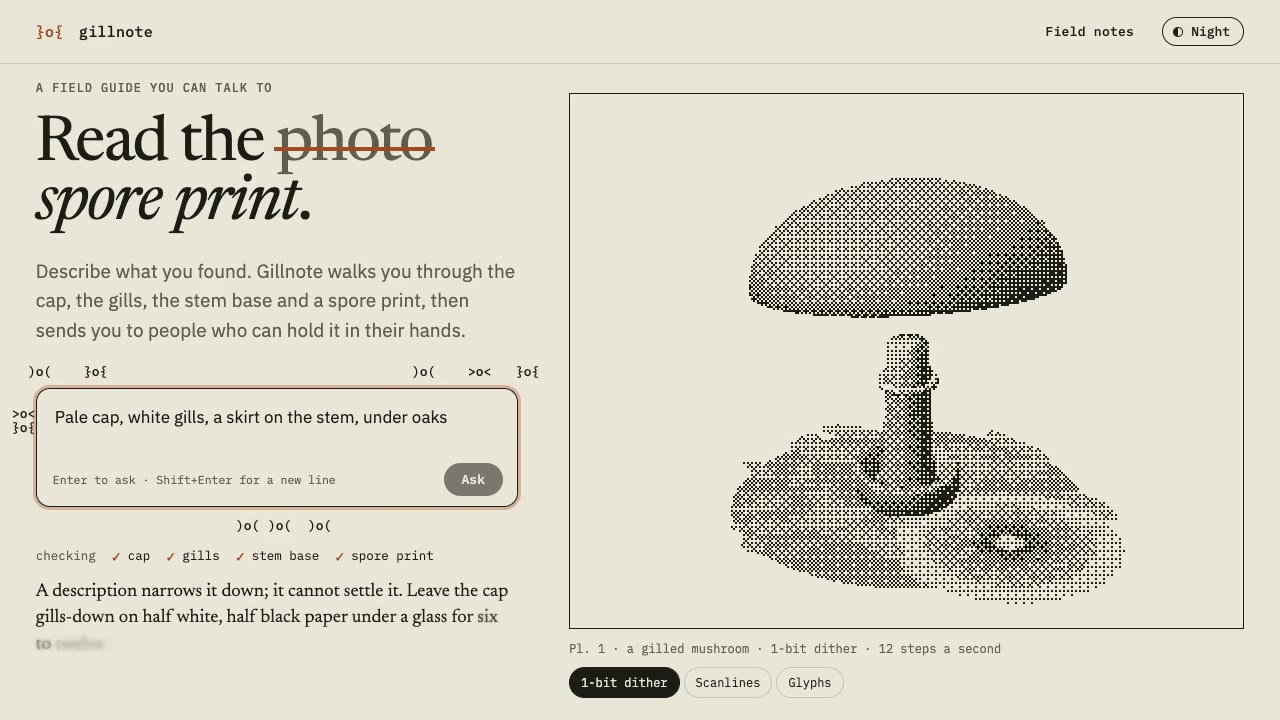
Dither & Glyph Hero
Have your agent build a hero that draws a live 3D scene in two inks, as dither, scanlines or glyphs, around an AI prompt, then check it in Chrome.
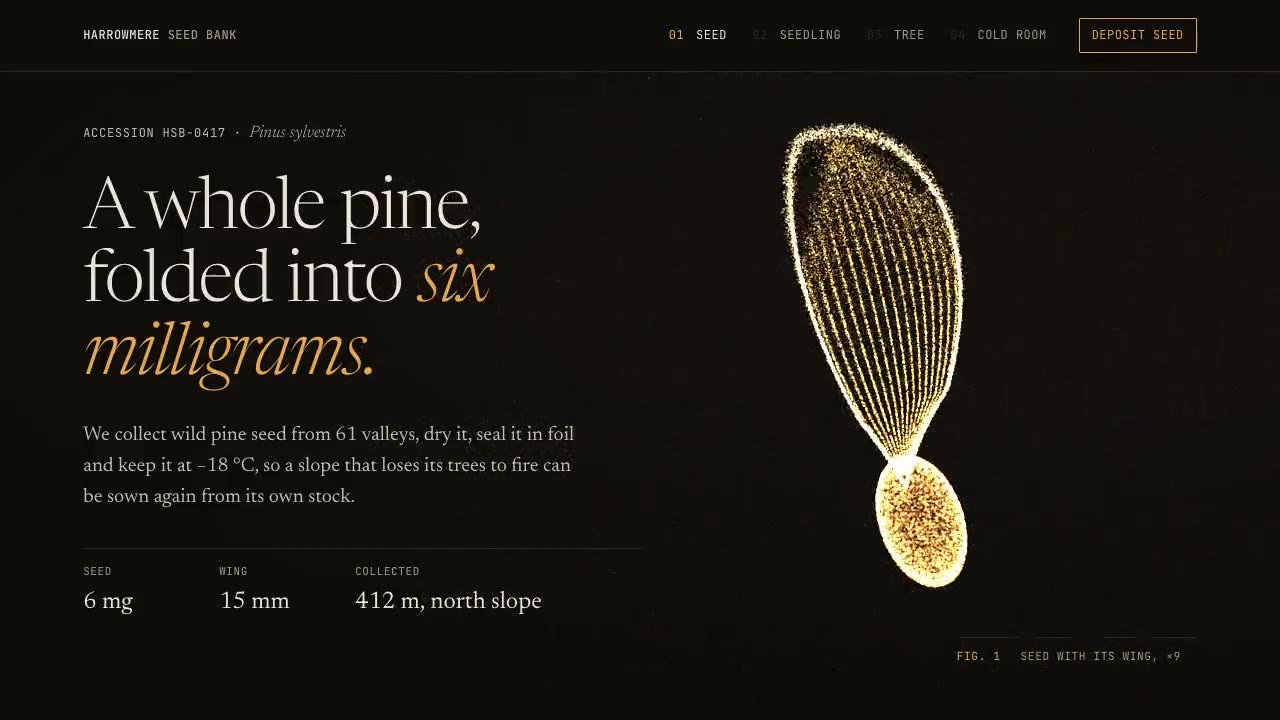
Particle Form Hero
Have your agent build a hero where GPU particles settle into your shape, morph to the next as the page scrolls, and part around the pointer.
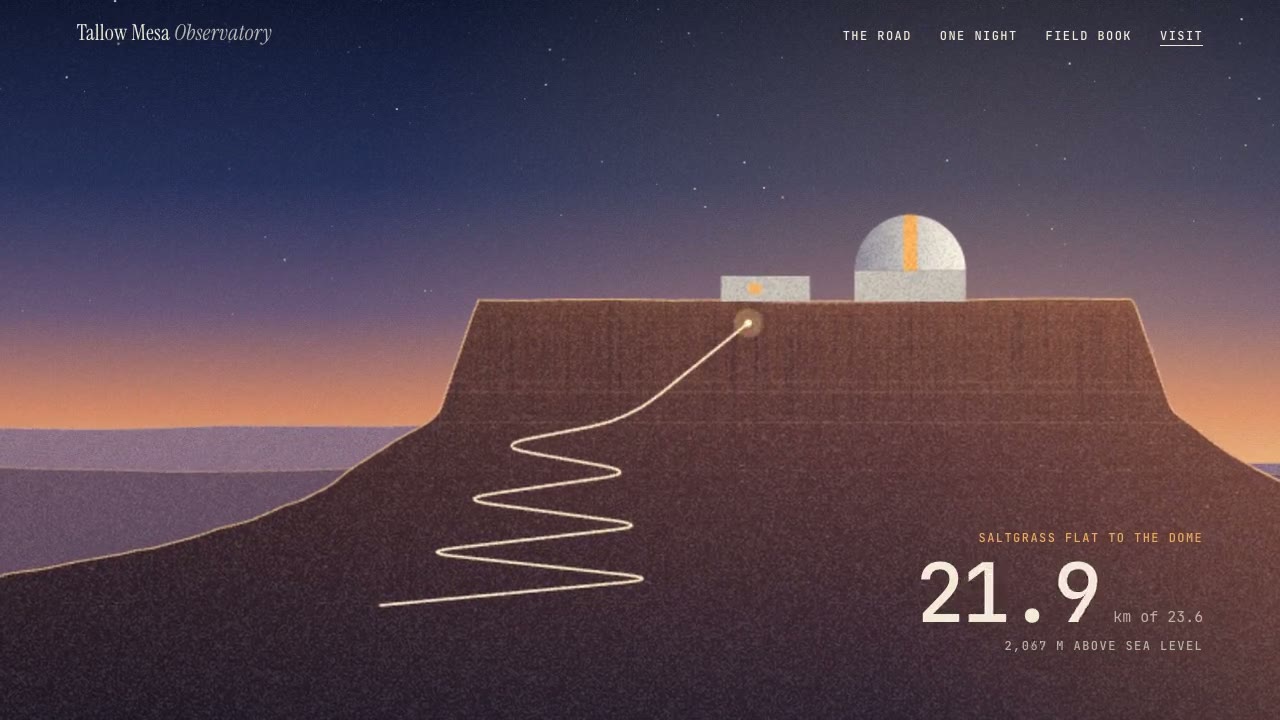
Parallax Plates Site
Have your agent split one picture into depth plates and build a page that flies through them on scroll, then prove in Chrome that no plate edge ever shows.

Cinematic Video Hero
Have your agent build a one-screen hero from footage and type, with a freeze frame, text behind the subject and a loop, then measure it in a real browser.
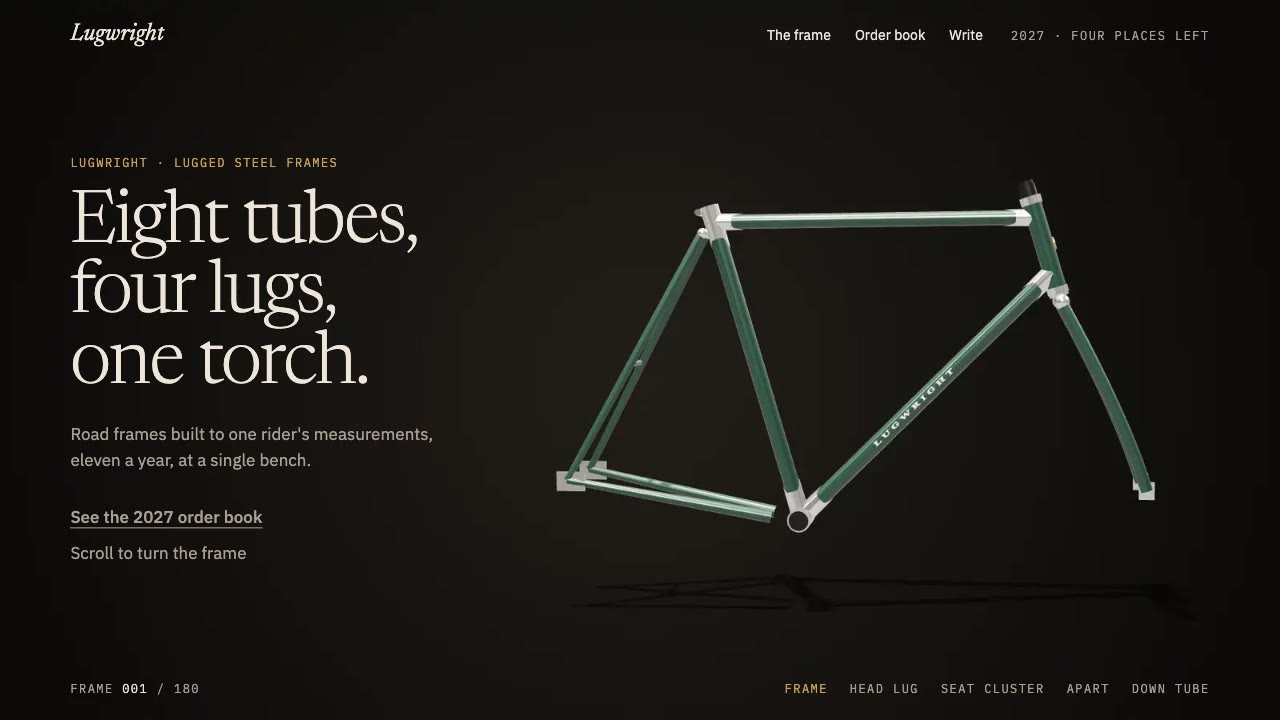
Scroll-Scrubbed Film Site
Have your agent build a landing page where scrolling plays a film frame by frame, with chapters, callouts and a preloader, then check it in Chrome.
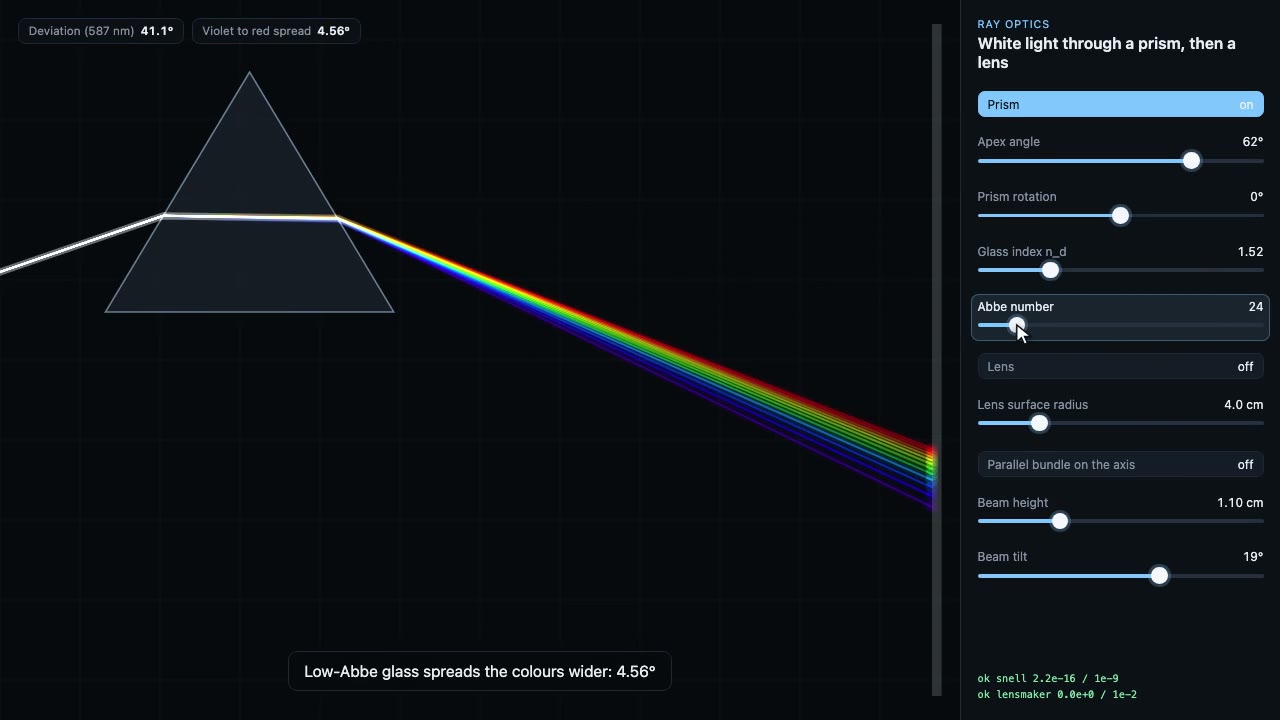
Science Simulation Lab
Build a live science sandbox with sliders, then record a scripted walk-through of it as a frame-exact MP4, with the physics checked on every frame.

Storybook Feature-Film Look
Have your agent give a three.js film the look of a finished animated feature, then sample random frames and fix them until every one passes a written reject list.
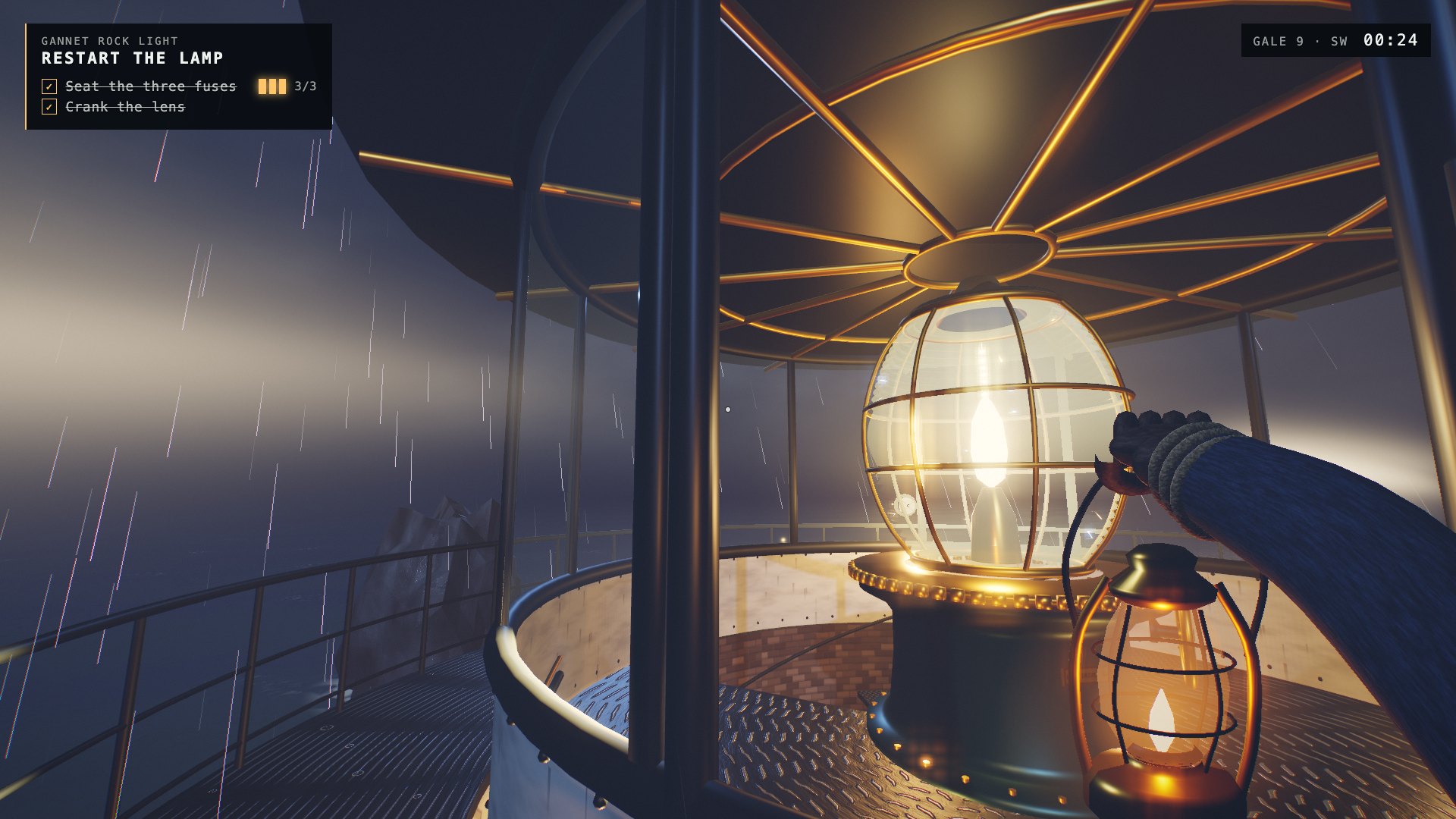
One-Shot First-Person Browser Game
Have your agent build a complete first-person 3D browser game in one long unattended run, with every mesh, texture and sound made in code, and record its gameplay.