
About this skill
One render or generated picture is split into flat plates at known distances, and a camera moved by the scroll flies through them: the nearest plates grow and leave first, the far ones barely move, and the pointer looks around. The skill covers five kinds of stage: the fly-through, a white-out of dust that clears, a route that inks itself while a counter reads off the distance, a pinned night with a clock running across it, and paper-cut spreads in a book whose leaves turn and settle. It explains how to cut your own picture into plates, with a depth map, matting, inpainting behind each layer and the overscan each depth needs, and ships a slicer that does the cut. The example is a fictional desert observatory drawn entirely in code. Its Playwright check measures every plate against its frame at 16:9, 4:3 and phone size with the pointer in each corner, paints the frame magenta to catch gaps, and checks that parallax grows with nearness, that plates leave nearest first and that the counter matches its path.
You say
Using this skill, ask me the brief's questions for my ski lodge's site, then split my render of the valley into seven plates, fly the camera up the valley on scroll with the ski lift's cable inking itself and a counter in metres, and run the plates check. Show me the phone screenshots.
How it works
- Your agent asks the brief's questions: the kind of stage, the picture and its plates with their distances, the camera, the real number, colours, type and copy.
- It cuts the picture into plates, from render passes or with the depth slicer, then mattes and inpaints them and sizes each one's overscan from the camera.
- It builds the still composite first, which is also the reduced-motion page, then the camera, the pins and the kind's pieces, one stage at a time.
- It runs the plates check at three screen sizes, reads the report and the screenshots, fixes what failed, and records a preview clip.
Getting a good result
- Halve the distance from one plate to the next. Even steps put all the motion in the last two plates.
- Decide how far the camera and the pointer move before exporting any plate; that sets how much bigger than the screen each plate must be.
- Give the scroll a number to move. A counter that reads off a real distance as the line draws explains itself.
What you get
- A brief format with a field for every choice the model would otherwise guess, and a filled example
- Five recipes: the fly-through, the clearing, the path with a counter, the pinned night and the paper-cut book
- A guide to cutting your own picture into plates: depth map, slicing, matting, inpainting behind each layer, overscan and file weight
- A working example site with no library: a desert observatory in nine plates, a road that draws itself to 23.6 km, a night of star trails and a three-spread book
- A depth slicer, a Playwright check for plate edges, magenta gaps, parallax order, exit order, counters, clocks, reduced motion, no JavaScript and phone overflow, and a recorder for a preview clip
Good fit
- Travel, outdoor, hospitality and story sites with one strong picture of a place
- Teams with a 3D render or an AI image they want to turn into depth without building a 3D scene
- Agents that write front-end code and can run Node and a browser
Not for
- Pages built around one live, rotating 3D object; use the Scroll-Driven Site skill
- Scenes that need a real camera move through space, such as walking round a corner; flat plates cannot show what was never in the picture
- Dashboards, docs and forms, where scroll should just scroll
How to install it
- Download the ZIP and unzip it.
- Move the folder holding
SKILL.mdinto your agent's skills folder, such as~/.claude/skills/for Claude Code. - Start a new session and ask for what you want to make.
Needs: An agent that reads skills, Node 20 or later and Playwright with Chrome, for the check, the slicer and the recorder, ffmpeg, only to record the preview clip, A depth model and an inpainting tool of your choice, only to cut your own picture into plates.
Popular on X
Posts showing demand for this kind of video. Unless a post names this tool, it wasn't made with it.
- A post listing five UI and UX sites for builders, this library among them 98,508 views on X, measured 8 November 2026
FAQ
What does it cost?
$2.99 once for this skill, or $99 once for every skill in the library. It also comes with every paid AdAnt plan, from $15 a month. It runs on your own computer and uses no AdAnt credits.
Can I use it in commercial work?
Yes. The skill's code is MIT licensed: use it and what it makes in your own commercial work, including for clients, and keep the license file with any copy you pass on.
Can I use my own picture?
Yes. Render the plates as separate passes from a 3D scene, or make a depth map of a single image and run the bundled slicer, which cuts it into bands of depth with soft edges and writes a mask per plate of the area to inpaint. The guide covers matting the edges and filling behind each plate, and works out how much larger than the screen each plate must be. In the example at 1600 by 900, that is 90 px a side for the nearest plate and 3 px for the sky.
How does it know no edge shows?
The check scrolls each stage of the example to its rest points at 1600 by 900, 1200 by 900 and 390 by 844, puts the pointer in each corner, and measures every plate against its frame: 195 states, with the tightest edge still 2 px outside the frame. It then paints the frame magenta behind the plates and counted no magenta pixels. Parallax grew with nearness in every frame, the five plates that leave did so nearest first, and the road's counter stayed within 0.21% of its path, one step of its readout.
How fast is the example site?
Wheeling through the whole page in headless Chrome on an Apple M-series laptop, the 95th-percentile frame time was 17.6 ms. Headless frame times are a guide rather than a measurement of a real screen, so compare runs on one machine. The page draws only while something is still easing. With reduced motion every plate stays still, the road is drawn in full and the book becomes three flat spreads; without JavaScript all the text reads, and at 390 px it does not scroll sideways.
Is this the site that inspired it?
No. The idea comes from a library of scroll-driven website prompts, linked on this page, whose prompts are only for its members. AdAnt wrote this skill, its recipes, scripts and example site without them, and the library's makers did not write or review it. The clip on this page is AdAnt's example site, recorded with this skill's script.
Can I use what it makes commercially?
Yes. The pages you build are yours. The scripts and the example site are MIT, and the license text is in the ZIP. If you use a depth model or an image model to make plates, check that model's own license.
Related skills
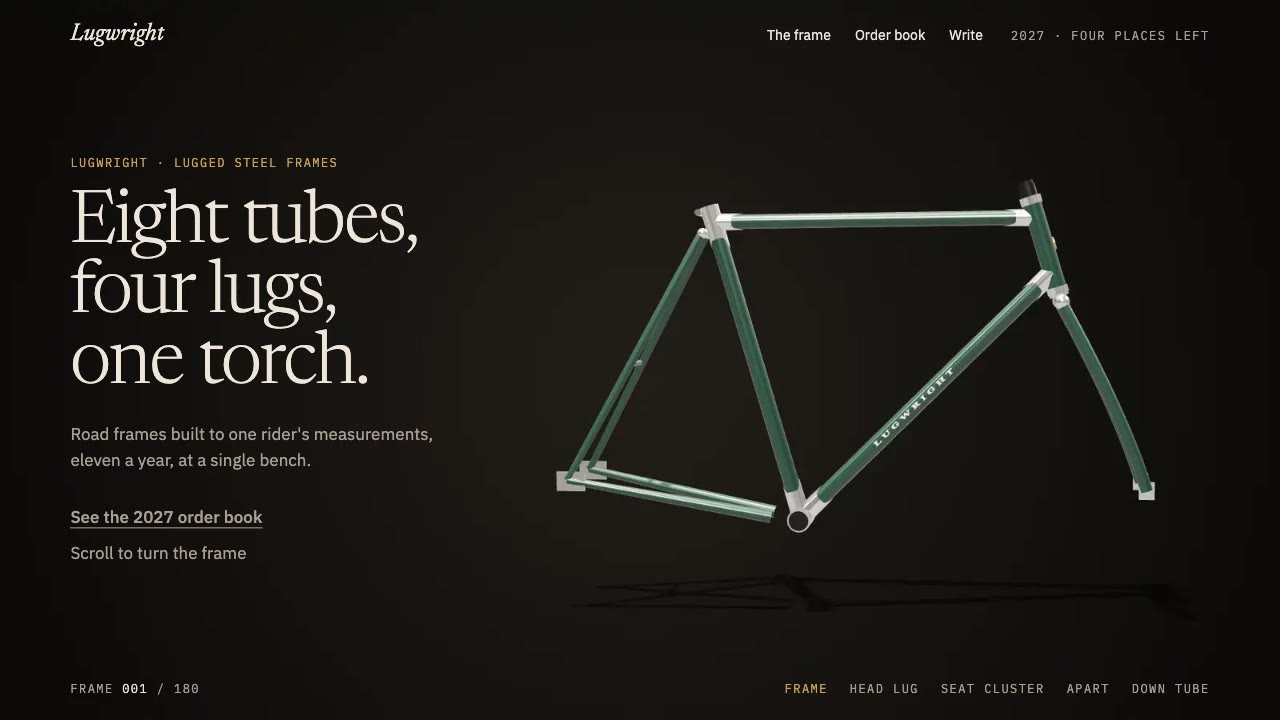
Scroll-Scrubbed Film Site
Have your agent build a landing page where scrolling plays a film frame by frame, with chapters, callouts and a preloader, then check it in Chrome.

Cinematic Video Hero
Have your agent build a one-screen hero from footage and type, with a freeze frame, text behind the subject and a loop, then measure it in a real browser.
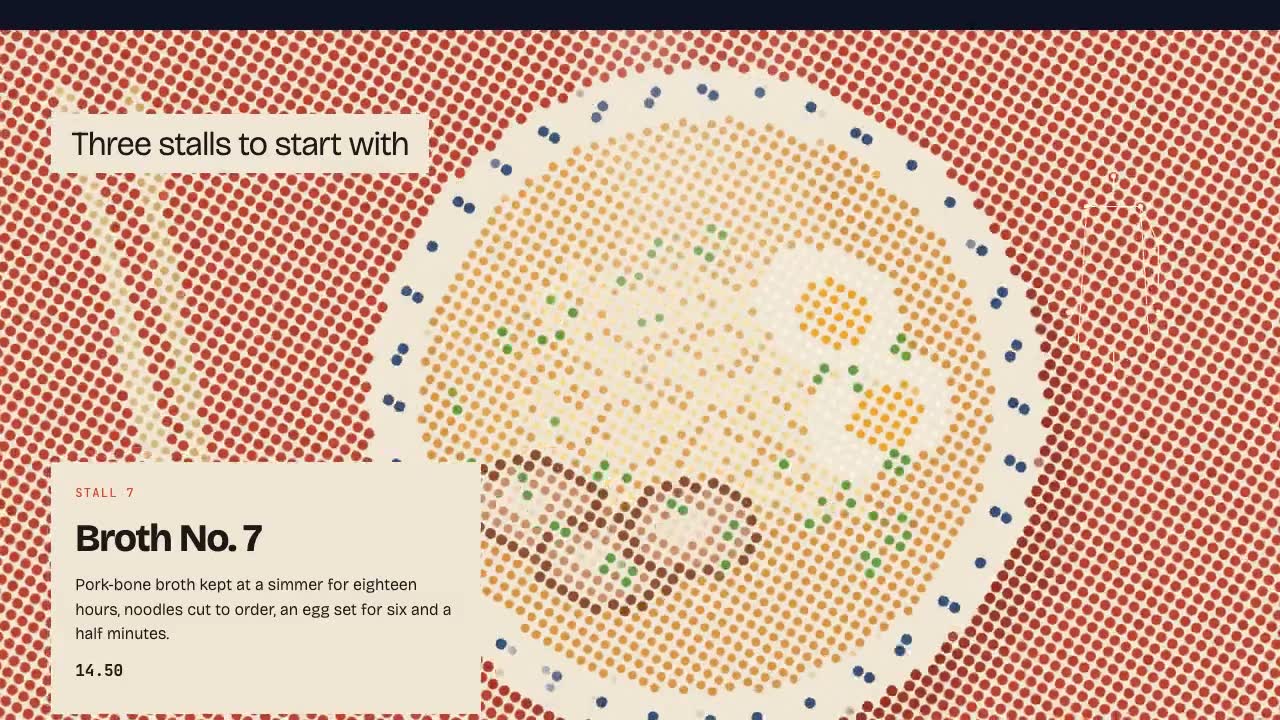
Shader Reveal Site
Have your agent build a page where the pointer or the scroll uncovers a second picture through a shader, then measure the trail, the GPU and every fallback in Chrome.
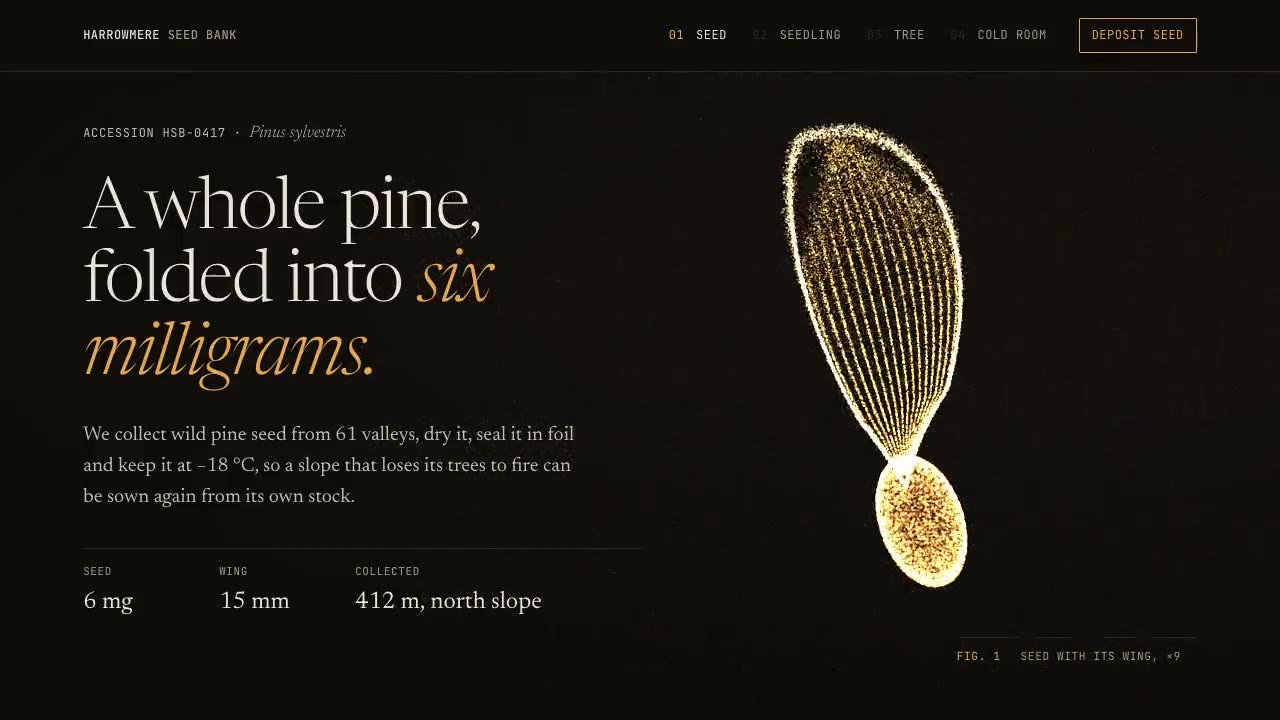
Particle Form Hero
Have your agent build a hero where GPU particles settle into your shape, morph to the next as the page scrolls, and part around the pointer.
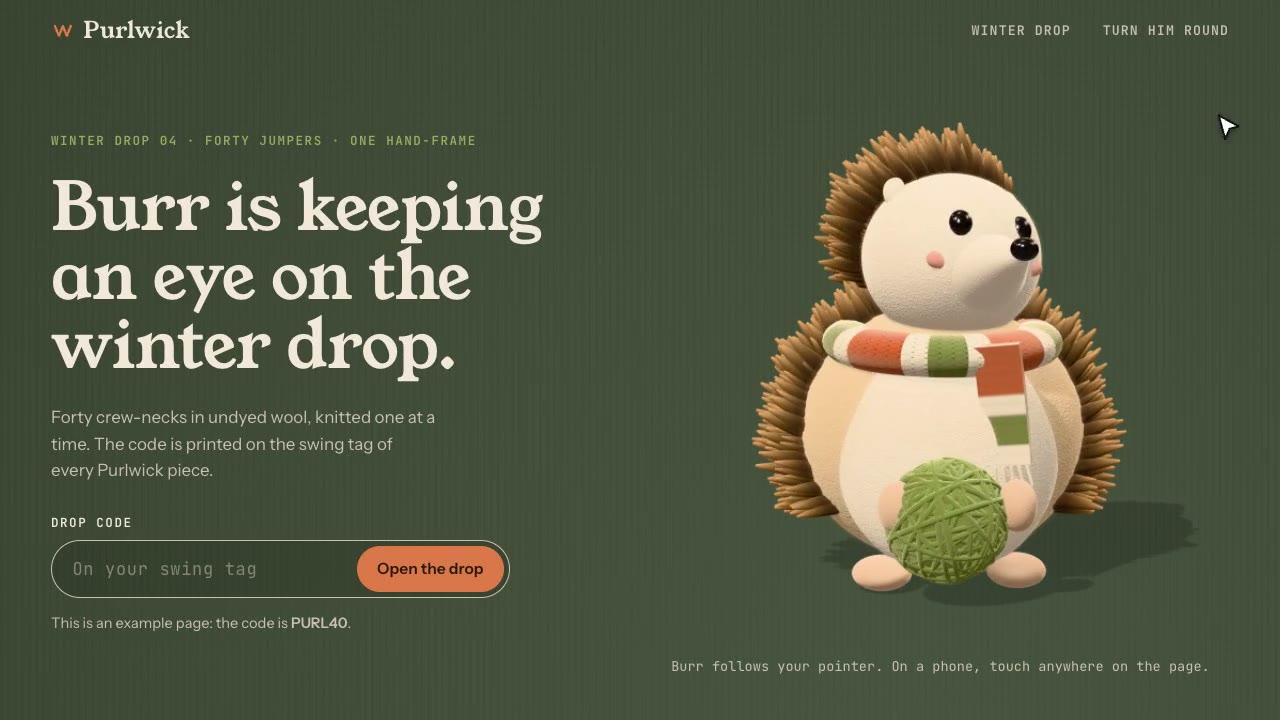
Cursor-Gaze Character
Have your agent build a landing page whose character turns its head to follow the pointer, from frames it renders once, then measure it in Chrome.
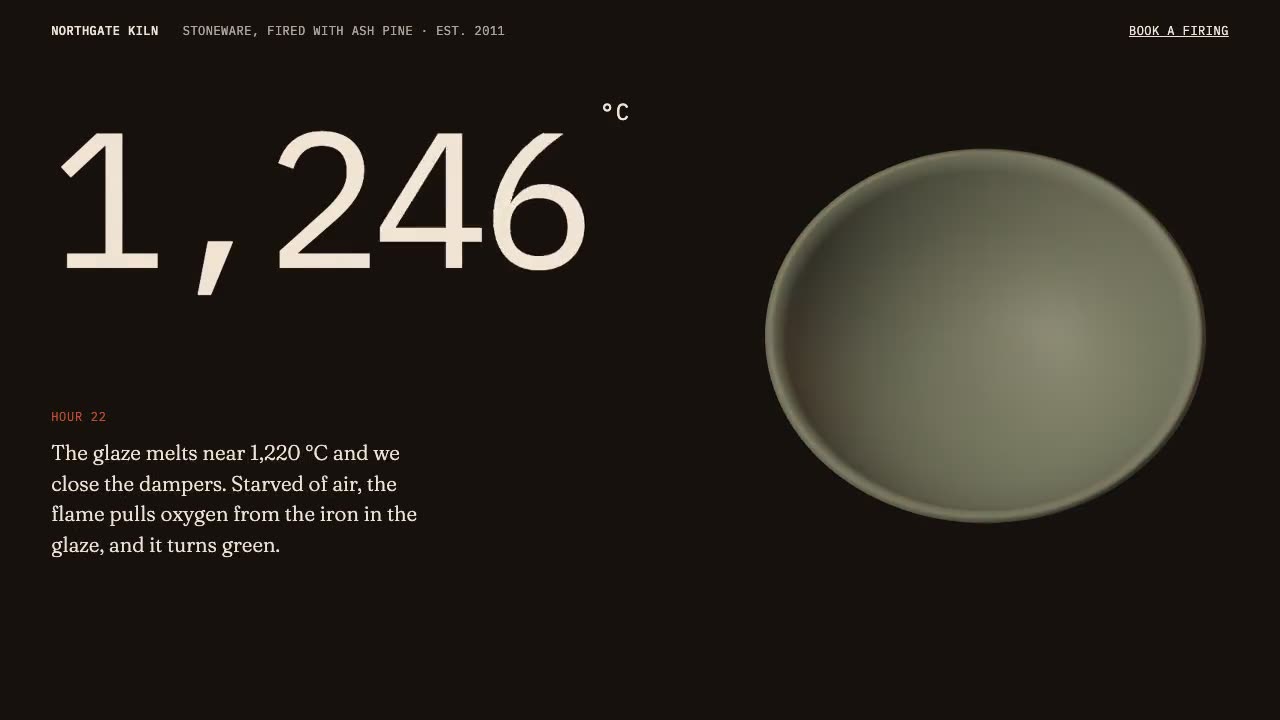
Scroll-Driven Site
Have your agent build a landing page where scrolling pins, scrubs and reveals each scene, then measure it in a real browser.
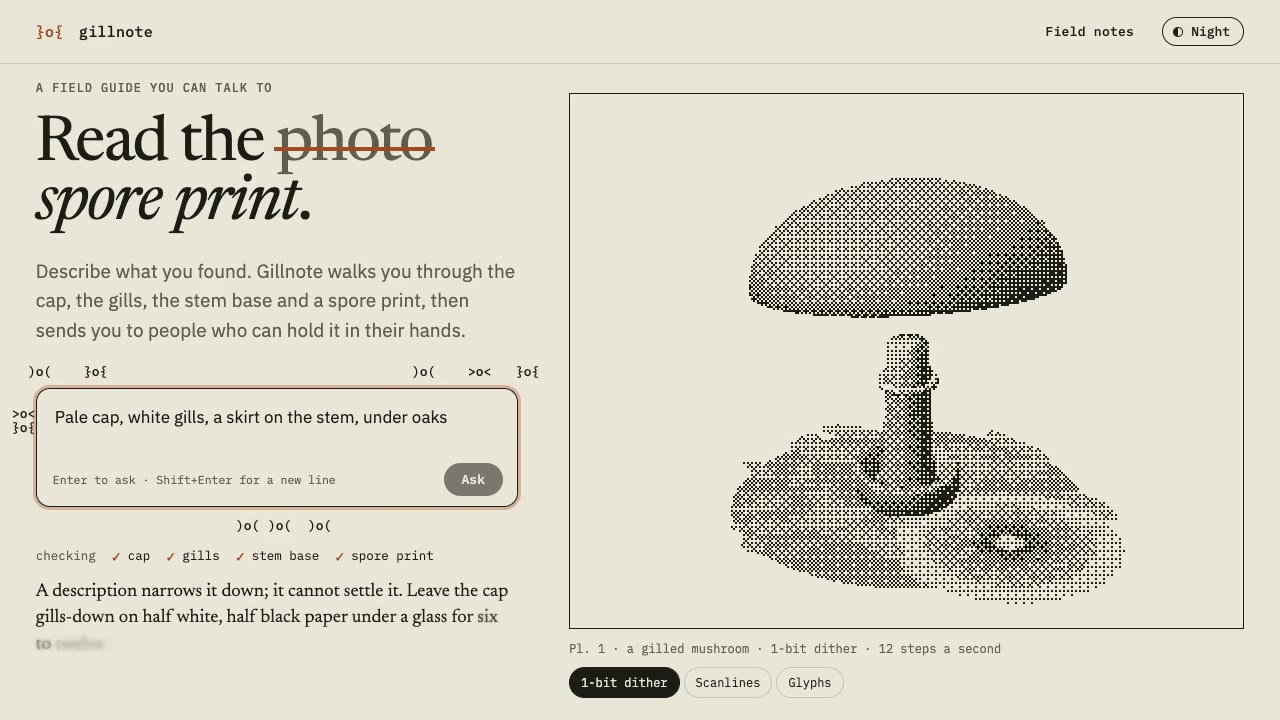
Dither & Glyph Hero
Have your agent build a hero that draws a live 3D scene in two inks, as dither, scanlines or glyphs, around an AI prompt, then check it in Chrome.
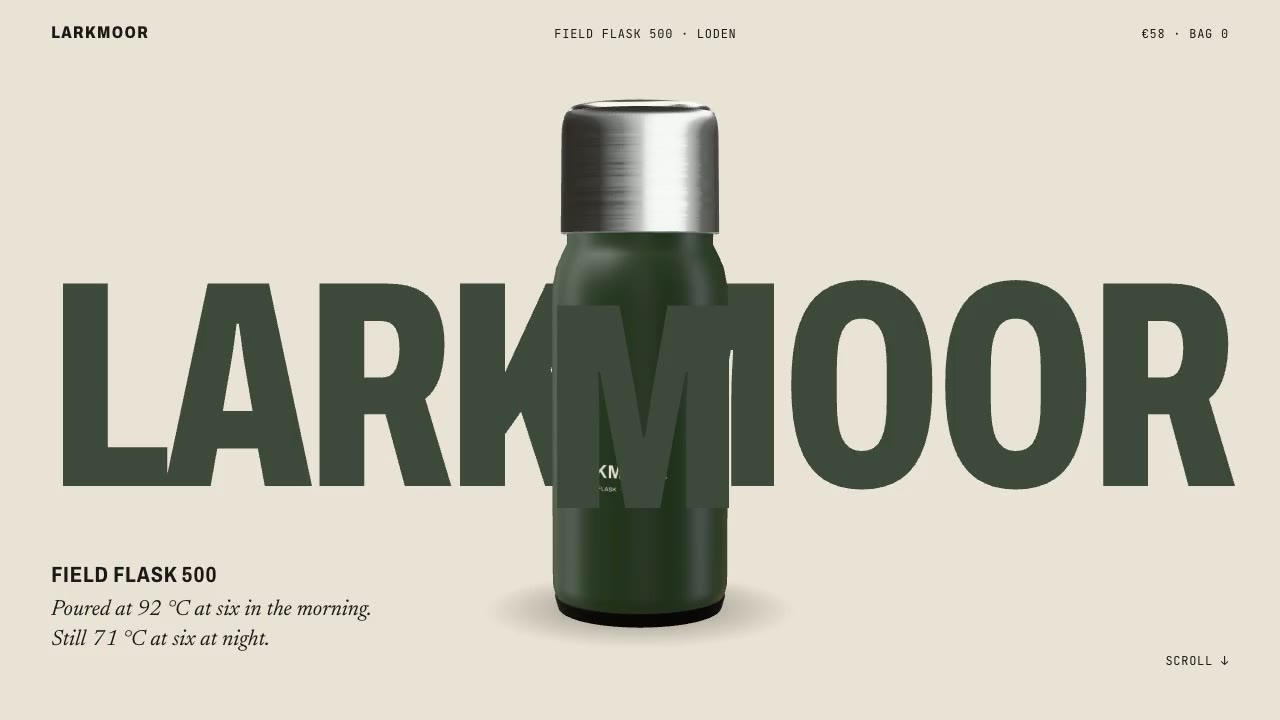
Scroll-Posed 3D Product
Have your agent build a page where one 3D product holds the centre while the scroll poses it, section by section, until it docks into the buy box.
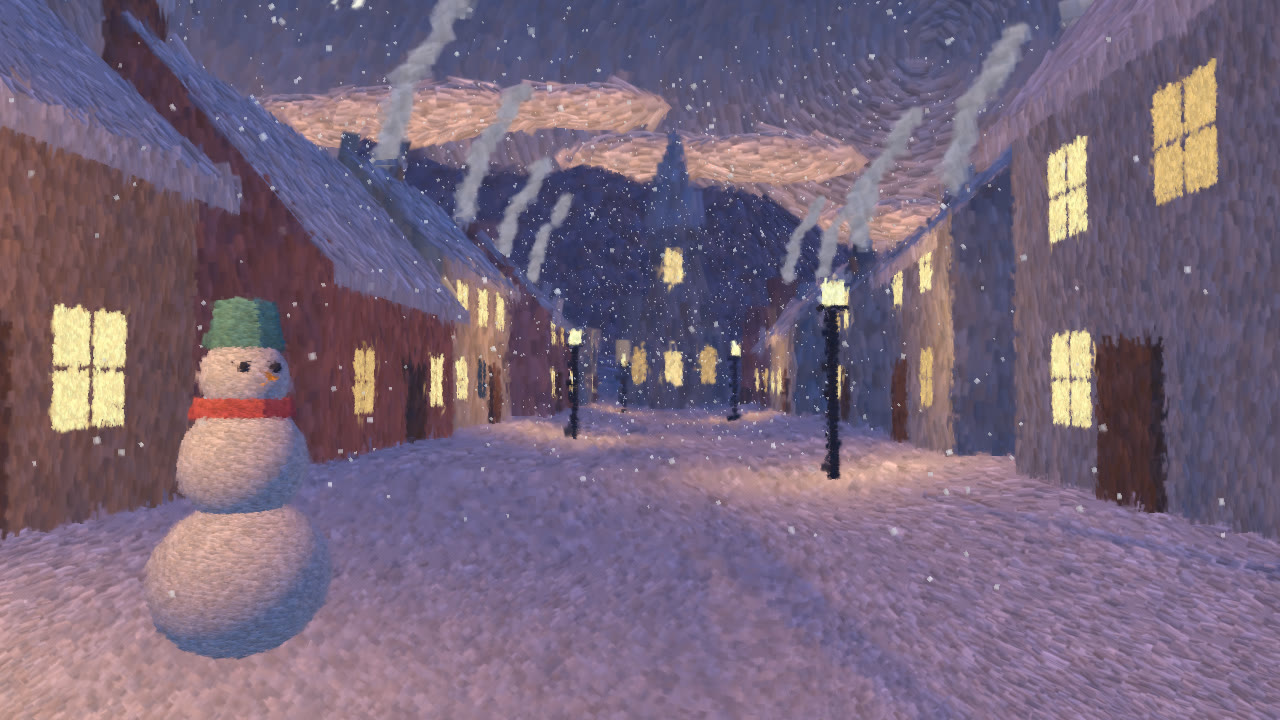
Hand-Painted Brushstroke 3D
Have your agent repaint a live three.js scene as brush strokes that stay on their surfaces when the camera moves, then measure it and record it.

Cursor Playground Hero
Have your agent build a hero section visitors play with, on small simulations that behave the same on every screen and never blow up.

Footage Landing Page
Have your agent build a full landing page under a looping footage hero, every word in one content file, then check it in Chrome.
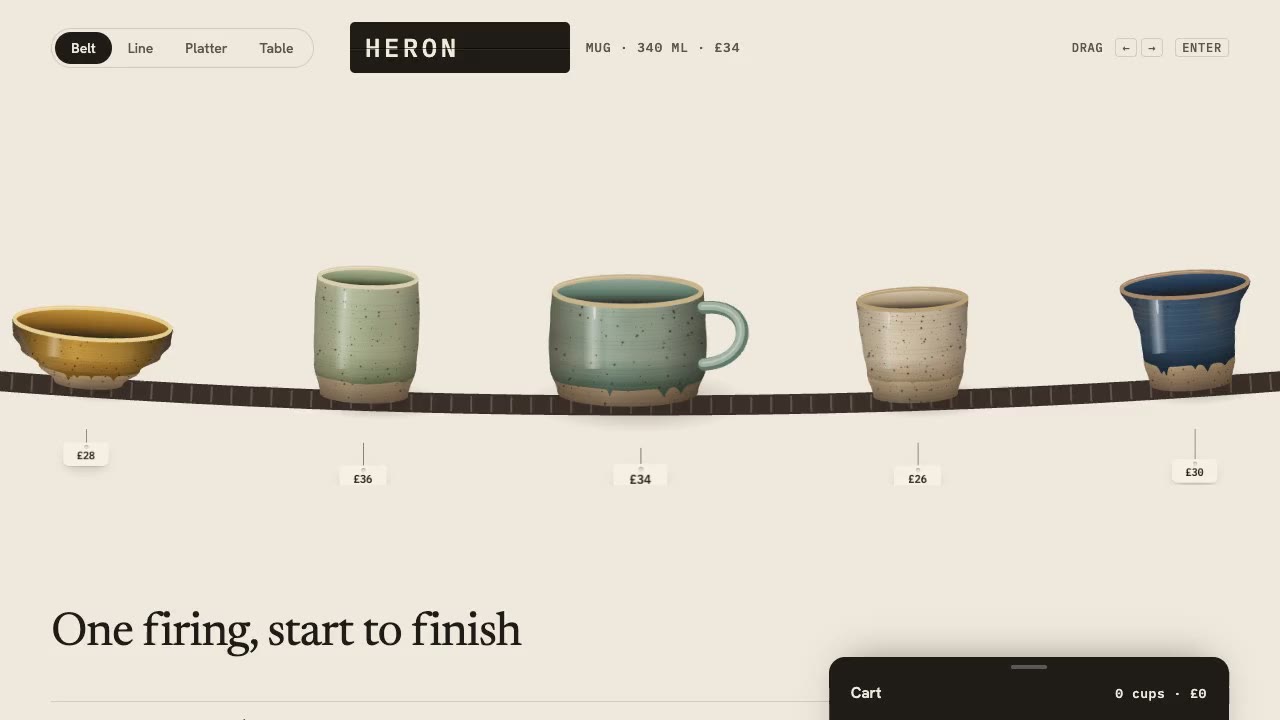
Drag Gallery Storefront
Have your agent build a shop you browse by dragging, with inertia, a seamless loop, a product sheet and a cart, then check it in Chrome.