
About this skill
A zoom across twenty orders of magnitude breaks three ways: floats can't hold a planet and an atom in one scene, a camera moving in metres crawls and then flashes past, and each change of scene is a cut. This skill fixes all three. You write a scale stack first: each level's size in metres and the source for it, or a note that the size is a framing choice. Each level is its own three.js scene in its own units, and a log-scale camera spends the same time on every decade. Levels crossfade by scale, so the next one is fully in before the last one goes. A checker measures every frame through the real cameras and fails a readout or scale bar that disagrees with the picture. A renderer makes the MP4 in headless Chrome, and a score follows the same path. The download includes the eight-level zoom from Earth to a silicon atom on this page.
You say
Using this skill, make a 20-second zoom out from a dew drop on a leaf to the whole Milky Way. Source every size you can, mark the rest as framing, and check the readout on every frame before you render it.
How it works
- Your agent writes the scale stack first: every level's size in metres with its source, and how far each scene holds up.
- A checker fails sizes out of order, missing sources, and gaps too wide for one level to fade into the next.
- Each level is built as its own three.js scene around the zoom point, and a log-scale camera gives every decade the same time.
- Every frame is measured through the real cameras, the fades are checked for colour jumps, and the film is rendered to MP4 with its score.
Getting a good result
- Look at a contact sheet before a full render. A blank decade shows up there in seconds.
- Share code between neighbouring levels, not just colours, so a fade reads as more detail rather than a new picture.
- Say which sizes are measured and which are framing. The readout is only as honest as the stack behind it.
What you get
- A scale-stack format with a checker for order, sources, gaps between levels and fade room
- A log-scale camera path with equal time per decade, eased ends and optional lingers
- Crossfade rules by scale, with a colour-match check at every fade
- A frame checker that measures the readout and scale bar against each level's real camera
- A Playwright and ffmpeg renderer, a score built from the zoom path, and a working Earth-to-atom example
Good fit
- Science and education explainers about scale
- Openers and hero shots that show how small or how large something is
- Product stories that go from the market down to the part that matters
Not for
- Exact scientific visualisation: the example's atoms and crystal steps are drawn simplified
- Real places or people at street level, which need real imagery
- Quick turnaround without building a scene for every level
How to install it
- Download the ZIP and unzip it.
- Move the folder holding
SKILL.mdinto your agent's skills folder, such as~/.claude/skills/for Claude Code. - Start a new session and ask for what you want to make.
Needs: An agent that reads skills, Node.js 20 or later with Playwright, Chrome, or Playwright's Chromium, ffmpeg.
Popular on X
Posts showing demand for this kind of video. Unless a post names this tool, it wasn't made with it.
- A room-to-quarks zoom made with Claude Opus 5.5 73,525 views on X, measured 11 November 2026
- A zoom from quarks to the universe made with Claude 14,570 views on X, measured 11 November 2026
FAQ
What does it cost?
$2.99 once for this skill, or $99 once for every skill in the library. It also comes with every paid AdAnt plan, from $15 a month. It runs on your own computer and uses no AdAnt credits.
Can I use it in commercial work?
Yes. The skill's code is MIT licensed: use it and what it makes in your own commercial work, including for clients, and keep the license file with any copy you pass on.
How does the readout stay right on every frame?
The readout, the scale bar, the fades and the camera are all computed from one number, the log of the frame's width. The checker doesn't trust that: on every frame it projects two points through each drawn level's camera, works out the width that camera really shows, and fails if the readout, the bar or another drawn level disagrees.
Are the sizes real?
Every level carries a source. A measured size links the page it comes from, such as NASA's Earth fact sheet or the USGS grain-size scale, and can carry the range that source allows. A chosen size, such as a 60-metre stretch of beach, is marked as framing. The checker fails a level with no source or a placeholder.
Can it zoom out to galaxies?
Yes. The same stack runs in either direction, the readout switches to astronomical units and light years past a certain size, and the references cover building planet, galaxy and star-field levels. The example on this page zooms in, from Earth to a silicon atom, in 17.7 seconds.
Do I need a GPU?
A laptop GPU is enough. The 532-frame example rendered at 1280x720 in about 25 seconds on an M-series Mac with Chrome. Without a GPU, Playwright's Chromium renders on the CPU, which works but is much slower.
Did the creators of the zoom videos write this skill?
No. The idea comes from popular posts linked on this page, in which agents made continuous zooms across scale. The posts share no license for their prompts or code, so AdAnt wrote this skill and its code, and the creators did not write or review it. The clip on this page was made by AdAnt with this skill.
Related skills

Shader Reveal Site
Have your agent build a page where the pointer or the scroll uncovers a second picture through a shader, then measure the trail, the GPU and every fallback in Chrome.
Physics Simulation One-Take Film
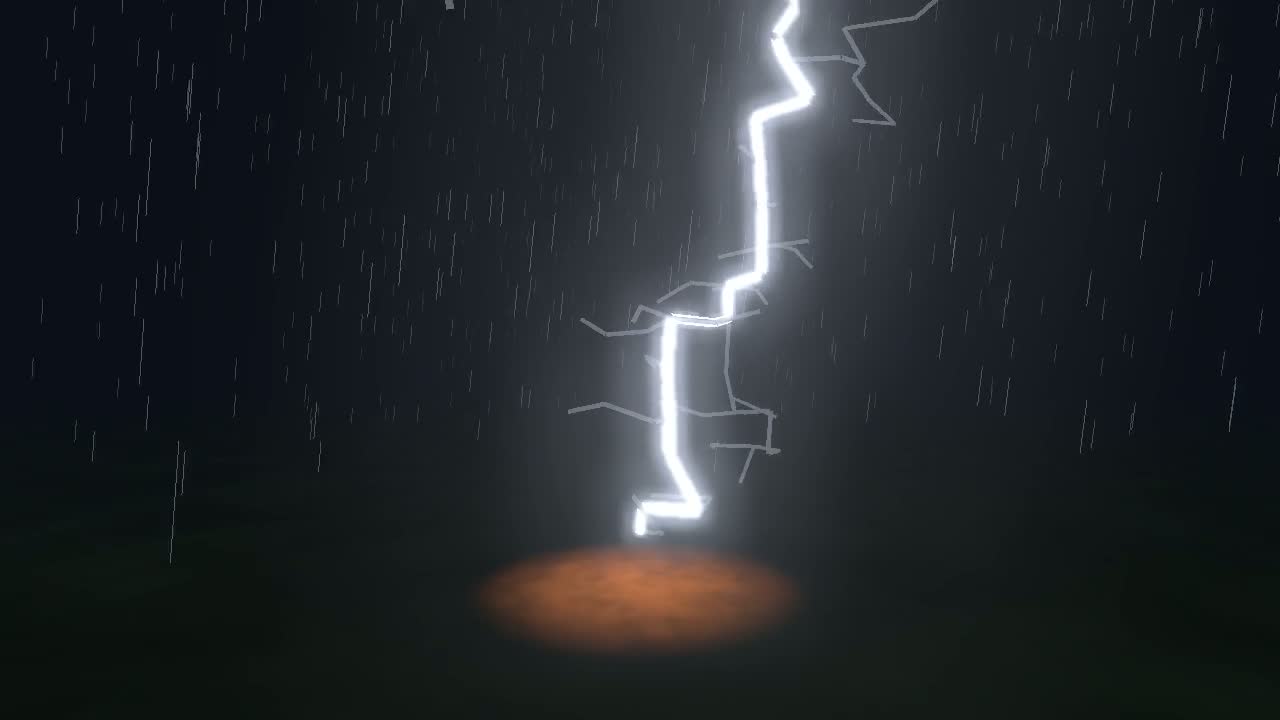
Simulate lightning, a crack or a fire front, then ride it in one unbroken camera shot, with sound from the simulation and a flash safety check.
Process Step Animation
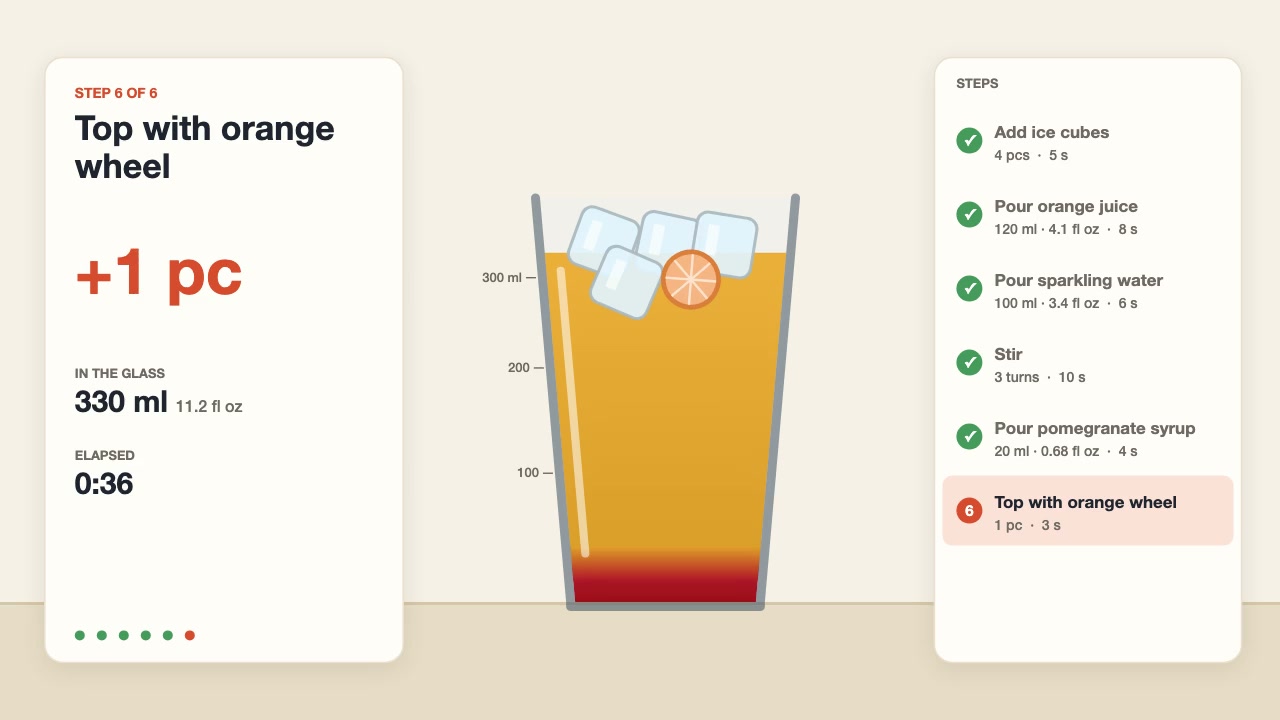
Have your agent animate a recipe or any process with quantities, step by step, with pours that fill to the right height and counters that match the steps.
UI Morph Loop
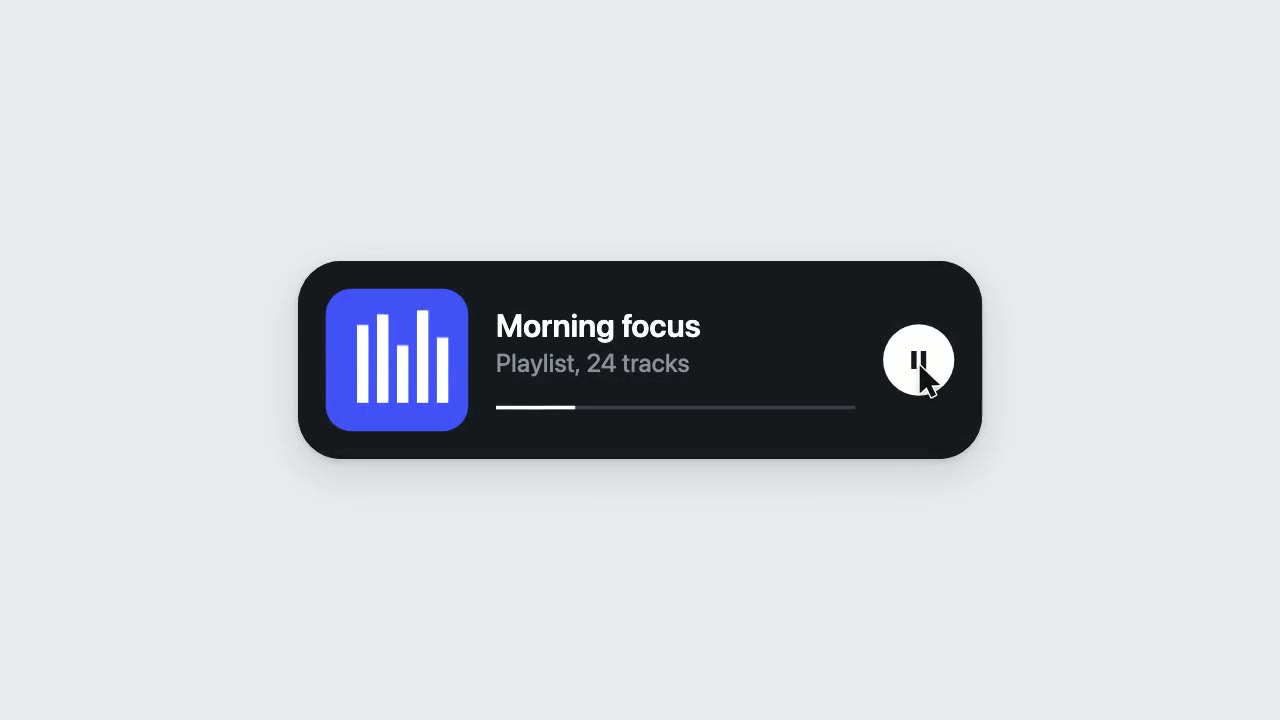
Have your agent make a looping clip where one element turns into a button, toggle, slider, search field, notification and player, with a cursor that clicks and drags to cause each change.

Storybook Feature-Film Look
Have your agent give a three.js film the look of a finished animated feature, then sample random frames and fix them until every one passes a written reject list.
Narrated Explainer Video
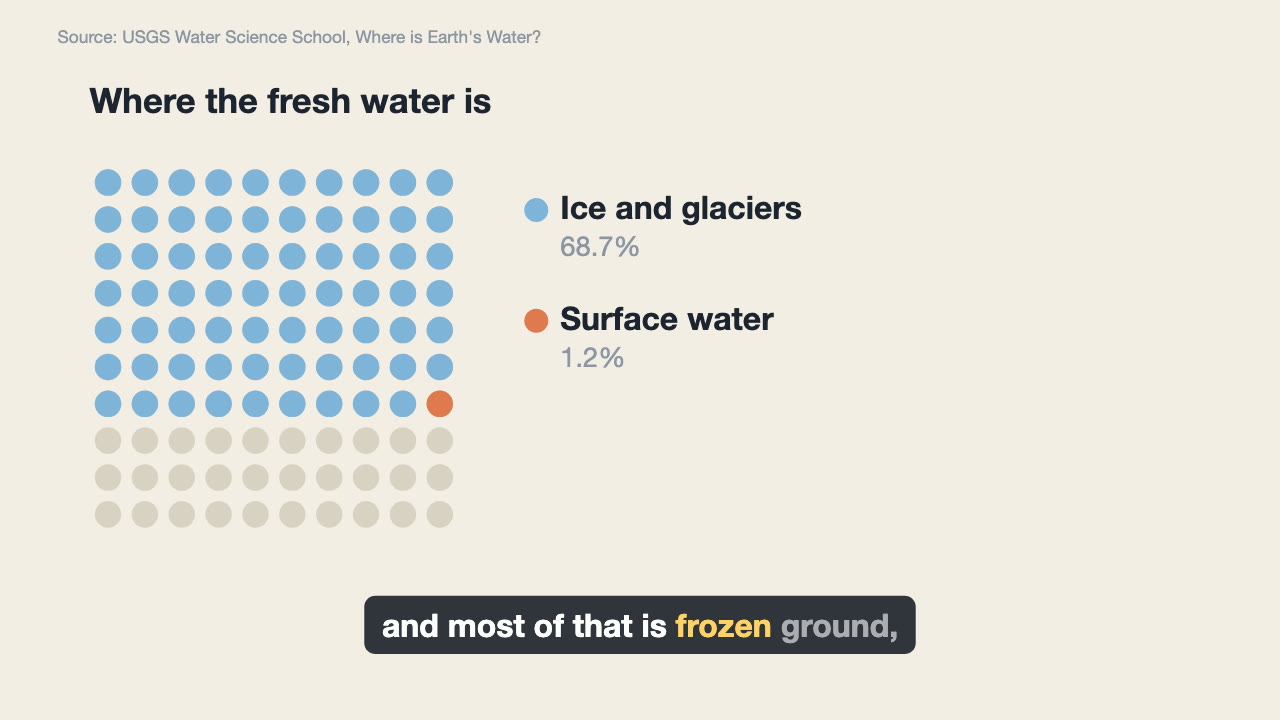
Have your agent research a topic, write a script with a source for every figure, voice it, and animate scenes that land on the words that name them.
History Timeline Film
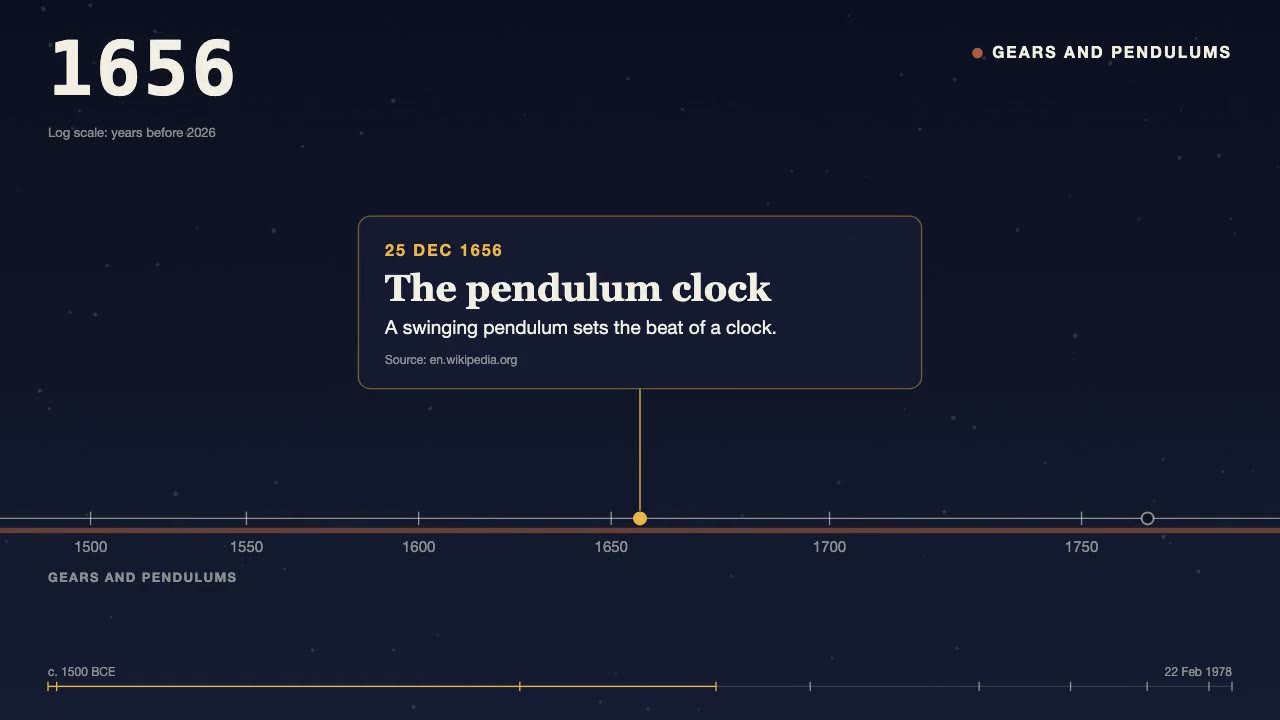
Turn a dated, sourced list of events into a 30 to 90 second film: the camera travels along a time axis, a year counter rolls, and each card lands on its date.
Pixel-Art Sprite Film
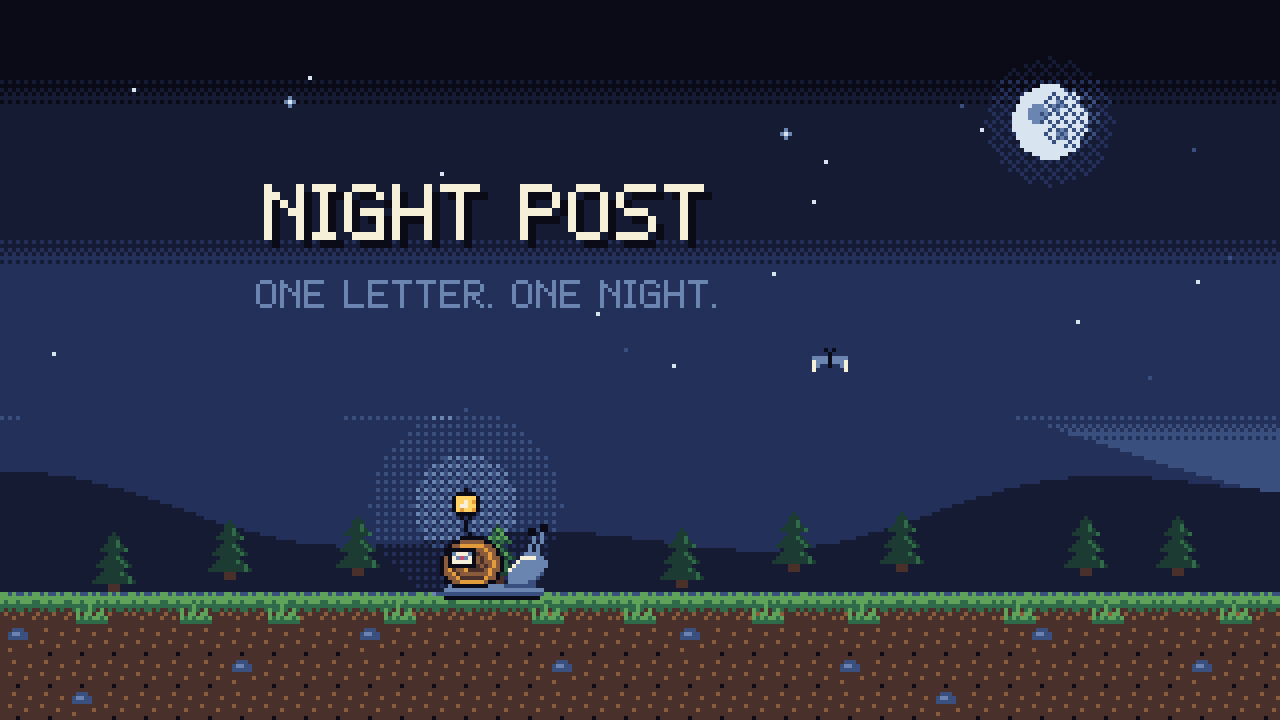
Have your agent make a 15 to 40 second pixel-art scene in code, with sprites, parallax and a chiptune score, rendered to an MP4 whose pixels stay crisp.
Self-Building 3D Construction
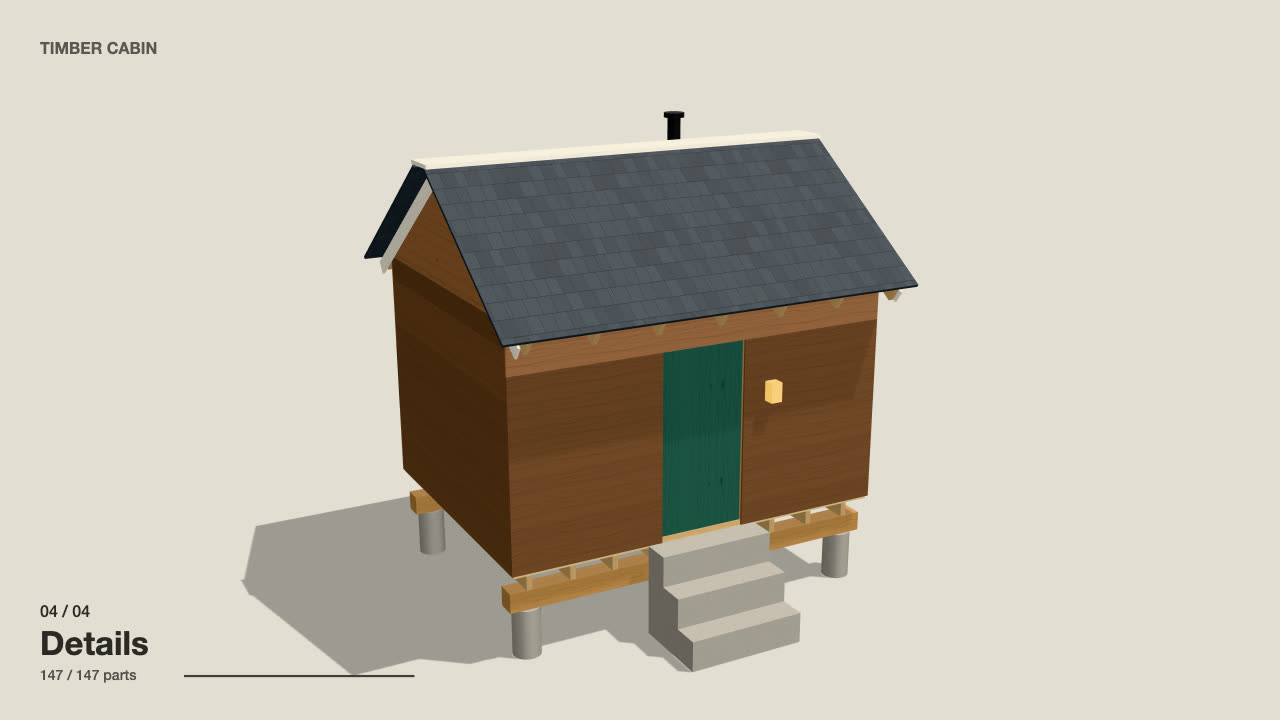
Have your agent make a 15 to 40 second three.js film in which a building or an object puts itself together in a believable order, then circles the finished piece.

Cinematic Video Hero
Have your agent build a one-screen hero from footage and type, with a freeze frame, text behind the subject and a loop, then measure it in a real browser.

Scroll-Scrubbed Film Site
Have your agent build a landing page where scrolling plays a film frame by frame, with chapters, callouts and a preloader, then check it in Chrome.
Era-Style Montage
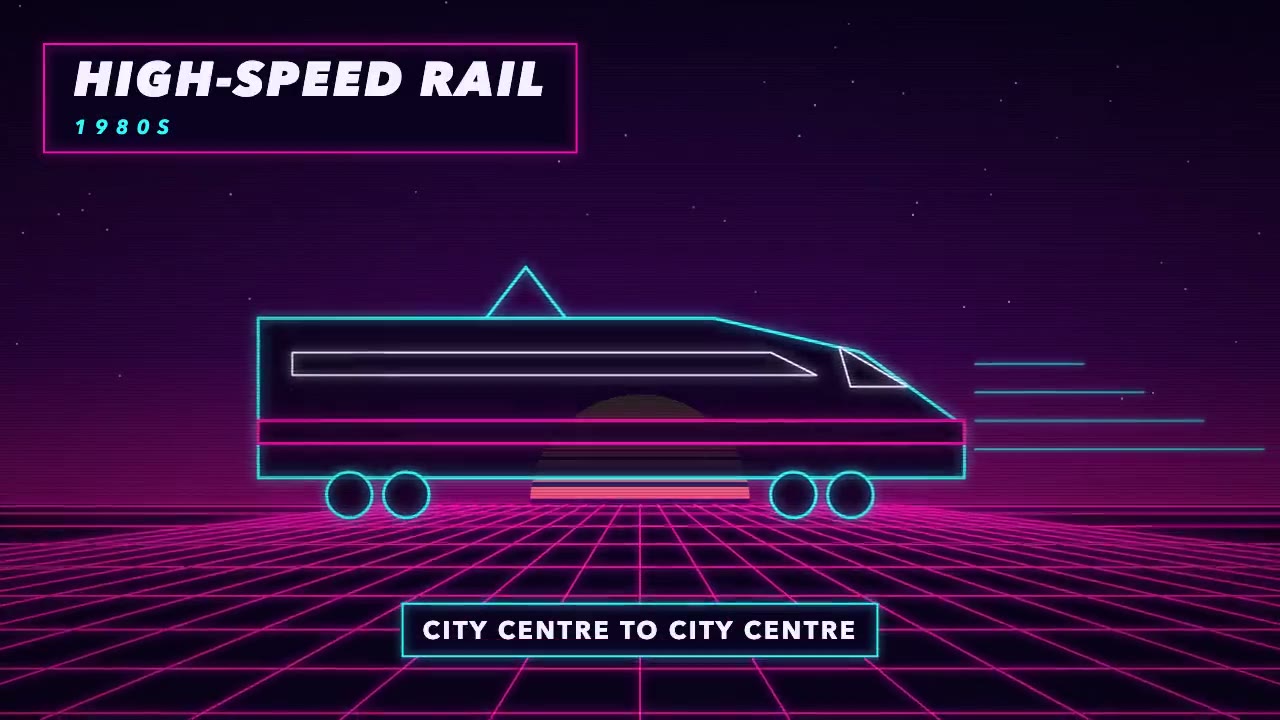
Have your agent make a 30 to 60 second montage through time in which every era is drawn in its own period's look and scored with its own instruments.