
AI tool · Runs on AdAnt
Try Leonardo Colors on AdAnt
No install and no setup. Describe what you want, and AdAnt's agent makes it with this skill, then opens the project in Studio. Runs use your plan's credits; the amount depends on what you make.
- Describe itEdit the example brief, or write your own.
- AdAnt's agent runs Leonardo ColorsIt follows the skill's real recipe and files in the cloud.
- Finish in StudioReview the result, ask for changes, and export.
One plan for every skill · Basic is $15 a month for 60 credits
- Run this skill, and every other one, on AdAnt with no setup
- Download all 91 skills as ZIPs, plus every skill added later
After checkout you come straight back here, with your brief kept, and the run starts.
About this skill
Leonardo Colors is Adobe's own agent skill for @adobe/leonardo-contrast-colors, the open-source library behind leonardocolor.io. Instead of picking hex values and auditing them afterwards, you name the contrast each token needs, such as 3:1 for large text and 4.5:1 or 7:1 for body text, and Leonardo finds the color on your scale that sits at that ratio against the background. Your agent defines one background color and a few brand colors, builds a Theme, reads the tokens out as CSS variables or design tokens, and can regenerate the whole set for a darker background or a higher contrast setting. The skill is two files: the steps, and a full API reference the agent loads when it needs it.
You say
Using the leonardo-colors skill, build a color theme for our running app: warm grey neutrals, a moss green brand color, an orange for alerts and a blue for links. I need text tokens at 4.5:1 and 7:1, UI tokens at 3:1, a light theme and a dark theme, and CSS variables for both. Check every token with contrast() and list any that miss.
How it works
- Your agent installs @adobe/leonardo-contrast-colors from npm and defines one background color with the greys you need.
- It defines each brand color from one or more key colors and the contrast ratios its tokens must reach, such as 3, 4.5 and 7.
- It builds a Theme at a background lightness, light near 97 and dark near 10, and reads every token out as CSS variables or design tokens.
- For a dark mode or a high-contrast setting, it changes lightness or contrast on the same Theme and reads the tokens again.
Getting a good result
- Ask the agent to measure every token and list any below its target. WCAG 2 does not round, so 4.499:1 fails 4.5:1, and about a third of Leonardo's tokens land a few hundredths under; asking for 0.05 more than each target fixed every one in our runs.
- Interpolate in LCH or OKLCH, as the skill suggests, so the steps of a scale look evenly spaced.
- Keep lightness to whole numbers, and keep themes near the ends of the range: a mid-grey background cannot reach 7:1 with any color.
- Generate the tokens at build time and commit the values, so your product ships colors, not the library.
What you get
- Adobe's leonardo-colors skill at a pinned commit, with its Apache-2.0 license
- Steps for building a Theme from a background color, brand colors and target ratios
- Recipes for WCAG 2 AA, AAA and large text, and for APCA contrast
- A full API reference: every constructor, setter, getter and color format
Good fit
- Starting a design system's color tokens from contrast targets
- Making a dark theme from the same definitions as the light one
- Offering users a higher-contrast setting that recomputes every color
- Checking whether two colors pass WCAG without building a theme
Not for
- Choosing your brand colors: Leonardo fits the scale between colors you pick
- A finished design system: it gives you tokens, not components or rules for using them
- Proof of accessibility on its own: a token can land just under its target, so check each one
How to install it
- Download the ZIP and unzip it.
- Move the folder holding
SKILL.mdinto your agent's skills folder, such as~/.claude/skills/for Claude Code. - Start a new session and ask for what you want to make.
Needs: An agent that reads skills and can run commands, Node.js and npm, to install @adobe/leonardo-contrast-colors.
Credits and license
By Adobe, Apache-2.0. AdAnt curates this skill and did not write it. Original: adobe/leonardo
The skill and the Leonardo library are Apache-2.0, but the library always loads apca-w3, licensed for WCAG web content only (other uses point to AGPL-3.0 or a signed commercial license), and colorparsley, under AGPL-3.0. Generating tokens at build time keeps both out of what you ship.
Popular on X
Posts showing demand for this kind of video. Unless a post names this tool, it wasn't made with it.
- A post listing 18 design repos for Fable 5.2 and Opus 5.5 users 1,650 views on X, measured 20 November 2026
FAQ
Is it really free?
Yes. Create a free AdAnt account to download the ZIP. There is no card and no trial timer, and the original is public on GitHub, linked on this page. The library it installs is free on npm too.
What does it download and run?
The skill itself is two Markdown files and runs nothing. It tells your agent to npm install @adobe/leonardo-contrast-colors (1.1.0 when we tried it), which brings five dependencies: apca-w3, chroma-js, ciebase, ciecam02 and hsluv, and through them colorparsley and mout. None runs an install script, and we found no network calls in any of them. npm audit flags mout 0.11.1 for prototype pollution with no fix available; in this library mout is only called while it loads, on fixed color settings, never on your input.
Has AdAnt read all of it?
Yes. Both files, SKILL.md and references/api.md, are short and we read them in full. We also read the library's own source for install scripts and network calls, and the license of each dependency it installs. The dependencies' source we only searched for network calls, child processes and install scripts.
Is anything left out of the ZIP?
Nothing from the skill: both files are there, byte for byte. Left out is the rest of the Leonardo repository, which the skill does not read: the library's source, which npm installs for you, Adobe's Leonardo MCP server, the leonardocolor.io web app and its docs.
Can I use it commercially?
The skill and the Leonardo library are Apache-2.0, so yes, with the license kept. Two of the library's dependencies carry other terms. apca-w3, which Leonardo loads every time for its WCAG 3 (APCA) option even when you never use it, is licensed for contrast work on web content under WCAG only. For other uses its license points to AGPL-3.0, and it also says commercial use outside web content needs a signed license from its author. Its own dependency colorparsley is AGPL-3.0. Generating the tokens at build time and shipping only the color values keeps both out of your product. The library still loads them while it runs, so if your colors are not for web content, read apca-w3's license or ask your counsel.
What did AdAnt run?
We followed the skill in a clean folder with a brief of our own, a theme for a made-up running app, using @adobe/leonardo-contrast-colors 1.1.0 on Node 24. We built the light theme at lightness 97 and the dark one at 12, raised the contrast to 1.5, and re-read the tokens at every step. The clip runs the theme from lightness 97 to 12 one whole step at a time, every color and ratio straight from the library. Then we measured each token with the WCAG 2 formula, which does not round. Most tokens land within a few hundredths of their target, but many land just under it: 7 of 18 in the light theme, among them a 4.5:1 token at 4.499:1 and a 7:1 token at 6.96:1, and 2 of 18 in the dark theme, a 4.5:1 token at 4.497:1 and a 7:1 token at 6.996:1. At contrast 1.5 the darkest grey asked for 17.5:1 and got white at 16.5:1, the most that background allows. A second run on Node 25 built a dark dashboard from one brand hue: across six hues and eleven background lightness values, 148 of 396 tokens landed under target, by up to 0.06, and asking for 0.05 more than each target cleared all of them. We did not try the APCA formula or Adobe's MCP server.
How is it different from DESIGN.md from a URL?
DESIGN.md from a URL measures the colors a live page already uses and writes them down for other agents. Leonardo Colors makes new colors from contrast targets. They work together: measure your current site, then let Leonardo rebuild its palette so every text color passes, in light and dark.
Anything else to know in this version?
Lightness must be a whole number: the library looks the background up by it, so a value like 96.5 throws an error instead of rounding. The skill's examples write colorspace, which version 1.1.0 calls deprecated in favour of colorSpace. The library prints that warning even when you write colorSpace, because it still uses the old name inside; it is harmless. A raised contrast setting multiplies the gap above 1:1, so 3:1 at contrast 1.5 becomes 4:1, not 4.5:1. The skill suggests negative ratios for text in dark mode, but you don't need them: on a dark background positive ratios already return lighter colors, and a negative ratio goes the other way, so dark-mode tokens asked for at -3 and -4.5 came back black. And contrast() can return a negative number, so compare its absolute value with the target.
Related skills
Illo: Editorial Illustrations With a Recurring Mascot
Have your agent turn one idea or an article into original print-style illustrations where a recurring mascot acts the idea out.
Epic Infographics: Data Graphics Built as Scenes
Have your agent design an infographic as one HTML page, check its layout by machine, render a PNG, and animate it to video if you want.
Anatomy: Interactive Isometric Figures That Explain an Idea
Have your agent explain a technical idea as a real machine, drawn as a detailed isometric figure that moves and shows live numbers.
ComfyUI Workflows by API
Have your agent write ComfyUI workflows as JSON, run them on a local server, and fetch the images, with seed and prompt sweeps.
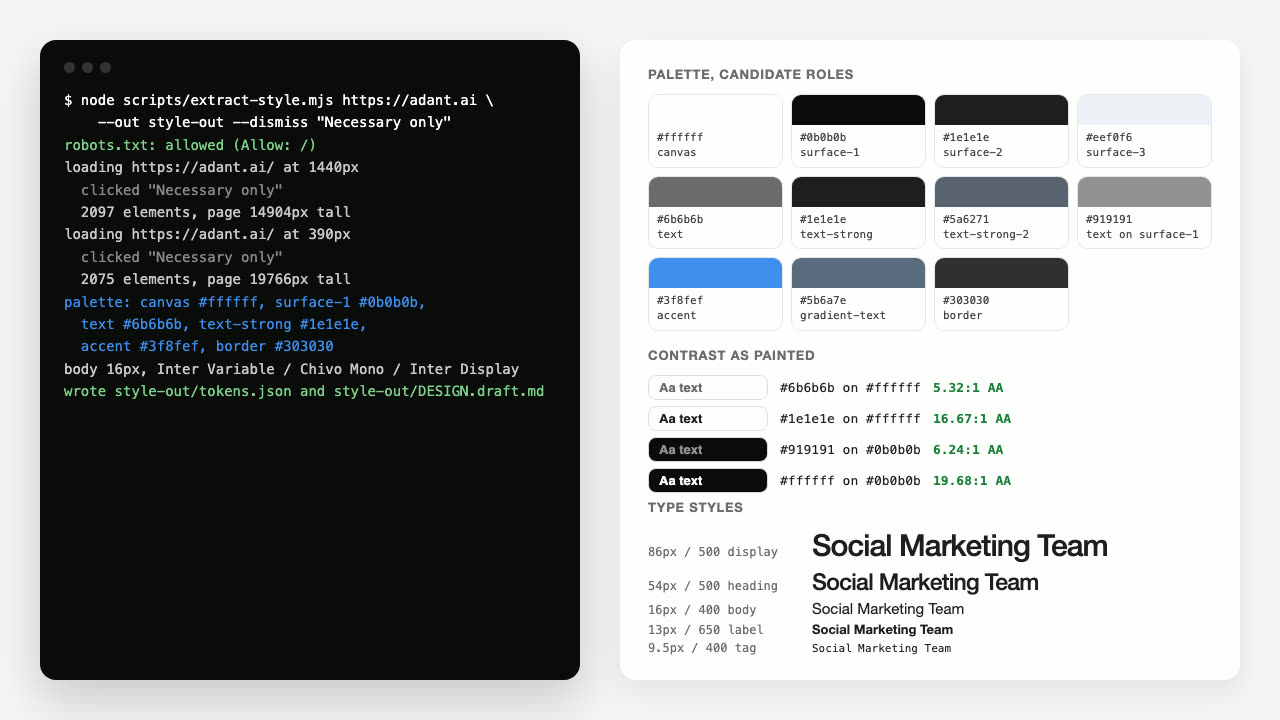
DESIGN.md from a URL
Have your agent measure any public web page and write a DESIGN.md that other agents can build screens and ads from.
HyperFrames: HTML to Video
Have Claude write launch films, explainers and title cards as HTML, then render them to MP4.
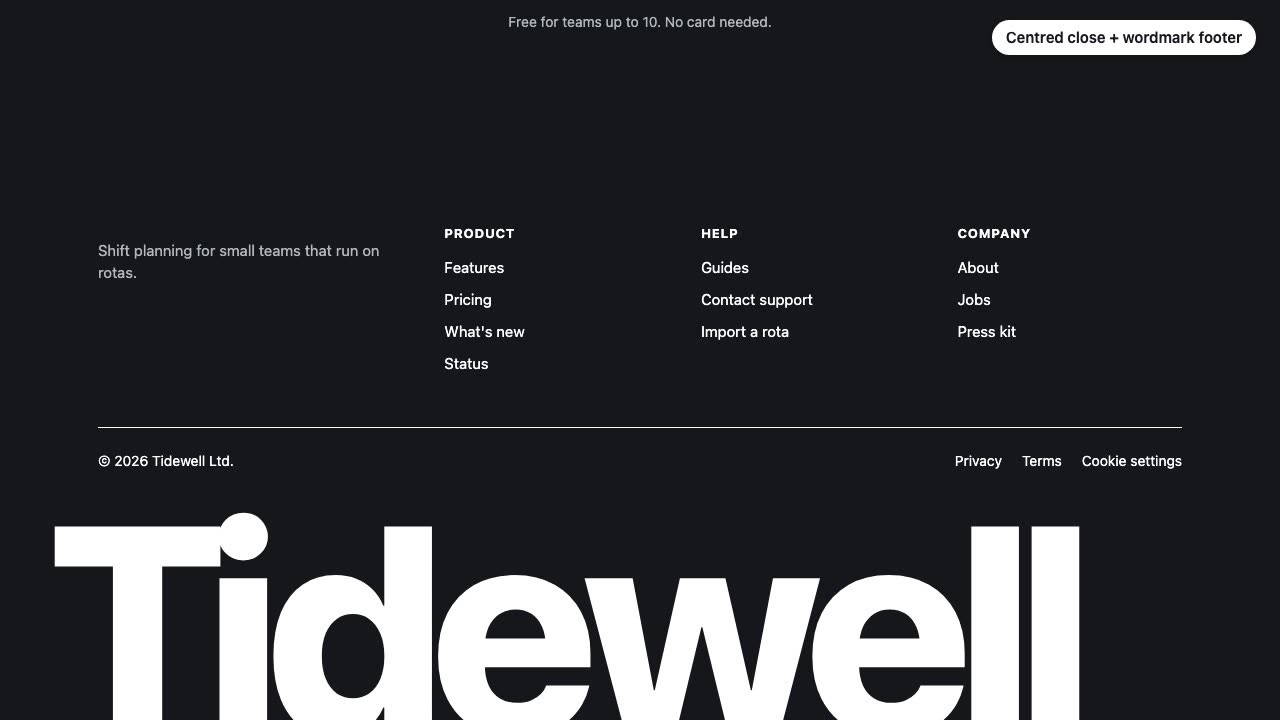
Closing CTA and Footer
Have your agent design, build and check the last screen of your landing page: the final call to action and the footer.
JavaScript Animation: Every Frame Drawn in Code
Have your agent draw a short film on an HTML canvas, write its music in code, and render an MP4 with no assets.
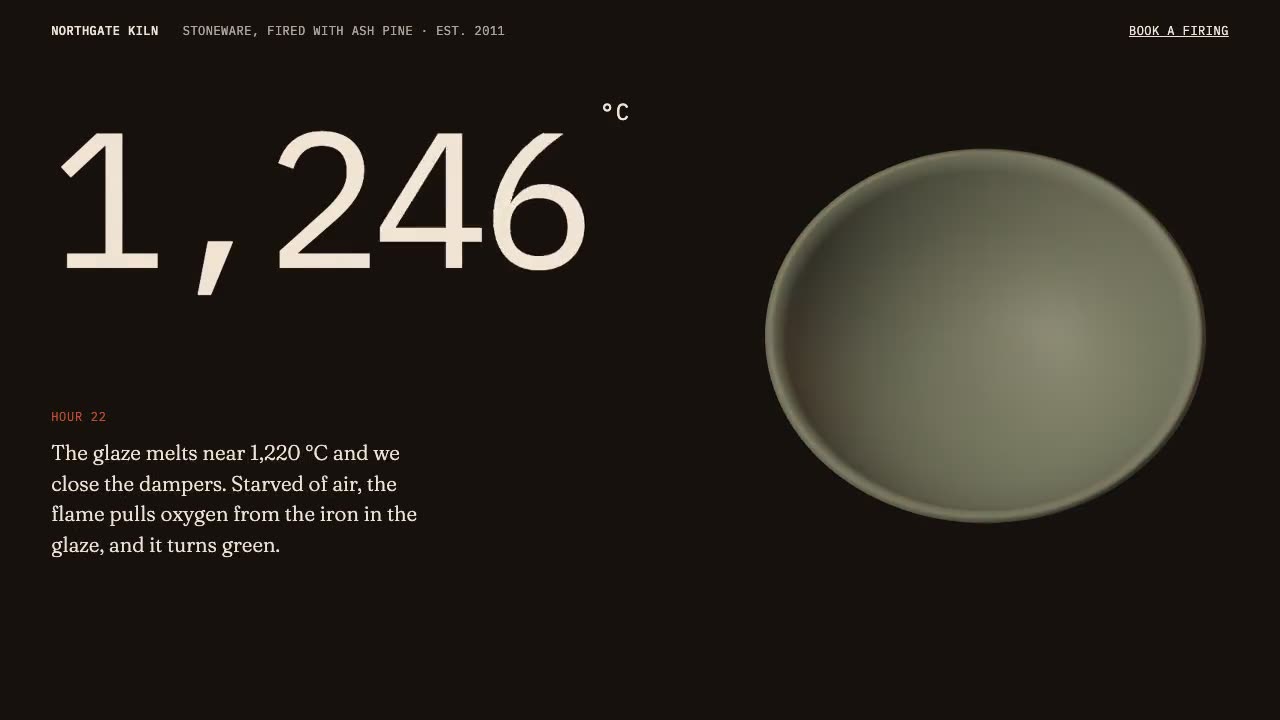
Scroll-Driven Site
Have your agent build a landing page where scrolling pins, scrubs and reveals each scene, then measure it in a real browser.
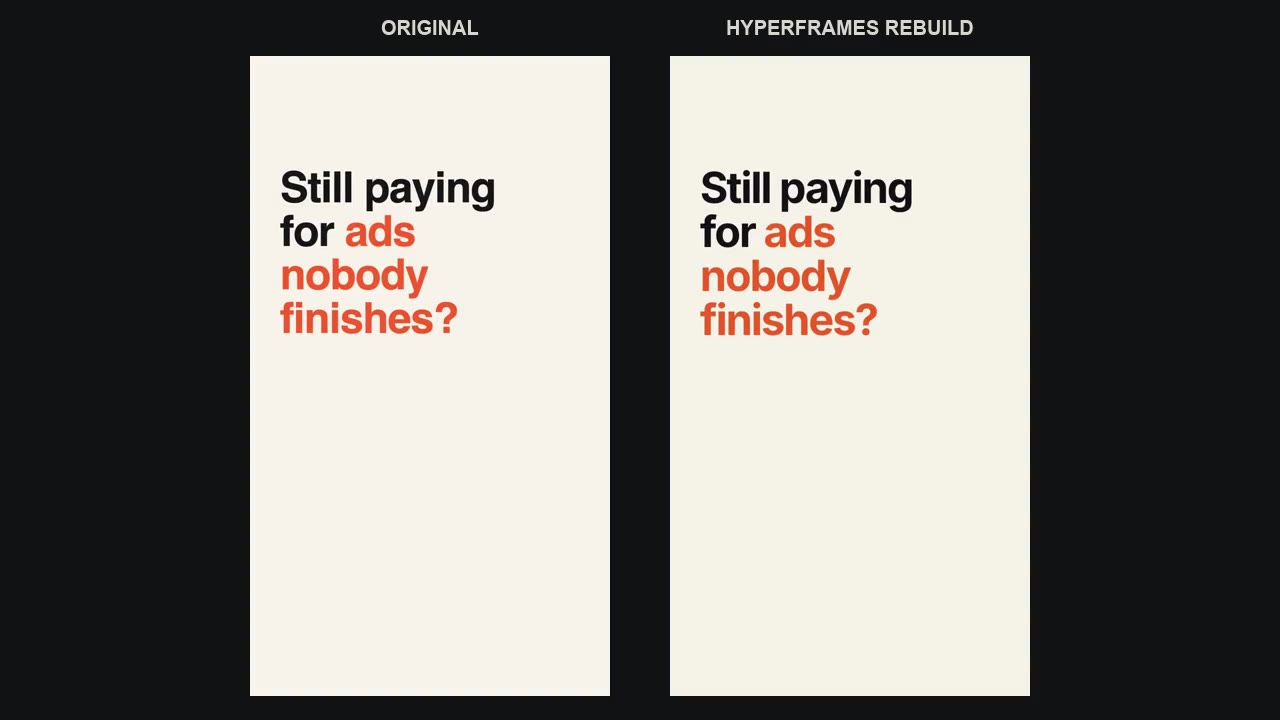
Reverse Any Video: Rebuild a Video as an Editable HyperFrames Project
Have your agent rebuild a video file as an editable HyperFrames project, then check its render against the original frame by frame.
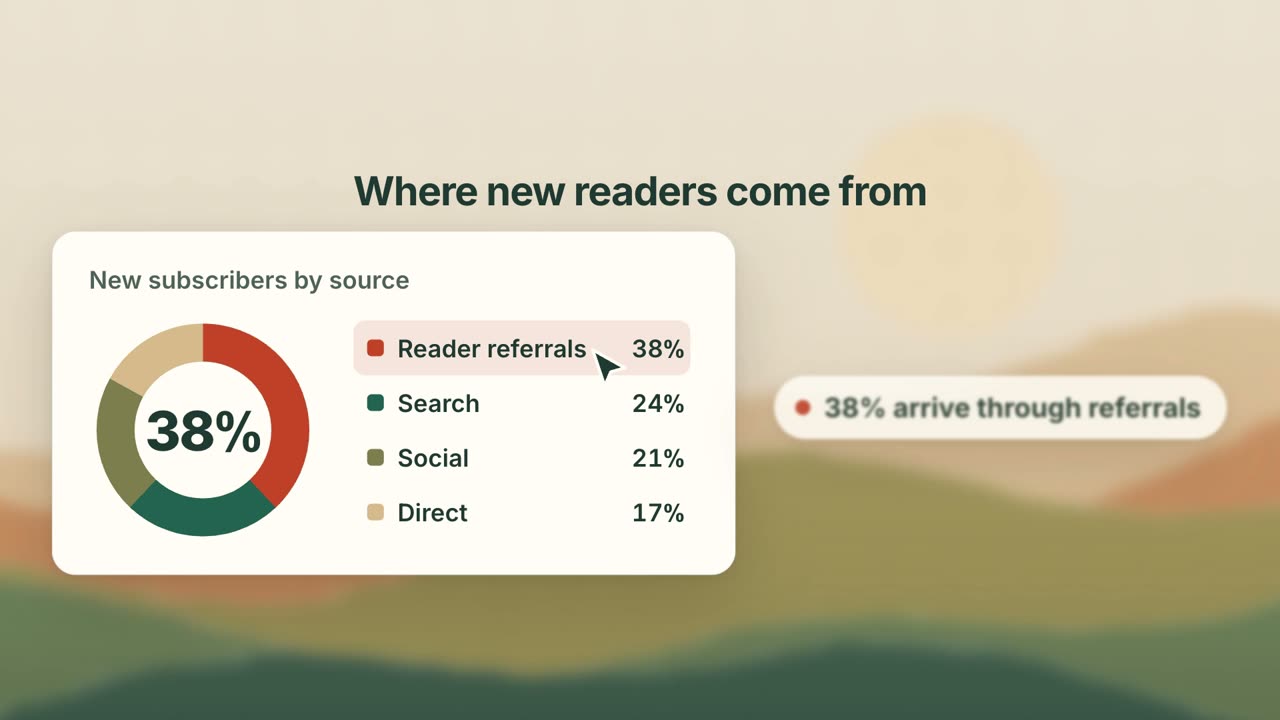
UI Card Promo
Have your agent turn your product's key screens into a 25-second promo of animated cards, where every number on screen is one you approved.
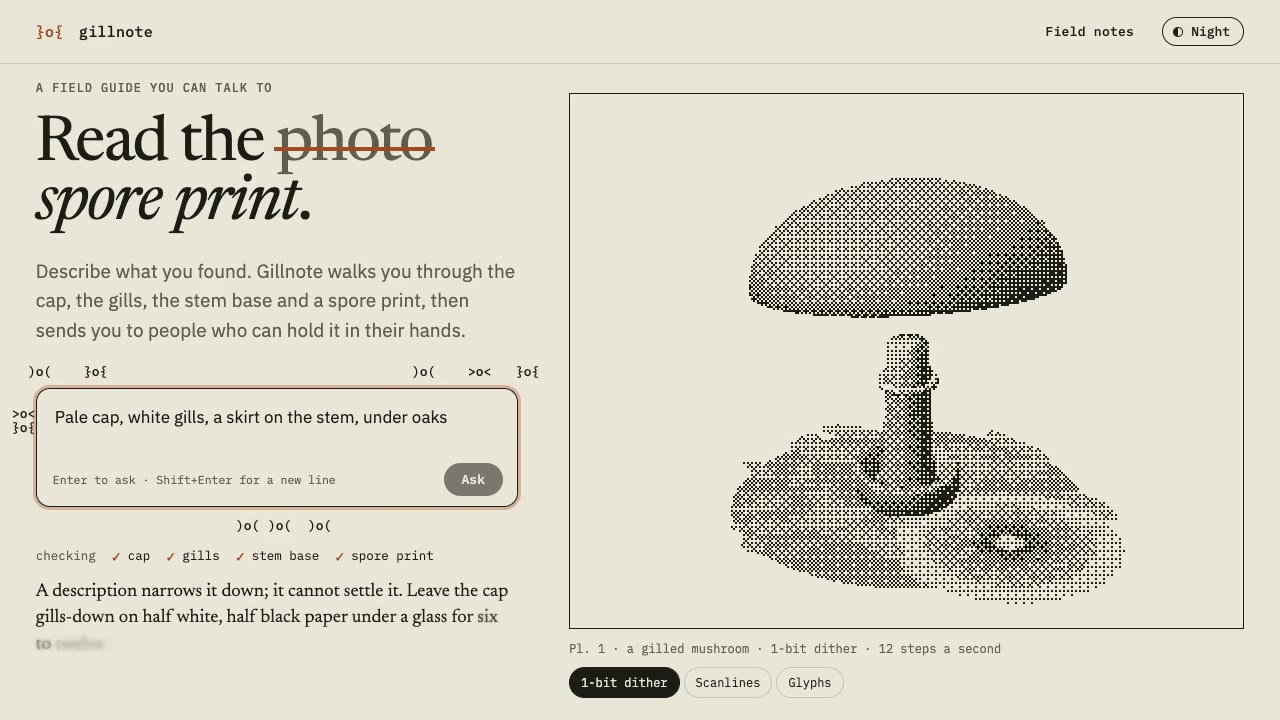
Dither & Glyph Hero
Have your agent build a hero that draws a live 3D scene in two inks, as dither, scanlines or glyphs, around an AI prompt, then check it in Chrome.