
About this skill
ComfyUI generates images from a graph of nodes, and it has a plain HTTP API. With this skill your agent writes the graph as JSON, posts it to a local server, polls until it's done and fetches the images, so a seed or prompt sweep is a short list of edits. The download holds the workflow, a small client that refuses any host but your own machine, and the source of the clip. It doesn't include ComfyUI or a model. It also sets out what to watch for: custom nodes run arbitrary code, each checkpoint has its own license, and the server belongs on localhost.
You say
Start ComfyUI on localhost, run this prompt with six seeds on a checkpoint whose license allows it, and show me the images with each one's seed and time.
How it works
- Your agent asks, then installs ComfyUI v0.44.0 in a project folder, and you pick a checkpoint whose license suits you.
- It starts the server on 127.0.0.1, with custom nodes off and the page offline.
- It writes the workflow as JSON, posts it, polls until it's done and fetches the images.
- A sweep repeats that with one list of edits per run, and logs each run's seed, prompt and time.
Getting a good result
- Ask the server what a node takes with GET /object_info/<node> rather than guessing an input name.
- Read node_errors when a post is refused. They name the exact input that's wrong.
- Change one thing per sweep: seeds first to judge the prompt, then one word of the prompt on the best seed.
What you get
- A complete text-to-image workflow in API format, ready to edit
- A client with no dependencies that queues, polls and fetches, and only talks to localhost
- A sweep format: one list of edits per run, logged with each run's time
- A script that records the real interface while the nodes light up
- A checklist for custom nodes, checkpoint licenses, network exposure and PNG metadata
Good fit
- Batches of stills on your own machine: concept frames, textures and backgrounds
- Comparing seeds or prompts without clicking through the interface
- Anyone who wants a workflow in a file they can review and rerun
Not for
- Exposing ComfyUI on a network: it has no login
- Installing custom nodes without reading them: they run with your full access
- Hosting ComfyUI inside your own product without reading the GPL first
How to install it
- Download the ZIP and unzip it.
- Move the comfyui-workflows folder into your agent's skills folder, such as ~/.claude/skills/. Your agent asks before it installs ComfyUI and a checkpoint in a project folder.
- Start a new session and ask for what you want to make.
Needs: An agent that reads skills, git and uv, About 5 GB of disk, plus any larger checkpoint you choose, Apple silicon or a GPU. We ran only on Apple silicon, A checkpoint whose license allows your use, Node.js 22 or later, Chrome and ffmpeg, for the example page.
FAQ
What does it cost?
$2.99 once for this skill, or $99 once for every skill in the library. It also comes with every paid AdAnt plan, from $15 a month. It runs on your own computer and uses no AdAnt credits. ComfyUI and the checkpoint we used are free, are not in the ZIP, and run on your own machine with no account. ComfyUI also has paid partner nodes, which call outside APIs. This skill turns them off.
Can I use it in commercial work?
Yes. You can use the skill and what it makes in your own commercial work, including for clients. You can't resell the skill.
What does setup download and run?
After asking, it clones ComfyUI v0.44.0 from GitHub, installs about 1.6 GB of Python packages from PyPI into a project folder, including PyTorch and ComfyUI's interface, and downloads the checkpoint you choose. Ours was segmind/Segmind-Vega from Hugging Face: 3.29 GB, no login. The server then runs on 127.0.0.1 until you stop it.
Is it safe to run?
Three things matter. Custom nodes are Python that runs with your full access, so this skill starts with them disabled and never installs one without a clear yes. ComfyUI has no login, so anyone who can reach the port can use it: keep it on 127.0.0.1. And prefer .safetensors checkpoints, as a .ckpt file can carry code.
What are the license terms for commercial use?
ComfyUI is GPL-3.0. Commercial use is allowed, but if you distribute ComfyUI or a modified copy, the GPL's terms apply to it. This skill only runs it as a separate program over HTTP and ships none of it. Each checkpoint has its own license, which isn't ComfyUI's. Segmind-Vega's page is tagged Apache-2.0, and also says it was distilled from SDXL, ZavyChromaXL and JuggernautXL and trained on "Grit and Midjourney scrape data". Those have terms of their own, and the tag doesn't settle them, so get advice before business use. Many other checkpoints bar commercial use.
Does it call home?
Without --offline, ComfyUI's page requested api.comfy.org/releases on load in our test. This skill starts with --offline, which blocks the page's outside requests through a content security policy. We checked the page's requests, and the server's open connections at a few moments, not all its traffic. PNGs also carry your full prompt in their metadata unless you start with --disable-metadata.
What did AdAnt run, and what didn't it?
We ran ComfyUI v0.44.0 on an Apple M4 with MPS, using Segmind-Vega at 768 x 768 and 20 steps, 21 to 31 seconds an image. The graph in the clip is ComfyUI's real interface during a real run, sped up, and every image is that server's output. Running the same seed and prompt again gave identical pixels, including from a second install in an empty folder. The music is the numpy track from librosa-beat-sync. We used built-in nodes only, and we didn't run custom nodes, partner nodes, LoRAs, ControlNet, video or a dedicated GPU.
Related skills
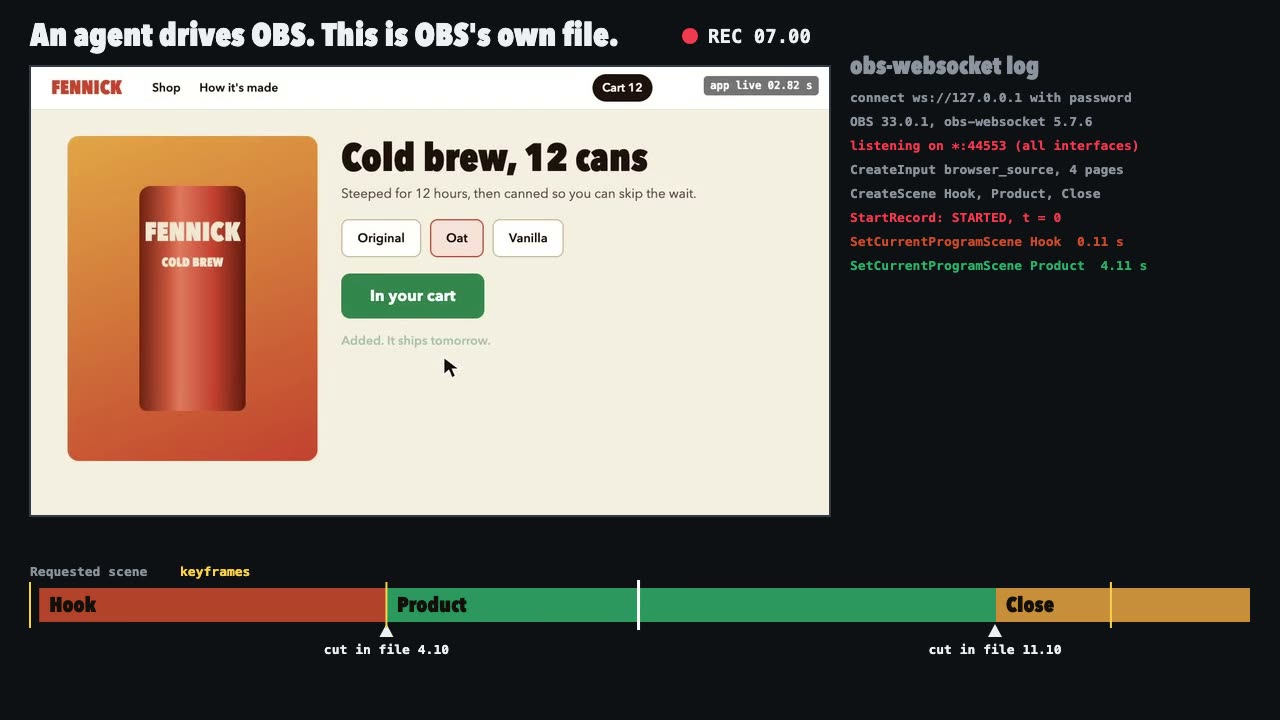
OBS Recording
Script a real OBS recording of a page with timed scene switches, then check the file it wrote.

three.quarks VFX
Make trails, sparks, shockwaves and fireworks in three.js, on a seeded clock, so a frame renders the same again on the same machine.
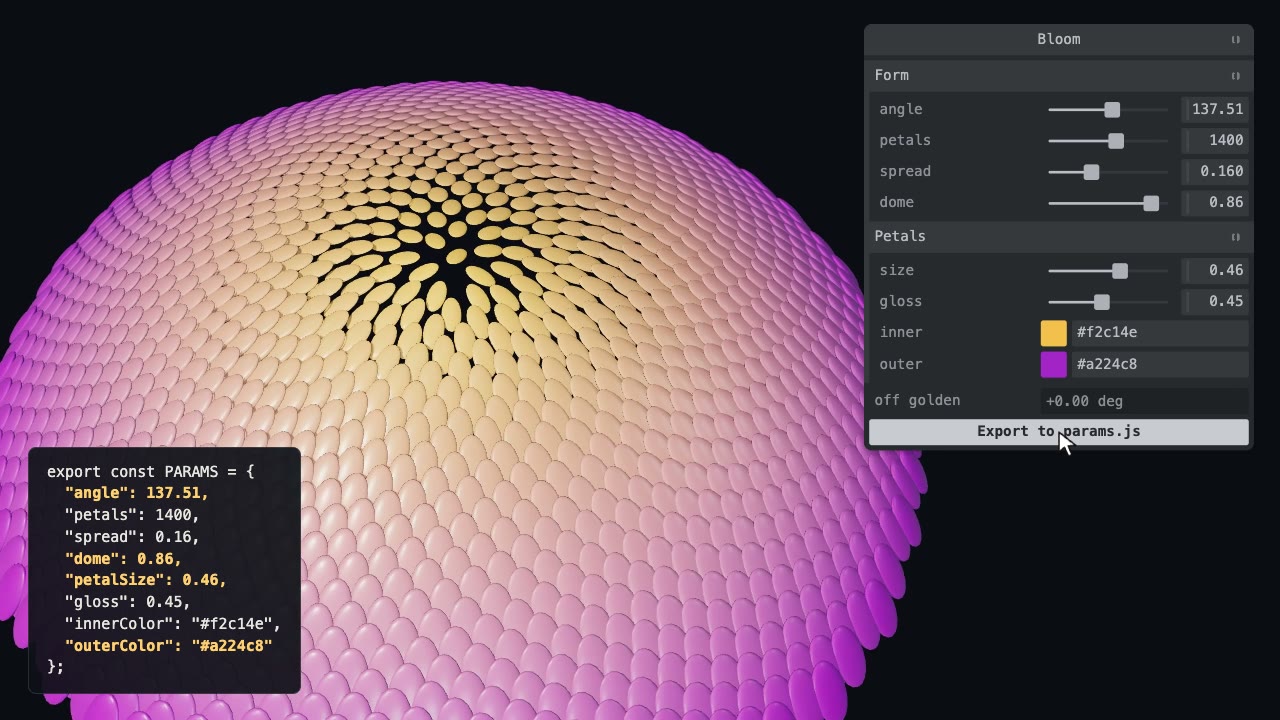
Tweakpane Live Tuning
Add a live panel to an animation so you can tune it by hand, then write the values you chose back to the code.

Blender Scenes through MCP
Have your agent build a Blender scene one step at a time, look at each result, and render the finished shot.
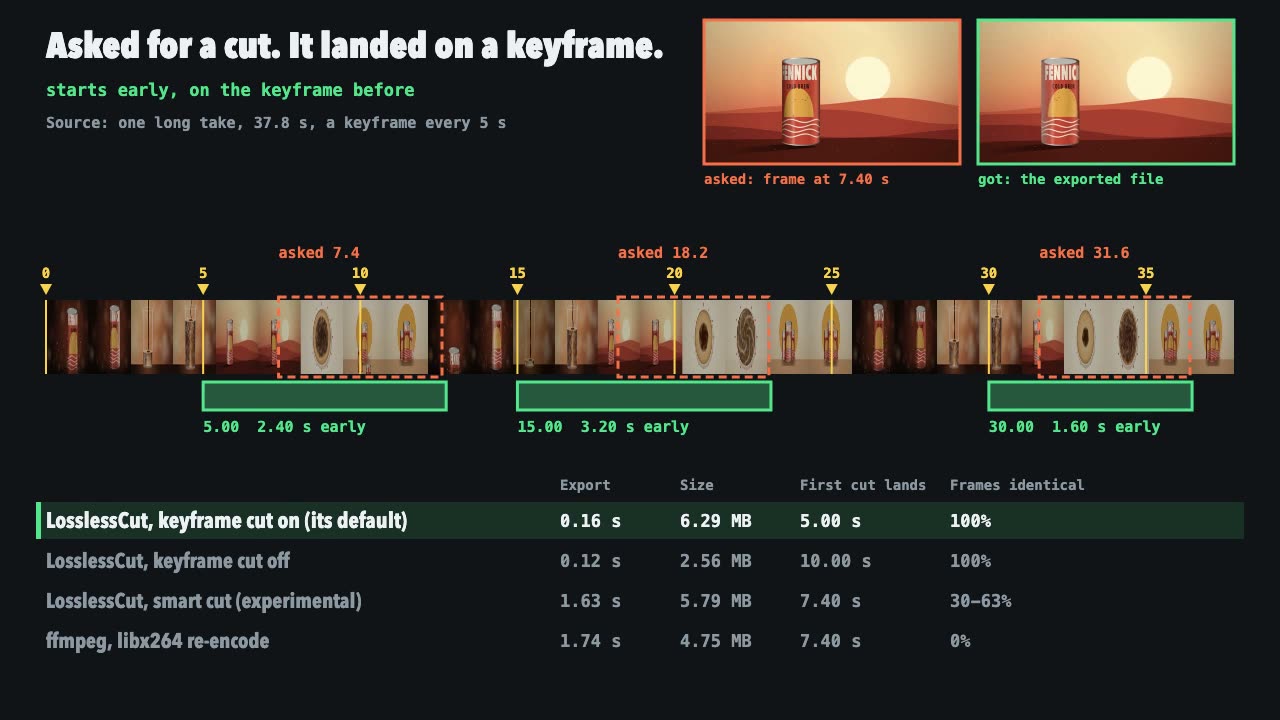
LosslessCut Trims
Cut long recordings fast without re-encoding, and measure where each cut really landed.
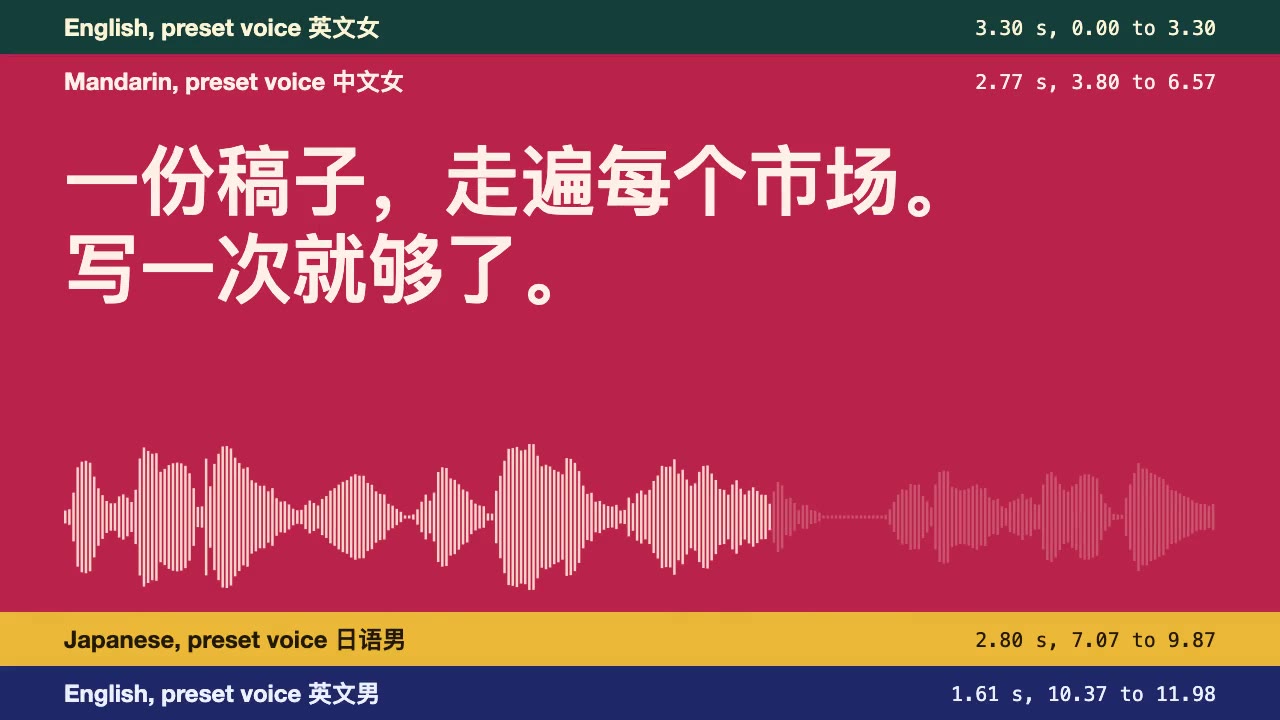
CosyVoice Multilingual Voiceover
Speak one script in several languages with CosyVoice's preset voices on a CPU, with exact line times and a check of what came out.
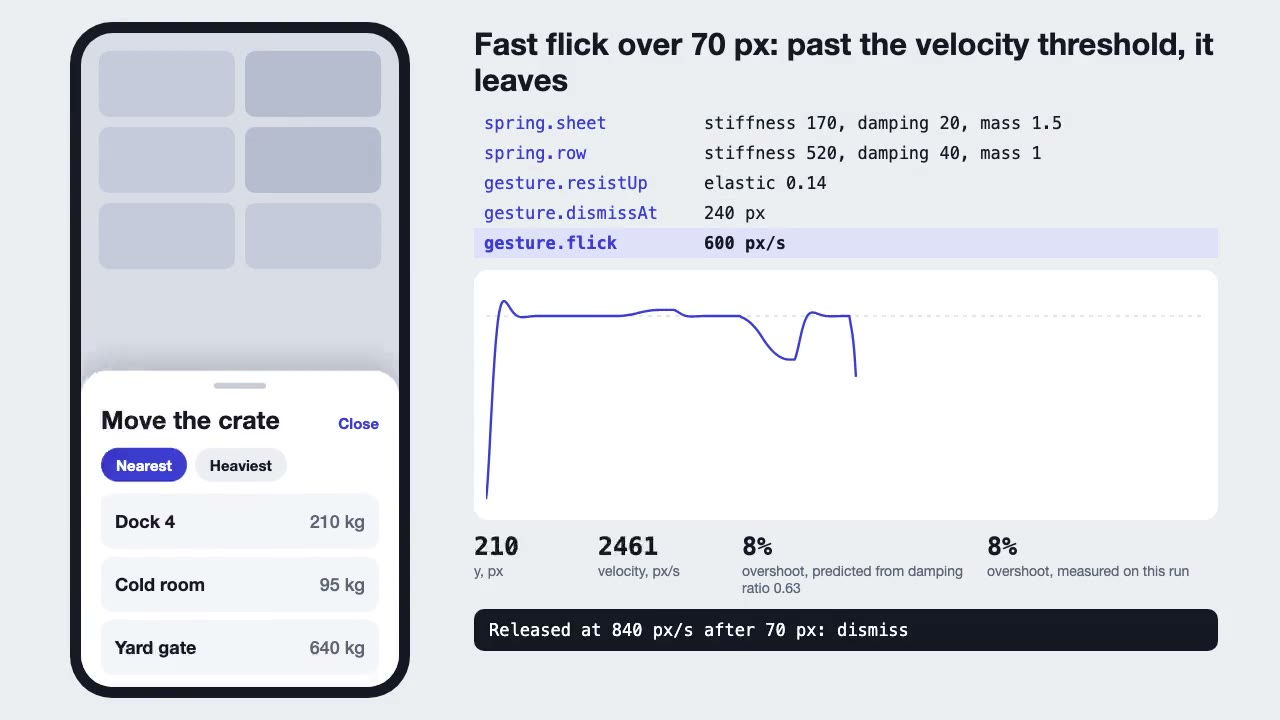
Motion UI Animation
Build UI animation with springs, layout transitions and gestures from one written motion language, with a linter that catches drift.
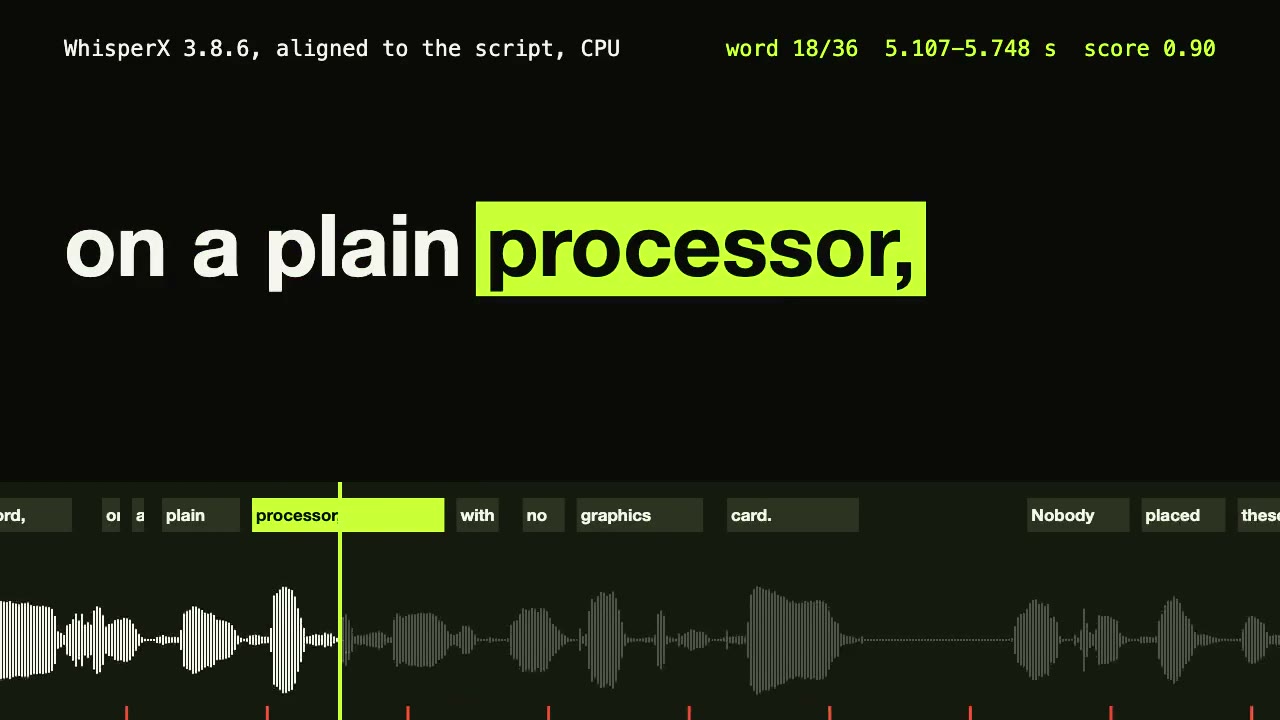
WhisperX Word Captions
Get a timestamp for every spoken word on a plain CPU, export SRT and VTT, and drive word-highlighted captions from the JSON.
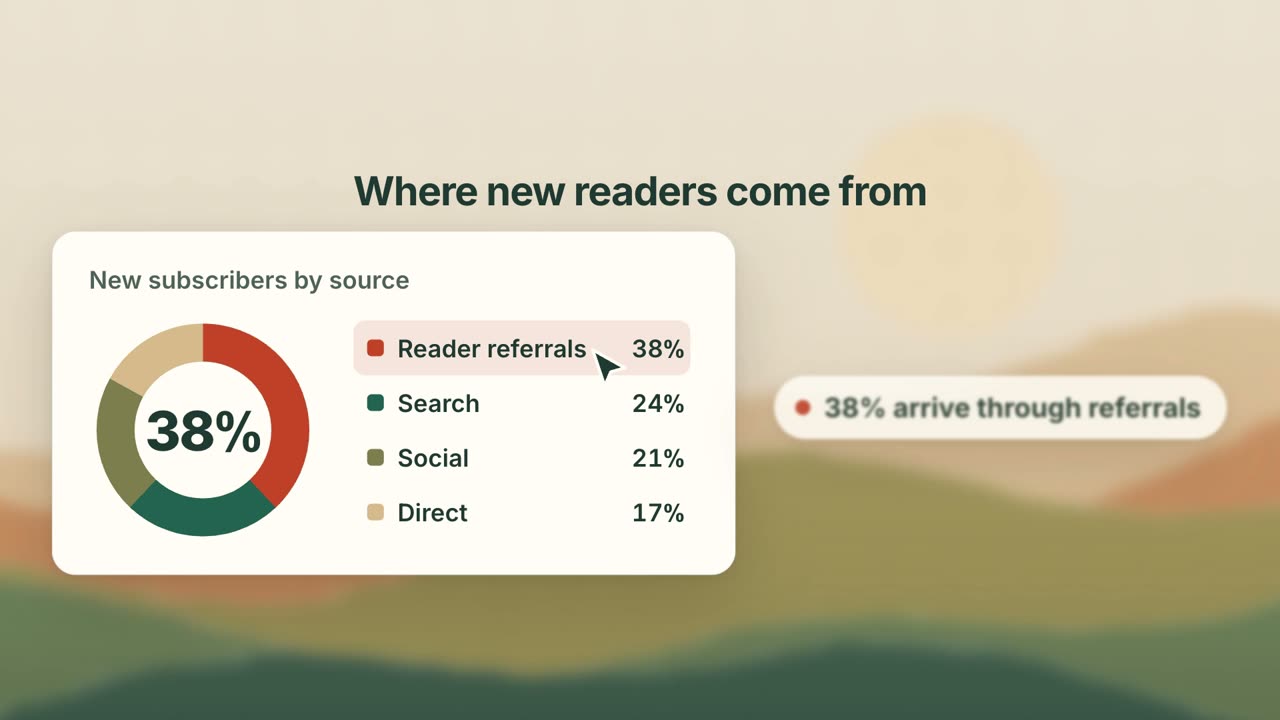
UI Card Promo
Have your agent turn your product's key screens into a 25-second promo of animated cards, where every number on screen is one you approved.
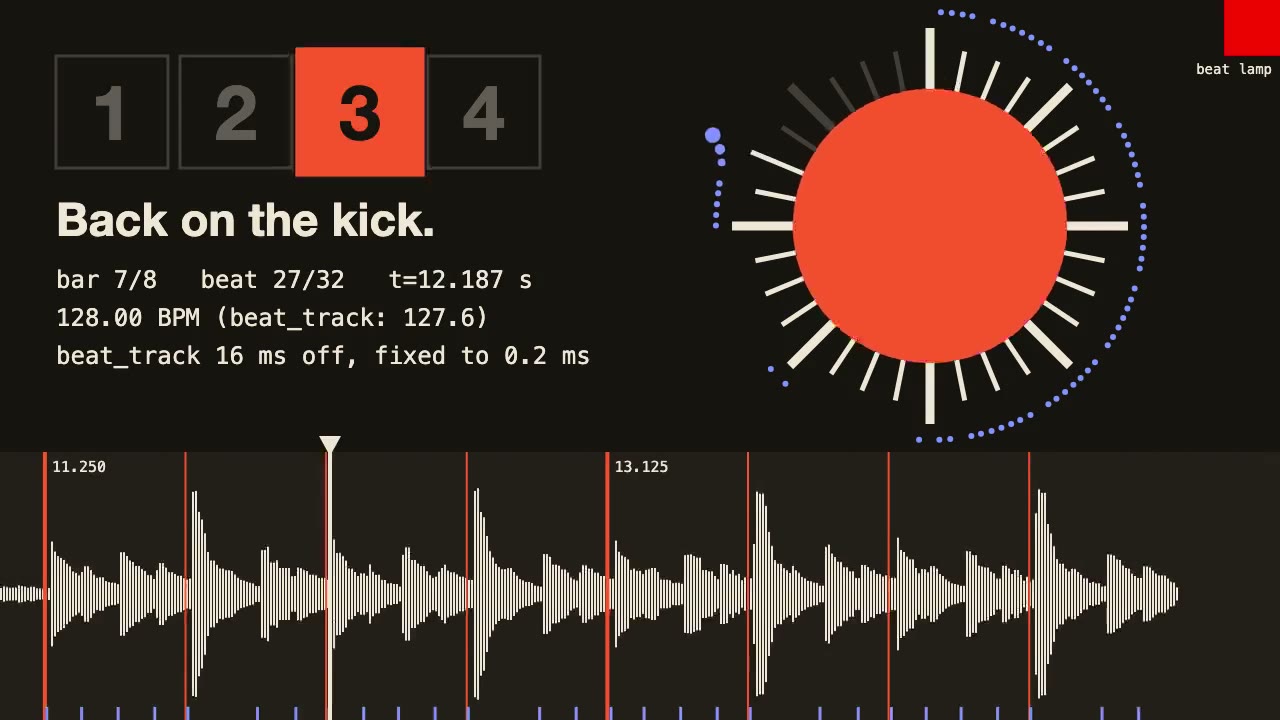
librosa Beat Sync
Measure a track's beats with librosa, drive an animation from the JSON it writes, and prove the sync by measuring the video.

Three.js Postprocessing
Give a flat three.js shot HDR bloom, depth of field, tone mapping and a color grade, in the right order.

Remotion Video
Make video as React components, where every frame comes from the frame number, and render one template for any data.