
About this skill
A history film is only as good as its dates. This skill starts with a table: one row per event, with its date, how precise that date really is, a title, a short detail and the source it came from. A checker refuses the table until every date is real, no row claims more precision than its date has, every row has a source, the rows run oldest first, nothing is in the future, and every card stays on screen long enough to read. A planner then lays the events on a linear or logarithmic time axis, so the same tool handles one week, three thousand years or four billion. The camera flies from event to event, the counter rolls through the years and stops on each event's own date, and each card lands on a beat with a bell from a score made from the same plan. Headless Chromium renders it frame by frame to an MP4.
You say
Using this skill, make a 60-second vertical film on the history of the bicycle. Find 7 or 8 events and a source for each date, show me the table and the date check, then render it with the score.
How it works
- Name the subject, the length and the shape: landscape or vertical, and a theme.
- Your agent researches the events, reads a source for each date, and shows you the table and the date check.
- A planner places the events on a linear or log time axis and lands each card on a beat, with enough time to read it.
- It synthesizes the score from the same plan, shows you a contact sheet, then renders the MP4.
Getting a good result
- Write the precision you have. c. 1300 is honest; 1300 claims a year.
- Keep titles to four words and details to one sentence. Every word costs screen time.
- Two to four eras make a long span easier to follow than any number of ticks.
What you get
- An event table format with dates from minutes to billions of years, and a precision for each
- A date checker that fails on unreal dates, overstated precision, missing sources, wrong order, future dates and cards too brief to read
- Linear and log time axes, picked by how evenly they space your events, with a rolling odometer counter
- Scene templates for cards, milestones, eras, the title and the close, in three themes, landscape or vertical
- A score synthesized from the plan, and a Playwright and ffmpeg renderer to MP4
- A complete example: the history of timekeeping, from sundials to satellites
Good fit
- The history of a technology, a company, a product line or a city
- Science and deep-time explainers, from geology to evolution
- Anniversary and about-us films where every date has to stand up
Not for
- Events you can't source: the checker needs a link for every row
- Live-action or photo documentaries, since every frame is drawn
- Contested histories where the dates themselves are the argument
How to install it
- Download the ZIP and unzip it.
- Move the folder holding
SKILL.mdinto your agent's skills folder, such as~/.claude/skills/for Claude Code. - Start a new session and ask for what you want to make.
Needs: An agent that reads skills and can browse to check sources, Node.js 20 or later, Playwright with Chromium, ffmpeg.
Popular on X
Posts showing demand for this kind of video. Unless a post names this tool, it wasn't made with it.
- A film of human progress with an original score, made with Claude 434,541 views on X, measured 11 November 2026
- A history film made with Opus 5.5 36,269 views on X, measured 11 November 2026
FAQ
What does it cost?
$2.99 once for this skill, or $99 once for every skill in the library. It also comes with every paid AdAnt plan, from $15 a month. It runs on your own computer and uses no AdAnt credits.
Can I use it in commercial work?
Yes. The skill's code is MIT licensed: use it and what it makes in your own commercial work, including for clients, and keep the license file with any copy you pass on.
Does the checker prove my dates are right?
No. It proves each row is well formed: a real date, a precision the date supports, a working link format, the right order and nothing in the future. Whether the source says what the row says is for your agent to read and for you to confirm. The skill tells the agent to read every source twice and to drop an event it can't source.
When does it use a log scale?
When the old end of the story is sparse and the recent end is crowded, as in most histories of technology and in anything that starts in deep time. The planner scores both axes on how evenly they space your events and picks log only when it is clearly better. A log axis is always labelled on screen.
How is this different from Kinetic Type Film and Epic Infographics?
Kinetic Type Film cuts words hard to a beat, with no dates. Epic Infographics builds one animated chart or diagram. This skill is a journey through dated events in order, with a time axis, a year counter and a check on the dates.
Can I use my own music?
Yes. Skip the score and pass your own track to the renderer, trimmed so its first beat is at the start and at least as long as the film. Set the tempo in the settings to the track's, so the cards still land on its beats. A beat has to be a whole number of frames, such as 120, 100 or 90 BPM at 30 fps, so a track at another tempo needs a frame rate that fits it.
Did the authors of the posts write this skill?
No. The idea comes from popular history films that agents made, linked on this page. AdAnt wrote this skill, its checker, templates and renderer from scratch, and the authors did not write or review it. The clip on this page was made by AdAnt with this skill.
Related skills
Narrated Explainer Video
Have your agent research a topic, write a script with a source for every figure, voice it, and animate scenes that land on the words that name them.
Scale Zoom One-Take
Make one continuous three.js zoom across many orders of magnitude, from a planet to an atom or out to a galaxy, with a scale readout that is right on every frame.

Pixel-Art Sprite Film
Have your agent make a 15 to 40 second pixel-art scene in code, with sprites, parallax and a chiptune score, rendered to an MP4 whose pixels stay crisp.
Process Step Animation
Have your agent animate a recipe or any process with quantities, step by step, with pours that fill to the right height and counters that match the steps.
Browser Game Trailer
Have your agent build a small game that plays in a browser tab, then play it with scripted inputs and cut a 15 to 30 second gameplay trailer from its best moments.

Procedural Dragon Film
Have your agent build a long-bodied creature in three.js from numbers alone, fly it through a storm-lit landscape and render a frame-exact film with sound.

Remotion Video
Make video as React components, where every frame comes from the frame number, and render one template for any data.
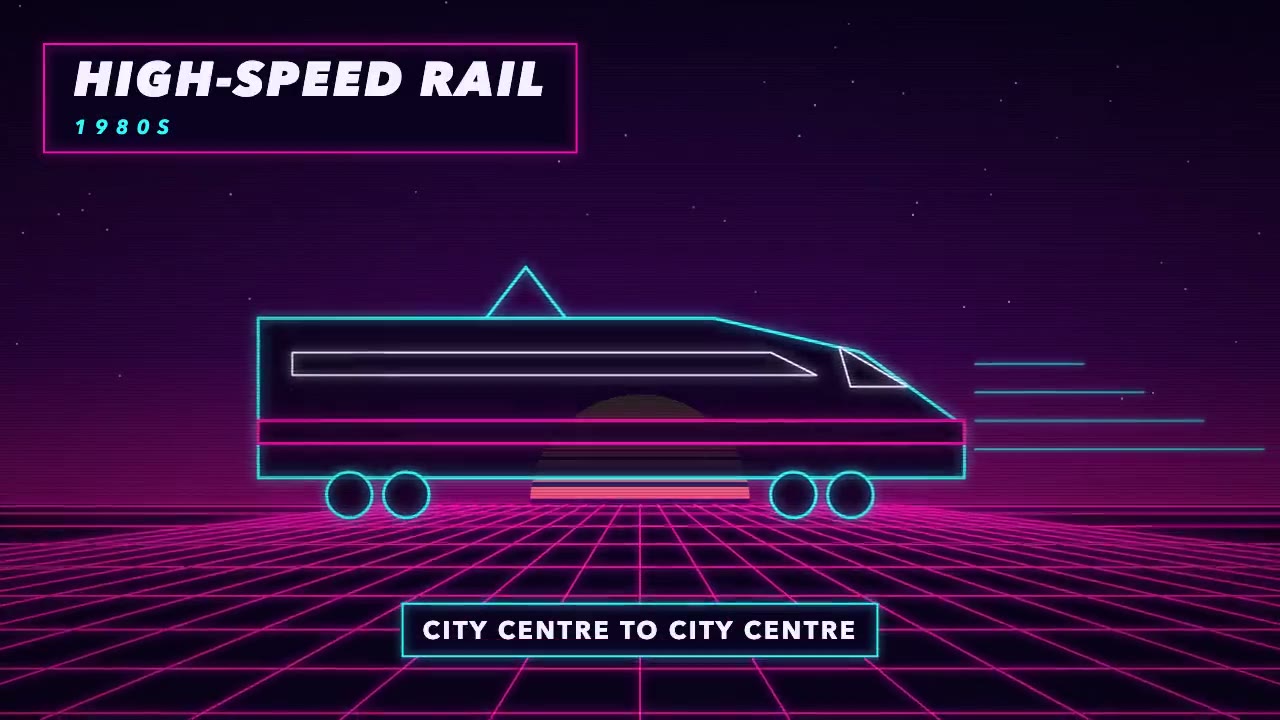
Era-Style Montage
Have your agent make a 30 to 60 second montage through time in which every era is drawn in its own period's look and scored with its own instruments.

Hand-Painted Brushstroke 3D
Have your agent repaint a live three.js scene as brush strokes that stay on their surfaces when the camera moves, then measure it and record it.
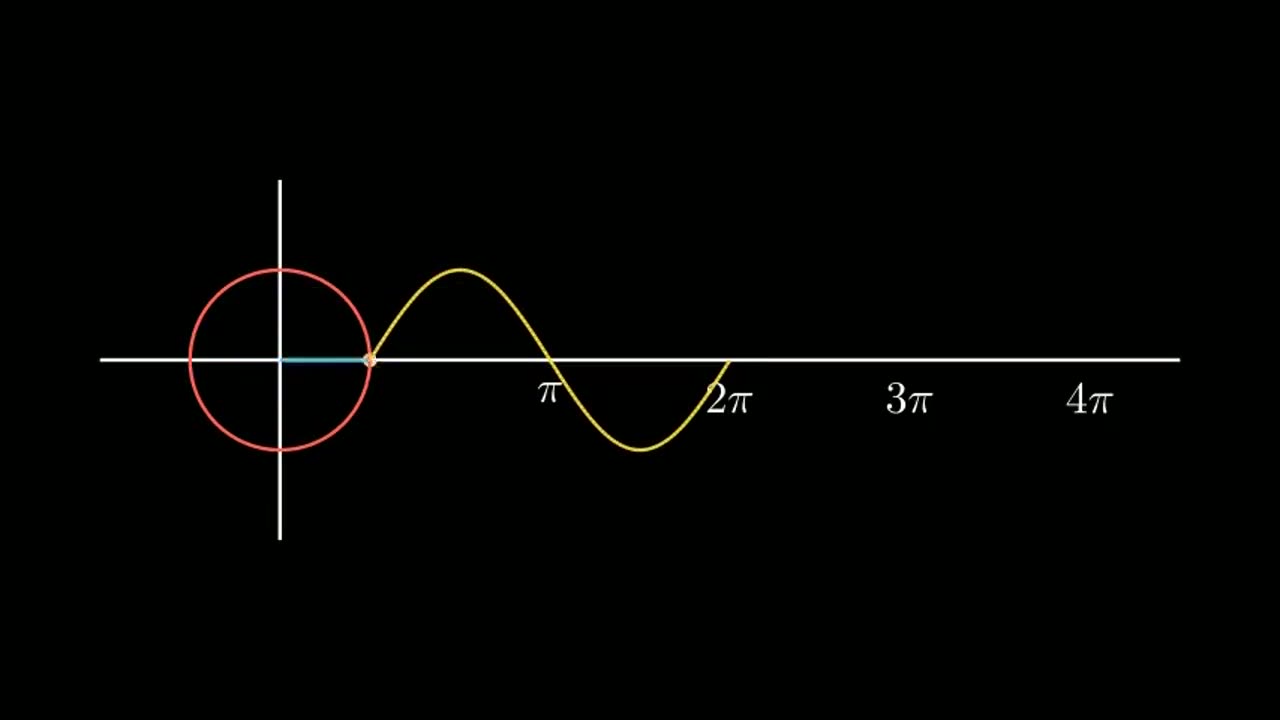
Manim Explainer Planner
Turn a vague idea into a scene-by-scene plan for a 3Blue1Brown-style explainer.

Code-Rendered 3D Animated Short
Have your agent write a tiny wordless story, build its characters and set in three.js, shoot it from a shot list, score it and render a frame-exact MP4.
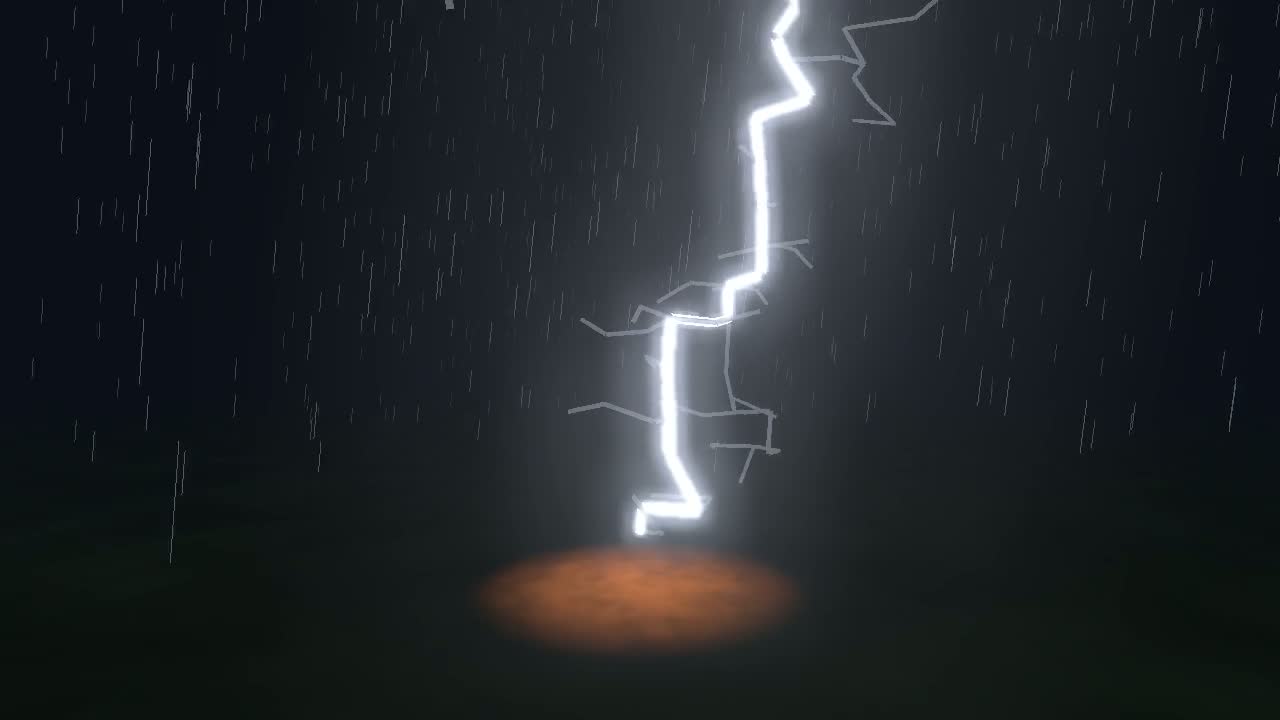
Physics Simulation One-Take Film
Simulate lightning, a crack or a fire front, then ride it in one unbroken camera shot, with sound from the simulation and a flash safety check.