
About this skill
This skill builds a science sandbox that runs live in a web page, with sliders and live readouts, then films a guided tour of it. You write the tour as a short script: which slider moves, to what value, over how long, and what the caption says. A cursor moves the controls on screen, and each caption can quote the live number it is talking about. Five sandboxes are included: white light through a prism and a lens, sand poured into water behind a dam, orbits under gravity, smoke rising round an obstacle, and a jelly block dropped on a floor. Every one is checked as it runs, against Snell's law, an exact count of sand and water, energy and momentum, and more, and the render stops if a check fails. The renderer draws each frame from the script and the frame number alone, so the same script always gives the same video.
You say
Make a 20-second video that shows how a glass prism splits white light and how a lens focuses it. Let a cursor move the sliders, put the real numbers in the captions, and check the physics before you render.
How it works
- Name the idea a viewer should leave with, and your agent picks the sandbox that shows it.
- It plays with the sandbox first to find the slider values where something visible happens.
- It writes a short script of moves and captions, and a checker runs the physics without a browser, failing on any broken check or a caption too short to read.
- The renderer draws every frame in a headless browser, stops if a check fails, and encodes an MP4.
Getting a good result
- Change one thing per beat, and say what to watch before it moves.
- Put the number in the caption. It ticks while the slider moves and lands on the final value.
- Read the checker's list of what each move changed. A drag that moves no readout is a beat that is not working.
What you get
- Five live sandboxes in one page: ray optics with a prism and a lens, sand and water, orbits, smoke in a tank and a soft jelly block
- A script format that moves a visible cursor through the sliders, with captions that quote live readouts
- A checker that runs the physics without a browser and fails on Snell's law, a sand and water count, energy and momentum drift, leftover divergence or spring energy
- A Playwright and ffmpeg renderer that draws every frame from the script and the frame number
- Two example scripts and notes on directing a tour a viewer can follow
Good fit
- Science teachers and explainer channels
- Short videos that show one idea changing on screen
- Developers who want a physics sandbox they can trust and replay exactly
Not for
- Engineering analysis or lab-grade results: these are teaching models
- Cinematic 3D scenes: the sandboxes are flat, 2D and drawn in code
- Rigid bodies stacking and colliding, which a physics engine does better
How to install it
- Download the ZIP and unzip it.
- Move the folder holding
SKILL.mdinto your agent's skills folder, such as~/.claude/skills/for Claude Code. - Start a new session and ask for what you want to make.
Needs: An agent that reads skills, Node.js 20 or later, Playwright with Chromium, or Chrome, ffmpeg.
Popular on X
Posts showing demand for this kind of video. Unless a post names this tool, it wasn't made with it.
- A three-body simulation made with Fable 5.5 346,464 views on X, measured 11 November 2026
- An interactive lab on how gravity bends light, made with Opus 5.5 128,036 views on X, measured 11 November 2026
- A falling sand and fluid sandbox made with Opus 5.5 18,866 views on X, measured 11 November 2026
FAQ
What does it cost?
$2.99 once for this skill, or $99 once for every skill in the library. It also comes with every paid AdAnt plan, from $15 a month. It runs on your own computer and uses no AdAnt credits.
Can I use it in commercial work?
Yes. The skill's code is MIT licensed: use it and what it makes in your own commercial work, including for clients, and keep the license file with any copy you pass on.
How accurate are the simulations?
Each one is accurate to the checks it runs, and the skill lists what each model leaves out. The optics trace obeys Snell's law to round-off and its lens focus matches the thick-lens equation within 1%. No grain of sand or cell of water appears or vanishes except at the pour and the drain. The orbits hold their energy to within a part in ten thousand, and every frame is rerun at half the step to catch a close pass the step cannot follow. They are teaching models, not engineering tools: the sand has no water pressure, the optics draw no partial reflections, and the smoke slowly loses some of itself to the grid.
Can I add my own sandbox?
Yes. A sandbox is one JavaScript module with a parameter list, a step function, a draw function, readouts and checks. The skill walks through writing one and the rules that keep a render exact: time only from the frame count, randomness only from a seed, and a check that would catch a real bug.
How is this different from the Physics Simulation One-Take Film skill?
Physics Simulation One-Take Film rides one growing event, such as lightning, in one continuous camera shot. This skill is for a phenomenon you change with controls and explain step by step, with the controls and the numbers on screen.
Did the creators of the sandbox videos write this skill?
No. The idea comes from posts linked on this page, in which agents built interactive science sandboxes and recorded them. Their prompts carry no license, so AdAnt wrote this skill and its code, and the creators did not write or review it. The clip on this page was made by AdAnt with this skill, not by those creators.
Related skills
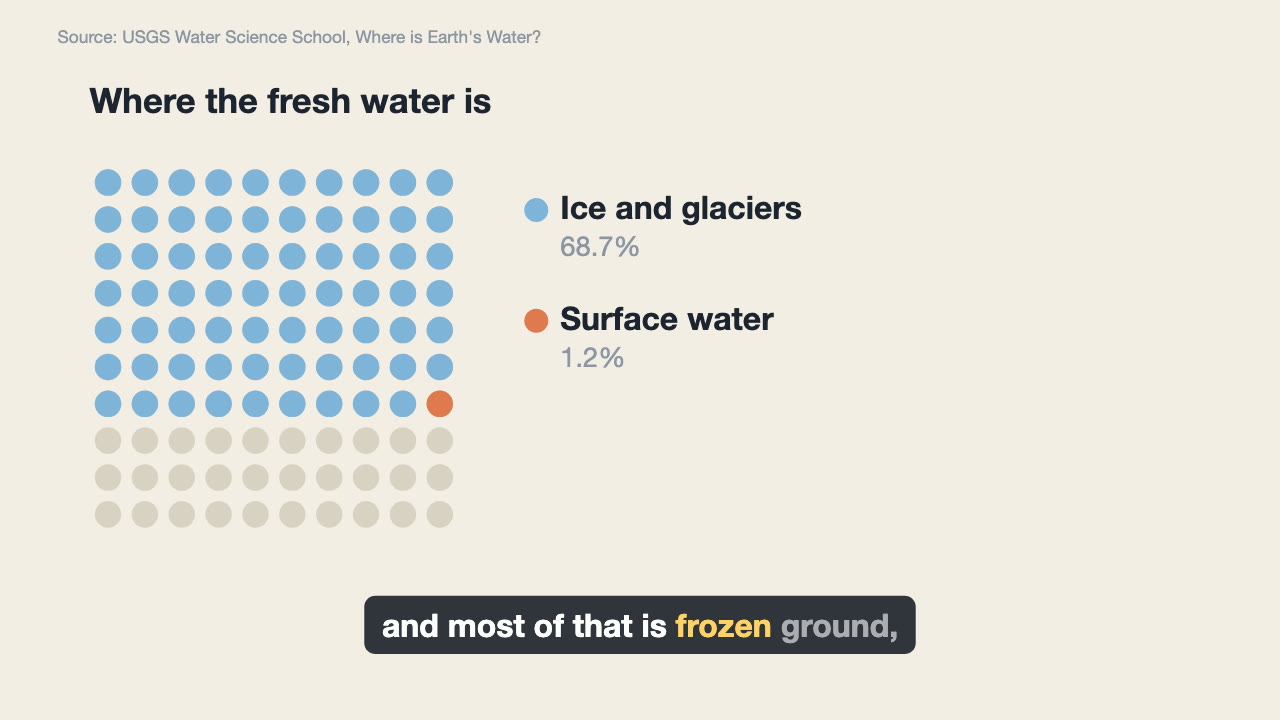
Narrated Explainer Video
Have your agent research a topic, write a script with a source for every figure, voice it, and animate scenes that land on the words that name them.
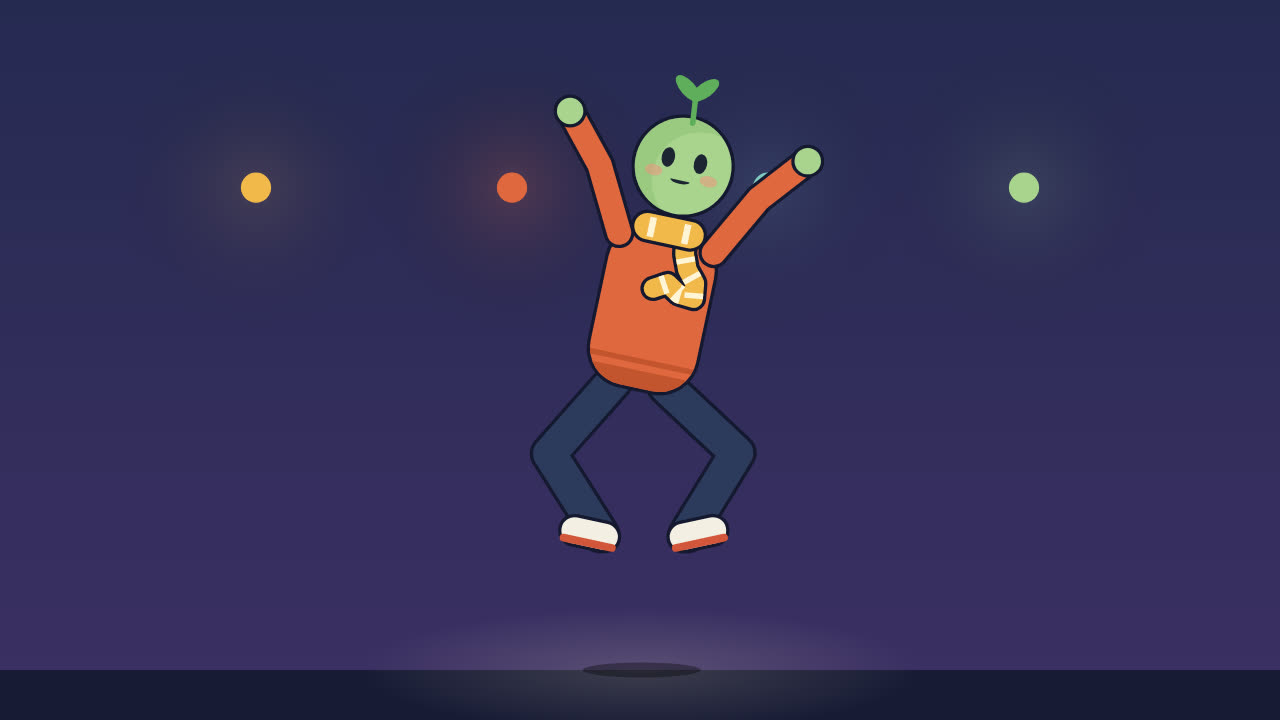
Procedural Character Performance
Animate an original character dancing, walking or trotting to a beat entirely in code, with feet that never slide and every hit on the beat.
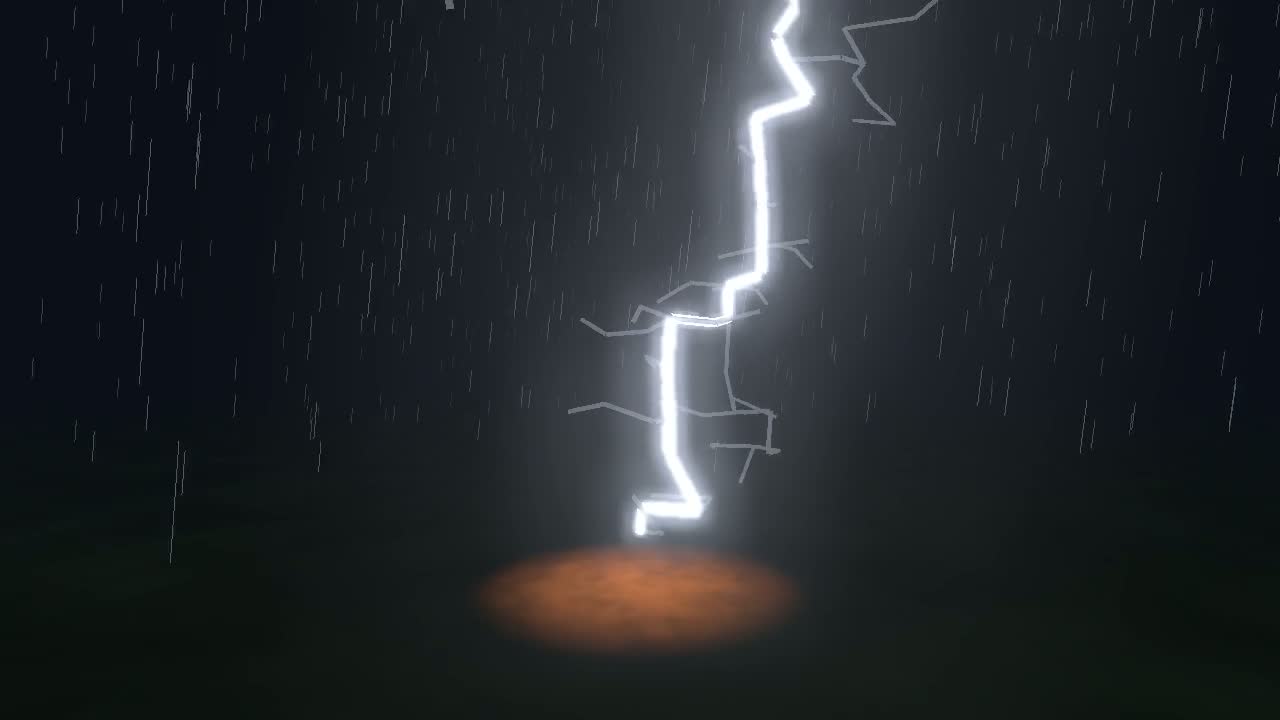
Physics Simulation One-Take Film
Simulate lightning, a crack or a fire front, then ride it in one unbroken camera shot, with sound from the simulation and a flash safety check.

Cursor Playground Hero
Have your agent build a hero section visitors play with, on small simulations that behave the same on every screen and never blow up.
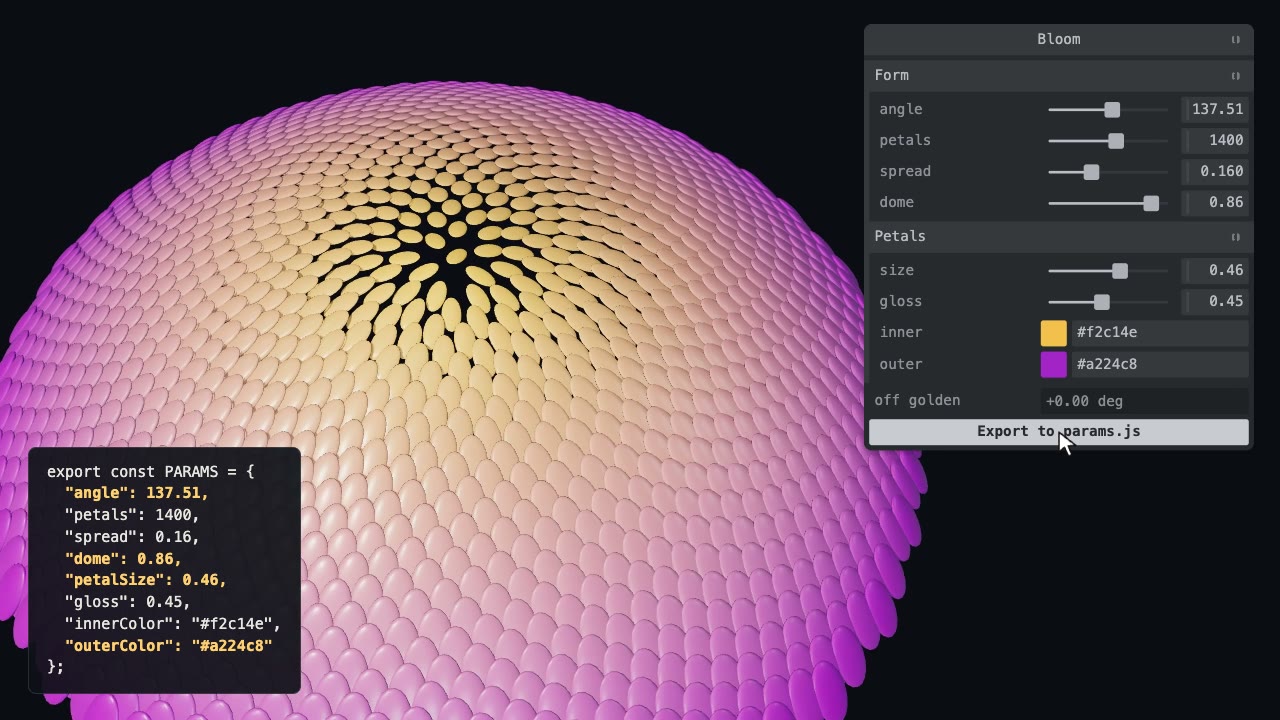
Tweakpane Live Tuning
Add a live panel to an animation so you can tune it by hand, then write the values you chose back to the code.
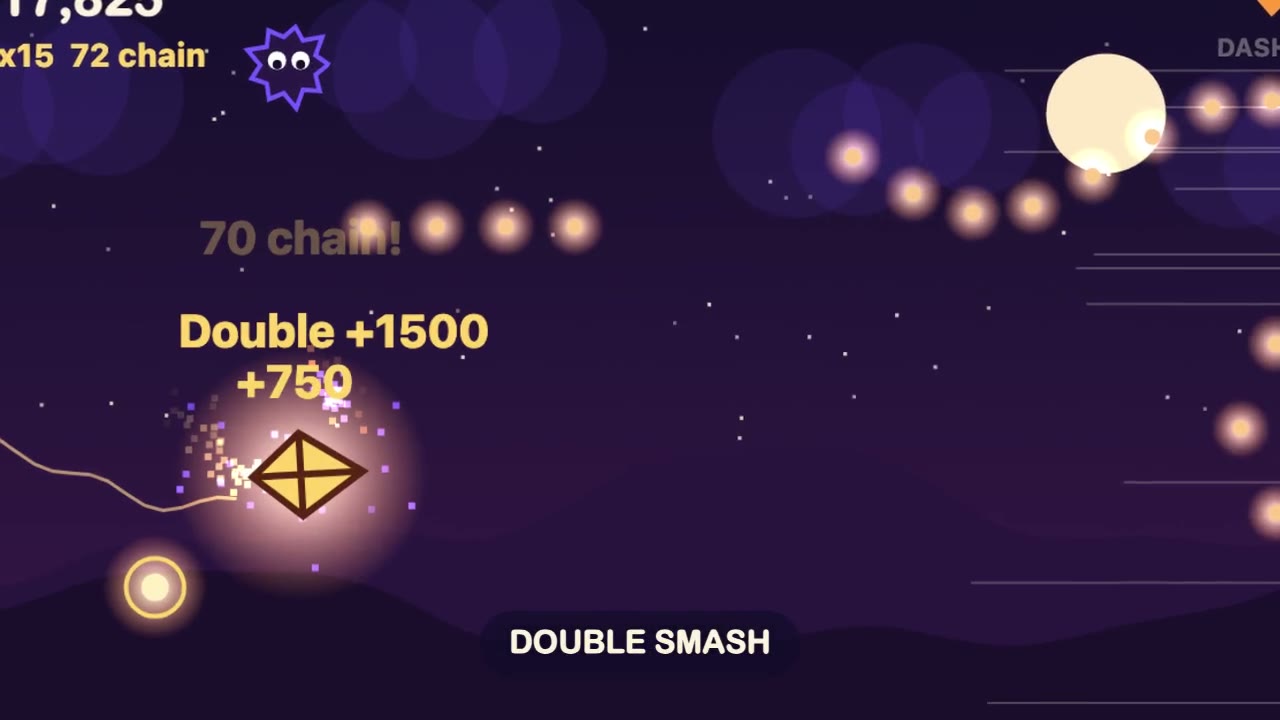
Browser Game Trailer
Have your agent build a small game that plays in a browser tab, then play it with scripted inputs and cut a 15 to 30 second gameplay trailer from its best moments.
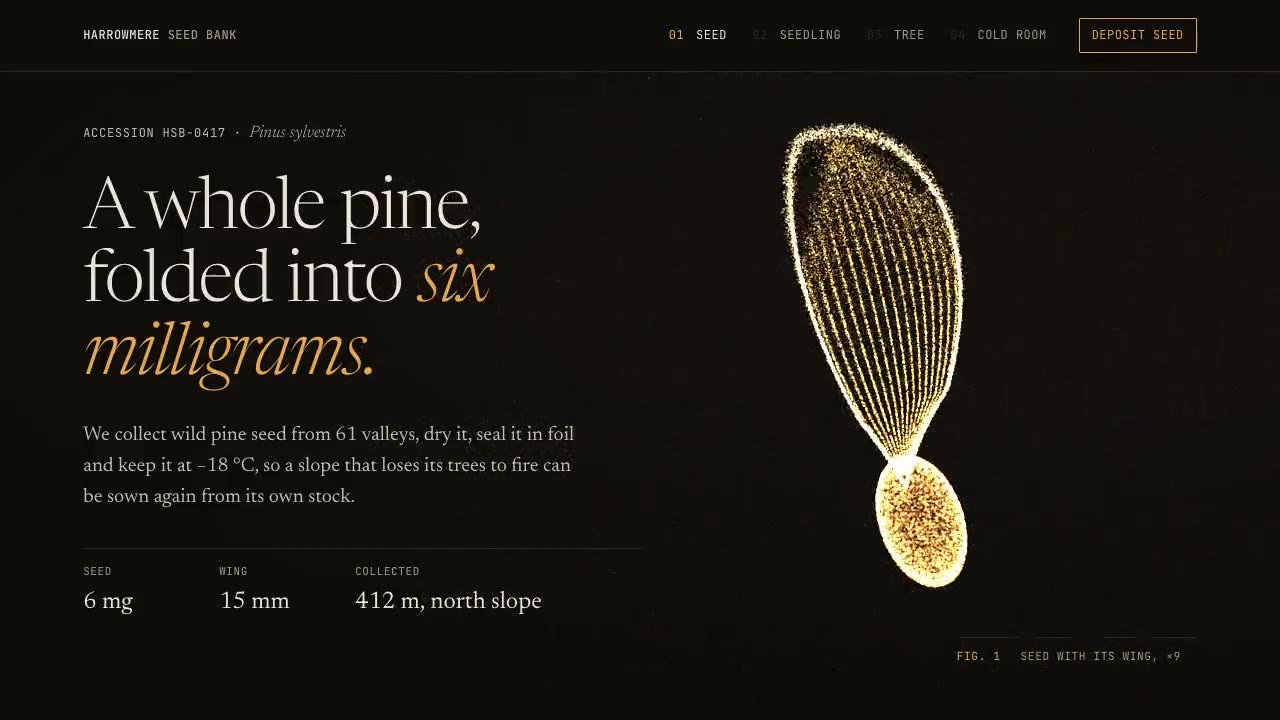
Particle Form Hero
Have your agent build a hero where GPU particles settle into your shape, morph to the next as the page scrolls, and part around the pointer.
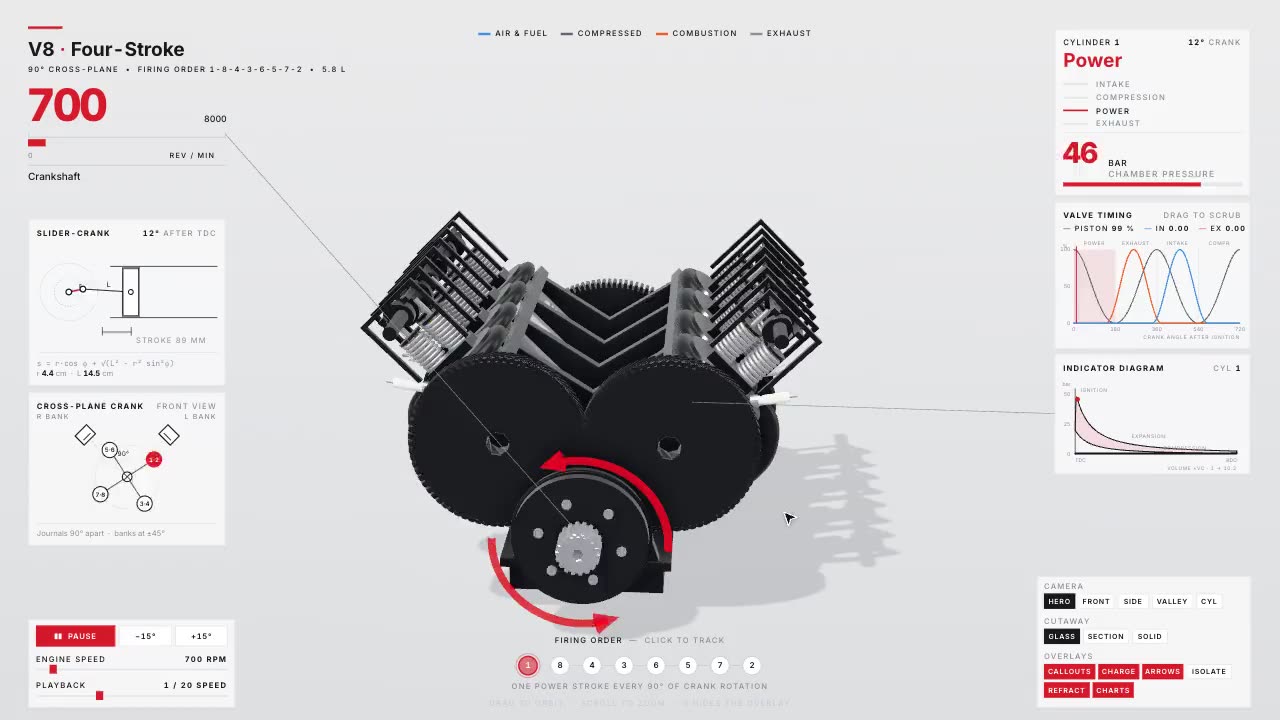
Teardown: 3D Machine Simulators You Can Take Apart
Have your agent build a working 3D model of a machine as one offline page, with live gauges, a button per part and a recorded tour.
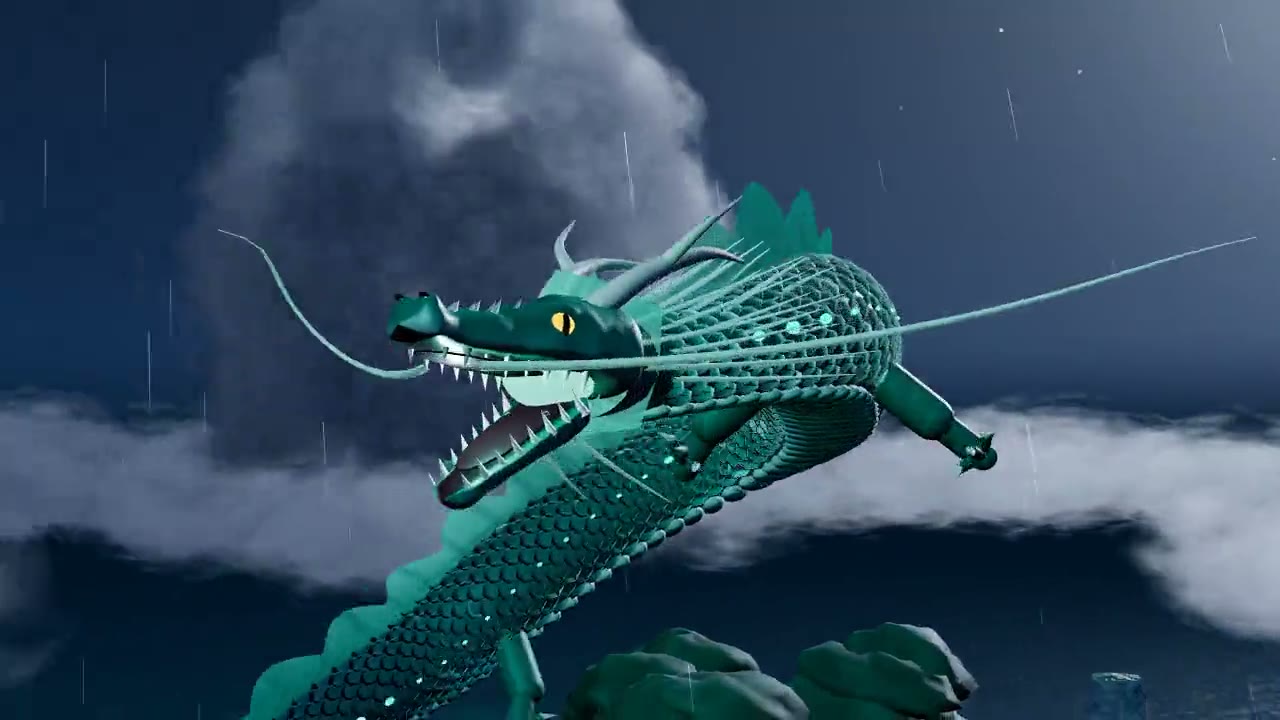
Procedural Dragon Film
Have your agent build a long-bodied creature in three.js from numbers alone, fly it through a storm-lit landscape and render a frame-exact film with sound.
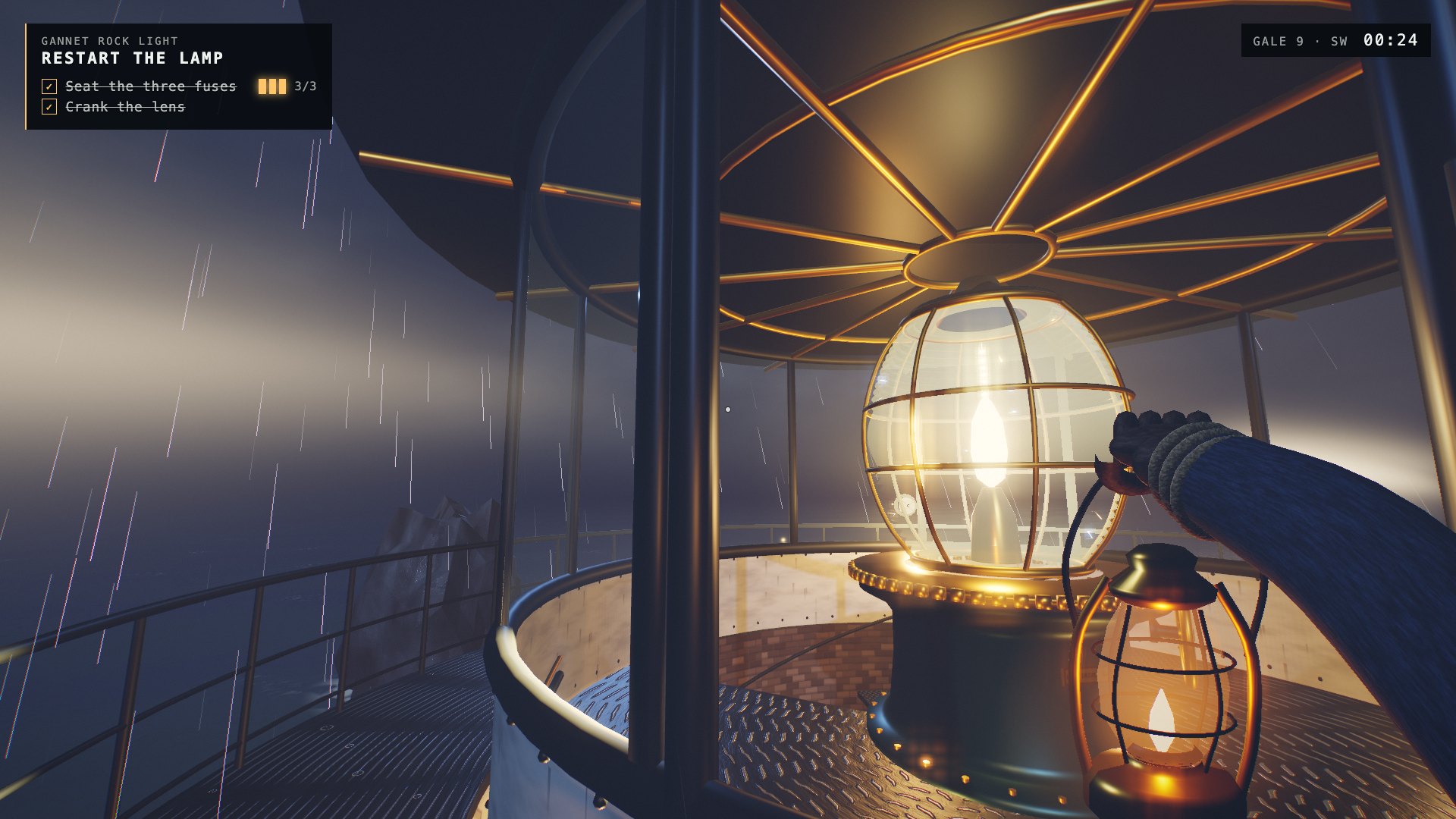
One-Shot First-Person Browser Game
Have your agent build a complete first-person 3D browser game in one long unattended run, with every mesh, texture and sound made in code, and record its gameplay.
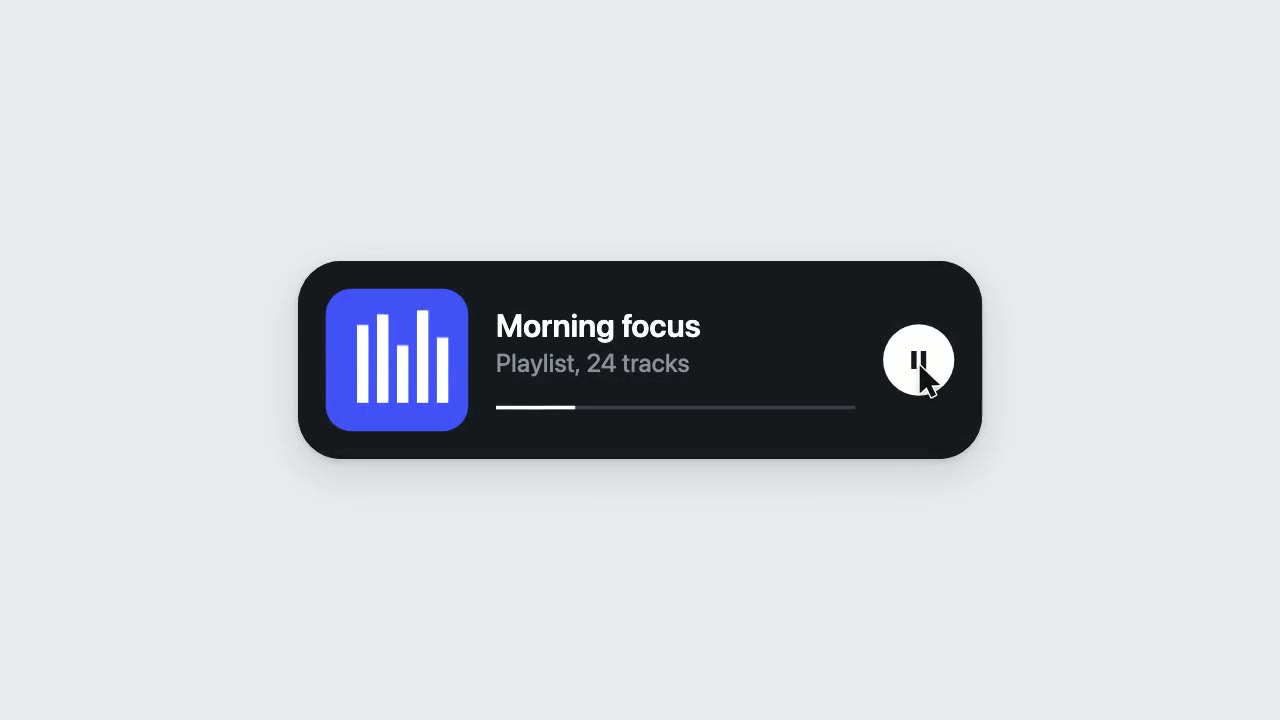
UI Morph Loop
Have your agent make a looping clip where one element turns into a button, toggle, slider, search field, notification and player, with a cursor that clicks and drags to cause each change.
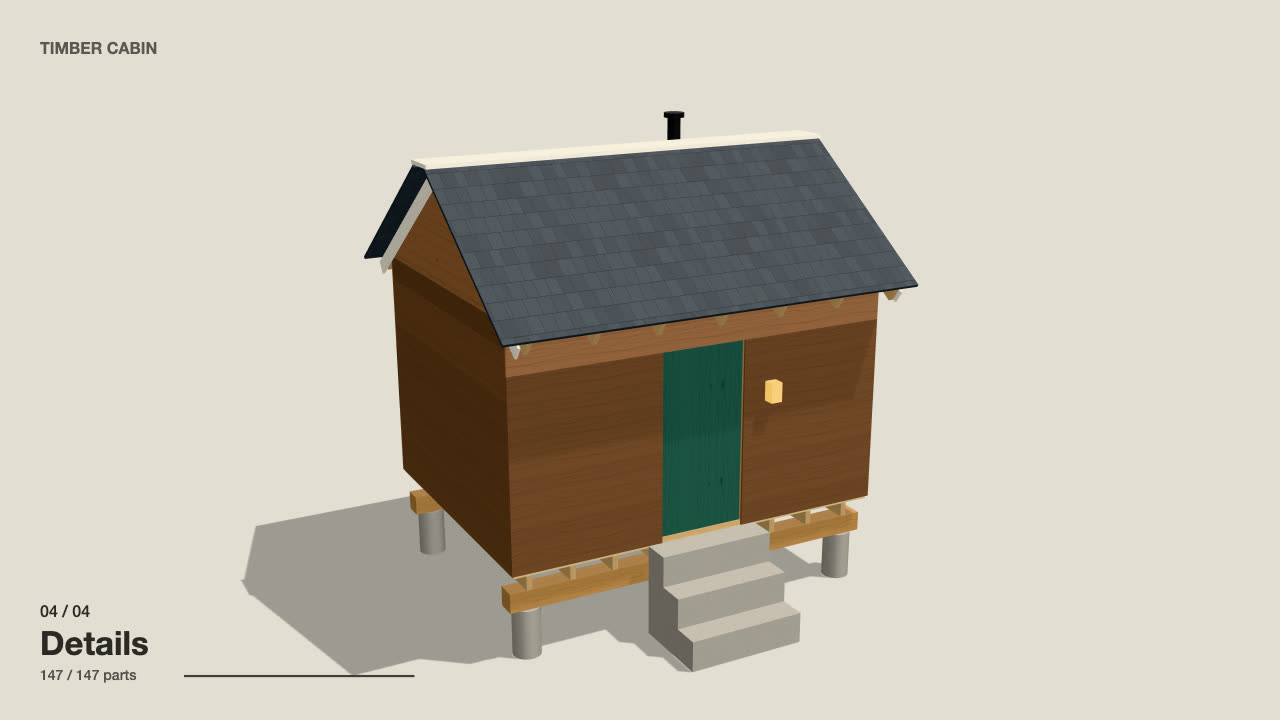
Self-Building 3D Construction
Have your agent make a 15 to 40 second three.js film in which a building or an object puts itself together in a believable order, then circles the finished piece.