
About this skill
A recipe film is only useful if its numbers are right. This skill starts from a step table in JSON: the action, the item, the quantity and unit, how long the step really takes, and which container it goes into. A Canvas stage plays each step in order with a prop kit (glasses, a jar, a bowl on a kitchen scale, a pan on a burner, a tray, a conveyor, a cutting board) and six actions: pour, drop, stir, slice, place and heat. Counters show the amount added, the running total, the elapsed time and the step number, in metric, imperial or both. A pour fills each vessel to the height its quantity reaches in that shape. A checker draws key frames, reads every counter and measures every liquid surface from the pixels. It fails when they disagree with the table, when totals don't add up, or when a step is too short to read.
You say
Using this skill, make a 30-second vertical animation of our overnight oats: 50 g oats, 120 ml oat milk, 60 g yogurt, 1 tsp maple syrup and 40 g blueberries into a 400 ml jar, then stir and chill for 8 hours. Show grams and ounces, and check that every number matches the recipe.
How it works
- Give your agent the recipe or process with its real amounts, the format and the units to show.
- It writes the step table, with each container's capacity and the totals the recipe claims, and checks that they add up.
- It draws the first, middle and last frame of every step and compares each counter and fill level with the table.
- It renders the MP4 frame by frame, comparing every frame again, and shows you a still of each step.
Getting a good result
- Put the recipe's own totals in the table. When the steps don't add up to them, the checker finds a typo before a viewer does.
- Keep it to four to eight steps for 15 to 45 seconds. Long real steps, like an hour of proving, still take only a few seconds on screen.
- Give each vessel its real capacity. A 400 ml glass drawn large still fills like a 400 ml glass.
What you get
- A step table format with units, densities, container capacities and the totals the recipe claims
- A Canvas stage with nine props, a kitchen scale and a burner, and pour, drop, stir, slice, place and heat animations
- Counters for amount added, running total, elapsed time and step number, plus an on-screen step table
- A checker that compares every counter and measured fill level with the table, and fails steps too short to read
- A frame-exact renderer to MP4 through Playwright and ffmpeg, a check of the finished MP4 against the table, and two example processes
Good fit
- Recipe and drink videos for food, drink and kitchen products
- How-it's-made and assembly steps for a product page or an ad
- Packing, manufacturing or lab steps where the amounts must be right
Not for
- Charts and data stories, which epic-infographics covers
- Videos led by a voice-over, where pictures follow the narration
- Photoreal food footage; this draws flat, clean illustrations
How to install it
- Download the ZIP and unzip it.
- Move the folder holding
SKILL.mdinto your agent's skills folder, such as~/.claude/skills/for Claude Code. - Start a new session and ask for what you want to make.
Needs: An agent that reads skills, Node.js 20 or later, Playwright with Chromium, or Chrome, ffmpeg, for the MP4.
Popular on X
Posts showing demand for this kind of video. Unless a post names this tool, it wasn't made with it.
- Another drink recipe animated pour by pour with Opus 5.5 1,296 views on X, measured 11 November 2026
- A racing pit stop animated in three.js with Opus 5.5 1,802 views on X, measured 11 November 2026
- An animated warehouse simulation built with Opus 5.5 74,319 views on X, measured 11 November 2026
FAQ
What does it cost?
$2.99 once for this skill, or $99 once for every skill in the library. It also comes with every paid AdAnt plan, from $15 a month. It runs on your own computer and uses no AdAnt credits.
Can I use it in commercial work?
Yes. The skill's code is MIT licensed: use it and what it makes in your own commercial work, including for clients, and keep the license file with any copy you pass on.
How does it know how high 50 ml fills a glass?
Each vessel has an inside profile and a real capacity. The volume is worked out slice by slice up the profile, so in a glass that narrows toward its base the first 50 ml rises more than half as high as 100 ml. The checker then measures the surface in the drawn pixels against the drawn inside of the glass.
Can it mix grams, cups and millilitres?
Yes. Write each quantity in the recipe's own unit, from teaspoons and cups to ounces and pounds. Cups and spoons are US measures unless you write metric cup, so a 250 ml cup is never read as 237 ml. Give an item a density when its mass goes into a container measured by volume, or the other way round. The screen shows metric, imperial or both, and a step written in tablespoons or cups keeps that unit.
What happens when a number is wrong?
The checker stops and says which frame and which counter, such as a total that reads 240 ml where the steps add up to 330 ml, or a surface 16 pixels below where the volume reaches. The renderer runs the same comparison and won't finish a film that disagrees.
Can I use it for things that aren't food?
Yes. The props include a tray, a conveyor and a cutting board, and pieces can be boxes, bars, rings or balls. Anything with ordered steps and amounts works, from packing a box to mixing a solution.
Did the authors of the posts write this skill?
No. AdAnt saw popular posts of recipe and how-it's-made animations made with Opus 5.5, linked on this page, and wrote this skill, its stage and its checker from scratch. Nothing from the posts is copied, and their authors did not write or review it. The clip on this page was rendered by AdAnt with this skill.
Related skills
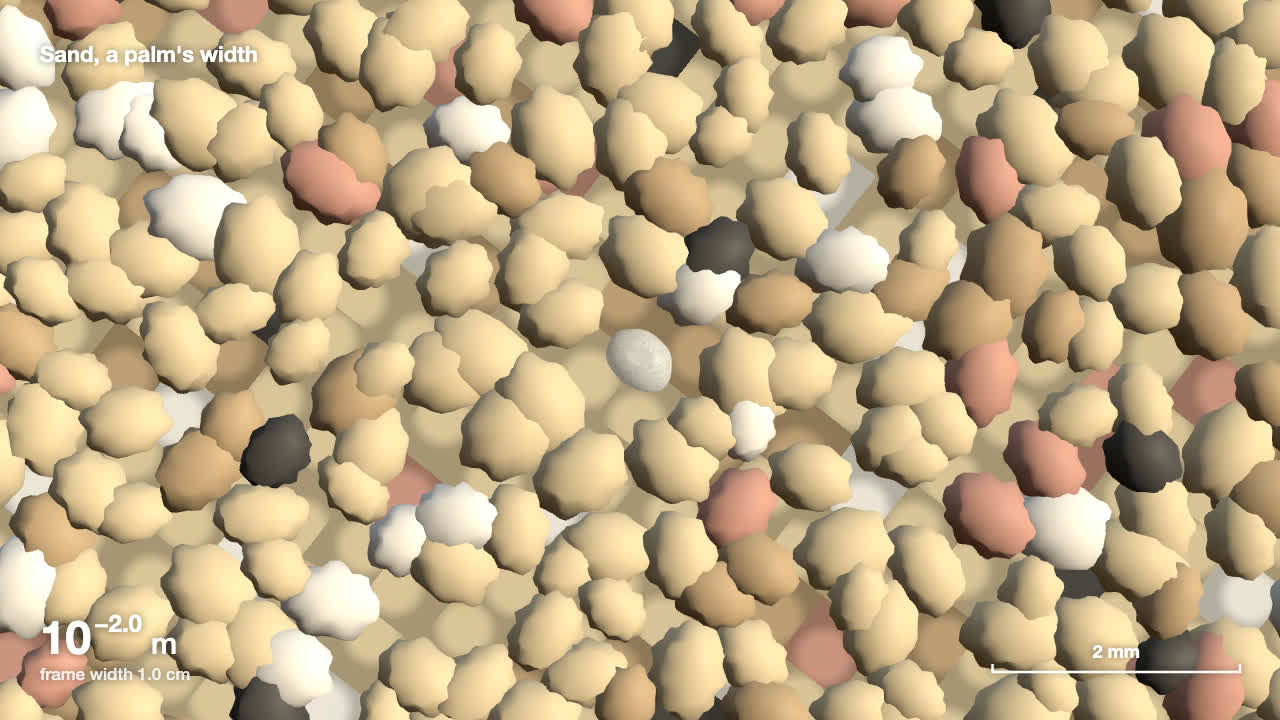
Scale Zoom One-Take
Make one continuous three.js zoom across many orders of magnitude, from a planet to an atom or out to a galaxy, with a scale readout that is right on every frame.

Code-Rendered 3D Animated Short
Have your agent write a tiny wordless story, build its characters and set in three.js, shoot it from a shot list, score it and render a frame-exact MP4.
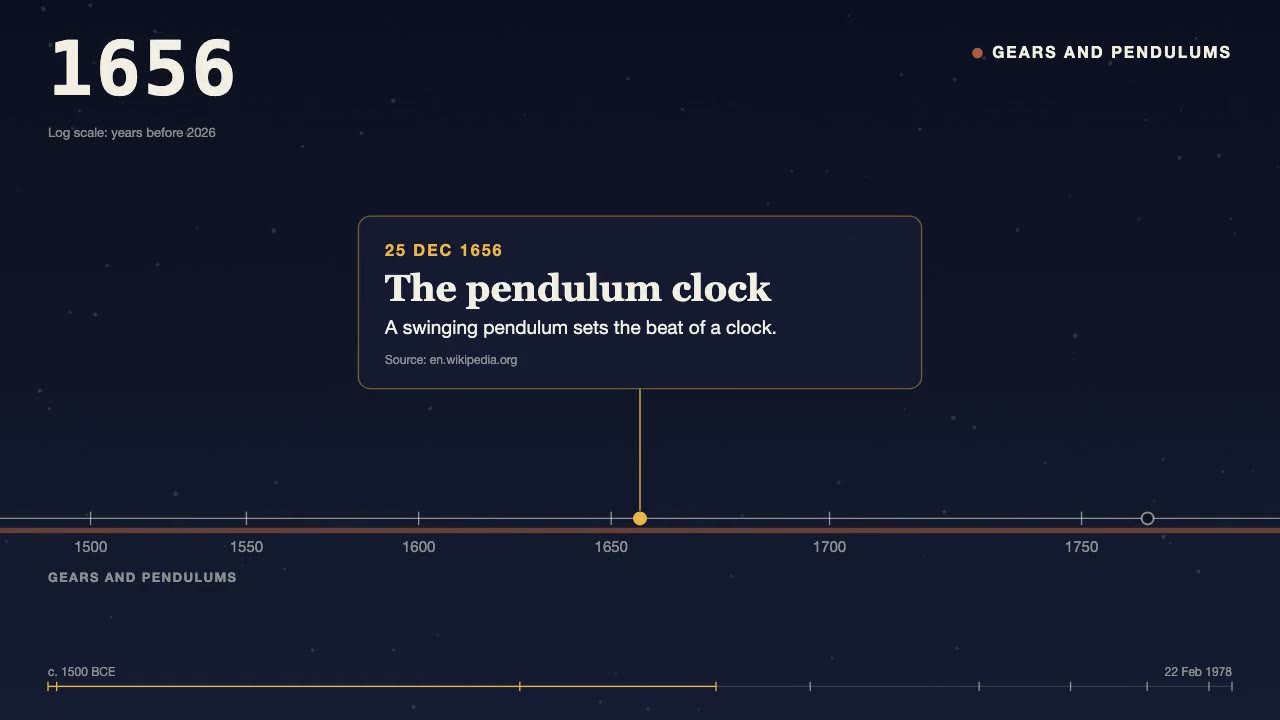
History Timeline Film
Turn a dated, sourced list of events into a 30 to 90 second film: the camera travels along a time axis, a year counter rolls, and each card lands on its date.
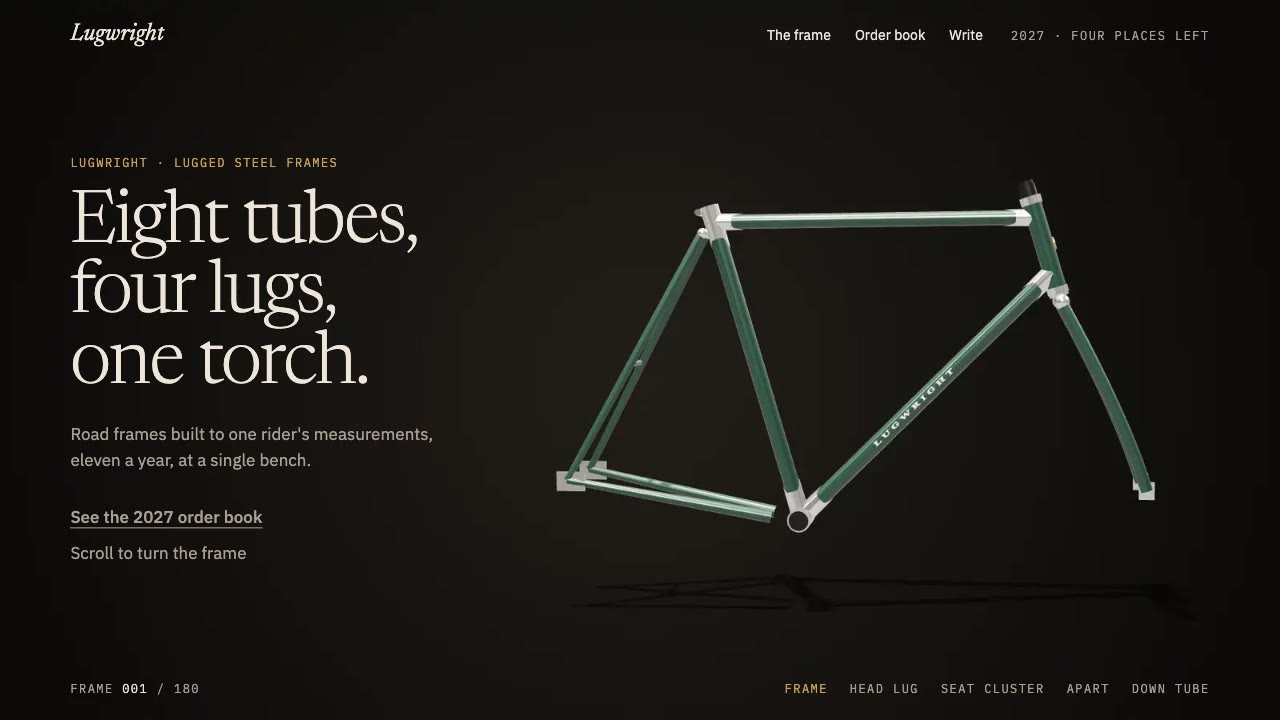
Scroll-Scrubbed Film Site
Have your agent build a landing page where scrolling plays a film frame by frame, with chapters, callouts and a preloader, then check it in Chrome.

Remotion Video
Make video as React components, where every frame comes from the frame number, and render one template for any data.
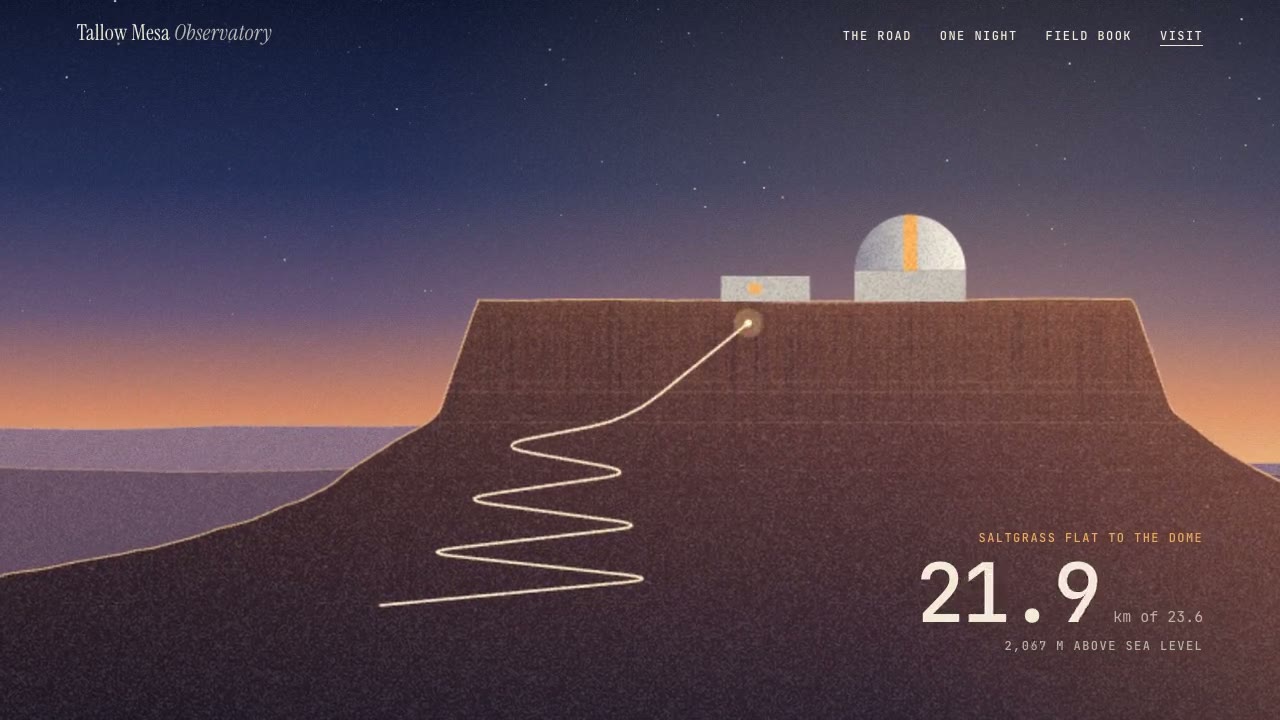
Parallax Plates Site
Have your agent split one picture into depth plates and build a page that flies through them on scroll, then prove in Chrome that no plate edge ever shows.
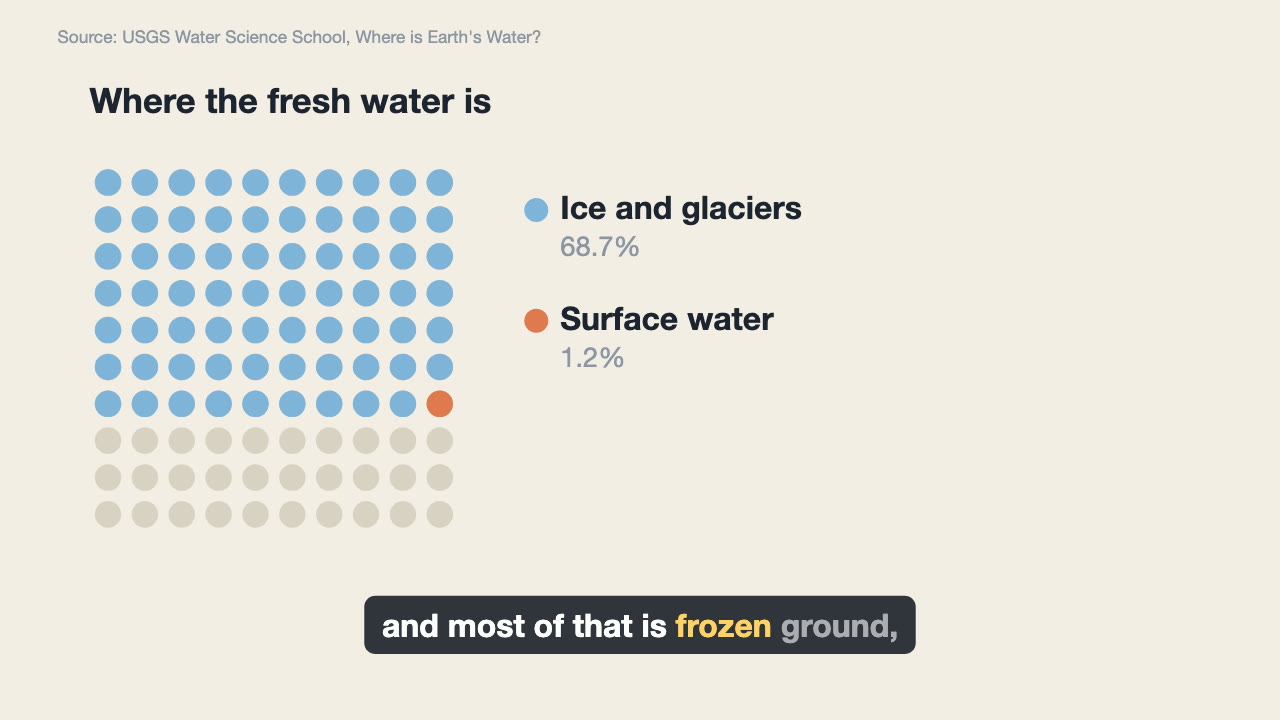
Narrated Explainer Video
Have your agent research a topic, write a script with a source for every figure, voice it, and animate scenes that land on the words that name them.
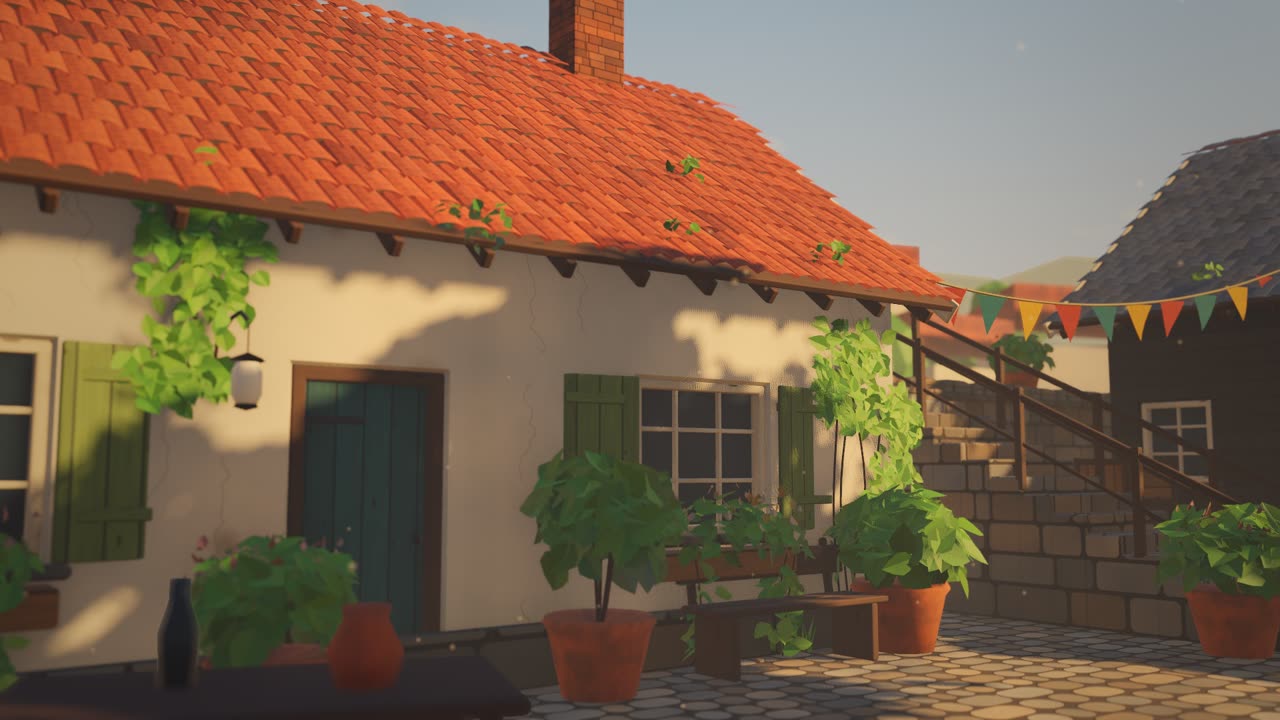
Sketch to Styled 3D Scene
Have your agent read a hand sketch of a place into a measured layout, build it in three.js, and show the same scene in sunlit, painted and night looks.
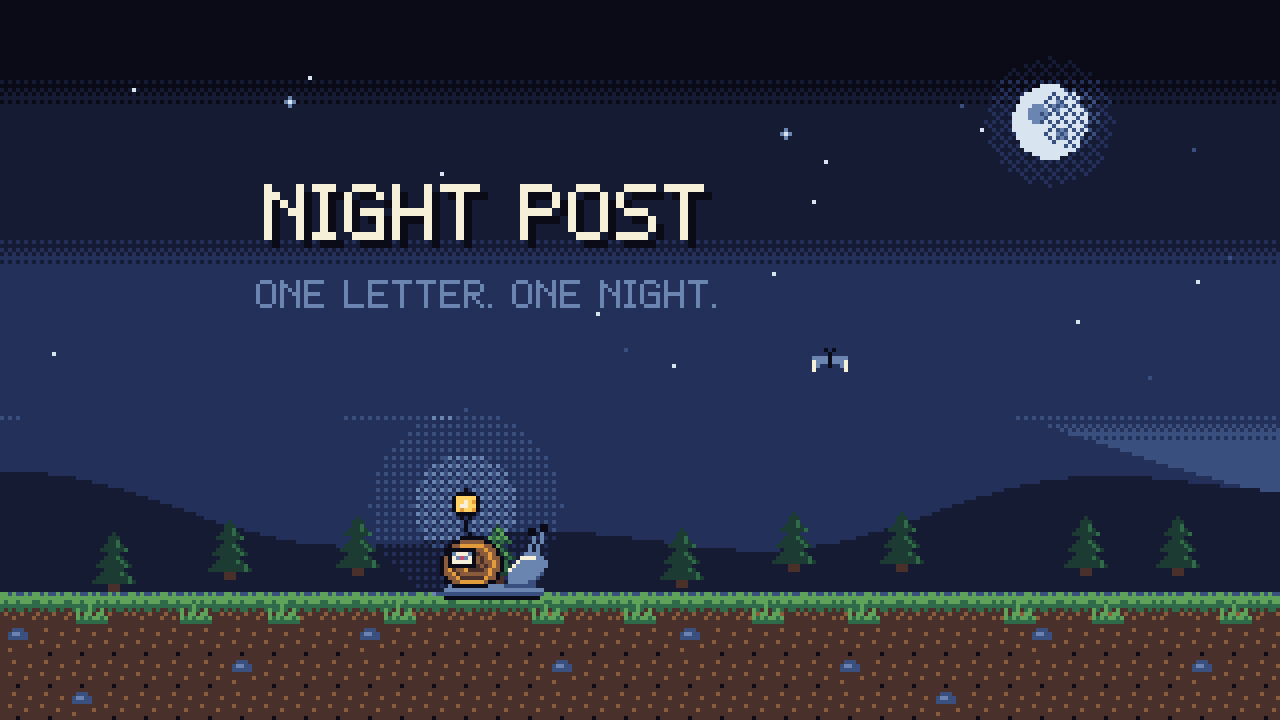
Pixel-Art Sprite Film
Have your agent make a 15 to 40 second pixel-art scene in code, with sprites, parallax and a chiptune score, rendered to an MP4 whose pixels stay crisp.
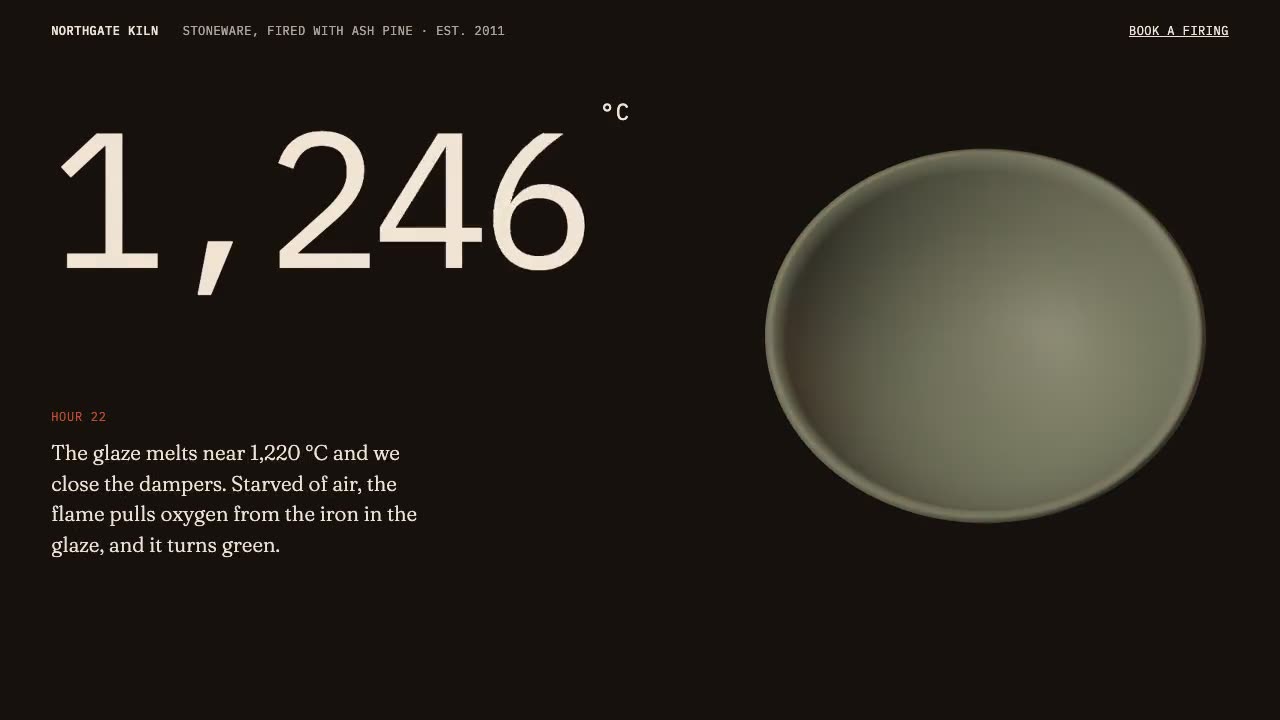
Scroll-Driven Site
Have your agent build a landing page where scrolling pins, scrubs and reveals each scene, then measure it in a real browser.

Storybook Feature-Film Look
Have your agent give a three.js film the look of a finished animated feature, then sample random frames and fix them until every one passes a written reject list.
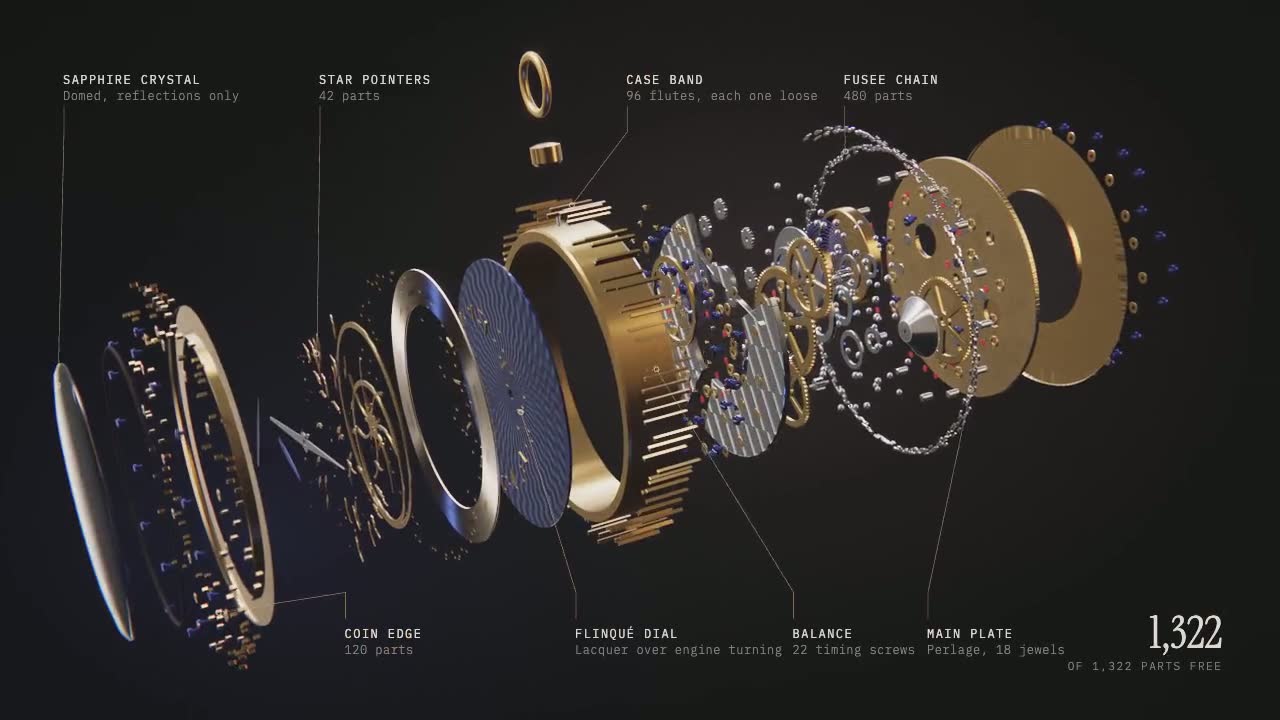
Exploded 3D Story
Build a machine in code that pulls itself apart into hundreds of labeled parts, as a scroll-driven site and a video.