
About this skill
Anime.js is a small MIT library for when the hard part is choreography: hundreds of elements with related timing, lines that draw themselves, and things that follow them. This skill builds everything on one paused timeline, moves the picture only by seeking, and captures it to MP4 one frame at a time. It also covers the seeking bugs we hit on version 4.5.0, and includes a test for them.
You say
Animate this SVG diagram with Anime.js: a grid wave behind it, each line drawing itself in turn, and labels that appear as the lines reach them. Then capture it to a 12-second MP4.
How it works
- Your agent asks, then installs one pinned Anime.js version, and builds the elements once from data with their hidden states in CSS.
- It adds every stagger, line and path to one paused timeline, with labels for each section.
- A single renderAt function seeks the timeline, so any moment can be asked for, in any order.
- It runs the seek test, reads stills, and captures the MP4 frame by frame.
Getting a good result
- Draw lines at a constant speed. A stop's time is then just its share of the line's length.
- Put hidden starting states in CSS rather than tl.set. A set on a property a later tween also animates can come back on a long seek.
- Test the path the film really takes. Jumping to a frame can look right while playing up to it goes wrong.
What you get
- Setup at one pinned Anime.js version, with what changed from version 3
- The working pattern for grid staggers, line drawing, motion paths and labels
- The source of the transit map on this page, on one timeline
- A test that compares a long seek with playing frame by frame
- A capture script with no npm packages, for stills, checks and MP4
Good fit
- Self-drawing maps, diagrams and logos
- Grids and lists with hundreds of related delays
- Sequences someone needs to scrub, or to render as video
Not for
- React UI state, enter and exit, and gestures
- A long video with audio, or many versions from one template
- 3D scenes
How to install it
- Download the ZIP and unzip it.
- Move the animejs-timelines folder into your agent's skills folder, such as ~/.claude/skills/. Your agent asks before it installs Anime.js in a project.
- Start a new session and ask for what you want to make.
Needs: An agent that reads skills, Node.js 22 or later, Chrome and FFmpeg to capture video.
FAQ
What does it cost?
$2.99 once for this skill, or $99 once for every skill in the library. It also comes with every paid AdAnt plan, from $15 a month. It runs on your own computer and uses no AdAnt credits. Anime.js is free and is not in the ZIP.
Can I use it in commercial work?
Yes. You can use the skill and what it makes in your own commercial work, including for clients. You can't resell the skill.
What does setup download and run?
After asking, it installs one npm package, animejs at an exact version: 2.6 MB, with no dependencies and no install script. To make video, the capture script in the ZIP starts your own Chrome and FFmpeg. It has no npm packages. The page you capture is code your agent wrote, running in that browser.
Can I use it commercially?
Anime.js is under the MIT license, which allows commercial use as long as you keep its copyright notice with copies of the library. This skill is AdAnt's, and the video you make is yours.
Does it send anything anywhere?
We found no network calls in the Anime.js 4.5.0 bundle when we searched it. It needs no API key and no account beyond AdAnt's for this download.
What did AdAnt run, and what didn't it?
We installed Anime.js 4.5.0 in a clean folder on an Apple Silicon Mac, following this skill, and rendered the clip on this page by seeking the timeline to each frame. The rewind in the clip is the same seek call. The seek test passed. We tested only version 4.5.0 in Chrome, and didn't try the version 5 beta, other browsers, or how 1,000 animated elements run on a phone. Every station name is invented.
Related skills

Remotion Video
Make video as React components, where every frame comes from the frame number, and render one template for any data.
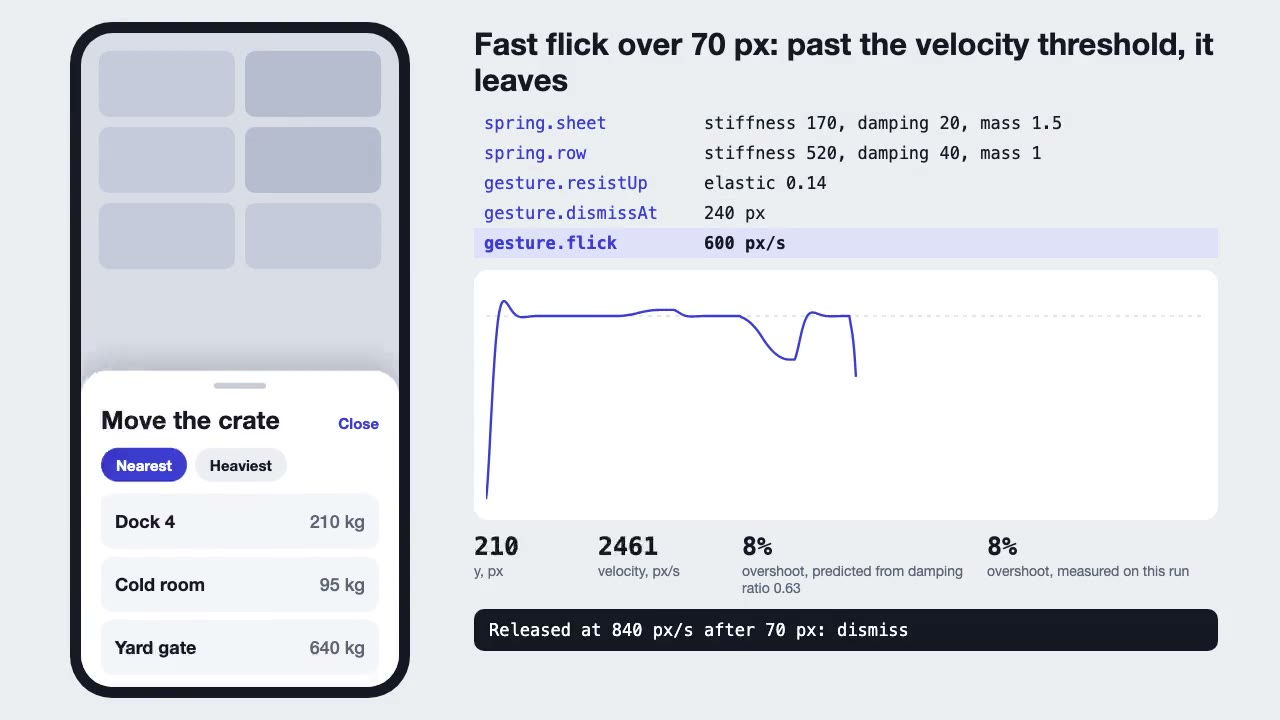
Motion UI Animation
Build UI animation with springs, layout transitions and gestures from one written motion language, with a linter that catches drift.

Blender Scenes through MCP
Have your agent build a Blender scene one step at a time, look at each result, and render the finished shot.
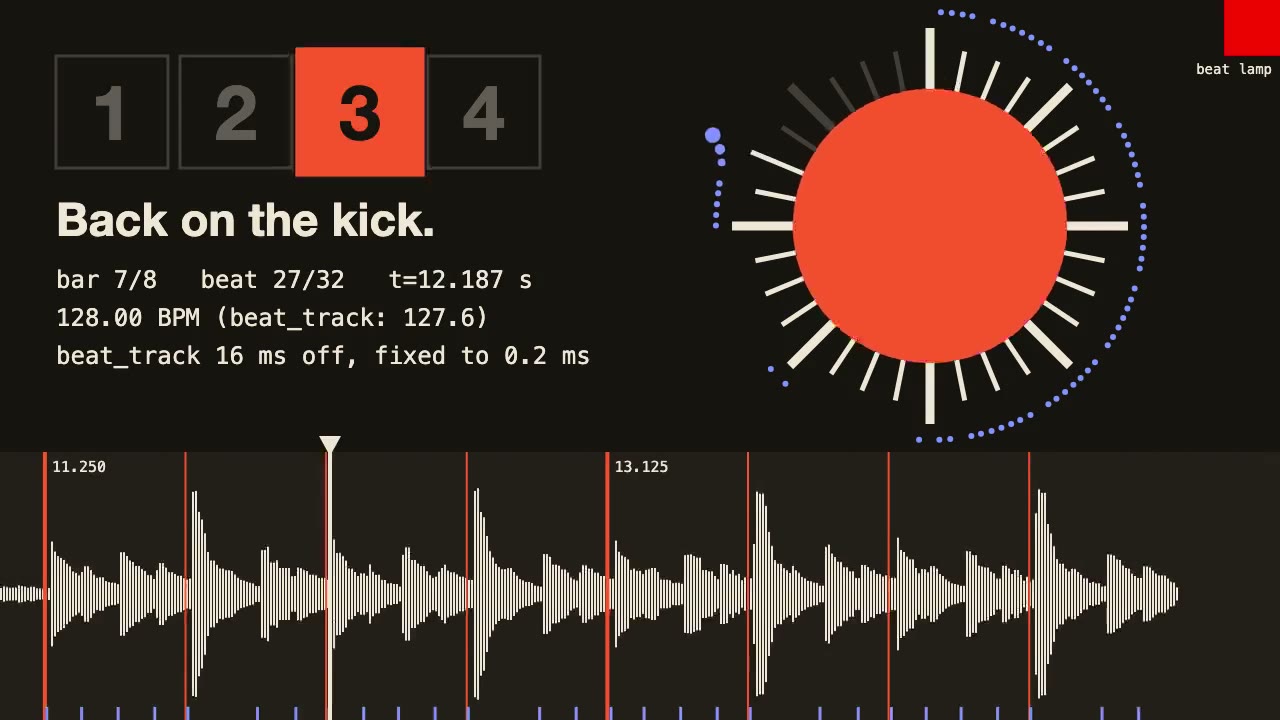
librosa Beat Sync
Measure a track's beats with librosa, drive an animation from the JSON it writes, and prove the sync by measuring the video.

Three.js Path Tracing
Render a three.js scene with real path tracing, so glass, chrome and soft light come out physically right.
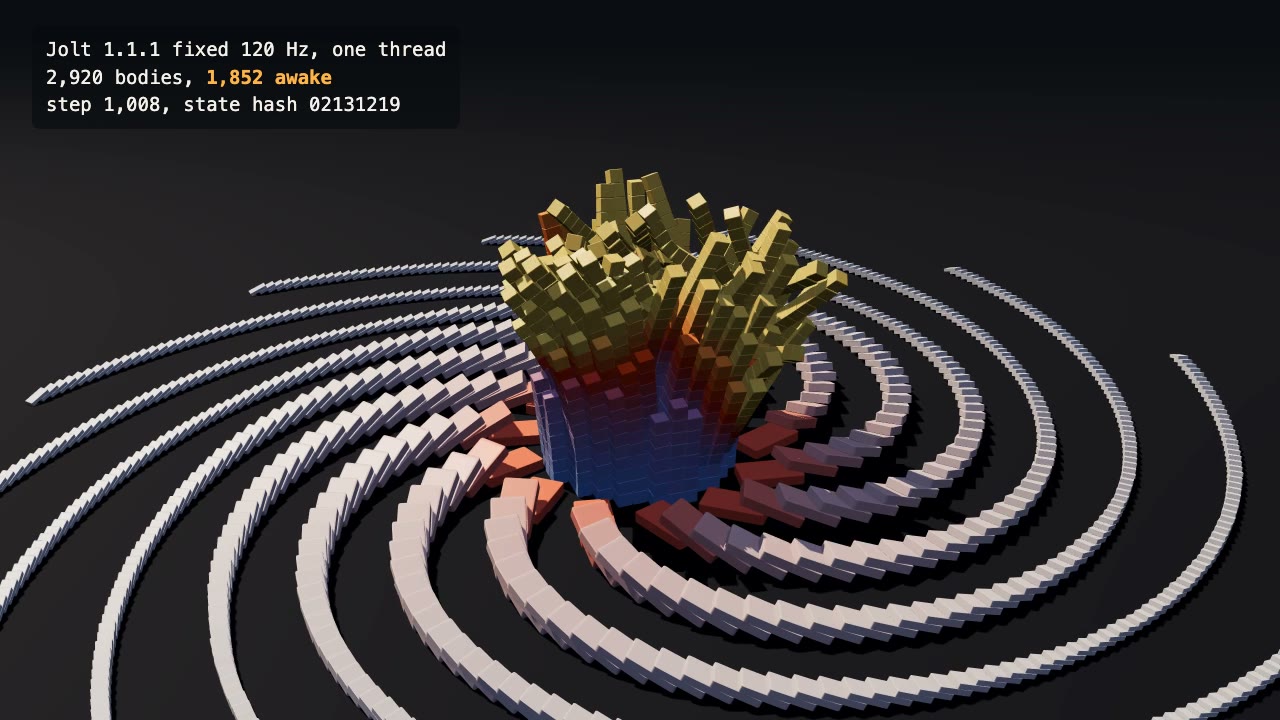
Jolt Physics Simulation
Simulate thousands of rigid bodies with Jolt and render the collapse, repeatably, frame by frame.

three.quarks VFX
Make trails, sparks, shockwaves and fireworks in three.js, on a seeded clock, so a frame renders the same again on the same machine.
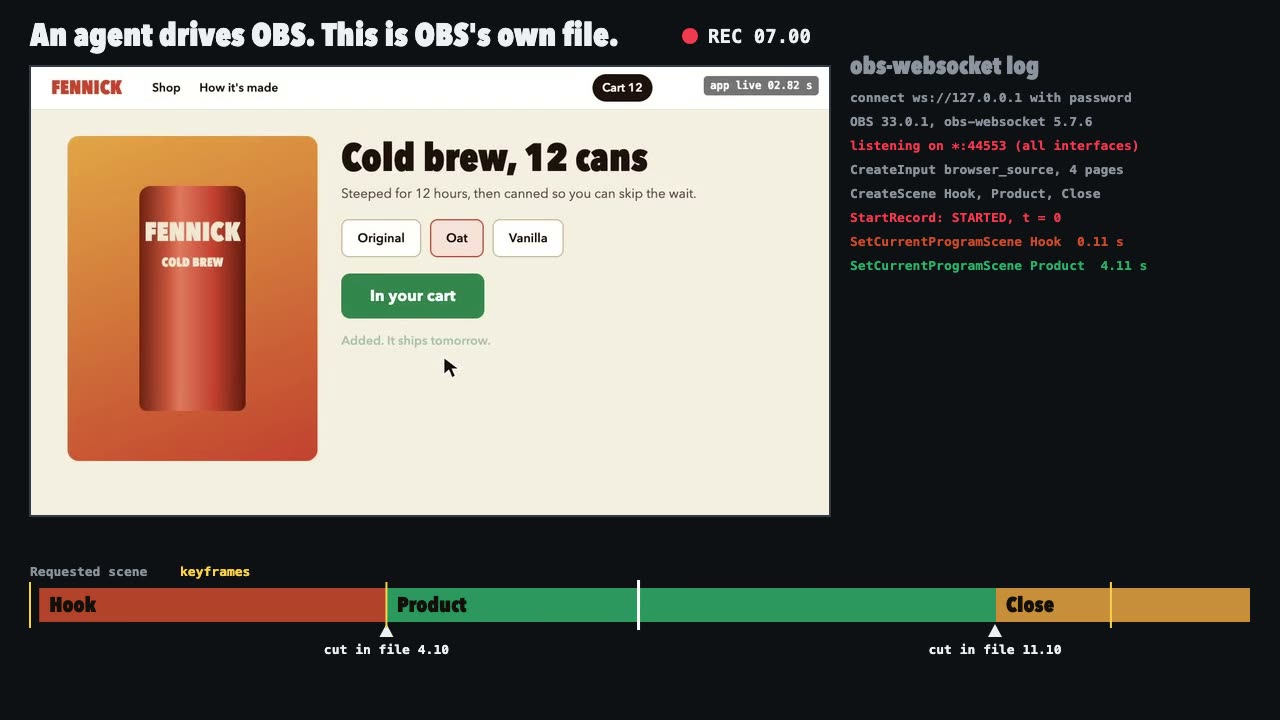
OBS Recording
Script a real OBS recording of a page with timed scene switches, then check the file it wrote.
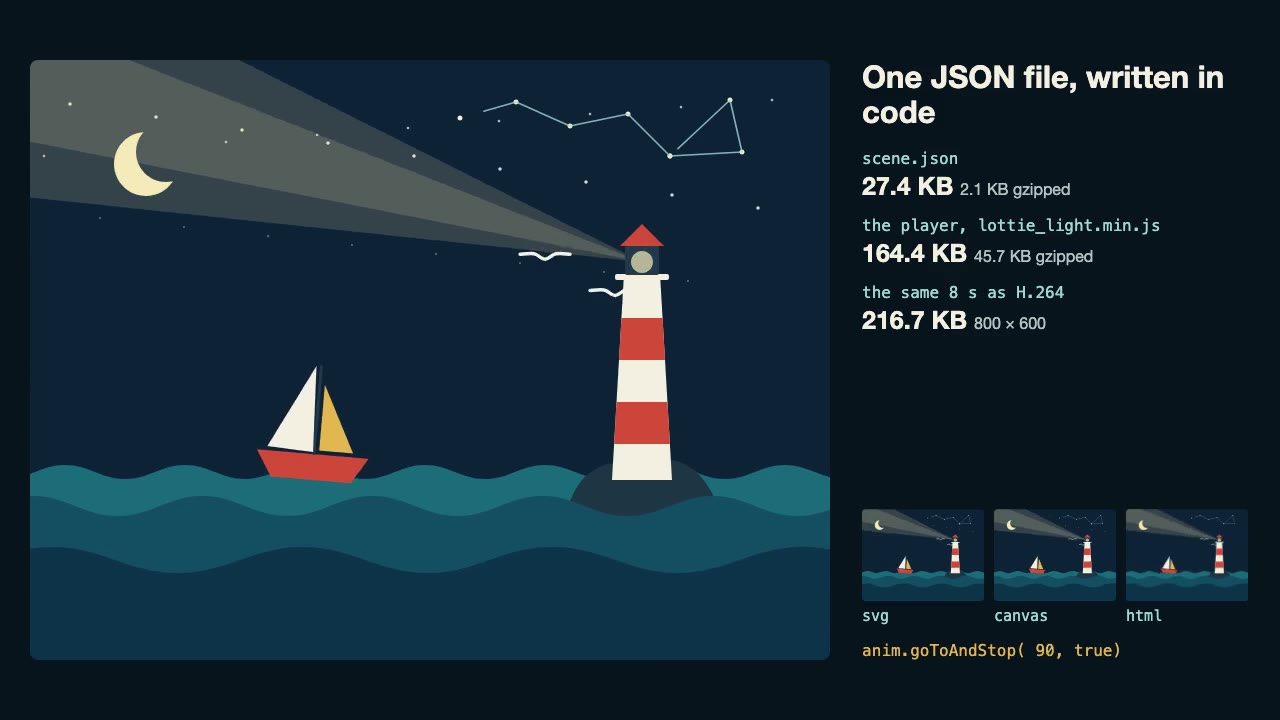
Lottie Animation
Write an original Lottie animation as JSON from a script, check that it's safe, and play it with lottie-web, with no After Effects.
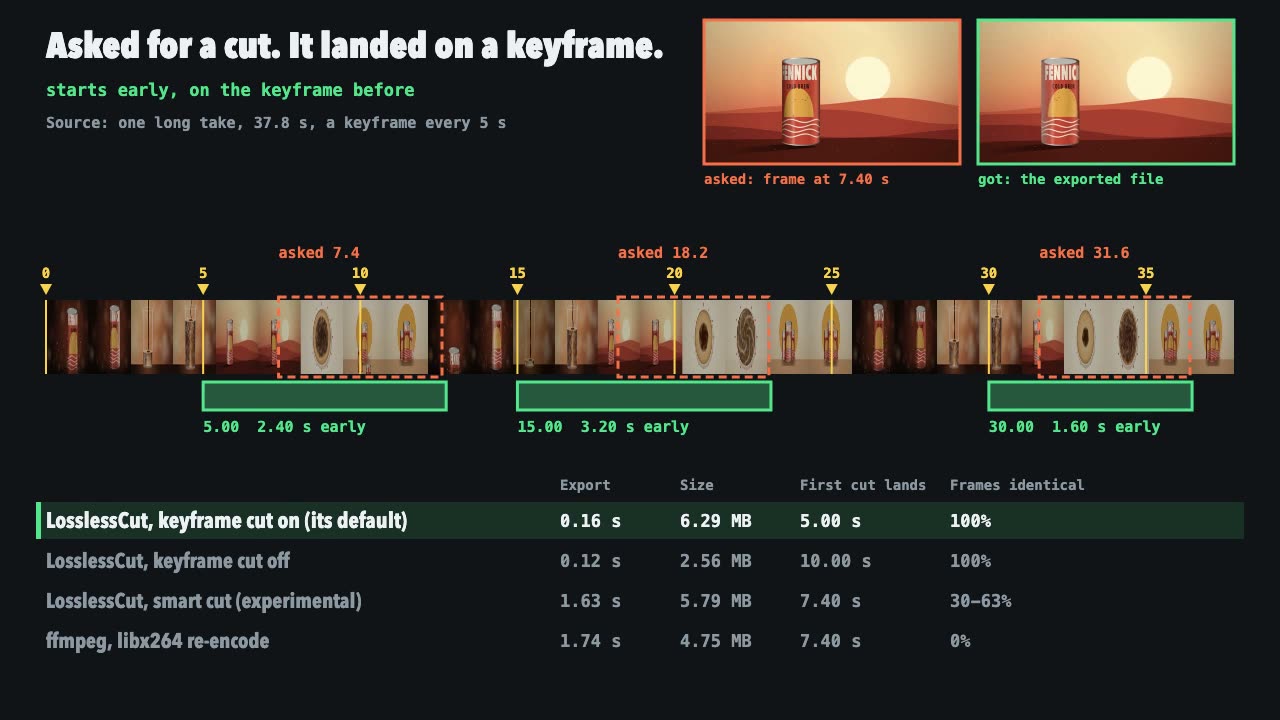
LosslessCut Trims
Cut long recordings fast without re-encoding, and measure where each cut really landed.

Three.js Postprocessing
Give a flat three.js shot HDR bloom, depth of field, tone mapping and a color grade, in the right order.
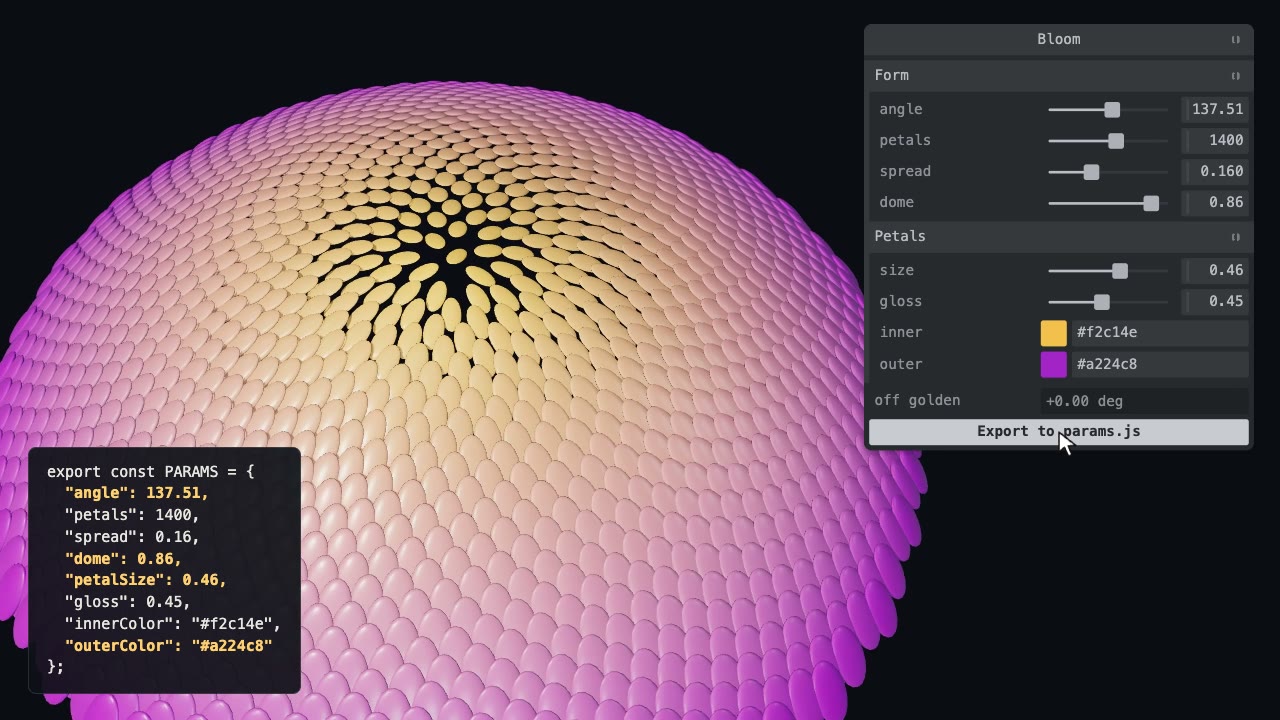
Tweakpane Live Tuning
Add a live panel to an animation so you can tune it by hand, then write the values you chose back to the code.