
About this skill
Tweakpane, by cocopon, is a compact panel of sliders, color pickers and monitors, bound to a plain object. An agent can't feel whether 0.34 looks better than 0.46, and you can. This skill adds a panel to your scene and closes the loop: an Export button writes the chosen values to a data file, so what the panel says is what the file says, and git shows what you decided. It also shows how to drive the real panel with a real mouse for a demo or a test.
You say
Add a Tweakpane panel to this three.js scene, for bloom, camera distance and the two main colors. I'll tune it by hand. Give me an export button that writes the values to the source.
How it works
- Your agent asks first, then installs one pinned package.
- It moves the values you want to tune into one small data file, and binds a panel to a copy of them.
- You drag sliders and pick colors while the scene updates.
- You click Export. A local server rewrites the file, and the agent reads your choices back from the git diff.
Getting a good result
- Sliders are coarse. For an exact value, type it in the field next to the slider.
- Render films from the exported file, not from the panel, so the render stays repeatable.
- Remove the panel before release, or keep it behind a flag such as ?tune.
What you get
- One data file for tunable values, and a panel bound to a copy of it
- A small local server and Export button that write the values back to that file
- How to drive the real panel through Playwright, with exact values
- A monitor setting that keeps frame-by-frame capture repeatable
- The complete phyllotaxis-bloom example on this page
Good fit
- Any time you keep telling an agent "a little more" about a number
- three.js and web animation you control
- People who want the values they chose kept in git
Not for
- Values already fixed by a spec
- A public site, unless you meant to ship the panel: remove it or put it behind a flag
How to install it
- Download the ZIP and unzip it.
- Move the folder holding
SKILL.mdinto your agent's skills folder, such as~/.claude/skills/for Claude Code. - Start a new session and ask for what you want to make.
Needs: An agent that reads skills, Node.js 22 or later, A browser, Chrome and ffmpeg, only to render a film.
FAQ
What does it cost?
$2.99 once for this skill, or $99 once for every skill in the library. It also comes with every paid AdAnt plan, from $15 a month. It runs on your own computer and uses no AdAnt credits. Tweakpane is free and is not in the ZIP.
Can I use it in commercial work?
Yes. You can use the skill and what it makes in your own commercial work, including for clients. You can't resell the skill.
What does setup download and run?
With your approval, npm installs tweakpane 4.0.5 into your project. The example adds three 0.187.0 and playwright-core 1.65.0. Playwright's core package downloads no browser. The example's small server listens on 127.0.0.1 only, and writes one file when you click Export.
Can I use it commercially?
Tweakpane and three are MIT, so commercial use is allowed if you keep the notices.
Is the panel in the clip real?
Yes. A script moves a real mouse across the real Tweakpane panel through Playwright, drags its sliders, types in a field and works its color picker, and each value reaches the scene through the binding. The Export click really rewrites a file, and the code on screen is what the server wrote. The one thing drawn over the page is a cursor showing where the mouse is, since a headless browser doesn't draw one.
How is this different from threejs-animation and exploded-3d-story?
Those skills build and animate a scene. This one adds a panel on top of any of them, so you can choose the numbers by hand and save them back to the code. It doesn't animate anything itself.
What did AdAnt run, and what not?
We ran Tweakpane 4.0.5 in headless Chrome on an Apple M4, driven frame by frame, and then confirmed the exported file held the values on screen. We did not try Tweakpane's plugins or other UI frameworks. The skill's example uses no framework.
Related skills
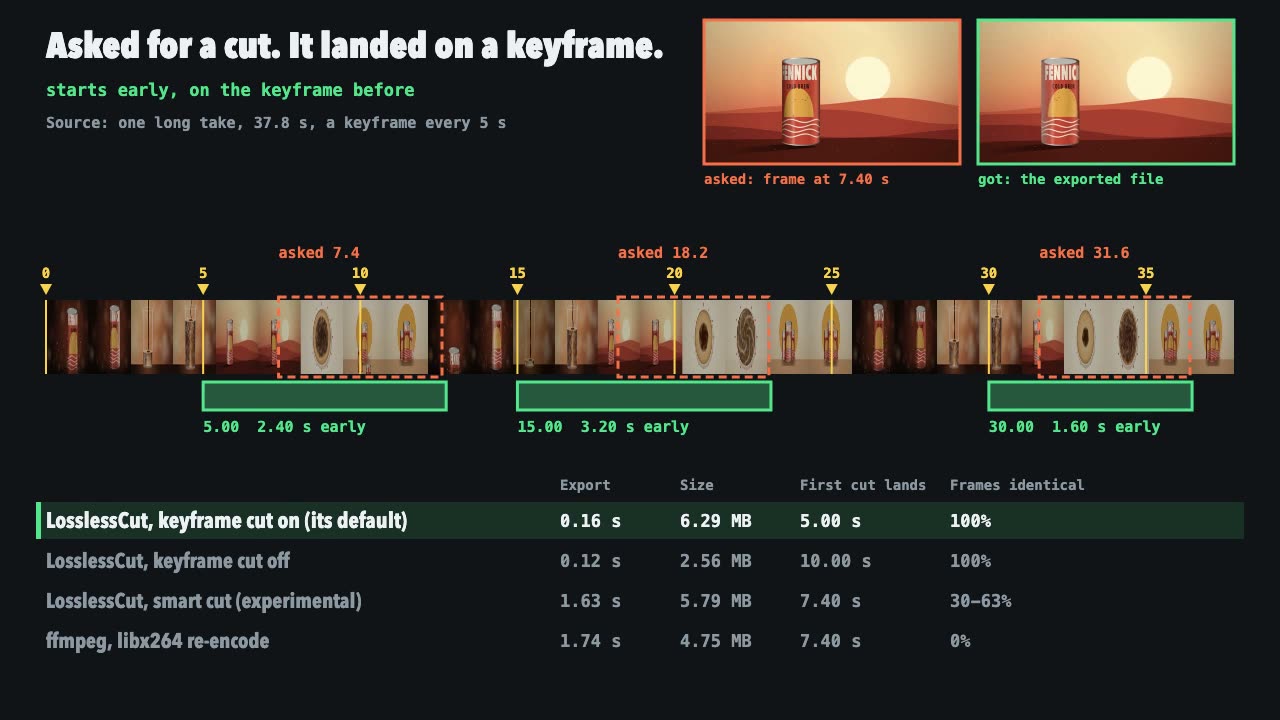
LosslessCut Trims
Cut long recordings fast without re-encoding, and measure where each cut really landed.
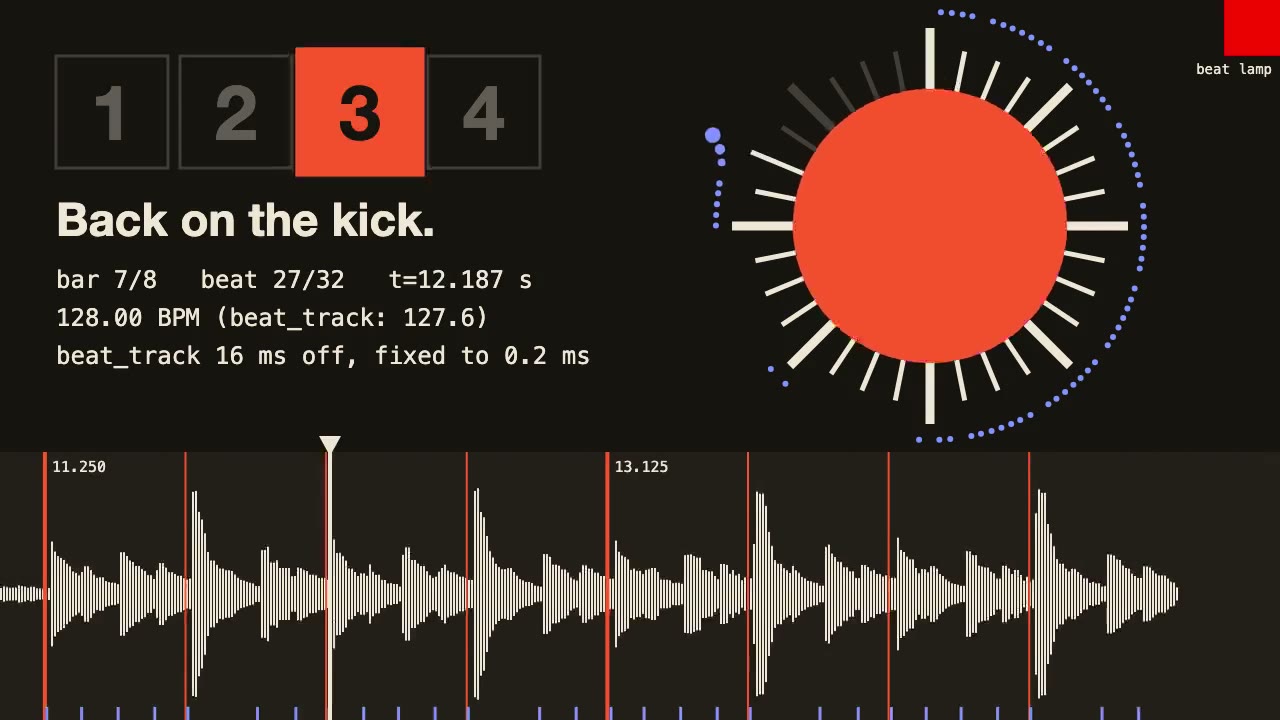
librosa Beat Sync
Measure a track's beats with librosa, drive an animation from the JSON it writes, and prove the sync by measuring the video.

Remotion Video
Make video as React components, where every frame comes from the frame number, and render one template for any data.
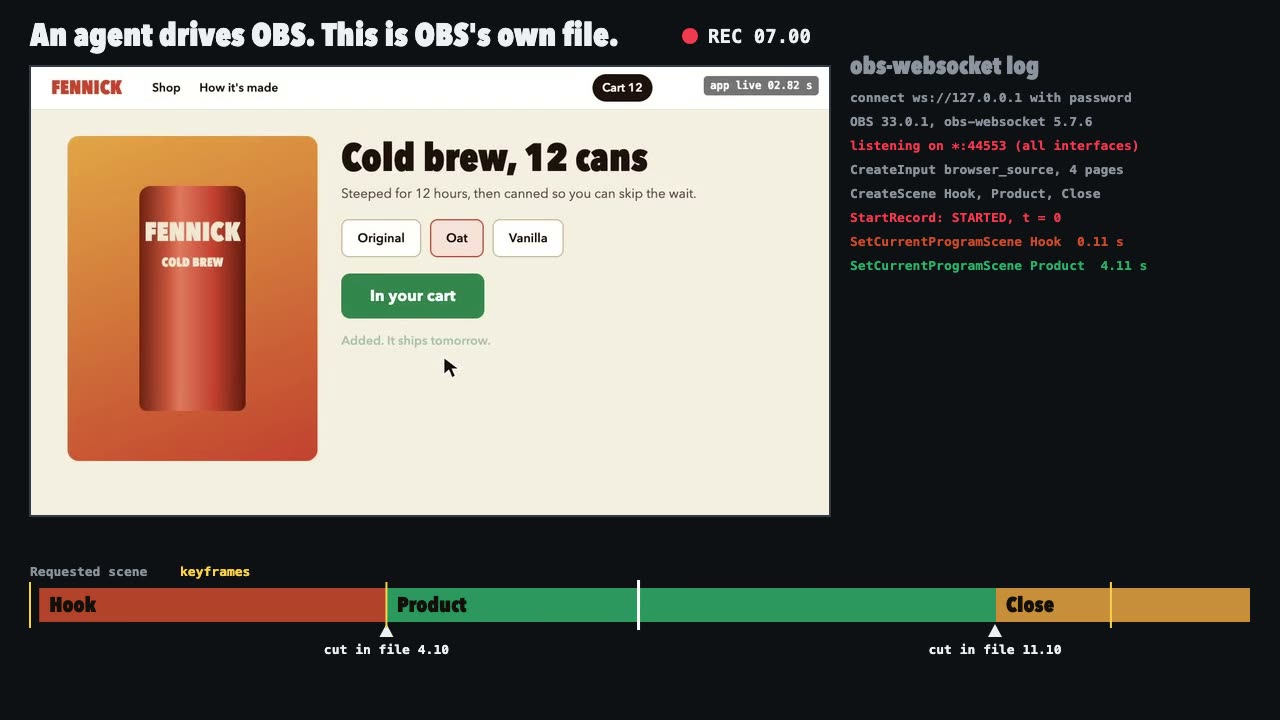
OBS Recording
Script a real OBS recording of a page with timed scene switches, then check the file it wrote.

Three.js Postprocessing
Give a flat three.js shot HDR bloom, depth of field, tone mapping and a color grade, in the right order.

Blender Scenes through MCP
Have your agent build a Blender scene one step at a time, look at each result, and render the finished shot.

Three.js Path Tracing
Render a three.js scene with real path tracing, so glass, chrome and soft light come out physically right.
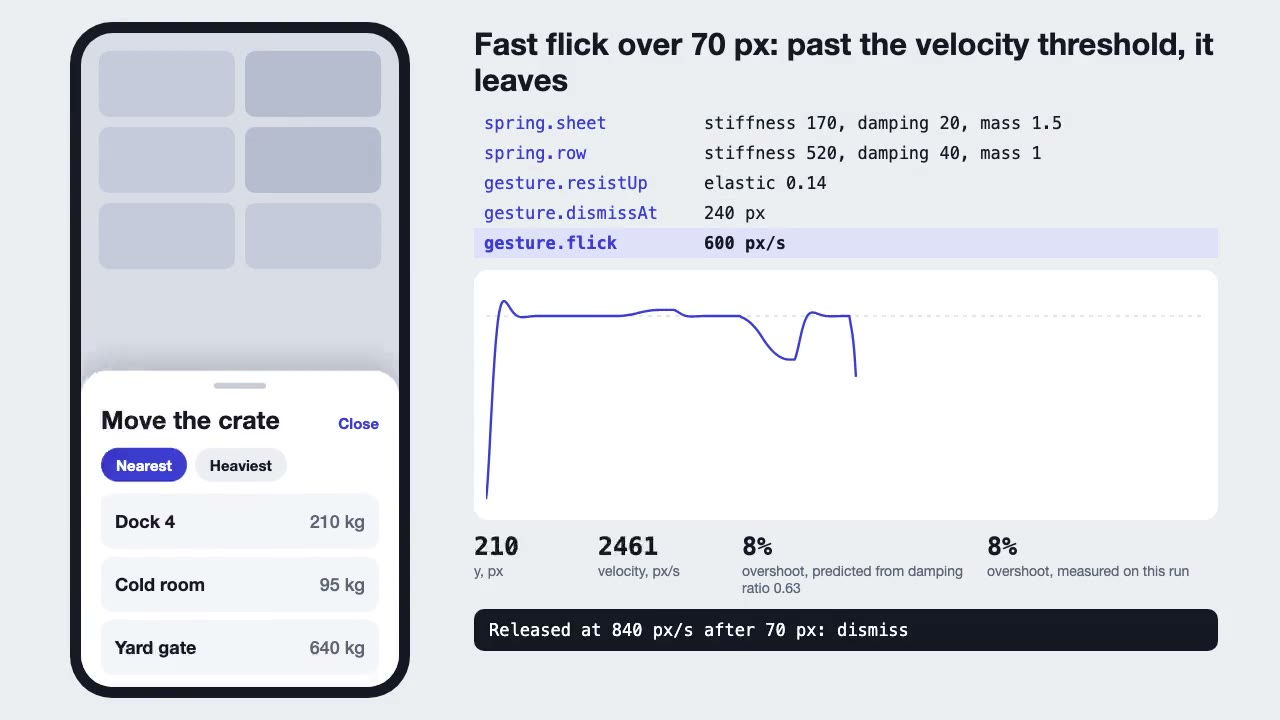
Motion UI Animation
Build UI animation with springs, layout transitions and gestures from one written motion language, with a linter that catches drift.
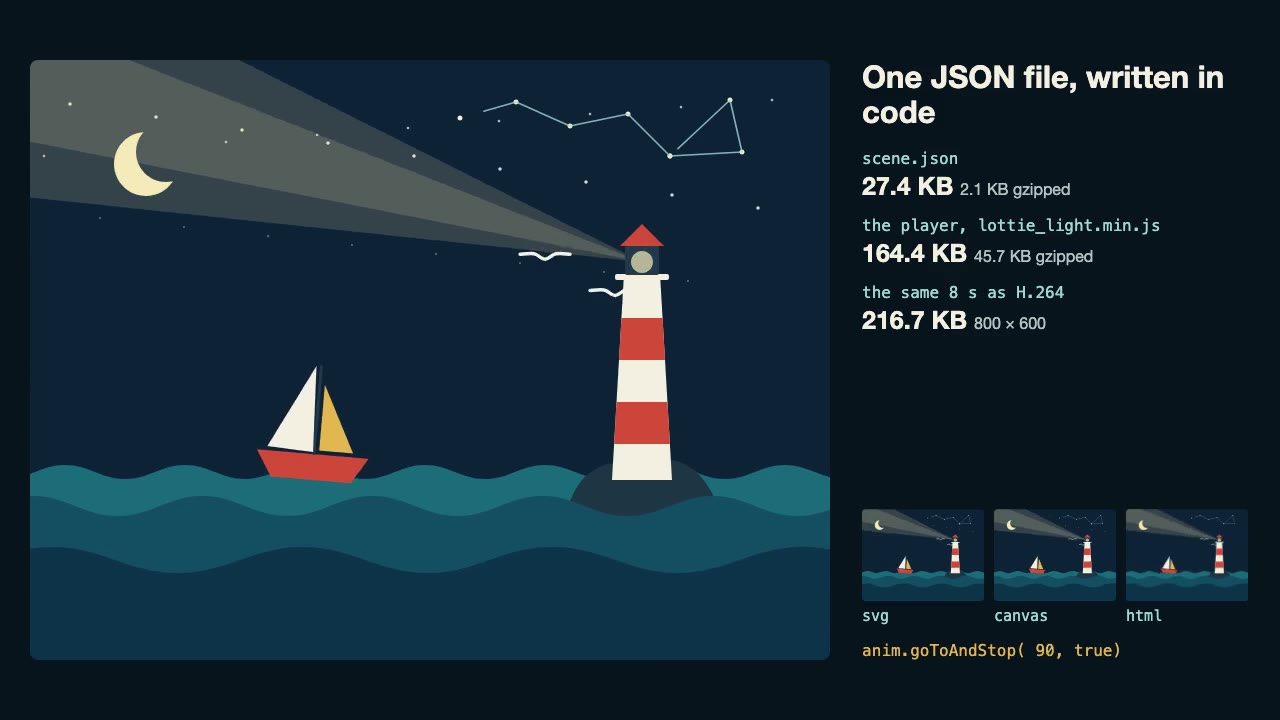
Lottie Animation
Write an original Lottie animation as JSON from a script, check that it's safe, and play it with lottie-web, with no After Effects.
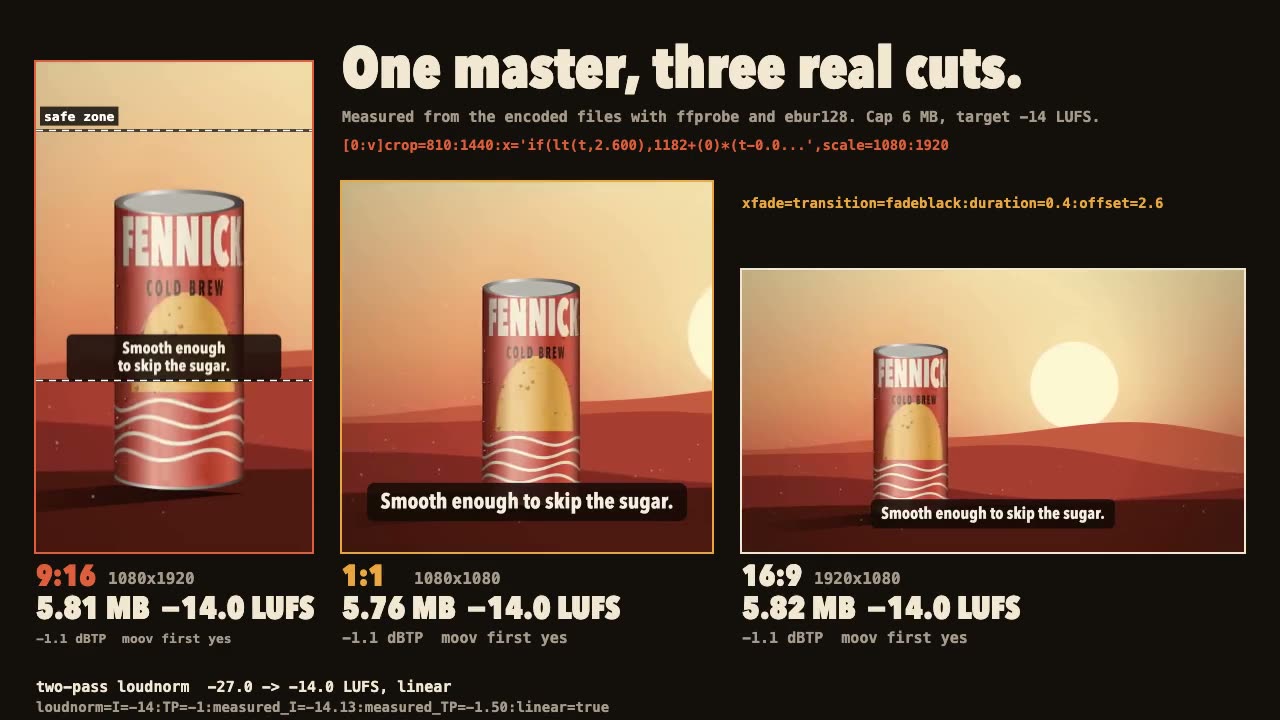
FFmpeg Finishing
Turn one master into 9:16, 1:1 and 16:9 files with safe-zone captions, measured loudness and a size cap.
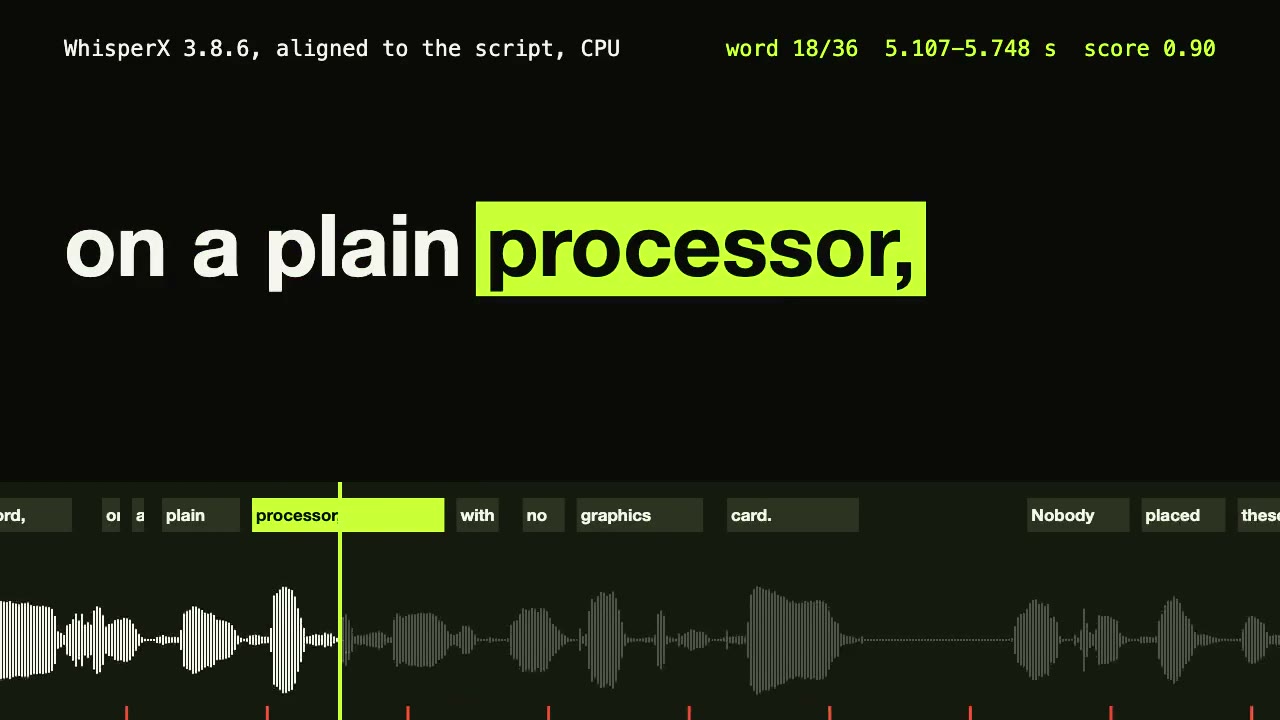
WhisperX Word Captions
Get a timestamp for every spoken word on a plain CPU, export SRT and VTT, and drive word-highlighted captions from the JSON.
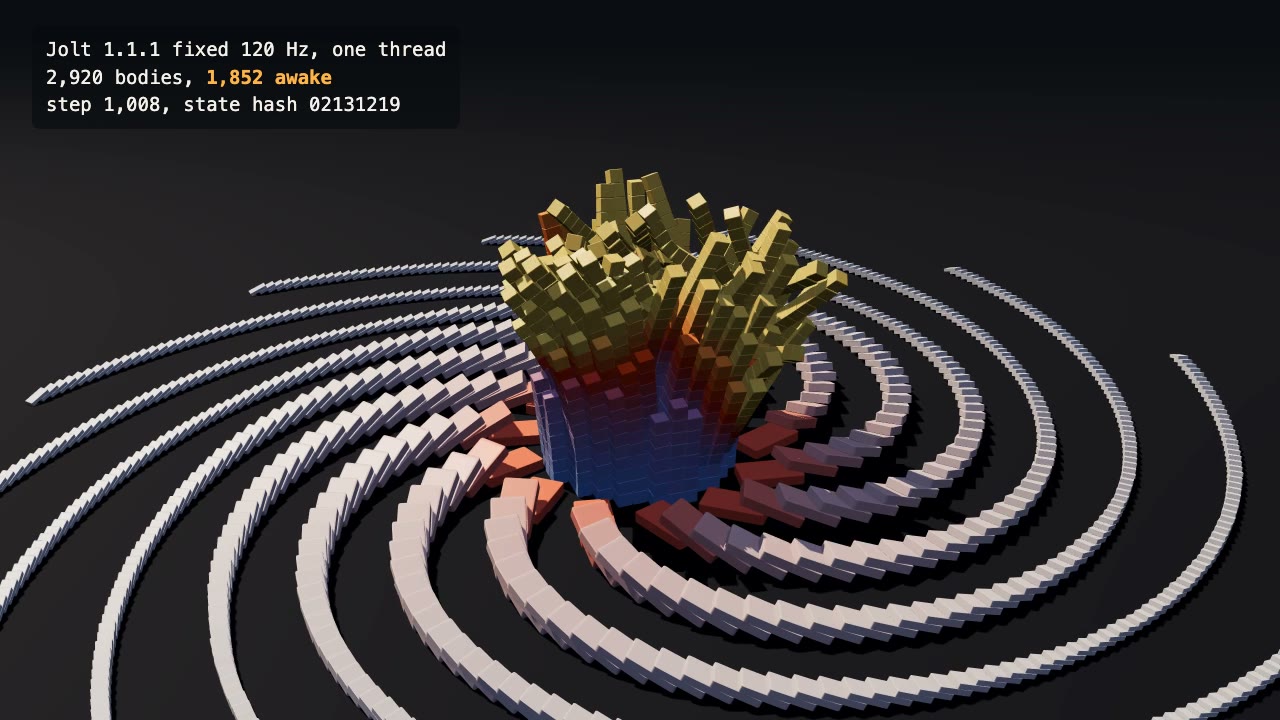
Jolt Physics Simulation
Simulate thousands of rigid bodies with Jolt and render the collapse, repeatably, frame by frame.