
About this skill
three.quarks is a particle engine for three.js with emitters, life-over-time behaviors, ribbons and sub-systems that fire when a particle dies. It uses Math.random inside, so two renders normally differ. This skill seeds it before any system exists and steps on a fixed clock, then proves it by comparing two renders of the same frame. Every texture is drawn in a canvas, so no asset from upstream's examples is used.
You say
Make a 12-second particle film in three.js: two comets braid over dark water, burst into a firework, and pull into a vortex. No image files, and I want it to render the same every time.
How it works
- Your agent asks first, then installs pinned packages into the project.
- It seeds Math.random before any particle system exists, and steps every system on a fixed clock.
- It builds effects from the ready recipes, with textures drawn in a canvas, and cues bursts from a list of times.
- It renders stills around each burst, compares two renders of one frame, then renders the film.
Getting a good result
- For a smooth line behind a fast object, use one trail particle that follows its emitter, not many dots.
- A trail's length counts samples, not distance. Slow particles need more of them.
- Small bright points suffer most in compression, so check the final encode.
What you get
- A seeding pattern that makes the library's particles repeatable, and the test for it
- Six ready effects: ribbon, embers, chrysanthemum with crackle, flash, shock ring and vortex
- Textures drawn in a canvas, with no asset files
- Cue-based bursts you can fire from a list of times
- The complete comet-braid example on this page
Good fit
- Sparks, trails, magic, impacts and fireworks in a three.js shot
- Transitions and hits placed on music
- Anyone who wants no asset files to clear
Not for
- Real smoke or fluid volumes: use Blender
- Solid pieces that collide: use a physics engine
How to install it
- Download the ZIP and unzip it.
- Move the folder holding
SKILL.mdinto your agent's skills folder, such as~/.claude/skills/for Claude Code. - Start a new session and ask for what you want to make.
Needs: An agent that reads skills, Node.js 22 or later, Google Chrome, ffmpeg.
FAQ
What does it cost?
$2.99 once for this skill, or $99 once for every skill in the library. It also comes with every paid AdAnt plan, from $15 a month. It runs on your own computer and uses no AdAnt credits. The three.quarks library is free and is not in the ZIP.
Can I use it in commercial work?
Yes. You can use the skill and what it makes in your own commercial work, including for clients. You can't resell the skill.
What does setup download and run?
With your approval, npm installs three.quarks 0.17.1 and quarks.core 0.17.1, pinned together since three.quarks would otherwise take the newest quarks.core, along with three 0.187.0 and playwright-core 1.65.0, into your project. Playwright's core package downloads no browser, and drives your installed Chrome on a small server bound to 127.0.0.1.
Can I use it commercially?
three.quarks and three are MIT, so commercial use is allowed if you keep the notices. The textures in upstream's example folders are another matter: we found no separate license for them, so we used none and the skill tells the agent not to. Everything in the example is drawn in code.
Is it really the same every time?
We rendered the same frame twice and compared the files, and they matched on the same machine. That depends on replacing Math.random before any system is built, and stepping on a fixed clock. Other GPUs and browser versions may differ by small amounts.
How is this different from threejs-animation and exploded-3d-story?
Neither has a particle system. threejs-animation moves meshes you made, and exploded-3d-story moves the parts of one machine. This skill adds emitters, trails and bursts on top of a scene like theirs, seeded so each render matches.
What did AdAnt run, and what not?
We ran three.quarks 0.17.1 on three.js 0.187.0 through WebGL in headless Chrome on an Apple M4, and the clip is that output. We did not use its visual editor, its Unity import or upstream's example assets.
Related skills
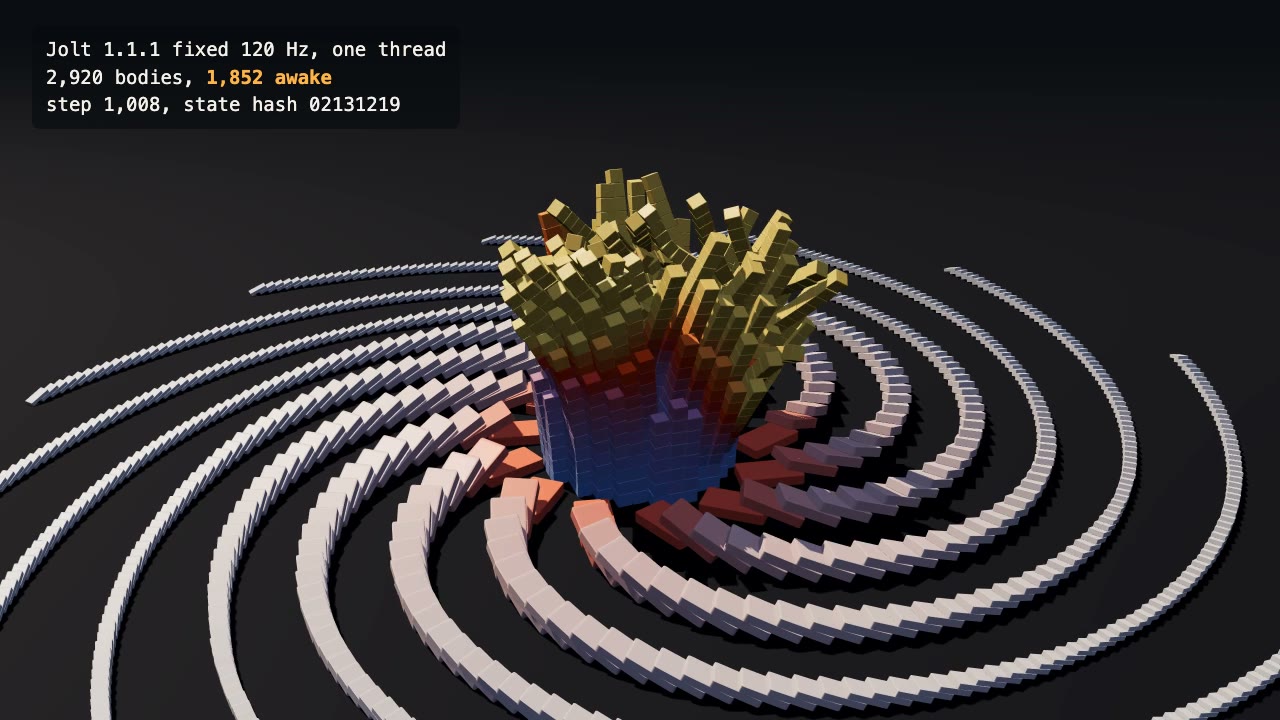
Jolt Physics Simulation
Simulate thousands of rigid bodies with Jolt and render the collapse, repeatably, frame by frame.
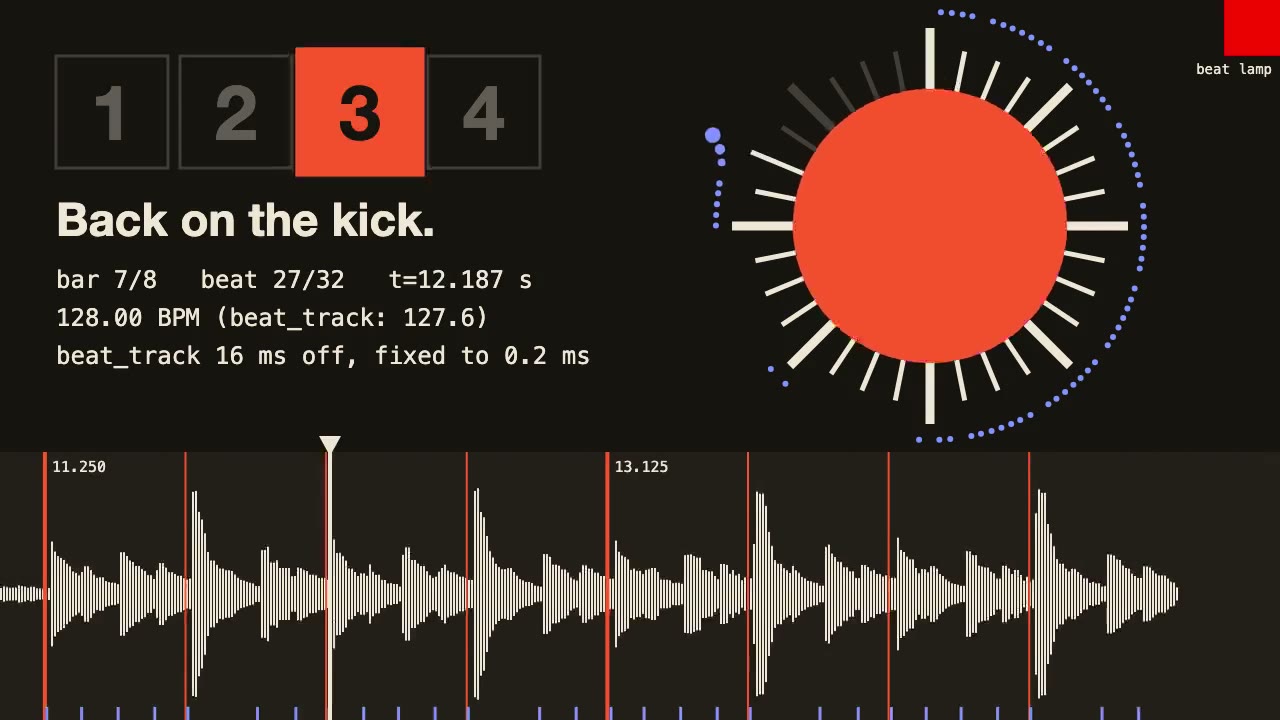
librosa Beat Sync
Measure a track's beats with librosa, drive an animation from the JSON it writes, and prove the sync by measuring the video.
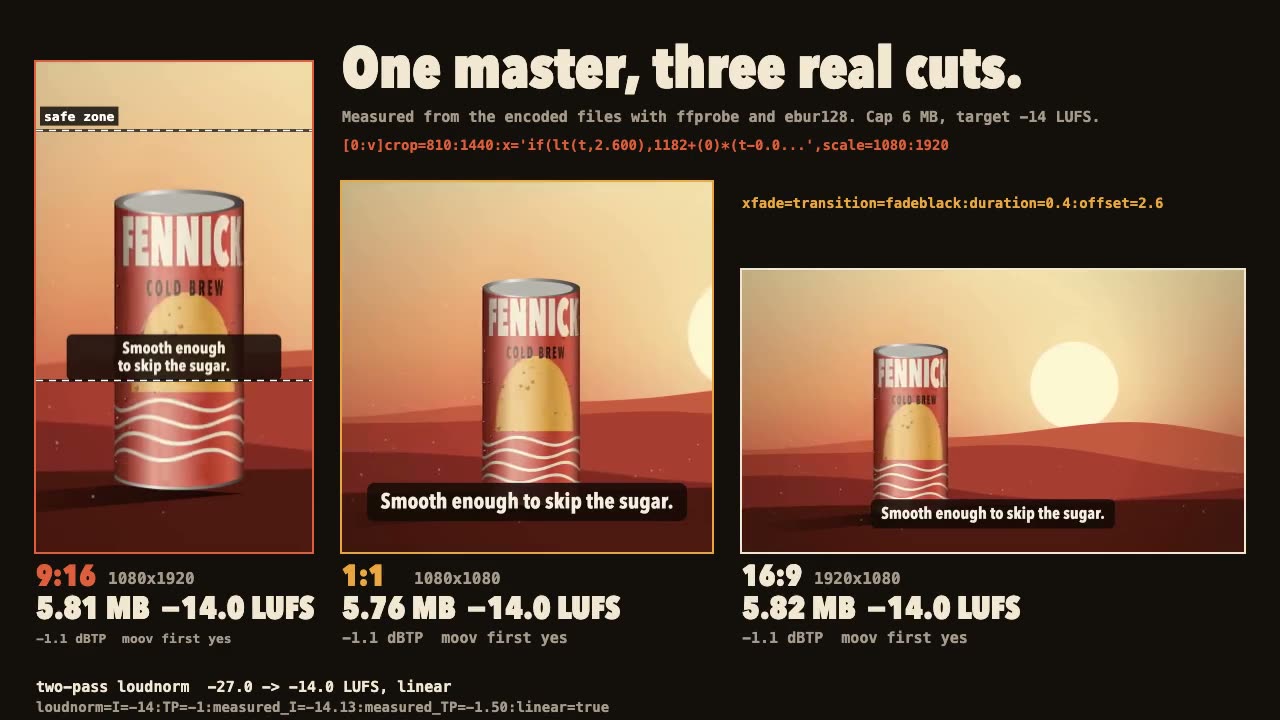
FFmpeg Finishing
Turn one master into 9:16, 1:1 and 16:9 files with safe-zone captions, measured loudness and a size cap.
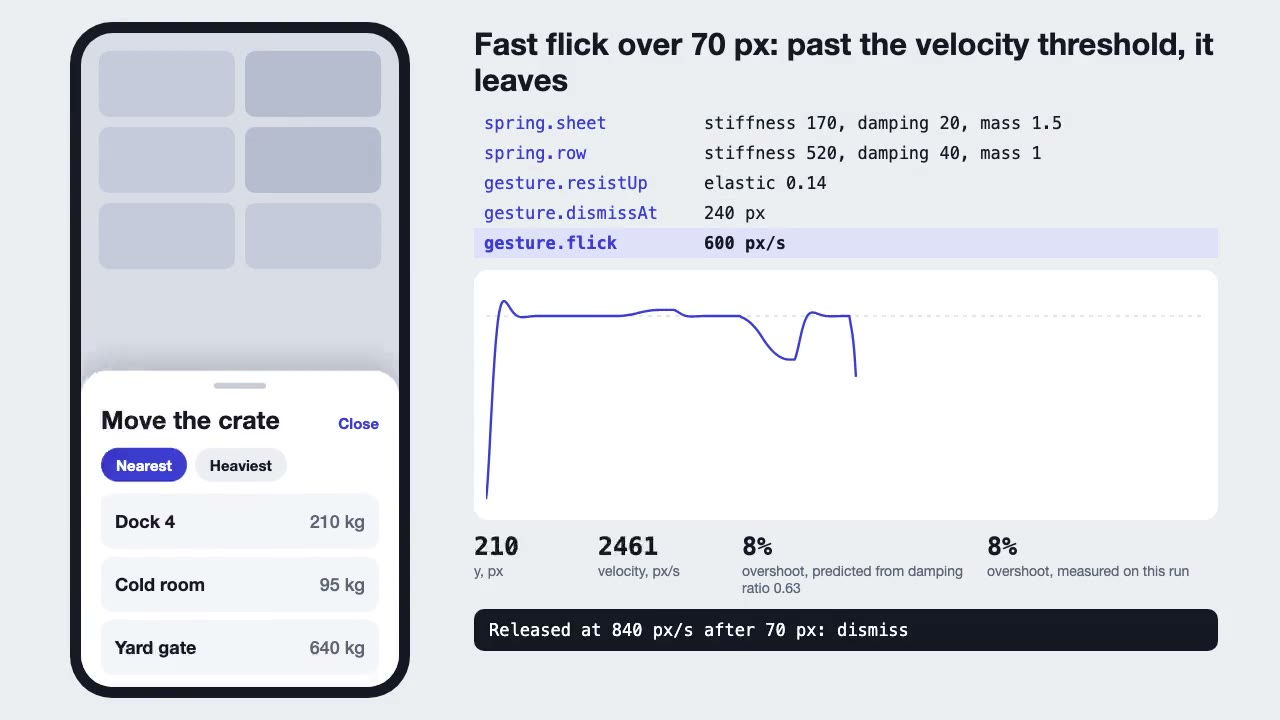
Motion UI Animation
Build UI animation with springs, layout transitions and gestures from one written motion language, with a linter that catches drift.
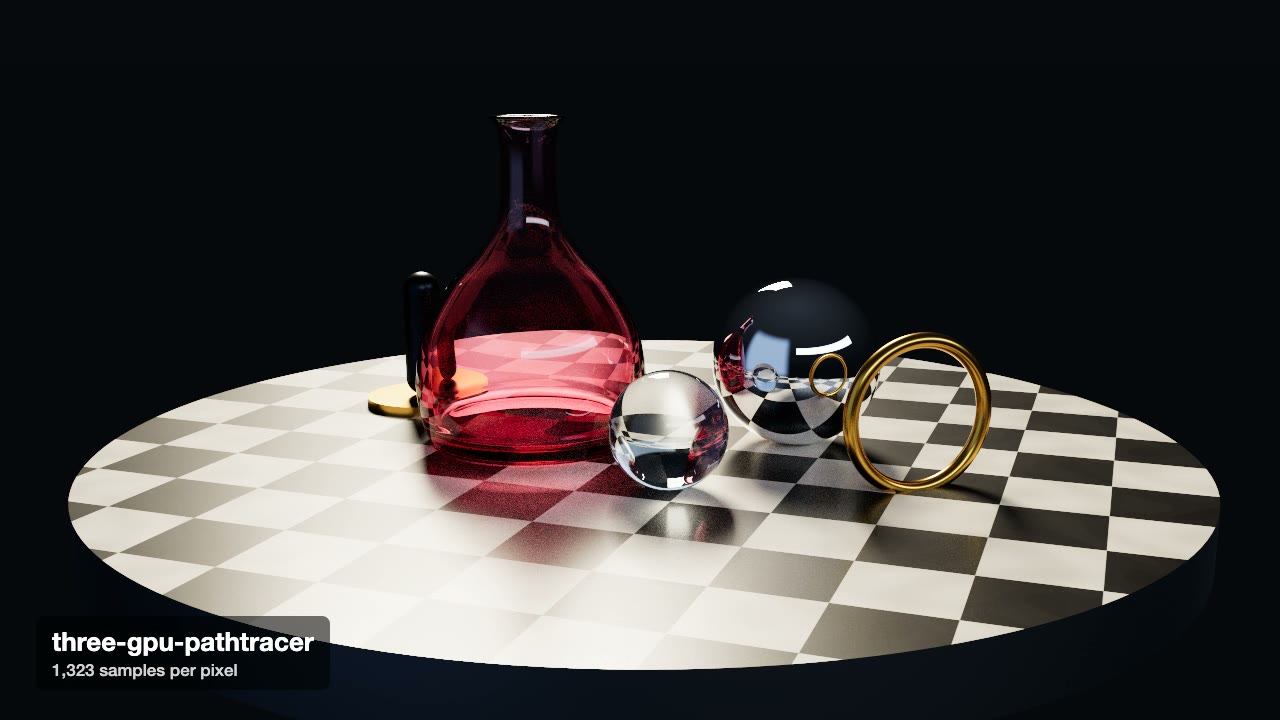
Three.js Path Tracing
Render a three.js scene with real path tracing, so glass, chrome and soft light come out physically right.
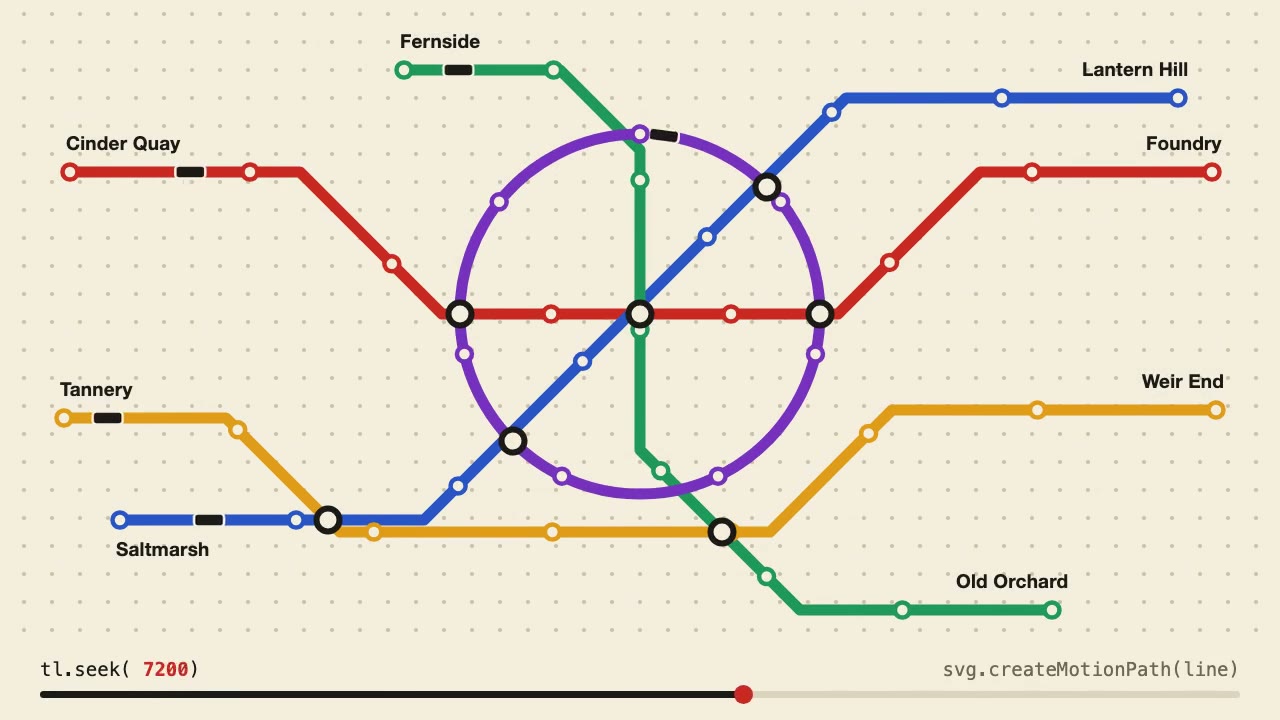
Anime.js Timelines
Choreograph grid staggers, self-drawing SVG lines and things that follow a path on one Anime.js timeline you can seek.
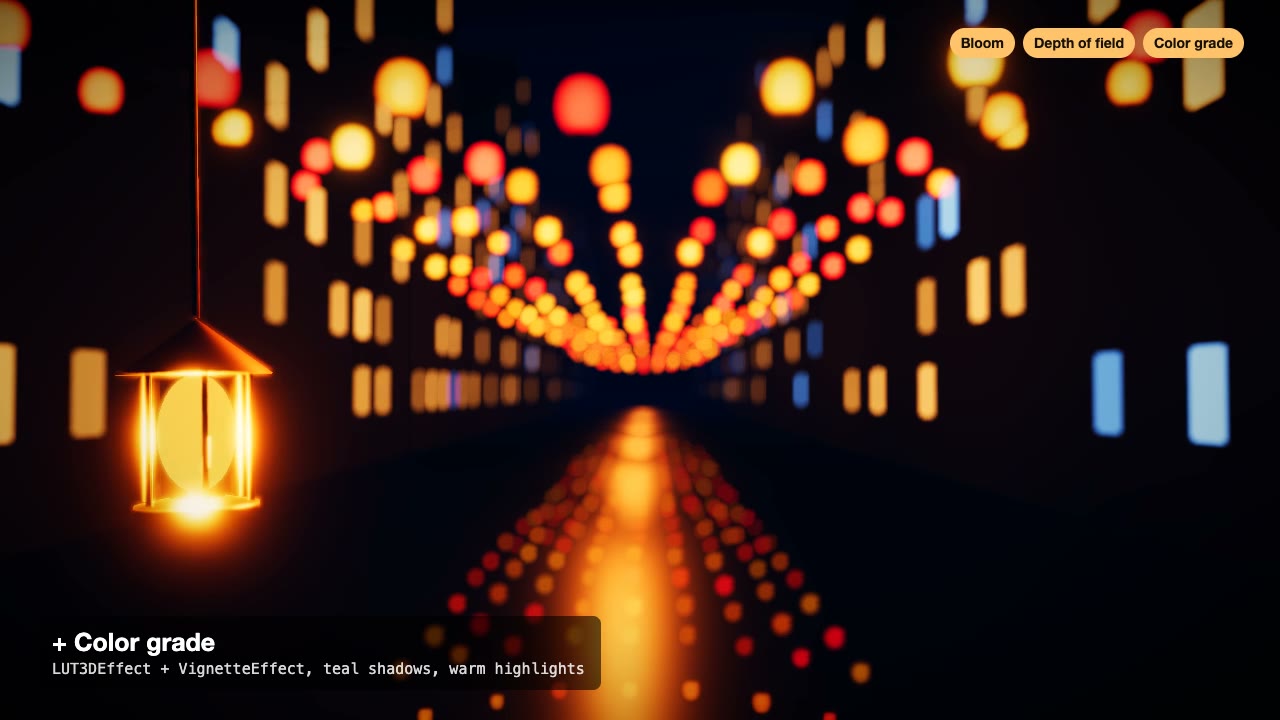
Three.js Postprocessing
Give a flat three.js shot HDR bloom, depth of field, tone mapping and a color grade, in the right order.
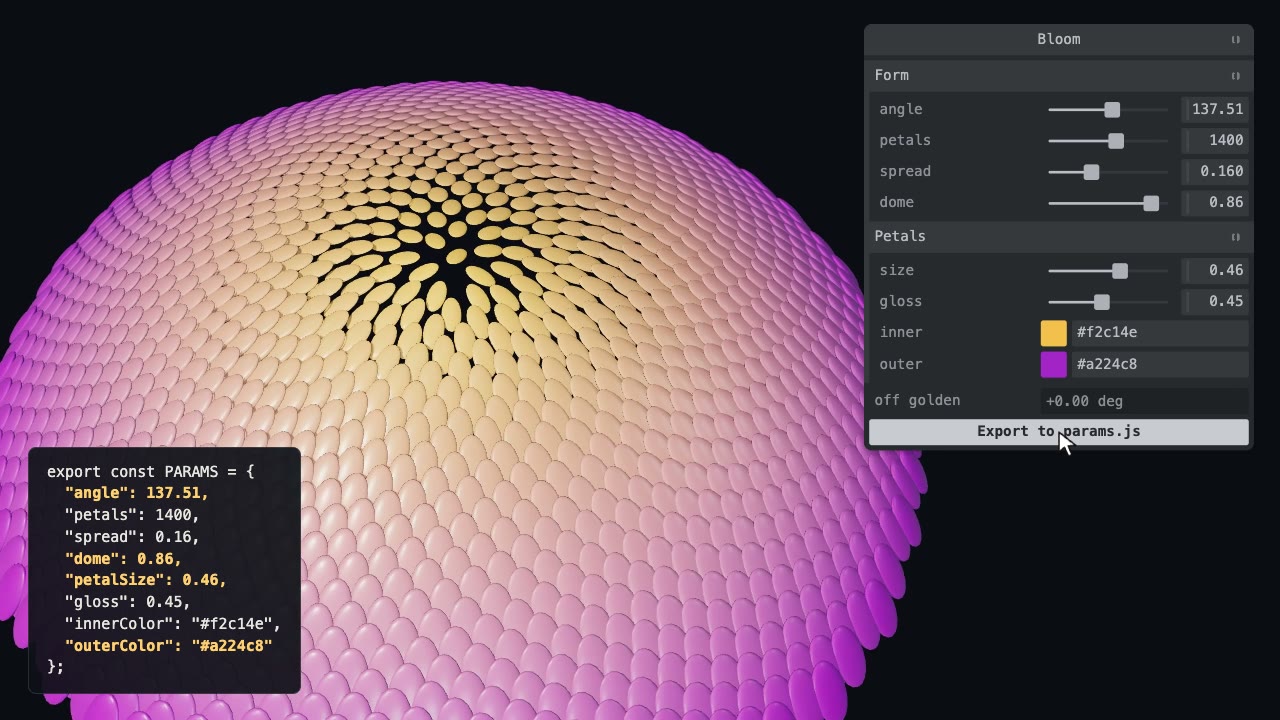
Tweakpane Live Tuning
Add a live panel to an animation so you can tune it by hand, then write the values you chose back to the code.
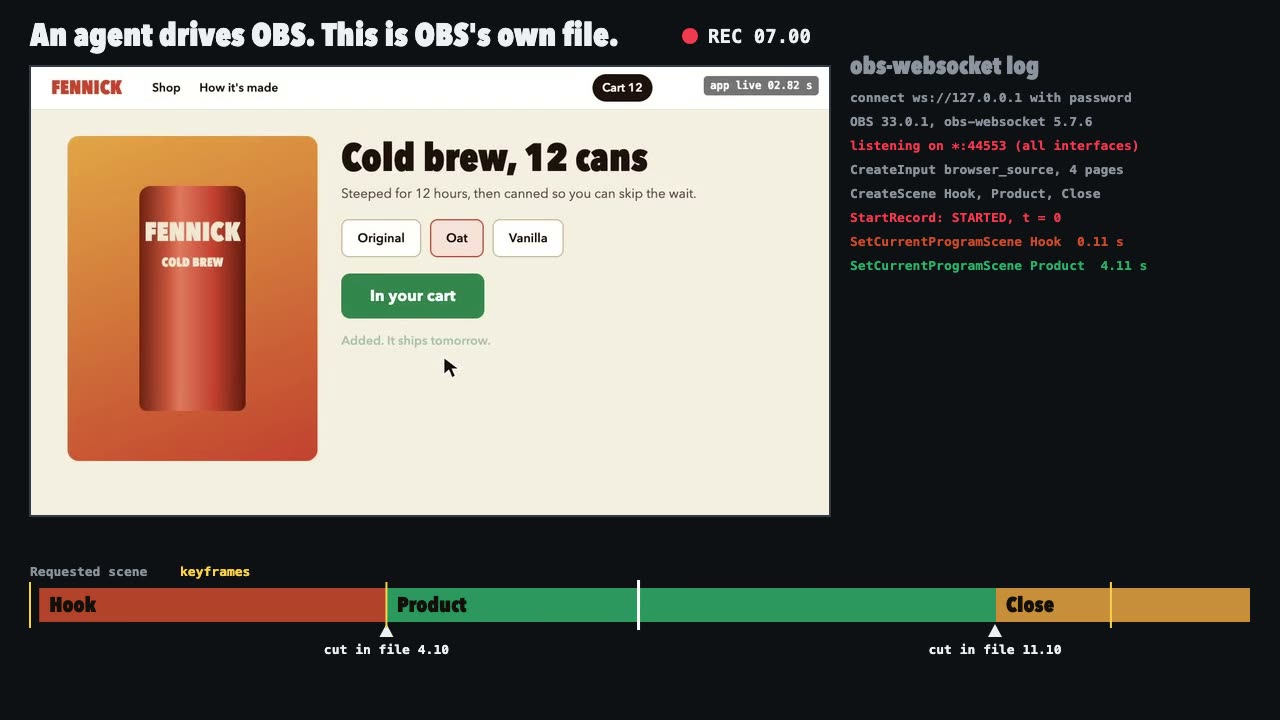
OBS Recording
Script a real OBS recording of a page with timed scene switches, then check the file it wrote.
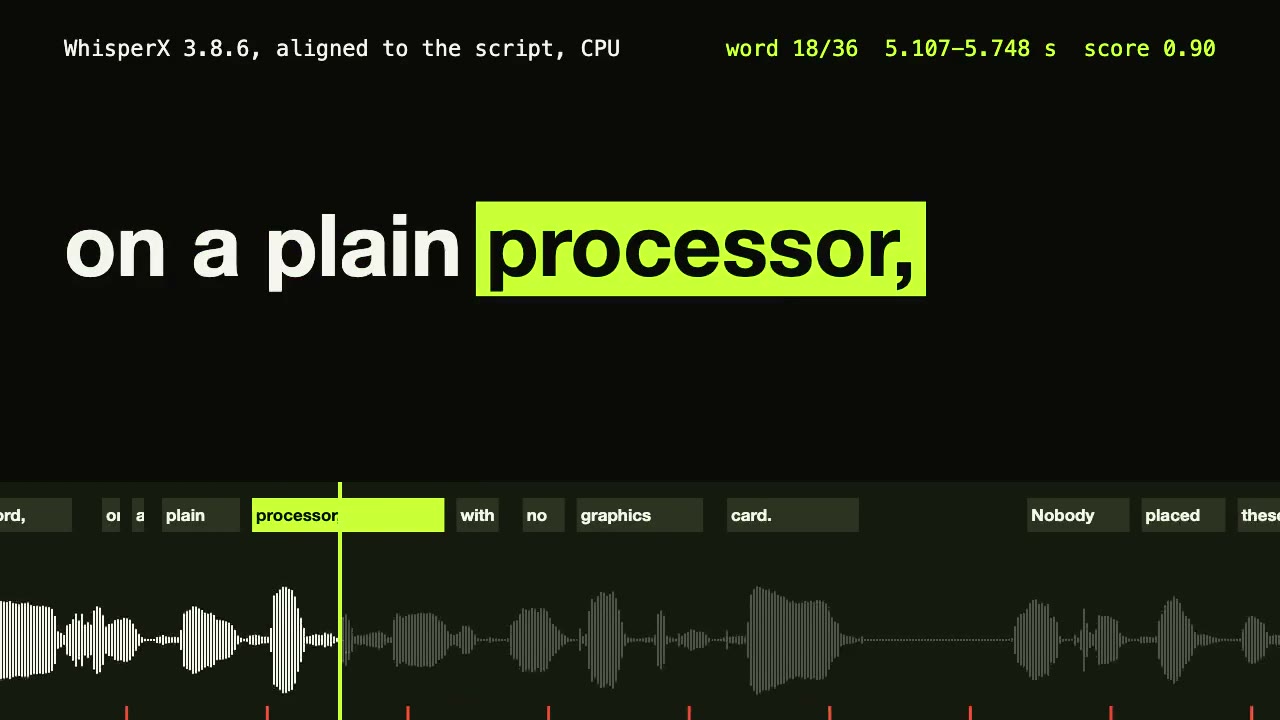
WhisperX Word Captions
Get a timestamp for every spoken word on a plain CPU, export SRT and VTT, and drive word-highlighted captions from the JSON.
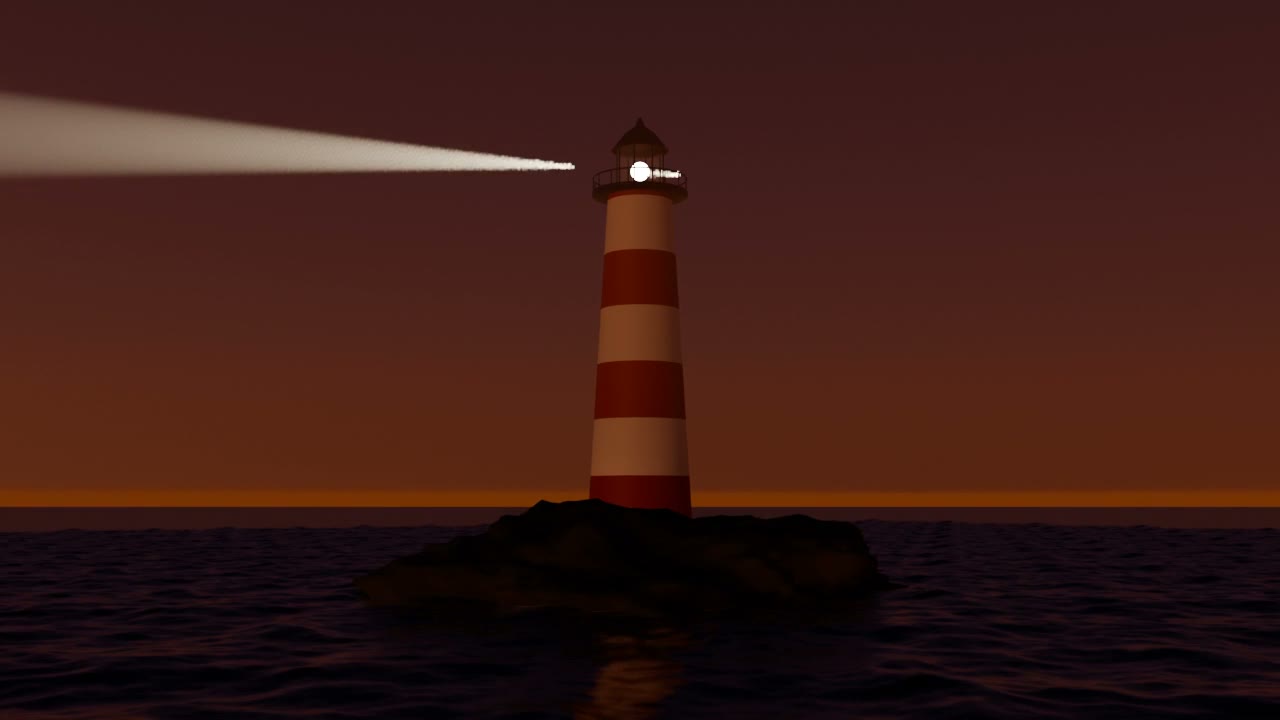
Blender Scenes through MCP
Have your agent build a Blender scene one step at a time, look at each result, and render the finished shot.

Remotion Video
Make video as React components, where every frame comes from the frame number, and render one template for any data.