
About this skill
For footage that has to happen in real time. An agent starts OBS Studio with its own throwaway config, builds scenes from browser sources over obs-websocket, starts recording, switches scenes on a timeline, and stops. Then it reads the file to confirm the length, the scene cuts and the audio. The clip on this page is OBS's own output from one such run, shown next to that run's log. It records web pages, which need no macOS permission. Its websocket server can be reached from your whole network while it runs, so the skill asks you first.
You say
Record this page with OBS for 14 seconds: a hook scene, the product at 4 seconds, a closing scene at 11. Check the cuts in the file, then quit OBS.
How it works
- Your agent tells you the websocket can be reached from your network, and waits for a yes.
- The script writes a throwaway OBS config with a generated websocket password and no audio devices.
- OBS starts once to save a browser source, then starts again to do the work.
- Over the websocket, the script builds the scenes and checks that the page is really drawing.
- It records, switches scenes on the timeline, and waits until OBS says the file is finished.
- It quits OBS, then reads the file for length, cuts, skipped frames and audio.
Getting a good result
- Don't trust StopRecord's reply. Wait for RecordStateChanged, or the file may have no index yet.
- Put every page in every scene with its own on top, or each switch records 0.6 s of black.
- Quit OBS with SIGTERM. A hard kill leaves a dialog that blocks the next launch.
- OBS's MP4 isn't faststart. Remux it before it goes on the web.
What you get
- A script that seeds a config, opens OBS, records, switches scenes, stops and quits
- Isolated config on macOS, so your own OBS settings are left alone
- Fixes for the silent failures we hit: blank sources, black switches and unfinished files
- Checks on the finished file: streams, length, skipped frames, scene cuts and audio
- The demo page and clip script, with the client pinned to one version
Good fit
- Live product demos and pages that play in real time
- Scene changes that must happen on a schedule, the same way each take
- A desktop machine on a network you trust, with a page saved as a local file
Not for
- Pages that can render any frame on demand: capture those frame by frame instead
- Shared or public networks, because the websocket can't be limited to localhost
- Unattended capture of your screen or camera, which needs permissions you grant yourself
How to install it
- Download the ZIP and unzip it.
- Move the obs-recording folder into your agent's skills folder, such as ~/.claude/skills/. The first time you use it, your agent asks before downloading OBS Studio 33.0.1 from GitHub and installing obs-websocket-js 5.0.8 in a project folder. OBS opens a window while it runs.
- Start a new session and ask for what you want to make.
Needs: An agent that reads skills, A desktop session: OBS opens a window while it runs, OBS Studio 33.0.1 from GitHub, tested on an Apple Silicon Mac, Node.js 22 or later and ffmpeg, plus Chrome to rebuild the clip.
FAQ
What does it cost?
$2.99 once for this skill, or $99 once for every skill in the library. It also comes with every paid AdAnt plan, from $15 a month. It runs on your own computer and uses no AdAnt credits. OBS Studio and obs-websocket-js are free and are not in the ZIP.
Can I use it in commercial work?
Yes. You can use the skill and what it makes in your own commercial work, including for clients. You can't resell the skill.
What does setup download and run?
With your approval, it downloads OBS Studio 33.0.1 from the project's GitHub release, a DMG of about 210 MB on a Mac, which is checked against the release's checksum and run from a folder you can delete. It also installs obs-websocket-js 5.0.8 from npm with install scripts off. The script then controls OBS, and the browser sources load only the page you give them. Like any browser, they run that page's code, so record pages you trust.
Is the websocket safe?
Only on a network you trust. OBS's websocket server listens on every network interface, not just localhost: we saw TCP *:44553 in lsof, reached it through the Mac's LAN address, and found no setting to limit it. Anyone with the password can make OBS load local files, stream to any server and write files where you can. So your agent asks you first, and the script won't start without that answer. It generates a new password each run, keeps it in a config file only your user can read and off the command line, and checks that the server demands it. It quits OBS when the file is finished or on any failure, then removes the password.
What about macOS permissions?
Recording a web page in a browser source needed none. We granted none, and macOS showed no prompt. The skill's throwaway config skips a first-launch checklist of permissions that OBS draws itself. That isn't a macOS prompt, it grants nothing, and macOS still controls access. The config also turns off every audio device, so the recording holds only the page's sound. Screen, window, camera and microphone capture aren't part of this recipe. They need permissions you grant in System Settings, and if a prompt appears, your agent stops and hands it to you.
Can I use OBS commercially?
Yes. OBS Studio is GPL-2.0, which covers the program and not what you record with it, and this skill only talks to OBS as a separate program. obs-websocket-js is MIT. Redistributing OBS brings GPL duties with it, and anything you capture keeps its own rights. Ask a lawyer about your own case.
What did AdAnt run, and what not?
We ran the official 33.0.1 Mac arm64 build from its DMG, with a config in a scratch folder. The take was 14.03 s with 0 skipped frames, and its cuts landed at 4.10 s and 11.10 s for switches requested at 4.11 s and 11.11 s. We then followed the steps again from the unzipped download. We recorded only pages saved as local files: a page at an http address stayed blank on our one try. We did not capture a screen, window, camera or microphone, or stream anything, and we did not run Windows, Linux or the Intel build. We sampled OBS's sockets during one run: it connected to obsproject.com over HTTPS and saved a what's-new list and its streaming service list. We did not read that traffic.
Does it change my own OBS setup?
No. On macOS the script points OBS at a scratch folder with CFFIXED_USER_HOME, because the official build has no portable mode. In our before-and-after check OBS added nothing to Application Support, Preferences, Caches or Logs under ~/Library. Quit any OBS you have open first.
Related skills
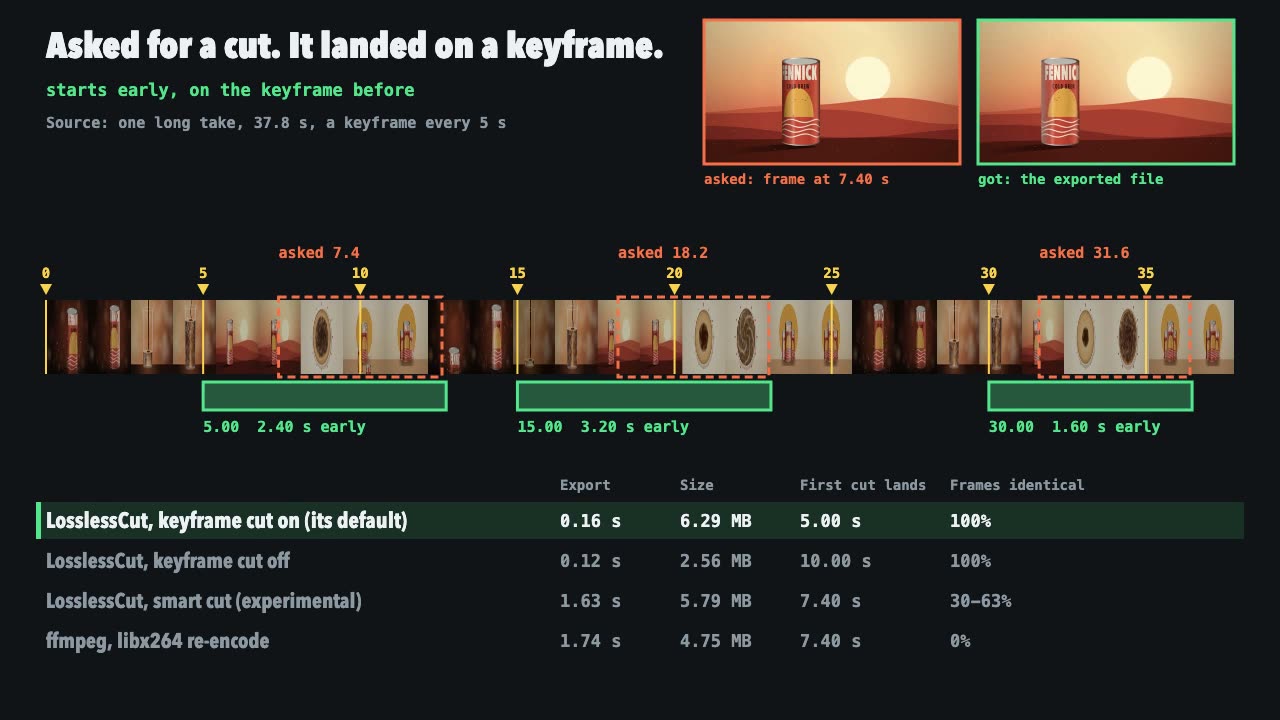
LosslessCut Trims
Cut long recordings fast without re-encoding, and measure where each cut really landed.
Blender Scenes through MCP
Have your agent build a Blender scene one step at a time, look at each result, and render the finished shot.
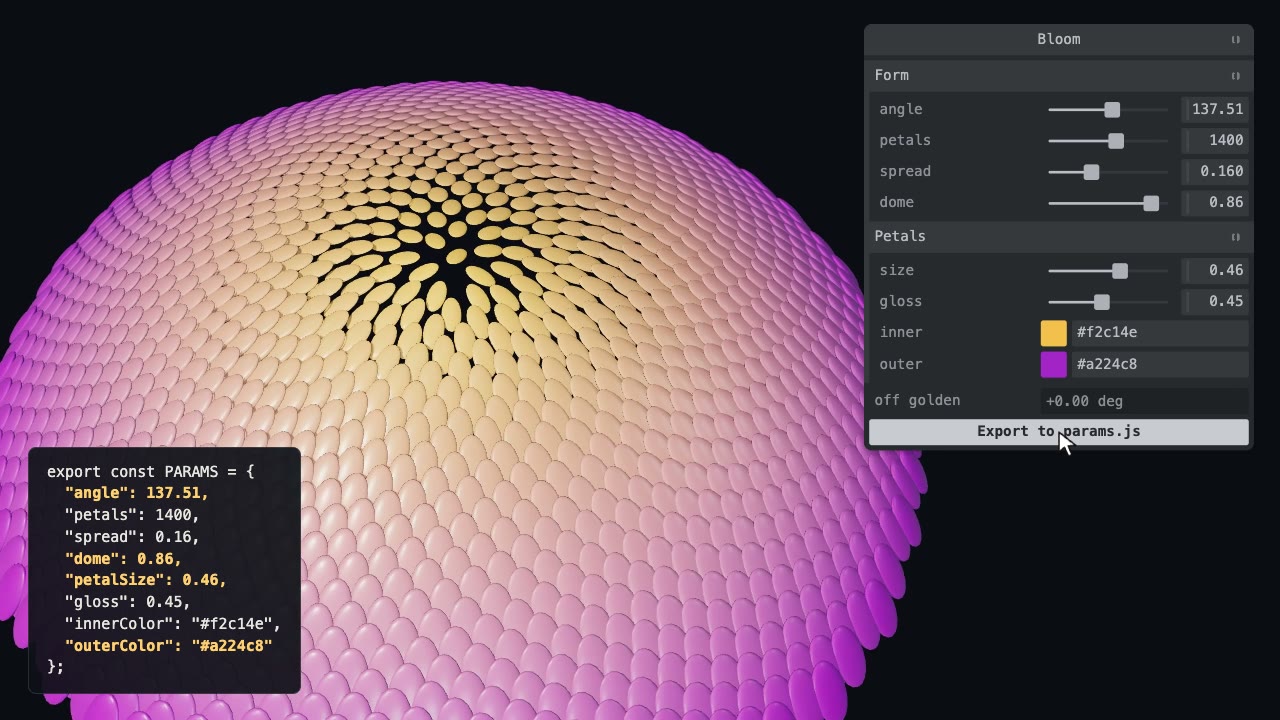
Tweakpane Live Tuning
Add a live panel to an animation so you can tune it by hand, then write the values you chose back to the code.
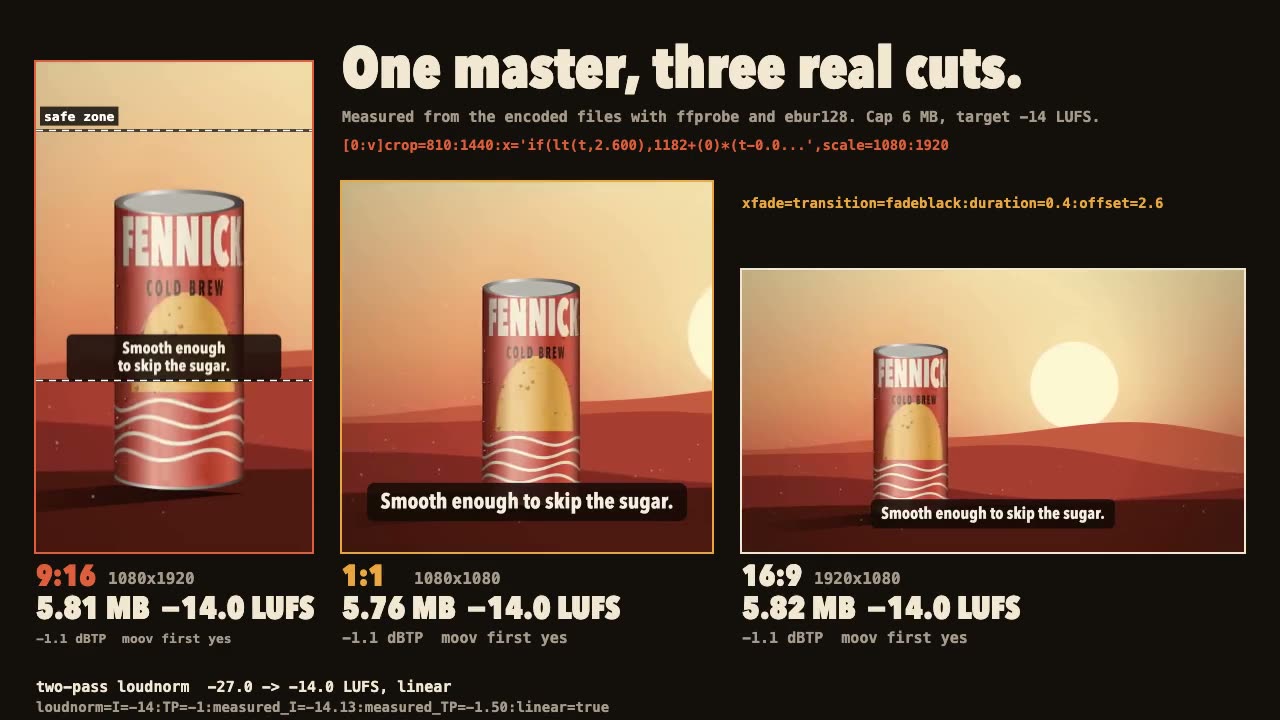
FFmpeg Finishing
Turn one master into 9:16, 1:1 and 16:9 files with safe-zone captions, measured loudness and a size cap.
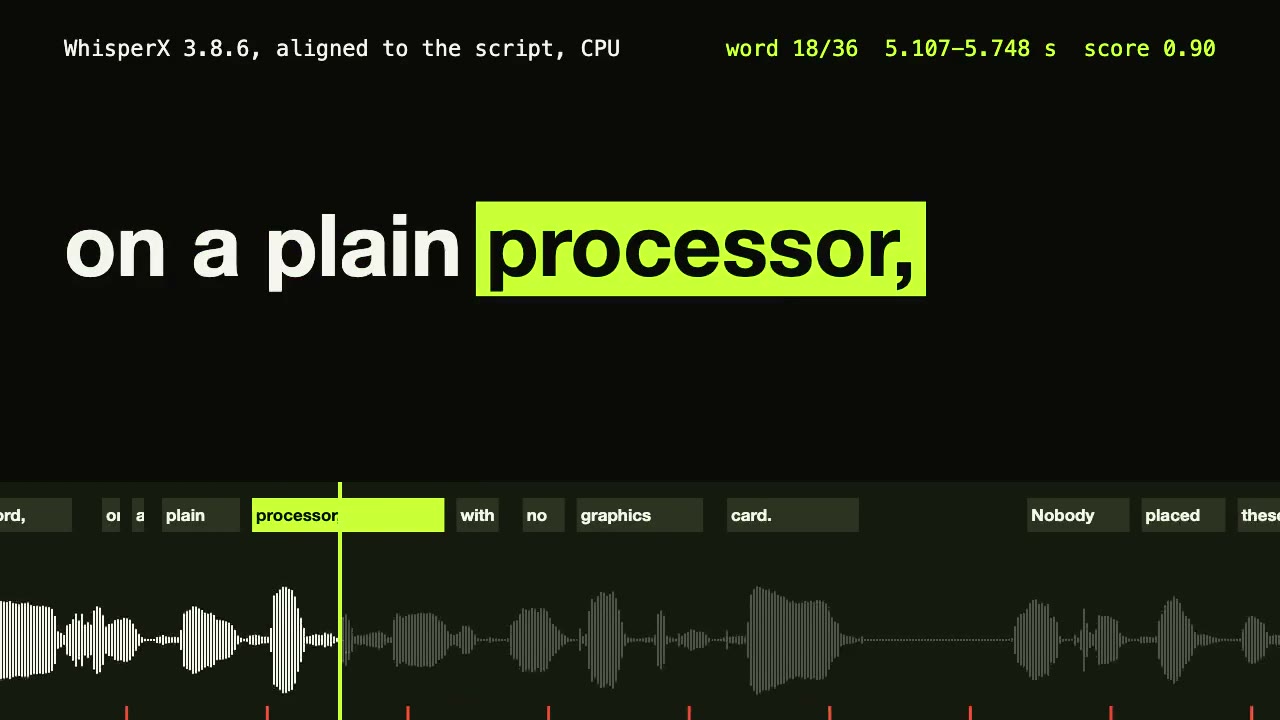
WhisperX Word Captions
Get a timestamp for every spoken word on a plain CPU, export SRT and VTT, and drive word-highlighted captions from the JSON.

Remotion Video
Make video as React components, where every frame comes from the frame number, and render one template for any data.
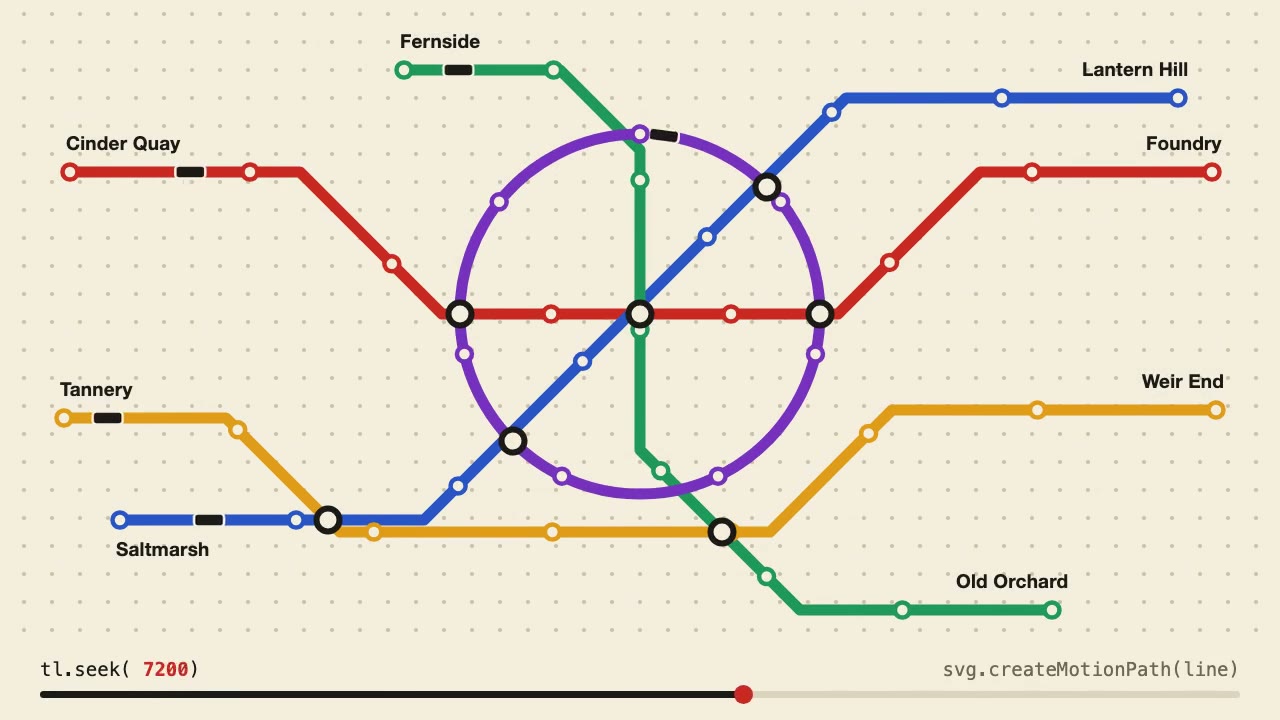
Anime.js Timelines
Choreograph grid staggers, self-drawing SVG lines and things that follow a path on one Anime.js timeline you can seek.
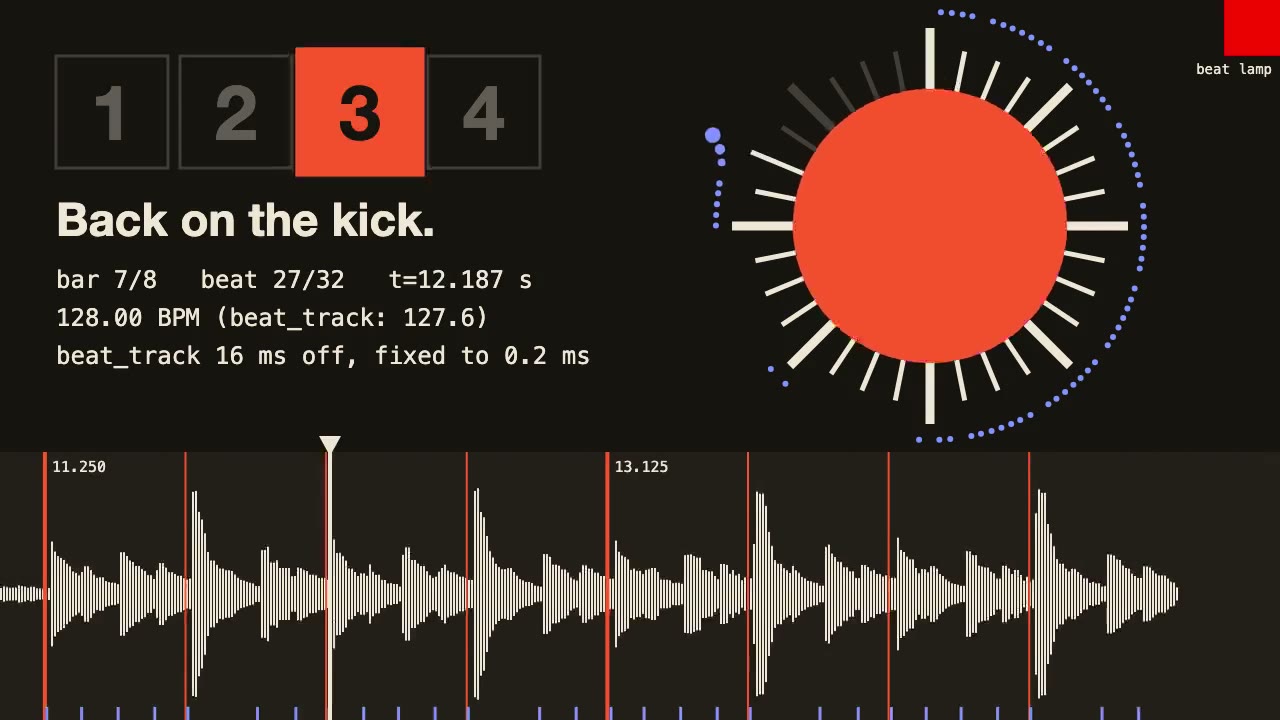
librosa Beat Sync
Measure a track's beats with librosa, drive an animation from the JSON it writes, and prove the sync by measuring the video.

three.quarks VFX
Make trails, sparks, shockwaves and fireworks in three.js, on a seeded clock, so a frame renders the same again on the same machine.
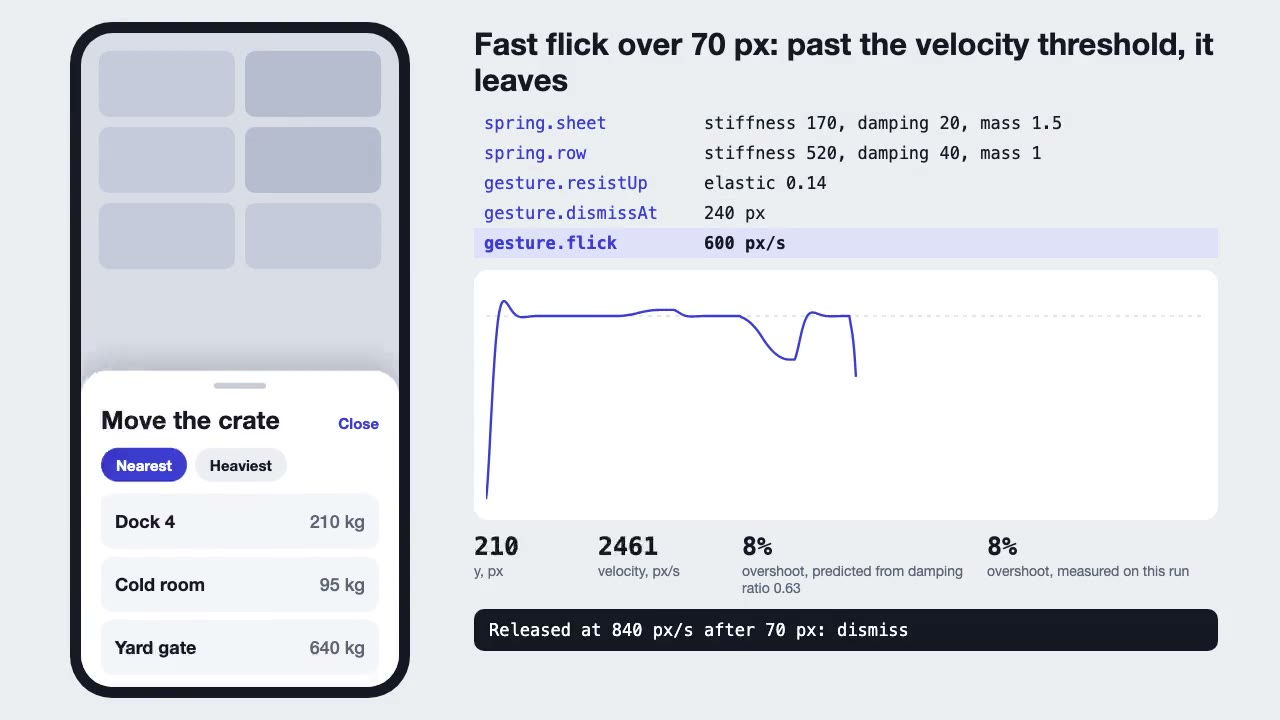
Motion UI Animation
Build UI animation with springs, layout transitions and gestures from one written motion language, with a linter that catches drift.

Three.js Path Tracing
Render a three.js scene with real path tracing, so glass, chrome and soft light come out physically right.
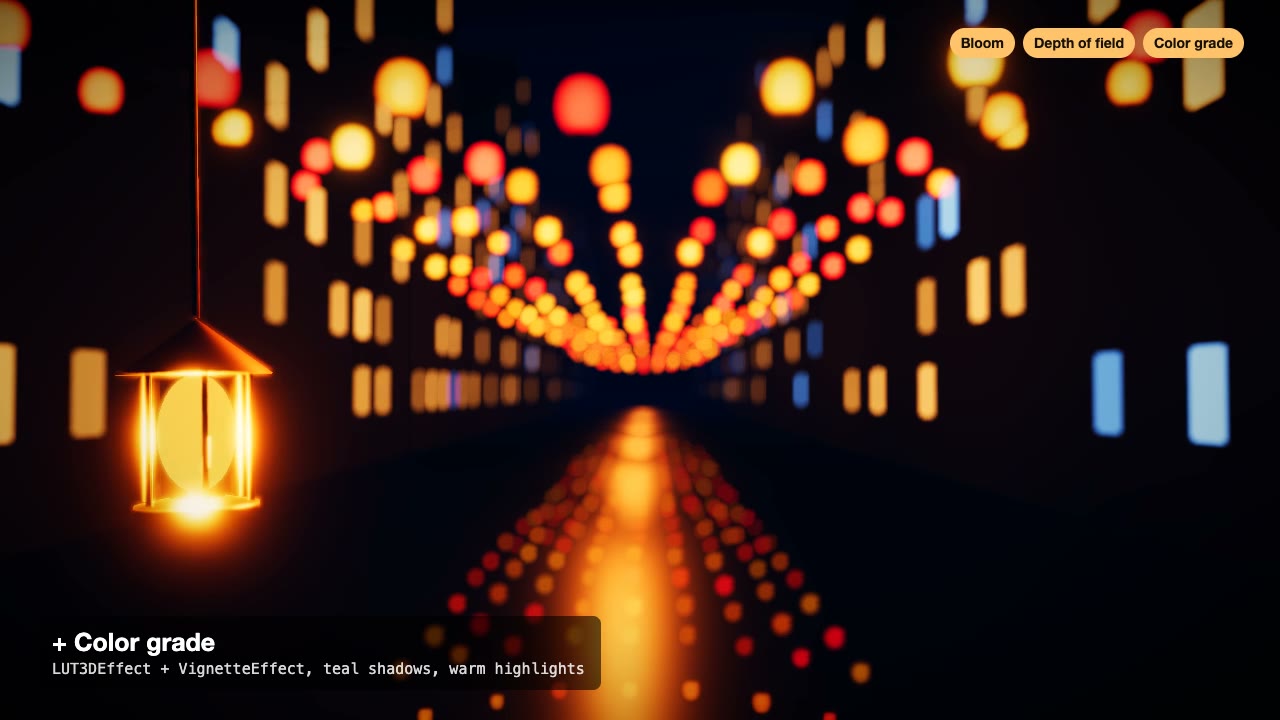
Three.js Postprocessing
Give a flat three.js shot HDR bloom, depth of field, tone mapping and a color grade, in the right order.