
About this skill
CosyVoice is an open text-to-speech model family. This skill installs it without conda or a GPU, speaks a script line by line with its preset SFT voices, and writes a voiceover with each line's exact start and end. A separate model then transcribes each line, so you can check the words in languages you don't speak. In our test it heard the right words in Mandarin and Japanese, English apart from sound-alikes, and wrong words in Korean and Cantonese, so the clip has three languages. That check doesn't judge how the voices sound, and neither have we. The skill's rules on consent come first: it doesn't clone voices, and it doesn't use the repo's example prompts.
You say
Speak this script in English, Mandarin and Japanese with the preset voices, check each line by transcribing it, and tell me which ones you'd have a native speaker review.
How it works
- Your agent asks, then clones CosyVoice at a pinned commit, installs it without conda, and downloads the preset voice model.
- You give it the script. It speaks each line with a preset voice and writes the exact times to voiceover.json.
- A separate model transcribes each line, so you can check the words, even in a language you can't read.
- WhisperX can then time each word, and the voice goes over music from librosa-beat-sync.
Getting a good result
- Keep lines short and end them at a sentence. Long lines broke down first in our test.
- Write numbers and abbreviations the way they should sound. On our run, "CPU" came out wrong.
- Have a native speaker listen before you publish a language. A transcription check can't hear an odd accent.
What you get
- An install that works on a Mac without conda, with what failed and why
- A script that speaks each line and writes exact line times to JSON
- A check that transcribes each line, for languages you can't read
- Consent rules for voice cloning, and what to check in each model's license
- A Canvas page that shows each language with its real waveform
Good fit
- Drafting a short ad or explainer in a few languages, for a native speaker to review
- Voiceovers that have to stay on your own machine, with no per-minute bill
- Drafts and scratch voice before you book a real reader
Not for
- Cloning anyone's voice without their clear permission
- Korean or Cantonese without a native speaker checking it: these came out wrong in our test
- Publishing a voice nobody has listened to: our check is on the words, not the sound
- Long narration on a CPU: one second of speech took 1.5 to 3 seconds to make
How to install it
- Download the ZIP and unzip it.
- Move the cosyvoice-voiceover folder into your agent's skills folder, such as ~/.claude/skills/. Your agent asks before it clones CosyVoice and downloads the model into a project folder.
- Start a new session and ask for what you want to make.
Needs: An agent that reads skills, git, uv and ffmpeg, About 5 GB of disk for packages and the model, Node.js 22 or later and Chrome, for the example page.
FAQ
What does it cost?
$2.99 once for this skill, or $99 once for every skill in the library. It also comes with every paid AdAnt plan, from $15 a month. It runs on your own computer and uses no AdAnt credits. CosyVoice is free, is not in the ZIP, and runs on your own machine with no key or account.
Can I use it in commercial work?
Yes. You can use the skill and what it makes in your own commercial work, including for clients. You can't resell the skill.
What does setup download and run?
After asking, it clones CosyVoice at a pinned commit from GitHub with its Matcha-TTS submodule, installs PyTorch 2.3.1 and the other inference packages from PyPI into a Python 3.10 project folder, about 1.1 GB, and downloads FunAudioLLM/CosyVoice-300M-SFT from Hugging Face: 2.6 GB, with no login. CosyVoice then tries to fetch text-normalization data from ModelScope, which failed here with HTTP 403 and left your text as written, so numbers and abbreviations aren't spelled out for you. The speech check is optional: a small second environment with faster-whisper, about 180 MB, and Systran/faster-whisper-small from Hugging Face, about 490 MB.
Can I clone a voice with this?
CosyVoice can, but this skill doesn't, and you shouldn't without clear permission from that person for that use. Copying someone's voice can break the law as well as their trust, and the rules vary by country. Label synthetic speech where a platform or the law asks for it. The skill uses only the preset voices. It doesn't use the repo's example prompt audio, as those files have no separate license and the README says some examples come from the internet. None of that audio is in this download or in our clips.
Can I use it commercially?
That isn't clear-cut. CosyVoice's code is under Apache-2.0, and CosyVoice-300M-SFT was tagged Apache-2.0 on its model page when we read it on 7 November 2026. Apache-2.0 allows commercial use. But the README and the model card both end with a disclaimer calling their content "for academic purposes only", and upstream doesn't say how that fits with the license. It also doesn't say who the preset voices were modelled on. Get legal advice before you use one commercially.
What did AdAnt run, and what didn't it?
We ran CosyVoice-300M-SFT on an Apple M4 CPU at commit 074ca6dc9e80, without conda. The clip's speech is that run's output, and a second run from an empty folder gave the same clip. Whisper small heard the right words in the clip's Mandarin and Japanese lines and its short English line. On the long English line it wrote sound-alikes, such as "right at once" for "write it once". It heard wrong words in Korean and Cantonese, so we left them out, and a longer Japanese line also came out garbled. We didn't run ttsfrd, voice cloning, CosyVoice 2 or 3, a GPU, or any machine but that Mac.
How do the voices sound?
We can't tell you. Our check is a machine transcription, which is about the words and not about how natural a voice or accent sounds, and no native speaker has reviewed these. Unmute the clip and judge for yourself, and have someone listen before you publish a voice.
Related skills
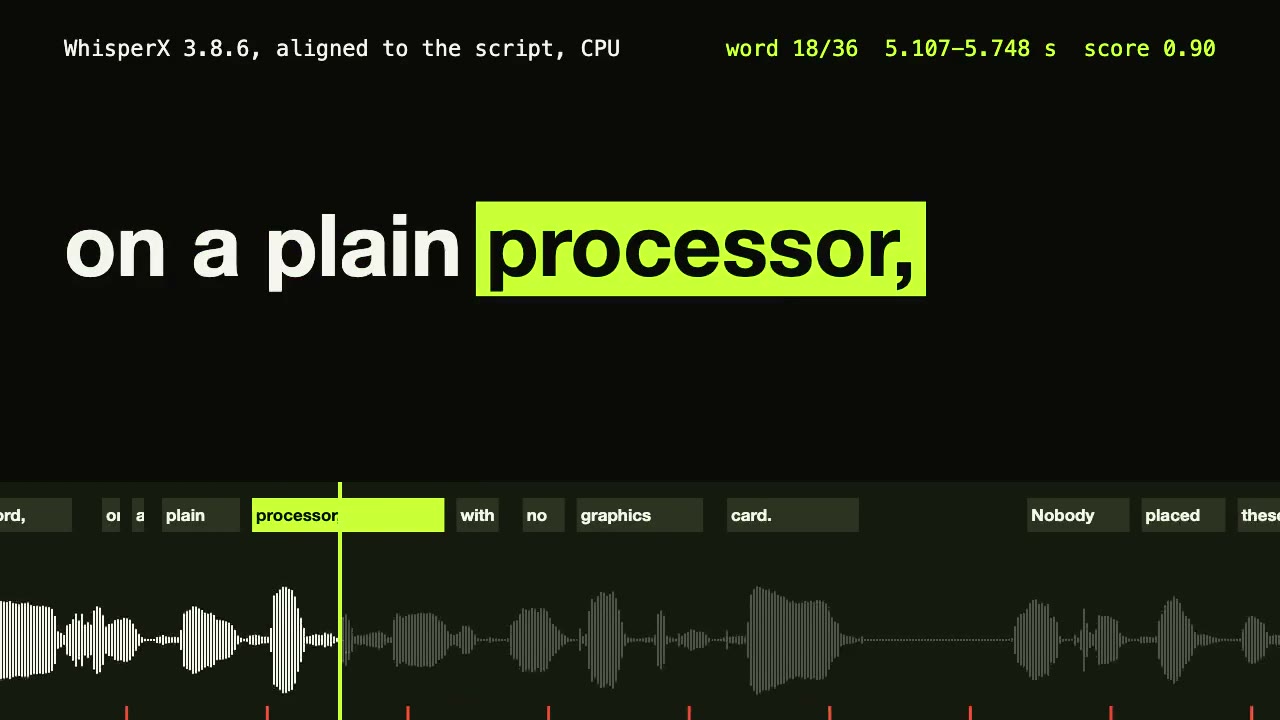
WhisperX Word Captions
Get a timestamp for every spoken word on a plain CPU, export SRT and VTT, and drive word-highlighted captions from the JSON.

Remotion Video
Make video as React components, where every frame comes from the frame number, and render one template for any data.
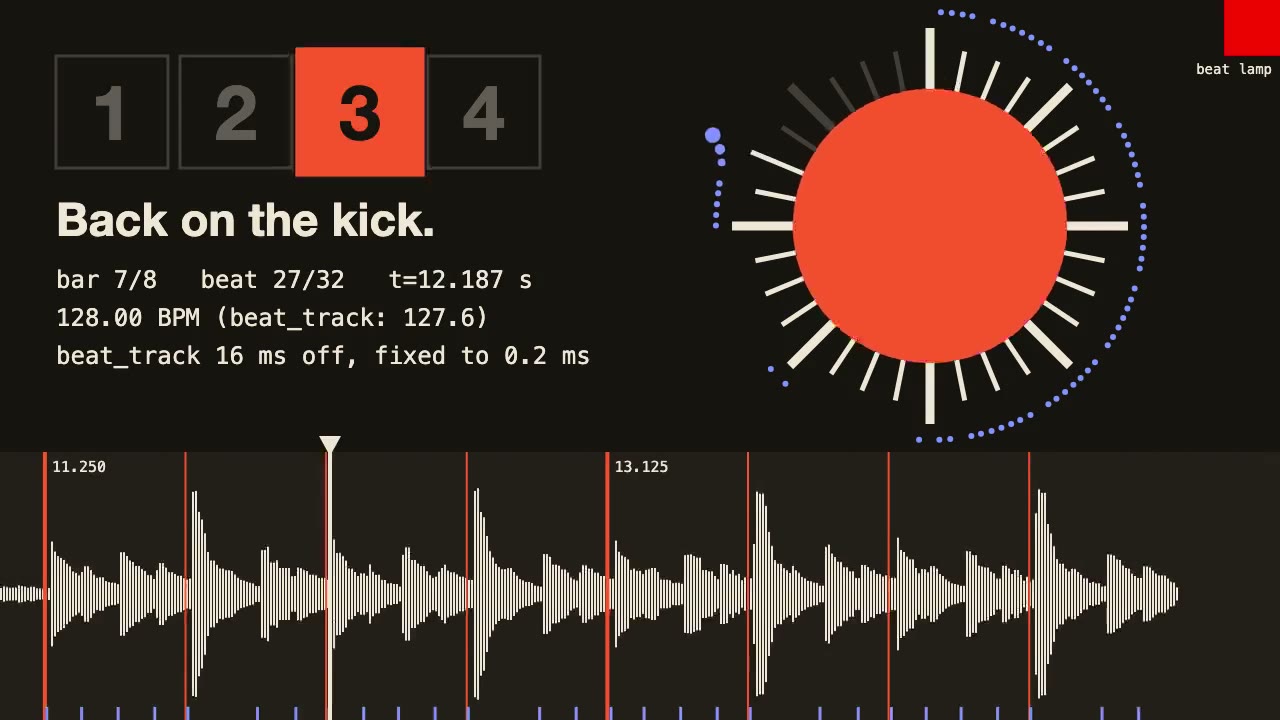
librosa Beat Sync
Measure a track's beats with librosa, drive an animation from the JSON it writes, and prove the sync by measuring the video.
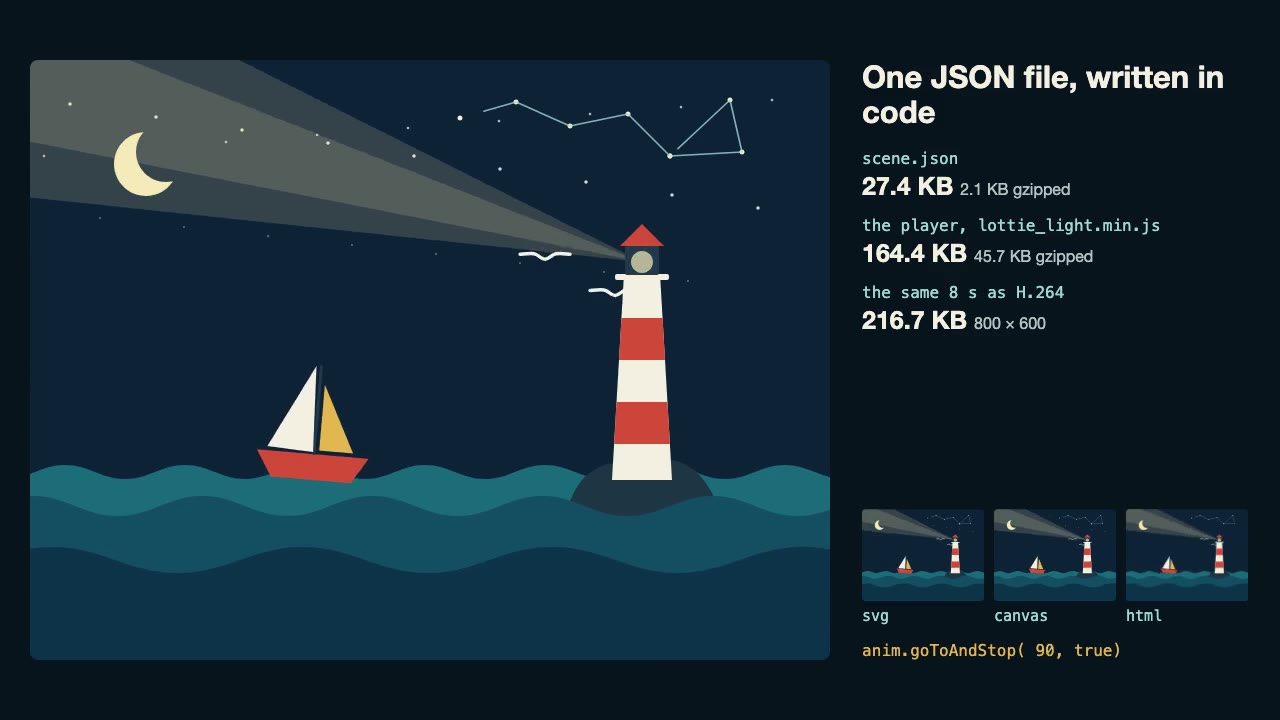
Lottie Animation
Write an original Lottie animation as JSON from a script, check that it's safe, and play it with lottie-web, with no After Effects.
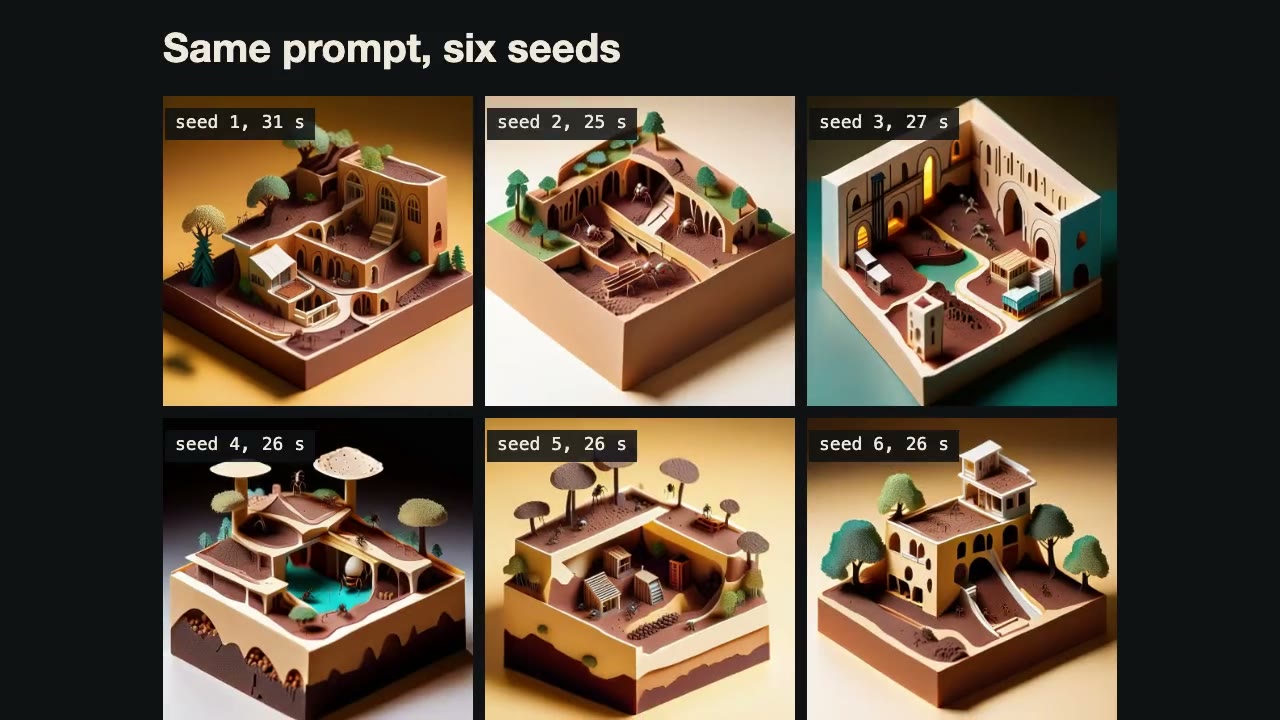
ComfyUI Workflows by API
Have your agent write ComfyUI workflows as JSON, run them on a local server, and fetch the images, with seed and prompt sweeps.
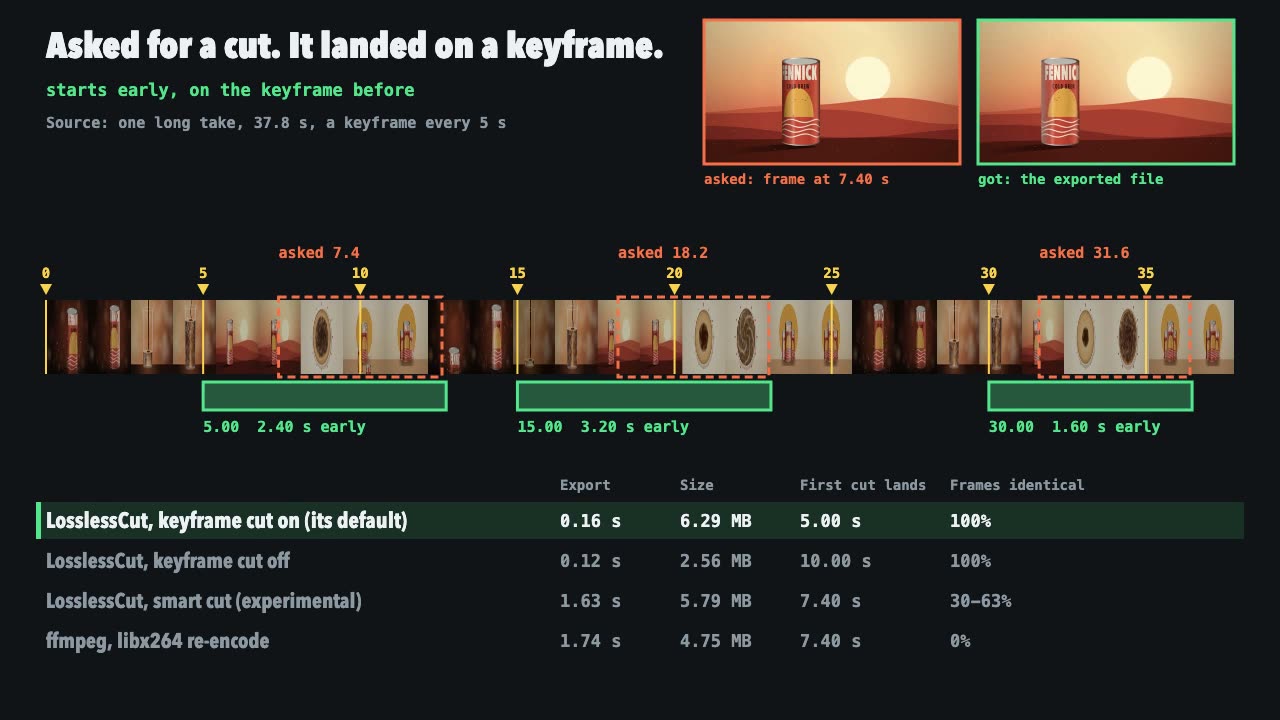
LosslessCut Trims
Cut long recordings fast without re-encoding, and measure where each cut really landed.

Three.js Path Tracing
Render a three.js scene with real path tracing, so glass, chrome and soft light come out physically right.
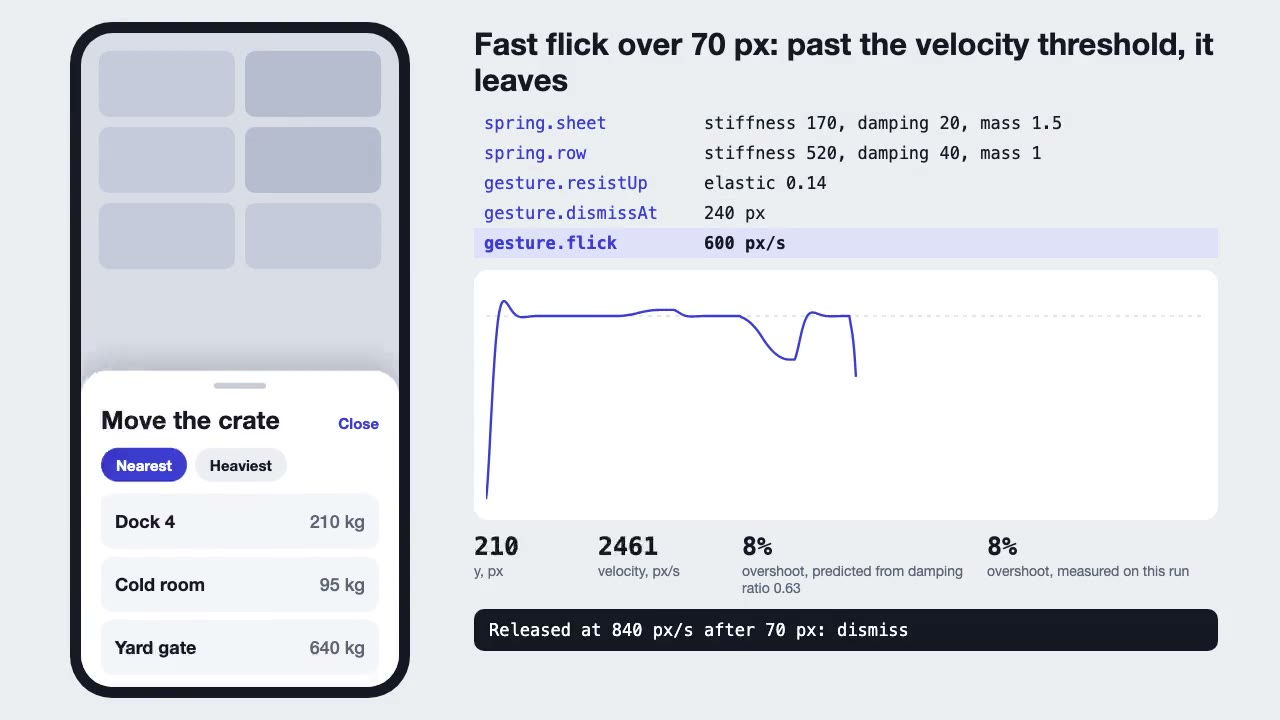
Motion UI Animation
Build UI animation with springs, layout transitions and gestures from one written motion language, with a linter that catches drift.

Three.js Postprocessing
Give a flat three.js shot HDR bloom, depth of field, tone mapping and a color grade, in the right order.
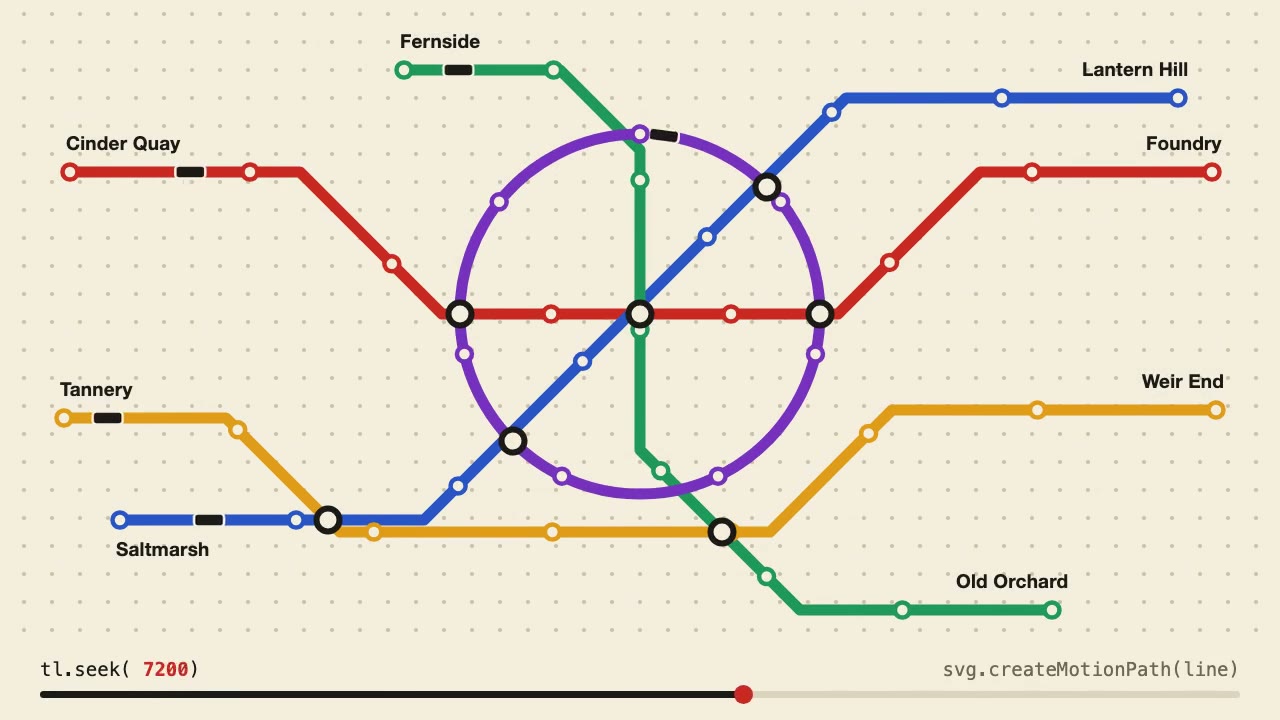
Anime.js Timelines
Choreograph grid staggers, self-drawing SVG lines and things that follow a path on one Anime.js timeline you can seek.
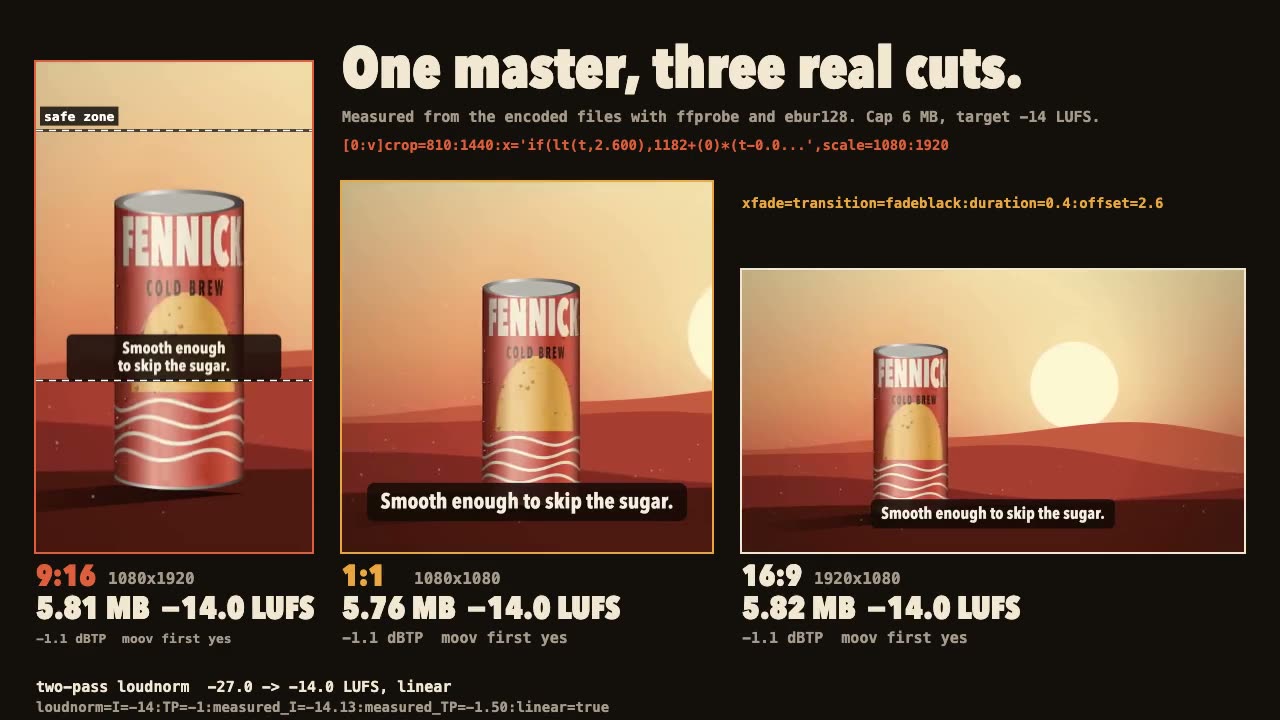
FFmpeg Finishing
Turn one master into 9:16, 1:1 and 16:9 files with safe-zone captions, measured loudness and a size cap.
OBS Recording
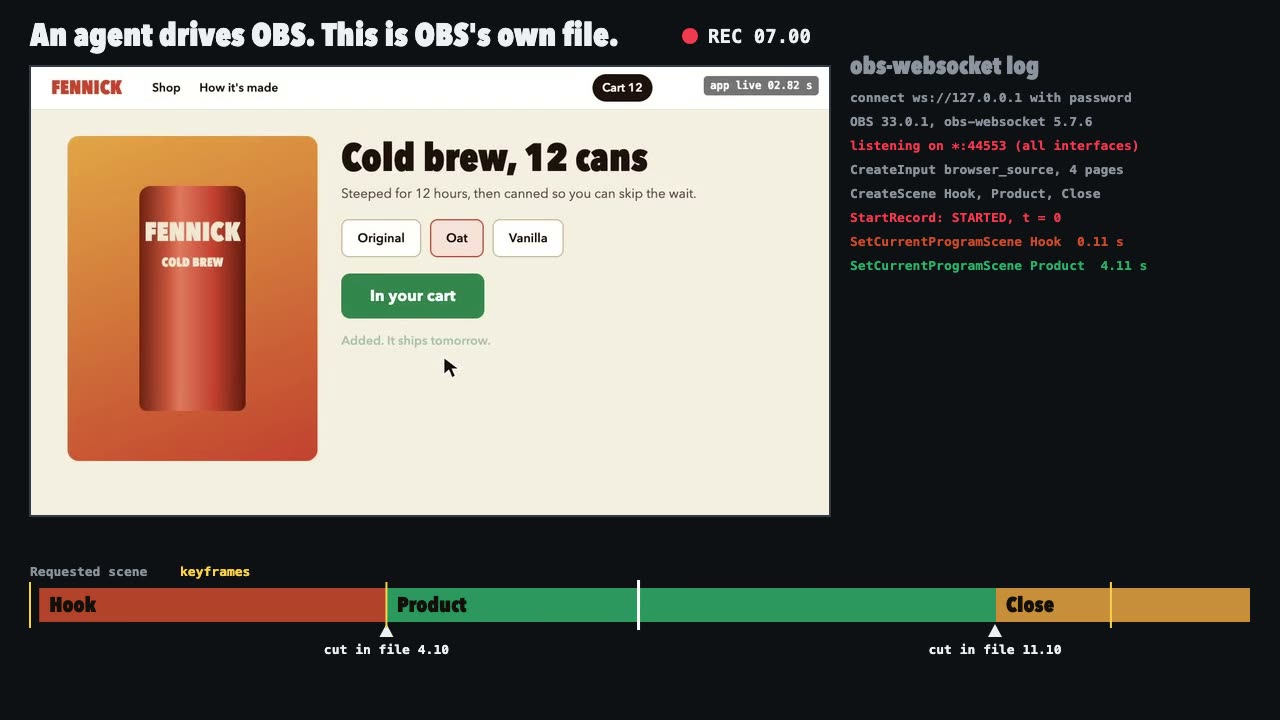
Script a real OBS recording of a page with timed scene switches, then check the file it wrote.