
AI tool · Runs on AdAnt
Try Rough.js Hand-Drawn Diagrams on AdAnt
No install and no setup. Describe what you want, and AdAnt's agent makes it with this skill, then opens the project in Studio. Runs use your plan's credits; the amount depends on what you make.
- Describe itEdit the example brief, or write your own.
- AdAnt's agent runs Rough.js Hand-Drawn DiagramsIt follows the skill's real recipe and files in the cloud.
- Finish in StudioReview the result, ask for changes, and export.
One plan for every skill · Basic is $15 a month for 60 credits
- Run this skill, and every other one, on AdAnt with no setup
- Download all 90 skills as ZIPs, plus every skill added later
After checkout you come straight back here, with your brief kept, and the run starts.
About this skill
Rough.js, by Preet Shihn, draws lines, boxes, circles, curves and SVG paths so they look sketched, with hatched, cross-hatched or solid fills. On its own it draws no text or arrows, doesn't animate, and makes a new wobble on every render unless every shape has a seed. This skill gives your agent a small kit around it. The agent writes the drawing as one scene file, a list of shapes and labels in the order a pen would draw them. The kit renders it as an SVG in Node with the handwriting font embedded, as a PNG, or as an MP4 where each stroke is drawn on and the finished drawing gently boils, like hand-drawn animation. A checker fails what usually goes wrong: a misspelt option Rough.js would ignore, two shapes with the same wobble, a label crossed by an arrow, text too faint to read, shapes off the canvas, boil fast enough to flicker, anything still drawing when the clip should hold, and a font that didn't load.
You say
Using this skill, draw a hand-drawn explainer of how our sign-up works: form, confirmation email, first project. Ask me for the exact labels first. Then give me a 12-second 1280x720 draw-on clip and a PNG of the finished drawing, and show me the checker report.
How it works
- Your agent asks what the drawing should say, in what order, at what size, and where any numbers come from.
- It copies the kit into your project, installs Rough.js and the font with your approval, and writes the drawing as one scene file.
- It runs the checker, fixes every failure, and shows you stills from the start, the middle and the end.
- It renders the SVG, PNG or draw-on clip, and leaves you the scene file to change and render again.
Getting a good result
- Say what the viewer should see first, second and third. The pen draws in that order, one thing at a time.
- Keep one ink for every line and label, and one accent color for the thing to remember.
- If a number on the drawing is made up, put that on the drawing; the example does.
What you get
- A scene format for hand-drawn diagrams: shapes, arrows, labels and charts, each with when its pen starts and how long it draws
- A renderer that writes an SVG in Node with the Caveat handwriting font embedded, and a PNG of any moment
- A frame-exact recorder for a draw-on MP4, with a gentle boil between three drawings
- A checker for seeds, frame, contrast, hatching, path count, timing, boil rate, the font, crossed labels and repeatable frames
- A reference of every Rough.js 4.6.6 option with its default, and the traps found in its source
- The compost explainer on this page as a complete example scene
Good fit
- Explainers, onboarding and product videos that should feel made by a person
- Diagrams and charts for decks, docs and posts that don't look like stock vector art
- Adding hand-drawn shapes to a live web page without them shimmering on every render
Not for
- Precise technical drawings, maps or charts where exact values must be read off
- Character animation or illustration with people in it
- Freehand drawing with a mouse: the agent writes the shapes as data
How to install it
- Download the ZIP and unzip it.
- Move the roughjs-hand-drawn folder, which holds SKILL.md, into your agent's skills folder, such as ~/.claude/skills/. On first use your agent asks, then copies the kit into your project and installs Rough.js, the font and Playwright's driver there with npm.
- Start a new session and ask for what you want to make.
Needs: An agent that reads skills, Node.js 22 or later, Google Chrome and ffmpeg, for PNGs, the clip and the checker's page checks.
Credits and license
Written and maintained by AdAnt. It uses Rough.js by Preet Shihn, MIT, which is not in this download and has not reviewed this skill.
The kit and the example are MIT. Rough.js (MIT) and the Caveat font (SIL Open Font License 1.1) are installed from npm at pinned versions and are not in the ZIP; the font is embedded in the SVGs and clips you make.
Popular on X
Posts showing demand for this kind of video. Unless a post names this tool, it wasn't made with it.
- A list of 18 open-source design repos for Claude Fable 5.2 and Opus 5.5 users, posted on X 1,677 views on X, measured 20 November 2026
FAQ
What does it cost?
Try this skill on AdAnt with Basic from $15 a month. Every paid plan includes downloads of the entire skills library while your subscription is active. Running this skill on AdAnt uses your plan’s credits. The downloaded skill can run on your own computer without AdAnt credits; third-party services may charge separately. Rough.js, the Caveat font and Playwright's driver are free and are not in the ZIP.
Can I use it in commercial work?
Yes. The skill's code is MIT licensed: use it and what it makes in your own commercial work, including for clients, and keep the license file with any copy you pass on.
What does it download and run?
With your approval, npm installs three packages at exact versions into a copy of the kit: roughjs 4.6.6 (MIT, which brings four small MIT helper packages by the same author), @fontsource/caveat 5.3.0 (the Caveat font, SIL Open Font License 1.1) and playwright-core 1.65.0 (Apache-2.0), which drives the Chrome you already have and downloads no browser. The SVG is built in Node. For a PNG, the clip and the checker, the page is loaded into headless Chrome from a string, and the kit refuses every network request it makes. ffmpeg encodes the clip.
Can I use the drawings commercially?
Yes. Rough.js is MIT and the kit is MIT. Caveat is under the SIL Open Font License, which allows embedding it in drawings, documents and videos you sell; what it doesn't allow is selling the font file on its own. Keep the license notices if you pass the kit or the font on.
What did AdAnt run, and what didn't it?
We copied the skill into an empty folder, installed the kit as its SKILL.md says and followed it to make the compost explainer on this page on an Apple M4 Pro with Google Chrome: every check passed, with 29 elements, 452 paths per drawing and a lowest contrast of 3.57:1. Two recordings gave byte-identical MP4s. Eight copies of the scene broken on purpose each failed for the right reason, among them a misspelt option, an arrow through a label, a 24 fps boil and a shape off the canvas. We didn't test Windows or Linux, fonts other than Caveat, scripts other than Latin, or Rough.js's canvas renderer.
Why not just call Rough.js directly?
You can, and the skill shows how for a live page. The kit exists for the traps we found in Rough.js 4.6.6: a shape without a seed draws differently on every render, a misspelt option is ignored without a word, and a single shape drawn without an options object makes every later seed on that generator stop working. It also adds what Rough.js leaves out: text, arrows, drawing on, boil and a check.
How is this different from Epic Infographics and illo?
Epic Infographics makes a polished HTML infographic and illo makes print-style illustrations with a mascot. This skill makes deliberately rough, sketched diagrams, and it is the one to use when the lines should be drawn on in front of the viewer.
Did the person whose post is linked write this skill?
No. The post links Rough.js in a list of open-source design tools. AdAnt wrote this skill, its kit and its example with Claude Opus 5.5, and made the clip by following the skill. Neither the post's author nor Rough.js's author wrote or reviewed it.
Related skills
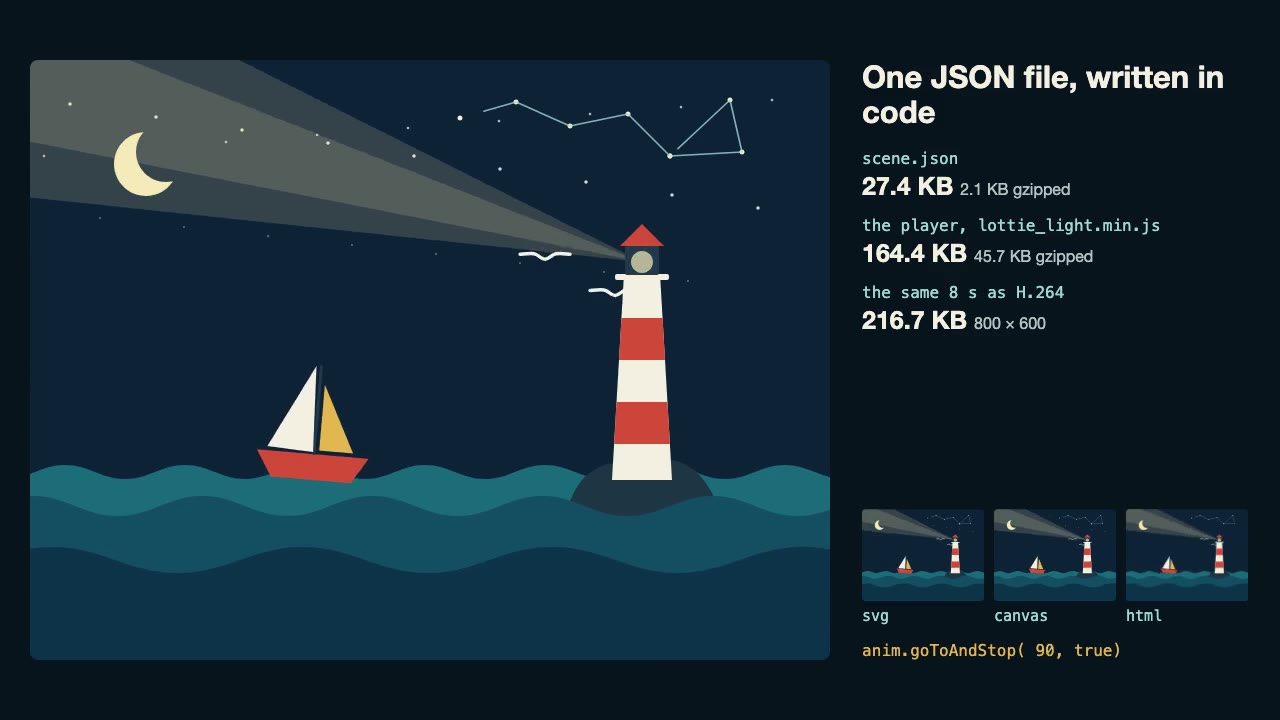
Lottie Animation
Write an original Lottie animation as JSON from a script, check that it's safe, and play it with lottie-web, with no After Effects.
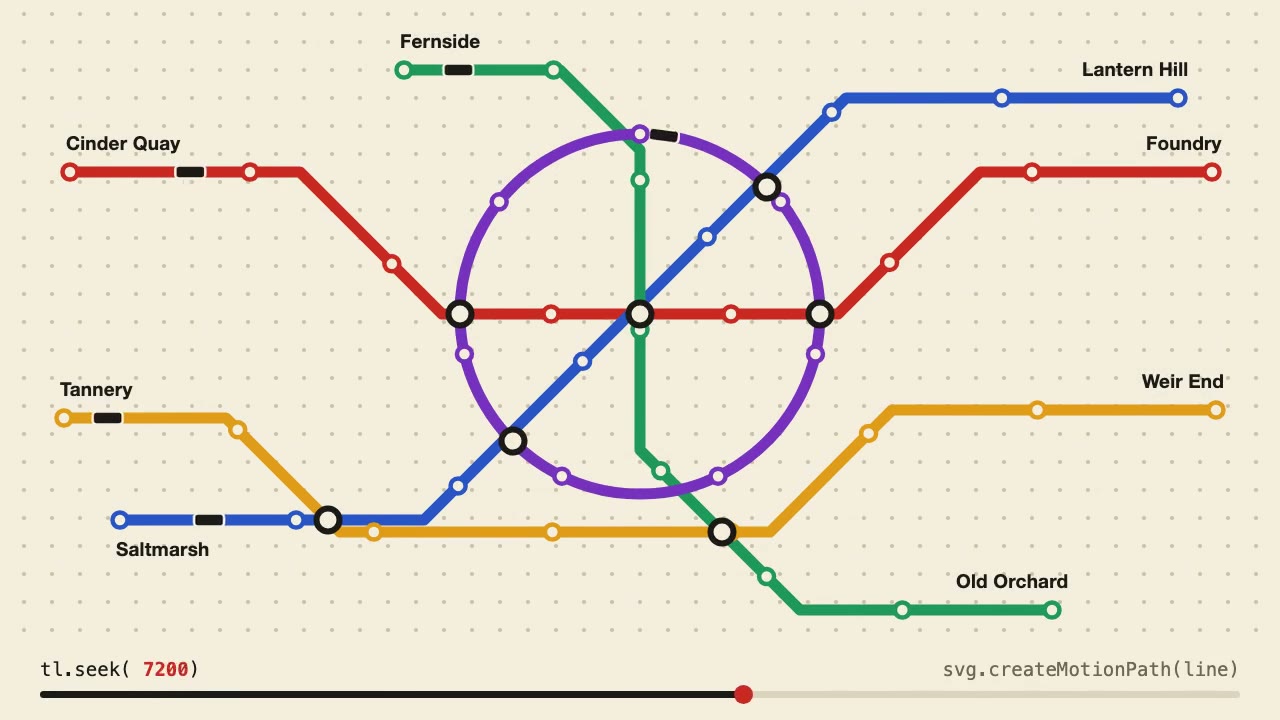
Anime.js Timelines
Choreograph grid staggers, self-drawing SVG lines and things that follow a path on one Anime.js timeline you can seek.
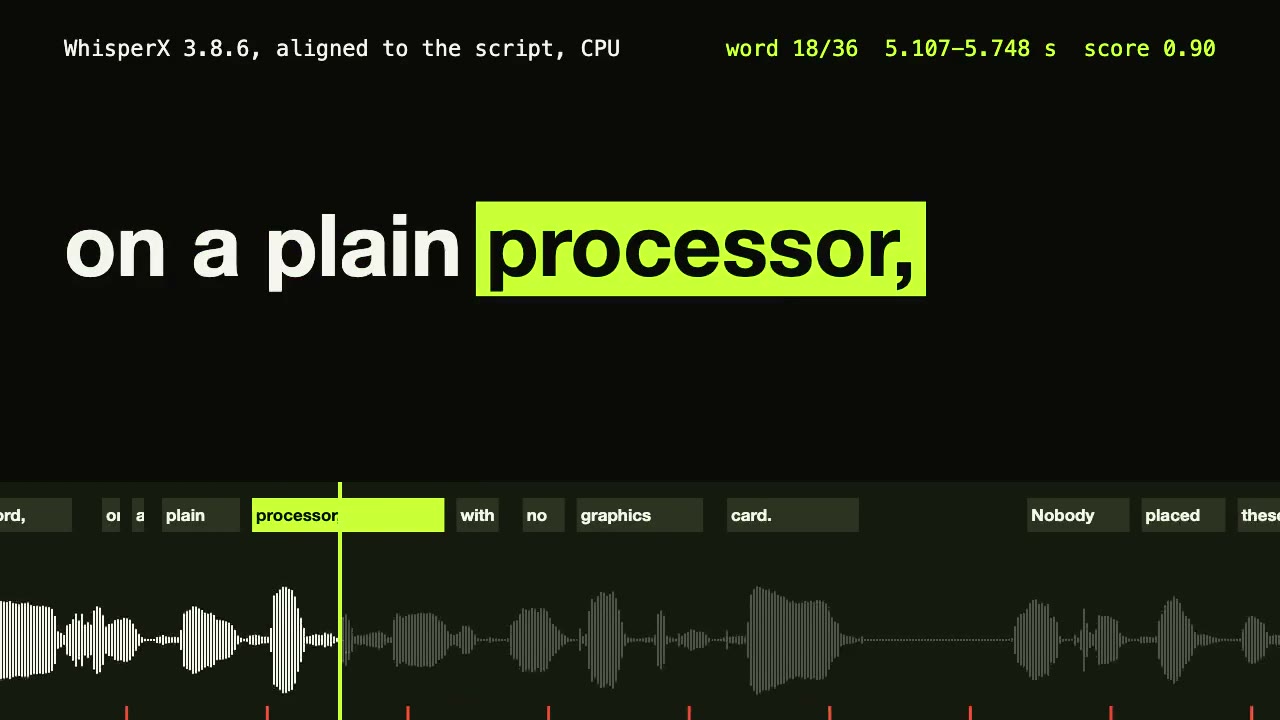
WhisperX Word Captions
Get a timestamp for every spoken word on a plain CPU, export SRT and VTT, and drive word-highlighted captions from the JSON.
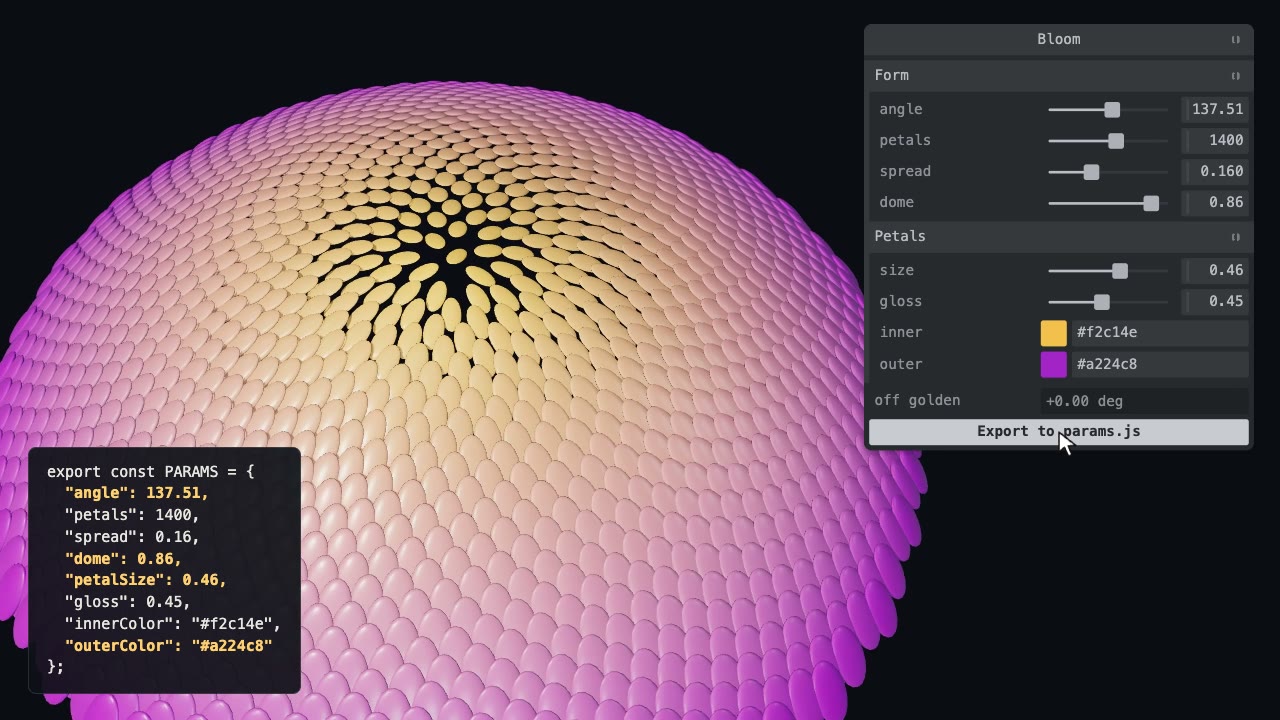
Tweakpane Live Tuning
Add a live panel to an animation so you can tune it by hand, then write the values you chose back to the code.
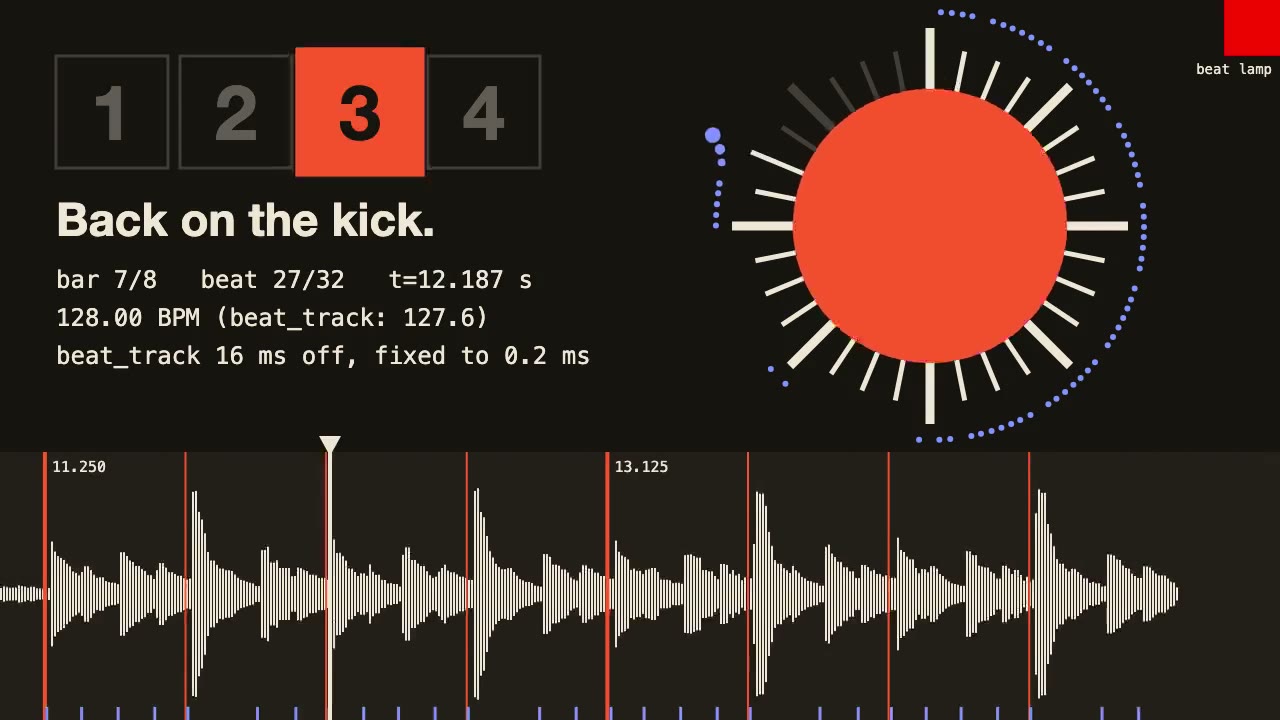
librosa Beat Sync
Measure a track's beats with librosa, drive an animation from the JSON it writes, and prove the sync by measuring the video.
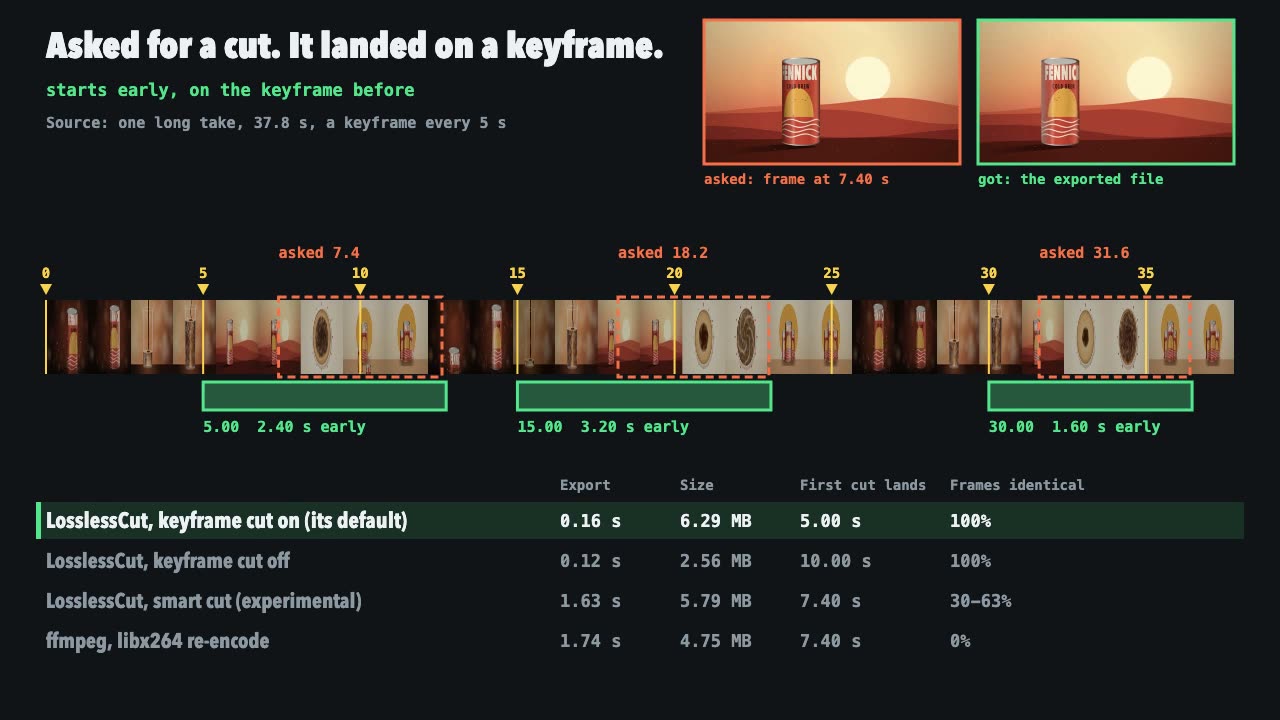
LosslessCut Trims
Cut long recordings fast without re-encoding, and measure where each cut really landed.
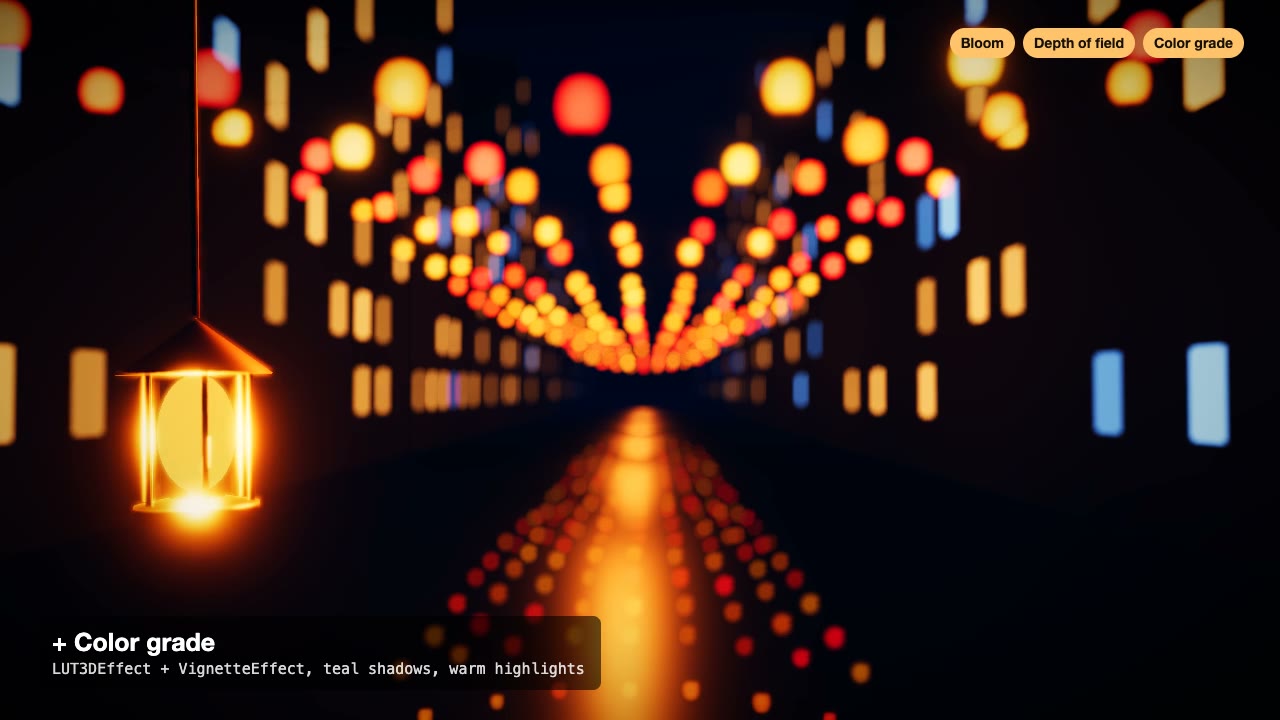
Three.js Postprocessing
Give a flat three.js shot HDR bloom, depth of field, tone mapping and a color grade, in the right order.

Remotion Video
Make video as React components, where every frame comes from the frame number, and render one template for any data.
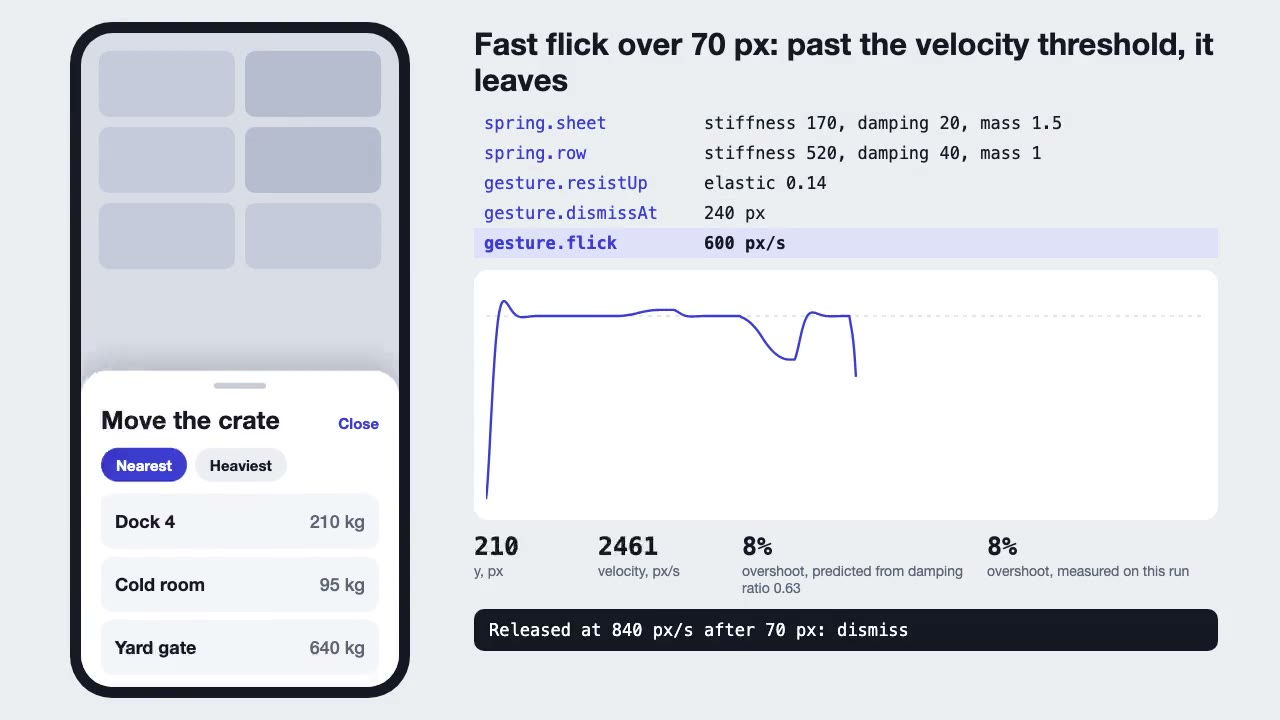
Motion UI Animation
Build UI animation with springs, layout transitions and gestures from one written motion language, with a linter that catches drift.
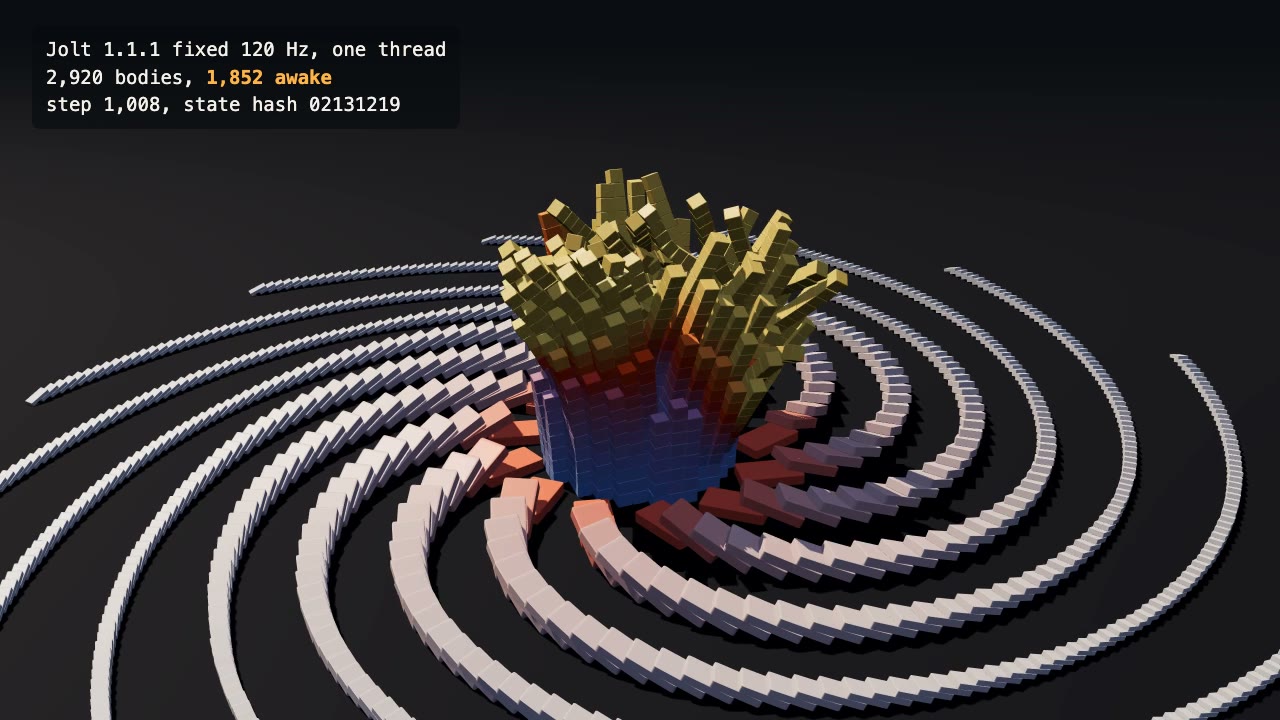
Jolt Physics Simulation
Simulate thousands of rigid bodies with Jolt and render the collapse, repeatably, frame by frame.

three.quarks VFX
Make trails, sparks, shockwaves and fireworks in three.js, on a seeded clock, so a frame renders the same again on the same machine.
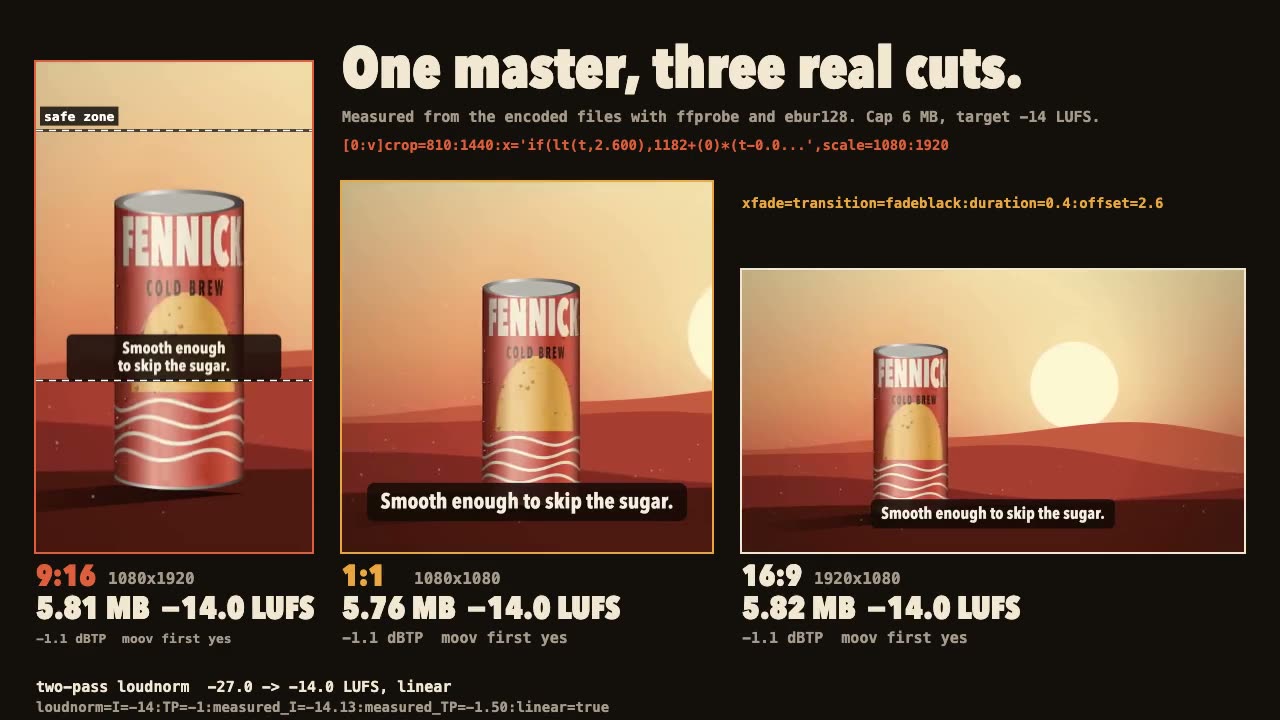
FFmpeg Finishing
Turn one master into 9:16, 1:1 and 16:9 files with safe-zone captions, measured loudness and a size cap.